
Wstęp
The Logitech Signature M550 L Wireless Mouse is designed for enhanced comfort and productivity, especially for users with larger hands. It features an adaptive SmartWheel for precise or hyper-fast scrolling, SilentTouch technology for quiet clicks, and versatile connectivity options. This manual provides detailed instructions for setup, operation, and maintenance of your device.
Zawartość opakowania
- Logitech Signature M550 L Wireless Mouse
- 1 bateria AA (w zestawie lub zainstalowana fabrycznie)
- Logi Bolt USB Receiver (may be stored inside the mouse battery compartment)
- Dokumentacja użytkownika (niniejszy podręcznik)
Produkt ponadview
Familiarize yourself with the key components of your Logitech Signature M550 L mouse.

Obraz: góra i bok view of the Logitech Signature M550 L mouse, highlighting its features including the SmartWheel, silent clicking buttons, Bluetooth connectivity, ergonomic shape, and 24-month battery life.
- Przyciski lewego/prawego przycisku myszy: Feature SilentTouch technology for reduced clicking noise.
- SmartWheel: Adaptive scroll wheel for line-by-line precision or super-fast free-spin scrolling.
- Wskaźnik LED: Shows battery status and connection mode.
- Przełącznik włączania/wyłączania: Znajduje się na spodzie myszy.
- Komora baterii: Houses the AA battery and Logi Bolt USB receiver.
- Ergonomiczna konstrukcja: Contoured shape with soft thumb area and rubber side grips for comfort.
Organizować coś
1. Zainstaluj baterię
- Otwórz pokrywę komory baterii znajdującą się na spodzie myszy.
- Włóż dołączoną baterię AA, zwracając uwagę na prawidłową biegunowość (+/-).
- Close the battery compartment cover. The LED indicator on the mouse may flash briefly.
2. Połącz się ze swoim urządzeniem
The Signature M550 L offers two connection methods: Logi Bolt USB Receiver or Bluetooth Low Energy.
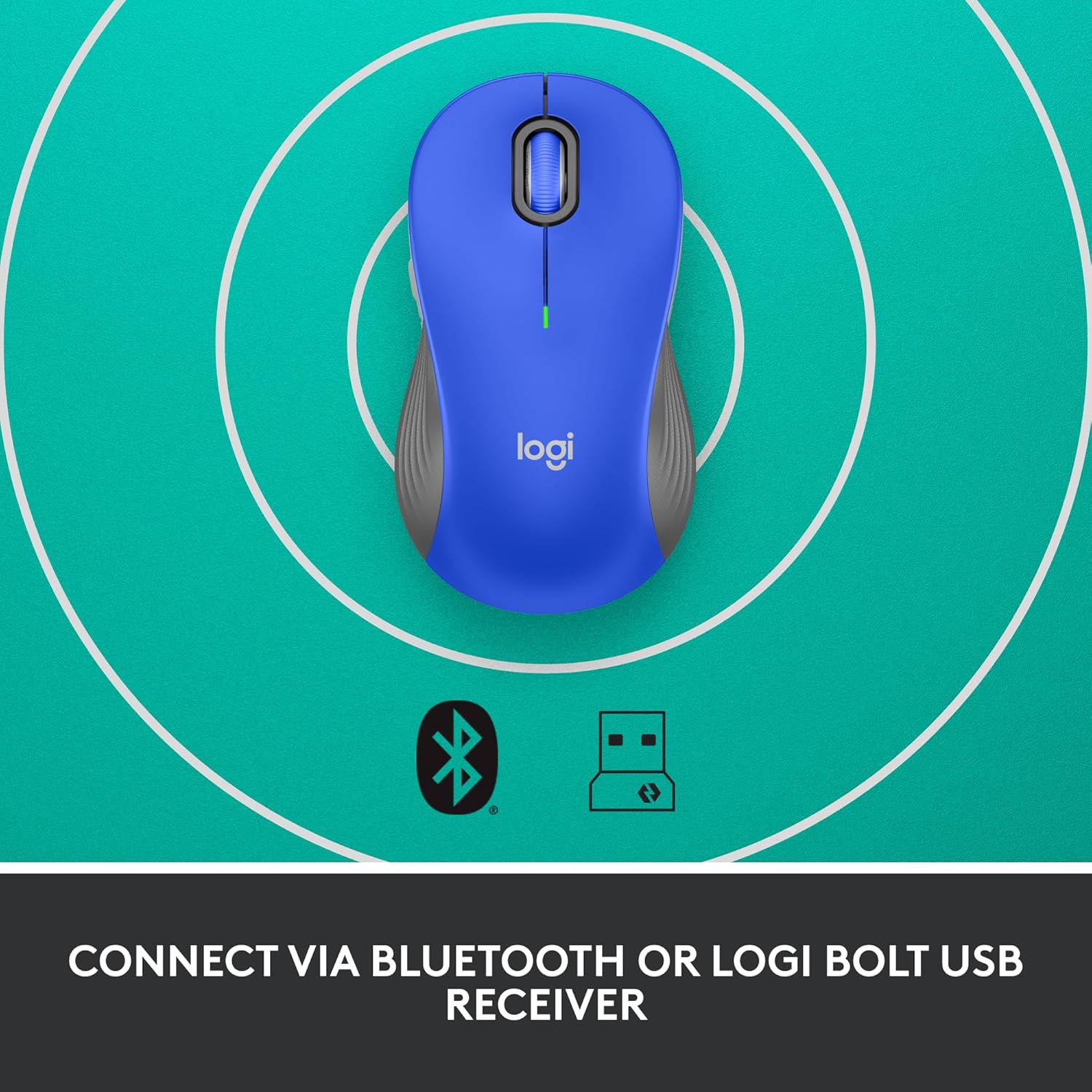
Image: The Logitech Signature M550 L mouse shown with icons representing Bluetooth and Logi Bolt USB receiver connectivity options.
Option A: Logi Bolt USB Receiver
- Locate the Logi Bolt USB receiver, typically stored inside the mouse's battery compartment.
- Podłącz odbiornik USB Logi Bolt do wolnego portu USB w komputerze.
- Turn on the mouse using the On/Off switch on the bottom. Your computer should automatically detect the mouse.
Option B: Bluetooth Low Energy
- Włącz mysz za pomocą przełącznika Wł./Wył. znajdującego się na spodzie.
- Press and hold the Easy-Switch button (usually on the bottom or side, refer to product diagram if available) for 3 seconds until the LED indicator starts blinking rapidly. This indicates pairing mode.
- Na komputerze lub urządzeniu otwórz ustawienia Bluetooth.
- Select "Logitech M550 L" from the list of available devices and follow any on-screen prompts to complete pairing.
The mouse is compatible with Windows, macOS, Linux, Chrome OS, iPadOS, and Android operating systems.
Instrukcja obsługi
Przewijanie SmartWheel
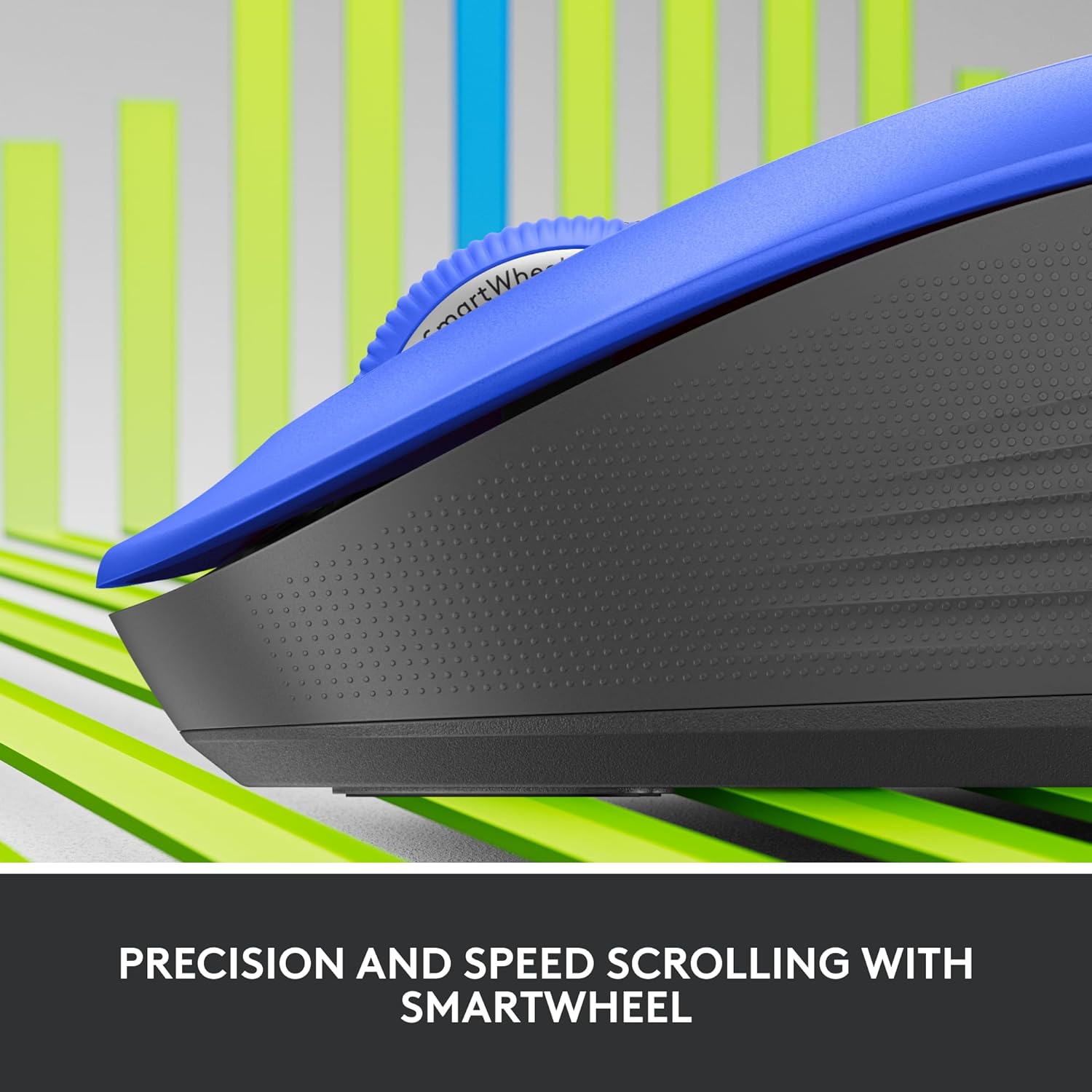
Obraz: Zbliżenie view of the Logitech SmartWheel, demonstrating its precision and speed scrolling capabilities.
The SmartWheel automatically switches between two modes:
- Dokładność wiersz po wierszu: Ideal for detailed work and navigating documents. Scroll slowly for precise control.
- Super-Fast Free-Spin: For quickly navigating long web pages or documents. Flick the wheel to activate.
Ciche kliknięcia

Image: A person using the Logitech Signature M550 L mouse at a desk, illustrating the benefit of 90% less clicking noise for a focused work environment.
The mouse features Logitech's SilentTouch technology, reducing click noise by over 90% compared to traditional mice. This allows for a quieter work environment without compromising click feel.
Zgodność z wieloma urządzeniami
The Signature M550 L can be paired with multiple devices and switched between them using the Easy-Switch button. This feature is ideal for users who work across several computers or tablets.
Konserwacja
Wymiana baterii
The mouse operates on a single AA battery, offering up to 24 months of battery life depending on usage. When the battery is low, the LED indicator will turn red. To replace:
- Wyłącz mysz.
- Otwórz pokrywę komory baterii na spodzie.
- Remove the old AA battery and insert a new one, observing correct polarity.
- Close the cover and turn the mouse back on.
Czyszczenie
Aby wyczyścić mysz, użyj miękkiej, niepozostawiającej włókien ściereczki delikatnie przetrzyj nią powierzchnię.ampened with water or a mild cleaning solution. Avoid harsh chemicals or abrasive materials. Ensure no liquid enters the mouse's openings.
Rozwiązywanie problemów
- Mysz nie odpowiada:
- Upewnij się, że mysz jest włączona.
- Sprawdź poziom naładowania baterii i w razie potrzeby wymień.
- If using the Logi Bolt receiver, try plugging it into a different USB port or a different computer to rule out port issues.
- If using Bluetooth, ensure Bluetooth is enabled on your device and the mouse is properly paired. Try re-pairing the mouse.
- Move the mouse closer to the receiver or Bluetooth-enabled device to ensure it's within range.
- Nieregularny ruch kursora:
- Wyczyść czujnik optyczny znajdujący się na spodzie myszy.
- Upewnij się, że używasz myszy na odpowiedniej powierzchni. Unikaj powierzchni silnie odblaskowych lub przezroczystych.
- Connectivity issues after system update:
- Uruchom ponownie komputer.
- Check for updated drivers for your mouse or Bluetooth adapter.
Specyfikacje
| Marka | Logitech |
| Numer modelu | 910-006794 |
| Technologia łączności | Bluetooth Low Energy, odbiornik USB Logi Bolt |
| Wykrywanie ruchu | Optyczny |
| Cechy specjalne | Lightweight, Portable, Silent Clicks (SilentTouch), SmartWheel, Wireless |
| Typ baterii | 1 bateria AA |
| Żywotność baterii | Do 24 miesięcy (może się różnić w zależności od użytkowania) |
| Zgodność z systemem operacyjnym | Windows, macOS, Linux, Chrome OS, iPadOS, Android |
| Waga przedmiotu | 3.92 uncji |
| Kolor | Niebieski (dla tej odmiany) |
Informacje o gwarancji
Produkty Logitech są produkowane zgodnie z wysokimi standardami jakości i objęte ograniczoną gwarancją na sprzęt. Szczegółowe warunki gwarancji obowiązujące w Twoim regionie i dla Twojego produktu znajdziesz na oficjalnej stronie Logitech. webstronie internetowej lub karcie gwarancyjnej dołączonej do zakupu.
Wsparcie
For further assistance, technical support, or to download the latest software and drivers for your Logitech Signature M550 L Wireless Mouse, please visit the official Logitech support webstrona:
You can also find FAQs and community forums on the support site.