
FIFINE K688W
FIFINA AmpliTank K688W Dynamic USB/XLR Microphone User Manual
Model: K688W | Brand: FIFINE
1. Wprowadzenie
Dziękujemy za zakupasing the FIFINE AmpliTank K688W Dynamic USB/XLR Microphone. This microphone is designed for high-quality audio capture in various applications, including gaming, streaming, podcasting, and professional recording. Please read this manual carefully to ensure proper setup and operation.

Obraz: FIFINE AmpliTank K688W microphone demonstrating its sound capture capabilities with a visual representation of sound waves.
2. Zawartość opakowania
Sprawdź, czy w przesyłce znajdują się wszystkie elementy wymienione poniżej:
- FIFINA AmpliTank K688W Microphone Body
- USB-C to USB-A Cable (2.5m)
- 3/8" to 5/8" Screw Adapter
- Instrukcja obsługi (po japońsku)
Note: A microphone stand and XLR cable are not included and must be purchased separately.

Obraz: FIFINE AmpliTank K688W microphone and its included accessories: USB cable and screw adapter, alongside the user guide.
3. Koniec produktuview (Komponenty i sterowanie)
Familiarize yourself with the microphone's components and controls:

Obraz: Tył view z FIFINE AmpliTank K688W microphone, highlighting the XLR output terminal and USB connection port.
- XLR Output Terminal: For connecting to audio interfaces, mixers, or other professional audio equipment.
- USB Connection Port (USB Type-C): For direct connection to computers or game consoles.
- Gniazdo słuchawkowe 3.5 mm: Do monitorowania dźwięku w czasie rzeczywistym.
- Microphone Volume Control (Gain Knob): Adjusts the microphone's input sensitivity. (USB mode only)
- Headphone Jack Volume Control: Adjusts the monitoring volume through the 3.5mm headphone jack. (USB mode only)
- Przycisk wyciszenia ze wskaźnikiem LED: Toggles microphone mute. LED indicates mute status. (USB mode only)
4. Konfiguracja
4.1 Połączenie USB
For direct connection to a computer (Windows/Mac OS) or game console (PS4/PS5):
- Connect the USB-C end of the provided USB cable to the microphone's USB port.
- Connect the USB-A end of the cable to an available USB port on your computer or game console.
- The device will automatically recognize the microphone.
- Select "FIFINE K688W" as your input and output device in your system's sound settings or application settings.

Obraz: FIFINE AmpliTank K688W microphone connected to a laptop via its USB-C port, illustrating plug-and-play functionality.
4.2 XLR Connection
For connecting to professional audio equipment (audio interfaces, mixers):
- Connect a standard XLR cable (not included) to the XLR output terminal on the microphone.
- Connect the other end of the XLR cable to an XLR input on your audio interface or mixer.
- Ensure your audio interface or mixer is properly configured to receive input from the connected XLR channel.
- Adjust gain levels on your audio interface/mixer as needed.

Obraz: szczegółowy view z FIFINE AmpliTank K688W's connectivity panel, showing both USB and XLR ports for versatile audio setups.
5. Instrukcja obsługi
5.1 Gain Control (USB Mode Only)
The gain knob on the microphone allows you to adjust the input sensitivity. Rotate the knob clockwise to increase gain and counter-clockwise to decrease it. Adjust this to achieve an optimal recording level without clipping or distortion.
5.2 Mute Function (USB Mode Only)
Press the touch-sensitive mute button on top of the microphone to instantly mute or unmute the audio input. The LED indicator will change color to show the microphone's status (e.g., green for active, red for muted).
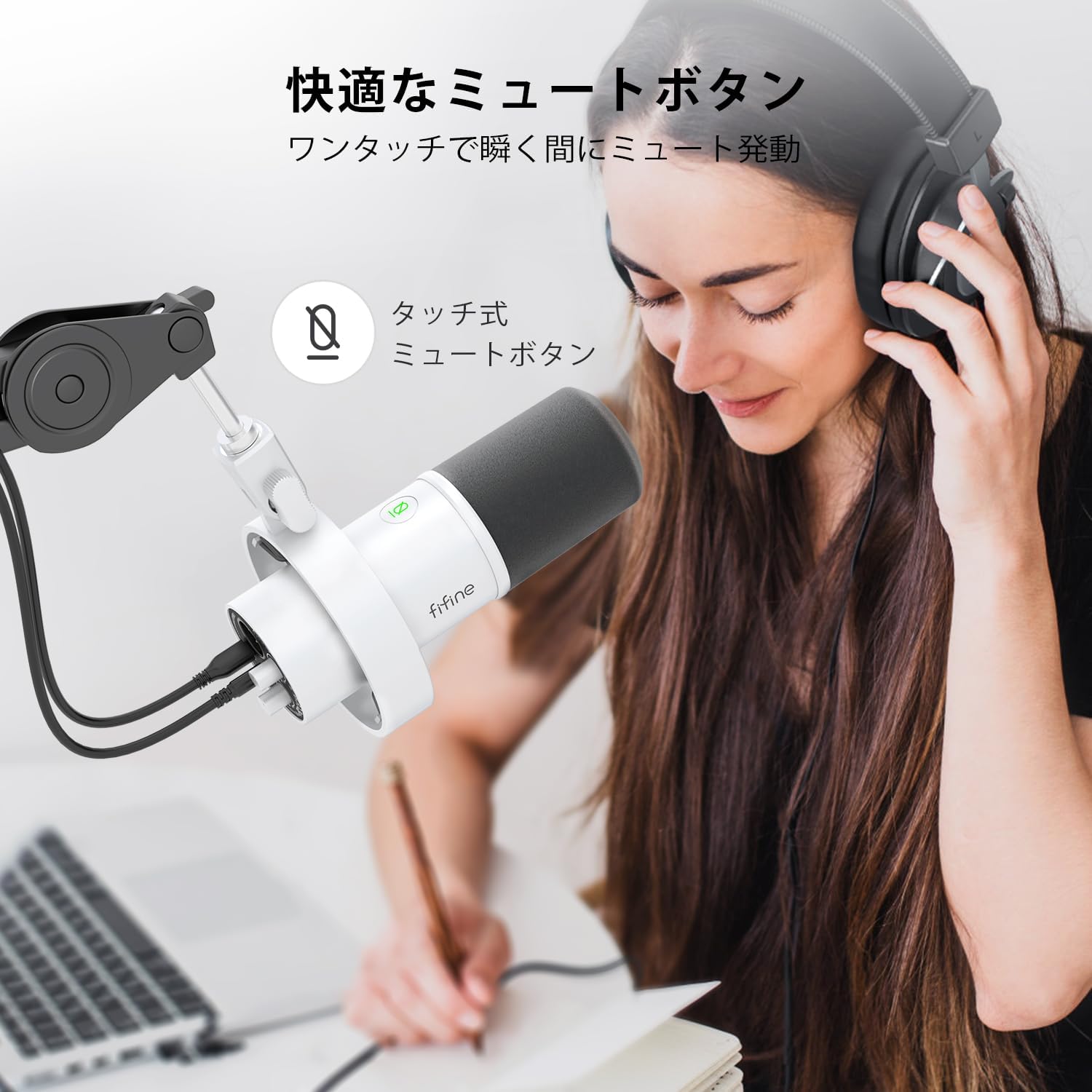
Image: A user interacting with the touch-sensitive mute button on the FIFINE AmpliTank K688W microphone, demonstrating its ease of use.
5.3 Headphone Monitoring (USB Mode Only)
Connect your headphones to the 3.5mm headphone jack on the microphone to monitor your audio in real-time with zero latency. Use the dedicated headphone volume knob to adjust the monitoring level to your preference.
6. Konserwacja
- Aby utrzymać mikrofon w czystości, należy go czyścić miękką, suchą ściereczką.
- Unikaj wystawiania mikrofonu na działanie ekstremalnych temperatur, wilgoci lub bezpośredniego światła słonecznego.
- Kiedy mikrofon nie jest używany, przechowuj go w futerale ochronnym, aby zapobiec kurzowi i uszkodzeniom.
- Do not attempt to disassemble the microphone, as this will void the warranty.

Obraz: FIFINE AmpliTank K688W microphone mounted on a boom arm, showcasing its integrated metal body design suitable for various recording environments.
7. Rozwiązywanie Problemów
| Problem | Możliwa przyczyna | Rozwiązanie |
|---|---|---|
| No sound output (USB) |
|
|
| No sound output (XLR) |
|
|
| Zniekształcony dźwięk |
|
|
| Nadmierny hałas w tle |
|
|
8. Specyfikacje
| Funkcja | Szczegół |
|---|---|
| Model | K688W |
| Marka | FIFINA |
| Typ mikrofonu | Dynamiczny |
| Wzór biegunowy | Jednokierunkowy (kardioidalny) |
| Łączność | USB (Type-C), XLR |
| Odpowiedź częstotliwościowa | 70Hz - 15KHz |
| Stosunek sygnału do szumu (S/N) | 75dB |
| Typ zasilania | Przewodowy elektryczny (zasilany przez USB) |
| Kompatybilne urządzenia | PC (Windows/Mac OS), Game Consoles (PS4/PS5), Audio Mixers, Audio Interfaces, Smartphones (with adapter, not included) |
| Cechy specjalne | Volume Control, Mute Function, Headphone Monitoring |
| Kolor | Biały |
| Przybory | Plastik, Metal |
| UPC | 850052511821 |
9. Gwarancja i wsparcie
9.1 Informacje o gwarancji
Ten produkt jest dostarczany z 1-letnia gwarancja producenta from the date of purchase. The warranty covers defects in materials and workmanship under normal use.
Gwarancja nie obejmuje:
- Uszkodzenia powstałe na skutek niewłaściwego użytkowania, nadużycia, wypadku lub zaniedbania.
- Uszkodzenia powstałe w wyniku nieautoryzowanych napraw lub modyfikacji.
- Normalne zużycie.
9.2 Obsługa klienta
Jeśli napotkasz jakiekolwiek problemy z urządzeniem FIFINE AmpliTank K688W microphone, such as packaging damage, color discrepancies, or product defects, please contact FIFINE Japan customer support immediately. Provide your purchase details and a description of the issue for prompt assistance.
For further support, please visit the official FIFINE webstrona.

Image: Information regarding FIFINE's customer support process, including steps to contact them via Amazon and their operating hours.
Ask a question about this manual
Ask about setup, troubleshooting, compatibility, parts, safety, or missing instructions. Manuals+ will review the question and use this page’s manual context to help answer it.