
Wstęp
Welcome to your abetap Smart Bird Feeder with Camera, Model N012. This manual provides comprehensive instructions for the setup, operation, and maintenance of your device to ensure optimal performance and an enhanced birdwatching experience. Please read this manual thoroughly before using the product.
Zawartość opakowania
Sprawdź, czy w przesyłce znajdują się wszystkie elementy wymienione poniżej:
- abetap Smart Bird Feeder Unit
- Moduł kamery HD
- Panel słoneczny 3W
- Wspornik montażowy i śruby
- Paski montażowe
- Kabel ładujący USB
- Instrukcja obsługi (ten dokument)
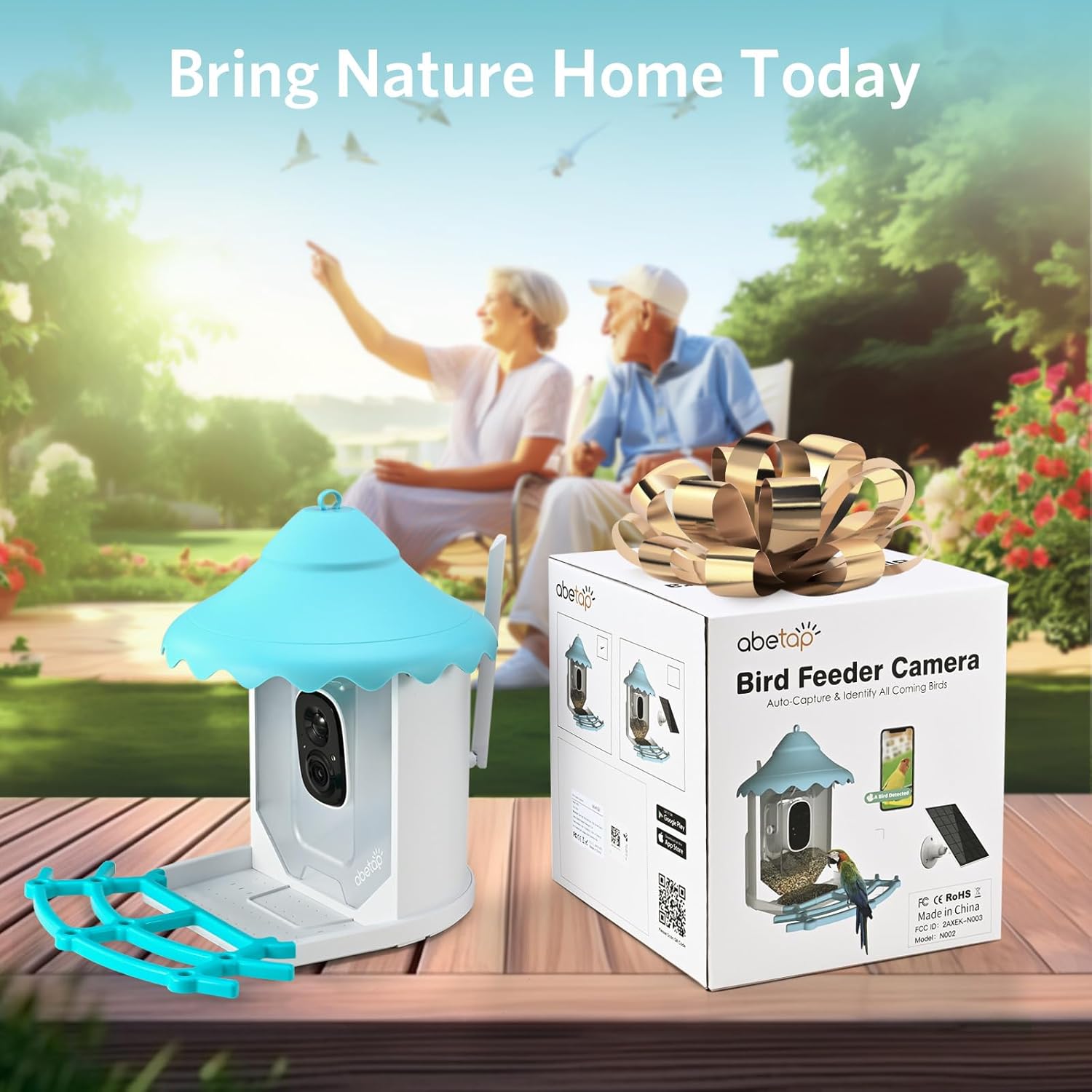
Image: The abetap Smart Bird Feeder with Camera N012 shown in its retail box, indicating the complete product package.
Produkt ponadview
The abetap Smart Bird Feeder with Camera N012 combines a durable bird feeder with advanced camera technology, offering features such as AI bird recognition, 1080p video, and solar power for continuous operation.

Image: The abetap Smart Bird Feeder with Camera N012, showcasing the feeder unit, integrated camera, solar panel, and a colorful bird.
Główne cechy:
- Kamera HD 1080p: Capture clear video and images of visiting birds.
- Rozpoznawanie ptaków za pomocą sztucznej inteligencji: Identify over 11,000 bird species instantly.
- Zasilane energią słoneczną: Equipped with a 3W solar panel for continuous charging.
- Podajnik o dużej pojemności: Holds 0.69 gallons (2.6 liters) of bird seed.
- Odporna na warunki atmosferyczne konstrukcja: Klasa IP65 umożliwia stosowanie na zewnątrz w różnych warunkach pogodowych.
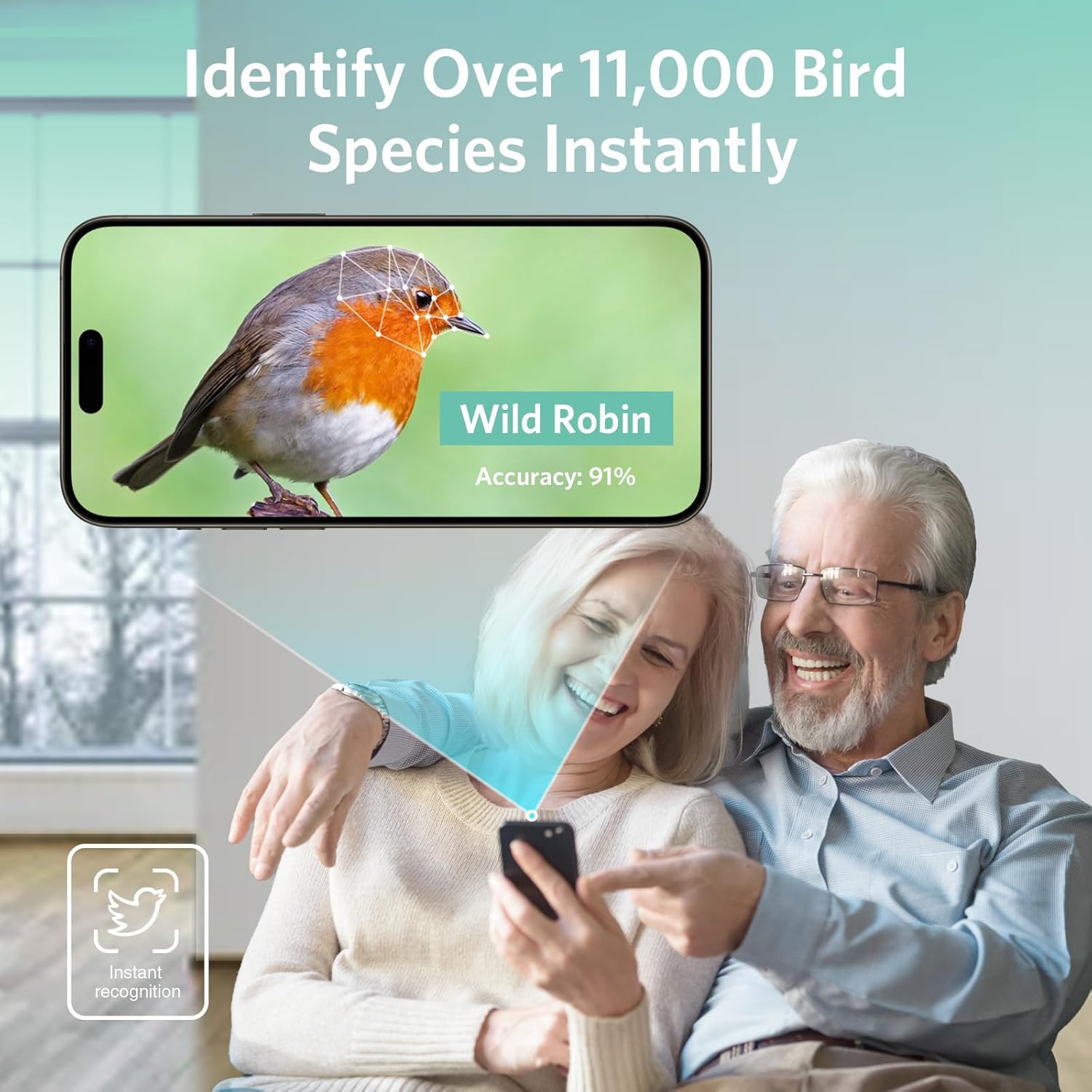
Image: Illustration of the bird feeder's seed capacity, highlighting its 0.69-gallon (2.6-liter) volume for extended feeding.

Image: The abetap Smart Bird Feeder installed outdoors during rain, demonstrating its IP65 waterproof and dustproof rating.
Organizować coś
1. Instalacja aplikacji
Download the companion application to your smartphone. The app is essential for controlling the camera, viewing live feeds, and receiving notifications.
You can download the VicoHome App from your device's app store or by visiting the official download page:

Image: A smartphone screen displaying notifications from the abetap app, with icons for Google Play and Apple App Store, indicating where to download the application.
2. Initial Device Charging
Before initial use, it is recommended to fully charge the camera battery using the provided USB cable. Connect the USB cable to the camera's charging port and a standard USB power adapter (not included).
3. Parowanie aparatu
Once the app is installed and the camera is charged, follow the in-app instructions to pair your camera with your smartphone. Ensure your smartphone is connected to a 2.4GHz Wi-Fi network during the pairing process.
4. Montaż podajnika
The abetap Smart Bird Feeder offers versatile mounting options to suit your outdoor environment:
- Montaż na ścianie/słupie: Use the included mounting bracket and screws to securely attach the feeder to a wall, fence, or wooden post.
- Mocowanie na pasku: Utilize the provided straps to attach the feeder to a tree trunk or pole without drilling.
- Wiszący uchwyt: The feeder features an integrated loop at the top, allowing it to be hung from a sturdy hook or branch.

Image: The abetap Smart Bird Feeder mounted on a tree, showing the camera's 135-degree viewing angle and a smartphone displaying live video feed.
5. Podłączenie panelu słonecznego
Connect the solar panel cable to the feeder's designated charging port. Position the solar panel in an area that receives direct sunlight for several hours each day to ensure optimal and continuous charging of the camera battery.

Image: The abetap Smart Bird Feeder with its solar panel connected and mounted, illustrating how the solar panel provides continuous power.
Instrukcja obsługi
1. Na żywo View i nagrywanie
Open the VicoHome app to access the live camera feed from your bird feeder. From the live view, you can manually record video clips or capture still photos of visiting birds.
2. AI Bird Recognition
The camera utilizes advanced AI technology to automatically detect and identify over 11,000 bird species. When a bird is detected, the app will provide real-time identification details, enhancing your birdwatching experience.

Image: A smartphone screen displaying a detected bird (Wild Robin) with 91% accuracy, demonstrating the AI bird recognition feature.
3. Detekcja ruchu i powiadomienia
The camera is equipped with motion detection capabilities. When motion is detected near the feeder, the app will send instant notifications to your smartphone, alerting you to new visitors.
4. Dźwięk dwukierunkowy
Utilize the app's two-way audio feature to listen to the sounds of birds or to speak through the camera's speaker. This can be used to gently deter unwanted visitors like squirrels.
5. Sharing the Experience
The VicoHome app allows you to share access to your bird feeder's live feed and recorded moments with family and friends, enabling multiple users to enjoy the birdwatching experience simultaneously.

Obraz: Rodzina viewing bird feeder content on various devices, illustrating the feature to share the birdwatching experience.
Konserwacja
1. Czyszczenie podajnika
Regularly clean the feeder to prevent the buildup of old seeds, mold, and bacteria, which can be harmful to birds. Disassemble the feeder components as needed for thorough cleaning with mild soap and water. Rinse thoroughly and ensure all parts are completely dry before reassembly and refilling.
2. Refilling Seeds
Monitor the seed levels regularly and refill as necessary. The feeder has a generous capacity of 0.69 gallons (2.6 liters) to reduce the frequency of refills.
3. Pielęgnacja paneli słonecznych
Keep the surface of the solar panel clean and free of dust, leaves, and other debris. A clean solar panel ensures maximum efficiency in charging the camera battery.
Rozwiązywanie problemów
- Brak zasilania/ładowania: Ensure the solar panel is clean and positioned to receive direct sunlight. Check the USB cable connection if charging via USB. Verify the camera's battery level in the app.
- Problemy z łącznością Wi-Fi: Confirm the camera is within range of your 2.4GHz Wi-Fi network. Restart your Wi-Fi router and the camera. Ensure your Wi-Fi password is entered correctly during setup.
- Brak powiadomień: Check the VicoHome app settings to ensure notifications are enabled for the device. Verify your smartphone's notification settings. Adjust motion detection sensitivity if needed.
- Słaba jakość obrazu/wideo: Ensure the camera lens is clean and free from dirt or condensation. Check your Wi-Fi signal strength; a weak signal can affect streaming quality.
- Squirrels/Unwanted Visitors: Utilize the two-way audio feature to deter them. Consider repositioning the feeder or adding physical deterrents if issues with persistent unwanted visitors occur.
Specyfikacje
| Funkcja | Szczegół |
|---|---|
| Marka | abetap |
| Numer modelu | N012 |
| Rozdzielczość kamery | 1080p HD (2 megapikseli) |
| Rozpoznawanie AI | Over 11,000 bird species |
| Źródło zasilania | Zasilany energią słoneczną, zasilany bateryjnie |
| Pojemność podajnika | 2.6 litra (0.69 galona) |
| Wymiary produktu (dł. x szer. x wys.) | Wymiary 27.3 x 37.4 x 48.8 cm |
| Waga przedmiotu | 1.96 kg (4.32 funtów) |
| Ocena pogody | IP65 (wodoodporność i pyłoszczelność) |
| Producent | Shenzhen Abetap IoT Technology Co.,Ltd |
Gwarancja i wsparcie
For detailed warranty information, technical assistance, or customer support, please refer to the product packaging or visit the official abetap website. You may also contact abetap customer service directly through the contact information provided with your purchase.