
Wstęp
Thank you for choosing the Lexip Tsume Kakashi Kamui Naruto Shippuden Controller. This high-performance gaming controller is designed to enhance your gaming experience with its unique design and advanced features. This manual provides essential information for setting up, operating, and maintaining your controller.
Zawartość opakowania
Proszę sprawdzić, czy w paczce znajdują się następujące elementy:
- Lexip Tsume Kakashi Kamui Naruto Shippuden Controller
- Kabel USB do ładowania/danych danych
- Instrukcja obsługi (ten dokument)
Układ kontrolera
Familiarize yourself with the various components of your controller.

Rysunek 1: Przód view kontrolera, pokażasing the limited edition design inspired by Naruto Shippuden.
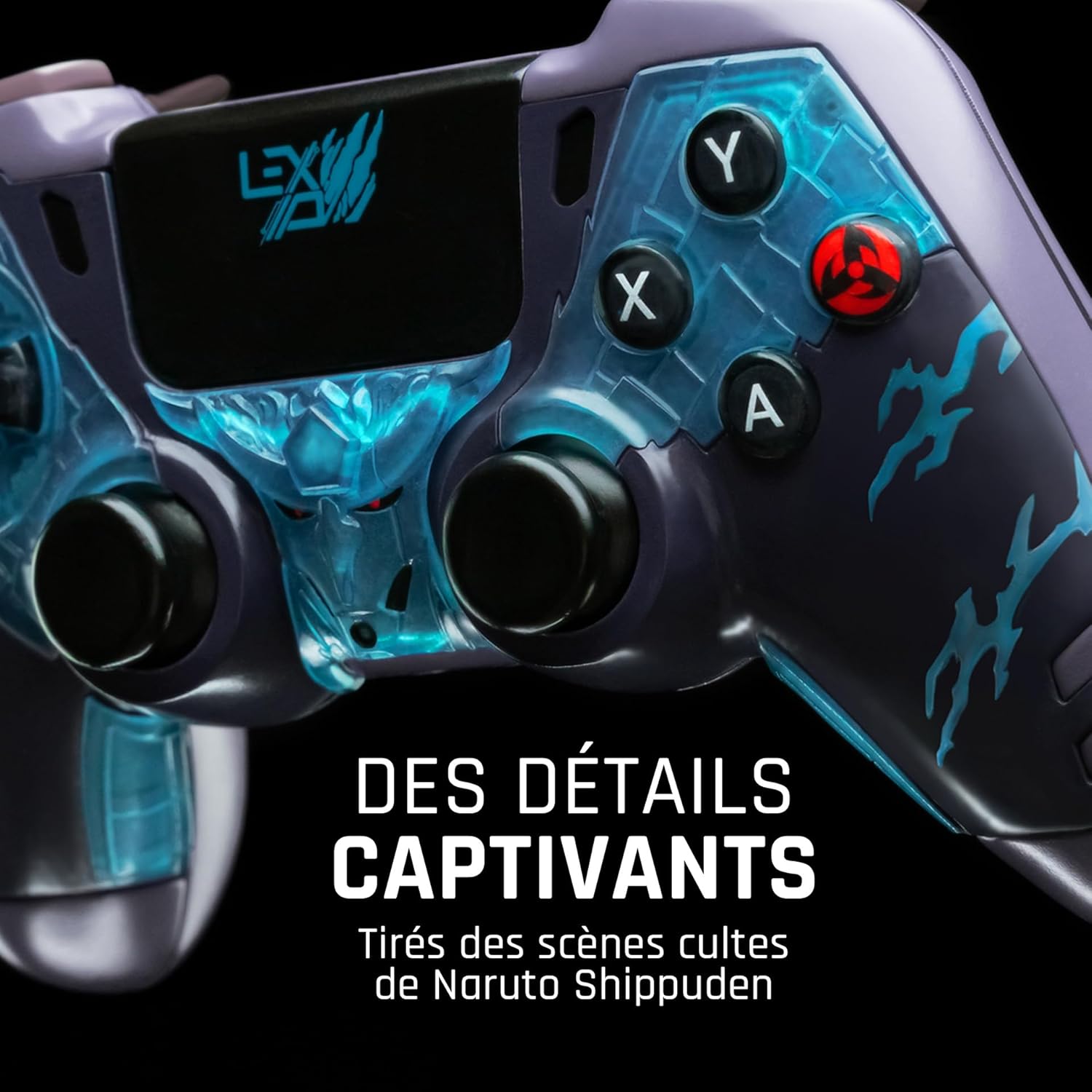
Rysunek 2: Szczegółowy view of the controller's face buttons and analog sticks, highlighting the intricate Naruto Shippuden design elements.

Rysunek 3: Tył view of the controller, illustrating the placement of the programmable paddles (M1, M2, M3) for enhanced gameplay.
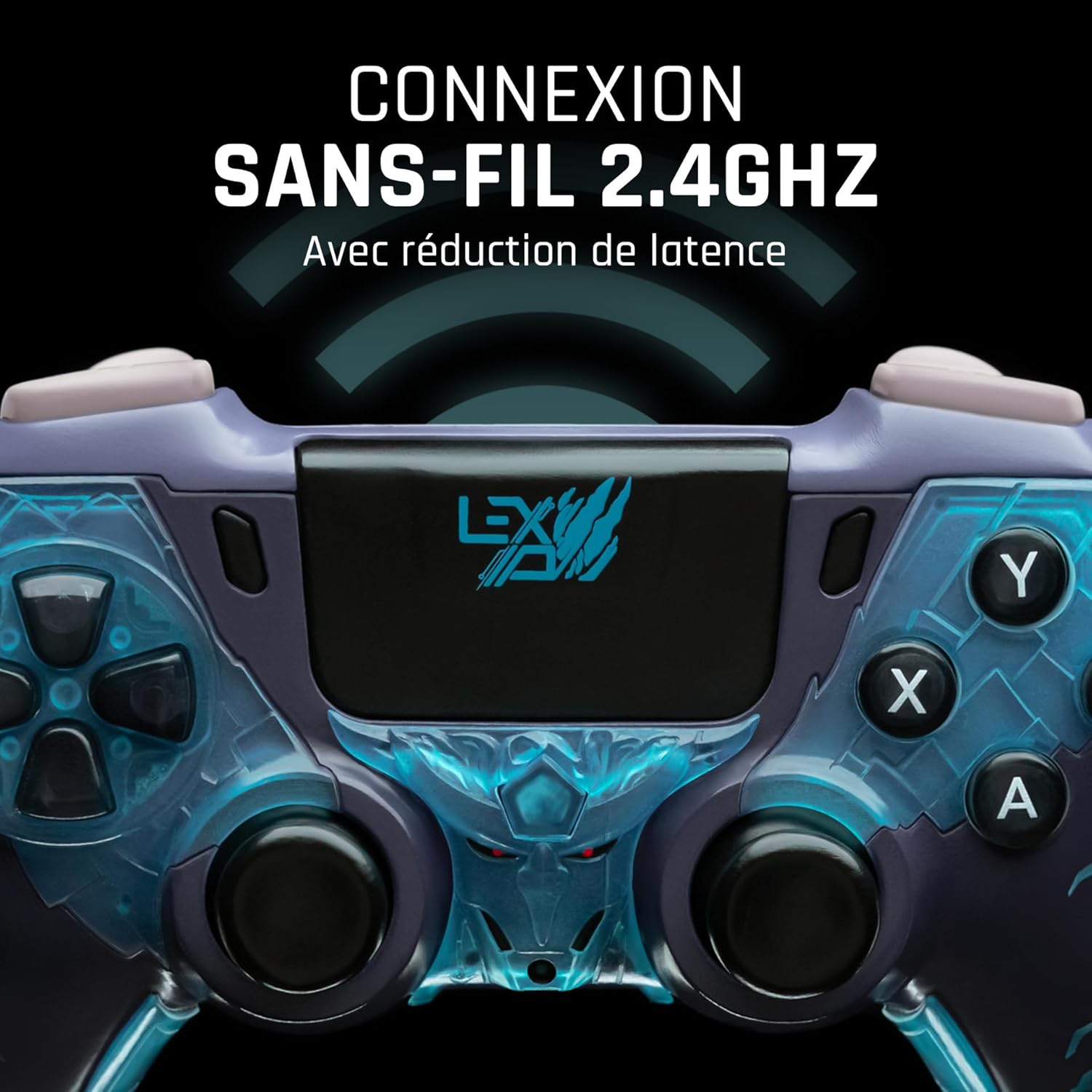
Rysunek 4: Przód view of the controller, indicating its 2.4GHz wireless connection capability for reduced latency.
Kluczowe komponenty:
- Gałki analogowe: Two high-precision analog sticks for movement and camera control.
- Pad kierunkowy: Klawiatura kierunkowa umożliwiająca precyzyjne wprowadzanie danych.
- Przyciski twarzy (A, B, X, Y): Standardowe przyciski akcji.
- Przyciski na ramionach (L1, R1) i spusty (L2, R2): Do różnych działań w grze.
- Programmable Paddles (M1, M2, M3): Located on the rear for custom button assignments.
- Przycisk Home: Dostęp do menu systemowego.
- Share/Options Buttons: For in-game menu and sharing functions.
- Port USB-C: Do ładowania i przewodowego połączenia.
Organizować coś
1. Ładowanie początkowe
Before first use, fully charge the controller. Connect the supplied USB cable to the controller's USB-C port and the other end to a powered USB port (e.g., console, PC, or USB wall adapter). The charging indicator will show the charging status and turn off when fully charged.
2. Connecting Wirelessly (2.4GHz)
- Insert the 2.4GHz wireless dongle (if included, typically found in the controller's packaging or a dedicated slot) into an available USB port on your gaming console or PC.
- Włącz kontroler naciskając przycisk Home.
- The controller will automatically attempt to pair with the dongle. The indicator light on the controller will stop flashing and remain solid once connected.
3. Connecting via USB Cable
To use the controller in wired mode or if wireless connection is not desired:
- Connect the USB cable to the controller's USB-C port.
- Connect the other end of the USB cable to an available USB port on your gaming console or PC.
- The controller will be recognized as a wired device and is ready for use.
Instrukcja obsługi
Włączanie/wyłączanie zasilania
- Włączanie: Press the Home button. The controller will attempt to connect to the last paired device.
- Aby wyłączyć: Press and hold the Home button for approximately 5-10 seconds until the indicator lights turn off. The controller will also power off automatically after a period of inactivity to conserve battery.
Using Programmable Paddles
The controller features three programmable paddles (M1, M2, M3) on the rear. These paddles can be assigned to replicate other button inputs for quick access during gameplay. Refer to your console or PC's controller settings for specific button remapping options, as dedicated software for programming these paddles may not be available.

Rysunek 5: A user holding the controller, demonstrating its ergonomic design during use.
Konserwacja
- Czyszczenie: Do czyszczenia kontrolera należy używać miękkiej, suchej ściereczki. W przypadku uporczywych zabrudzeń należy delikatnie przetrzeć kontroler.ampWytrzyj szmatkę wodą. Nie używaj silnych środków chemicznych ani ściernych środków czyszczących.
- Składowanie: Przechowuj kontroler w chłodnym, suchym miejscu, z dala od bezpośredniego światła słonecznego i ekstremalnych temperatur.
- Pielęgnacja baterii: Aby przedłużyć żywotność baterii, unikaj częstego całkowitego rozładowywania kontrolera. Ładuj go regularnie, nawet jeśli nie jest używany przez dłuższy czas.
Rozwiązywanie problemów
Kontroler nie łączy się
- Sprawdź, czy kontroler jest naładowany.
- For wireless connection, ensure the 2.4GHz dongle is securely plugged into the console/PC and the controller is powered on.
- Try connecting the controller via the USB cable to verify functionality.
- Restart your console/PC and try connecting again.
Buttons/Sticks Unresponsive
- Sprawdź, czy kontroler jest prawidłowo podłączony i włączony.
- Sprawdź, czy wokół przycisków i drążków nie znajdują się żadne przeszkody fizyczne lub zanieczyszczenia.
- Przetestuj kontroler, używając innej gry lub aplikacji, aby ustalić, czy problem dotyczy konkretnego programu.
Krótki czas pracy baterii
- Przed użyciem należy upewnić się, że kontroler jest całkowicie naładowany.
- Reduce rumble intensity if possible through system settings, as vibration motors consume significant power.
- Podczas użytkowania i przechowywania należy unikać ekstremalnych temperatur.
Specyfikacje
| Funkcja | Szczegół |
|---|---|
| Numer modelu | TSXLXGC0002 |
| Łączność | Bezprzewodowa 2.4 GHz, przewodowa USB |
| Wymiary (dł. x szer. x wys.) | 3.94 x 1.97 x 0.5 cala |
| Waga | 1.01 funta |
| Wejście Voltage | 3 V - 500 mA |
| Programmable Paddles | Yes (M1, M2, M3) |
Gwarancja i wsparcie
For warranty information and technical support, please refer to the official Lexip website or contact Lexip customer service. Keep your proof of purchase for warranty claims.
Lexip Official Webstrona: www.lexip.com (Note: This is a placeholder link, please refer to actual Lexip support channels.)