
Wstęp
This manual provides comprehensive instructions for the assembly, operation, and maintenance of your Flamaker Height-Adjustable Desk. Please read this manual thoroughly before use to ensure proper function and safety.
The Flamaker height-adjustable desk is designed to allow seamless transitions between sitting and standing positions, promoting better posture and reducing fatigue associated with prolonged sitting. It features a robust design, intelligent controls, and a durable whole-piece desktop.
Składniki produktu
The Flamaker Height-Adjustable Desk is shipped in two packages. Ensure all components are present before beginning assembly.
- 1 x Elektryczny stojak na biurko
- 1 x Table Top (Whole Piece)
- 1 x adapter
- 1 x kontroler
- 1 x Accessory Pack (hardware, tools)
- 1 x Instrukcja obsługi (ten dokument)
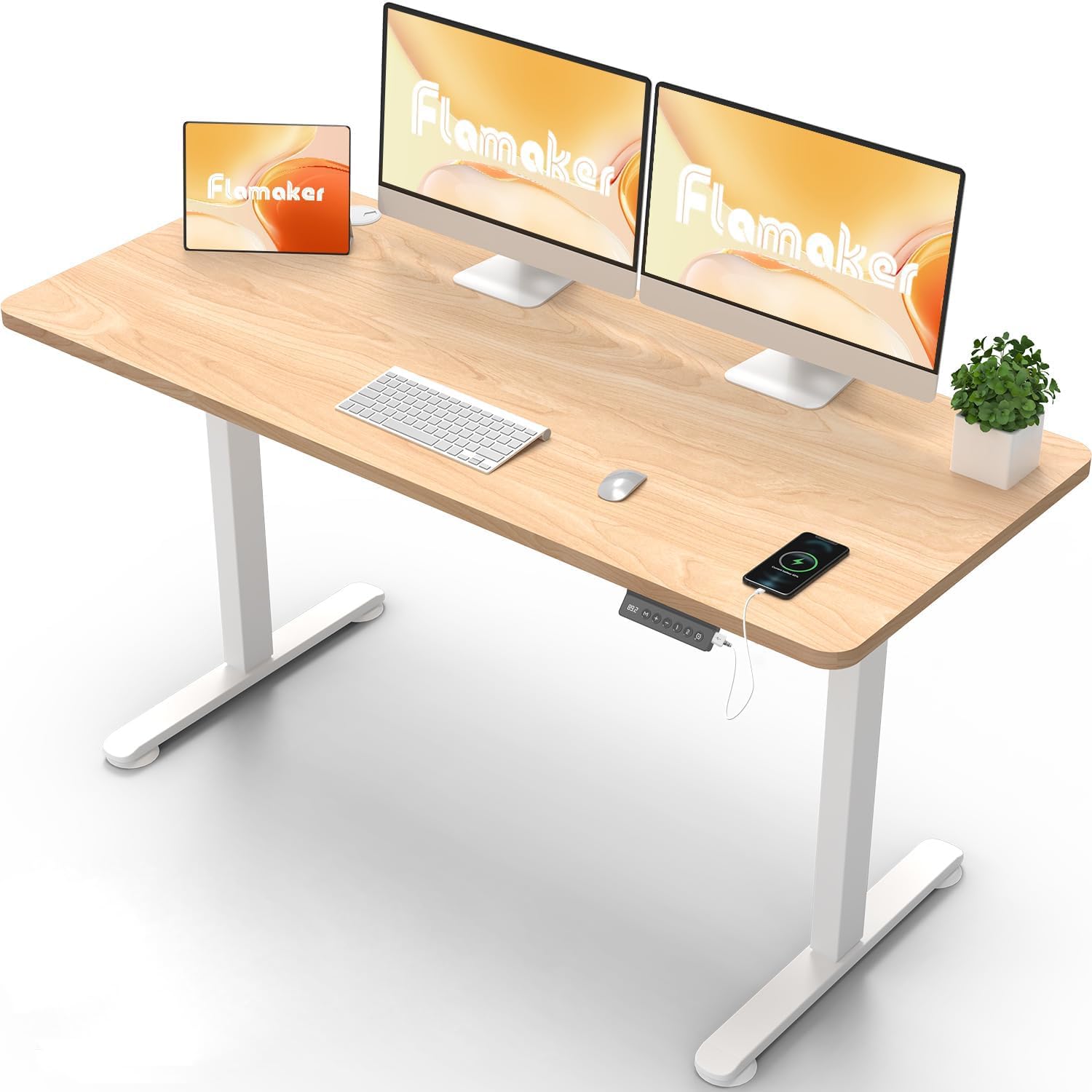
Image: The Flamaker Height-Adjustable Desk in a typical office setup, showcasing its spacious desktop and clean design. Note the integrated control panel on the right side of the desk.
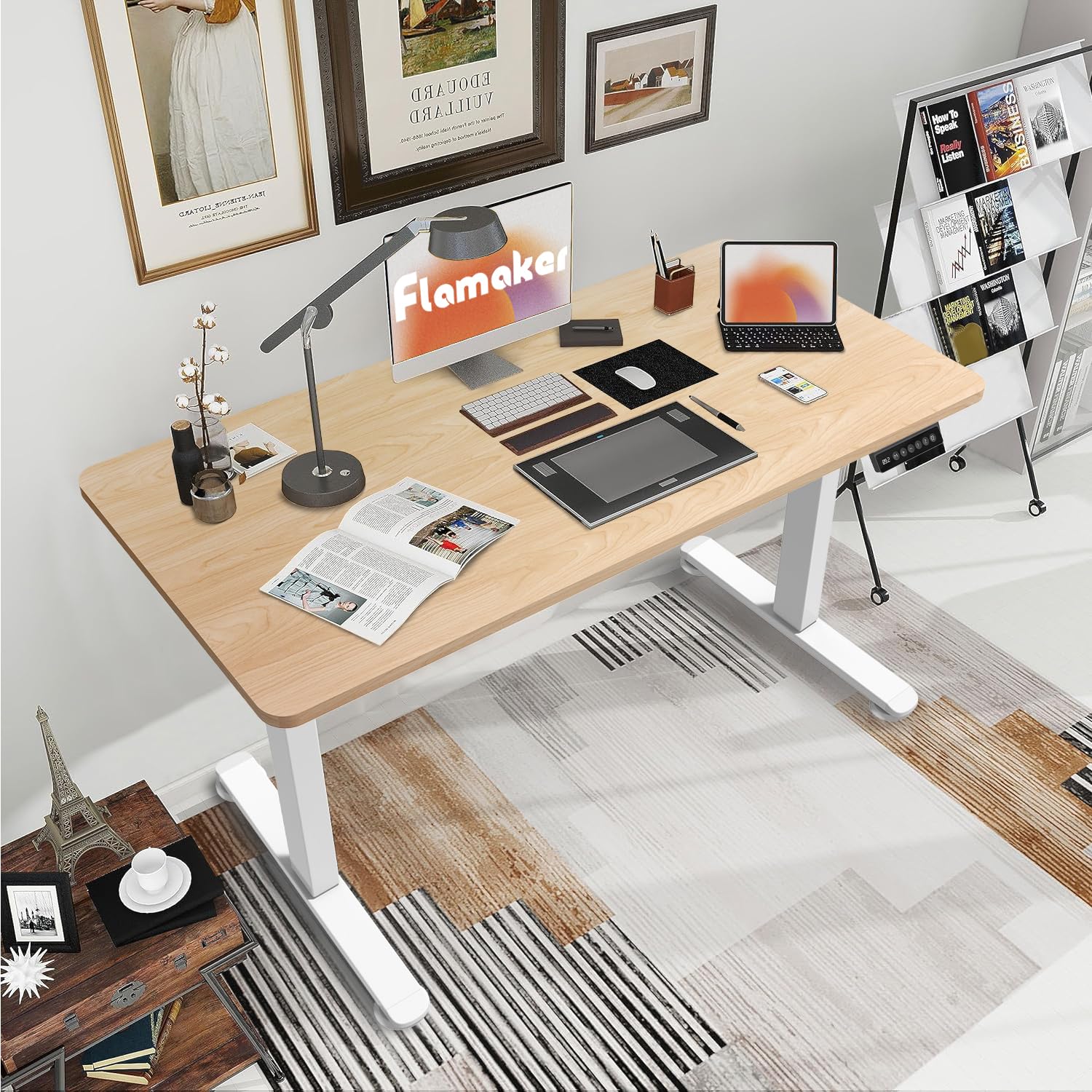
Image: The Flamaker Height-Adjustable Desk integrated into a home office environment, demonstrating its versatility and ampprzestrzeń robocza do różnych zadań.
Konfiguracja i montaż
Assembly is straightforward and can typically be completed by one person within an hour. It is recommended to have a second person for lifting the assembled desk into its upright position due to its weight.
Zanim zaczniesz:
- Rozpakuj wszystkie komponenty i sprawdź je na liście.
- Upewnij się, że dysponujesz wystarczającą ilością miejsca na montaż.
- Keep the packaging materials until assembly is complete, as they may be useful for resource saving.
Kroki montażu:
- Attach the desk legs to the desktop using the provided screws and tools. Ensure correct orientation of the middle piece that connects the two feet.
- Secure the control panel to the underside of the desktop.
- Connect all necessary cables (motor, control panel, power adapter).
- (Optional) Install the included casters or fixed pads to the bottom of the desk feet based on your preference for mobility or stability.
- Carefully lift the assembled desk into its upright position. It is advisable to have assistance for this step.
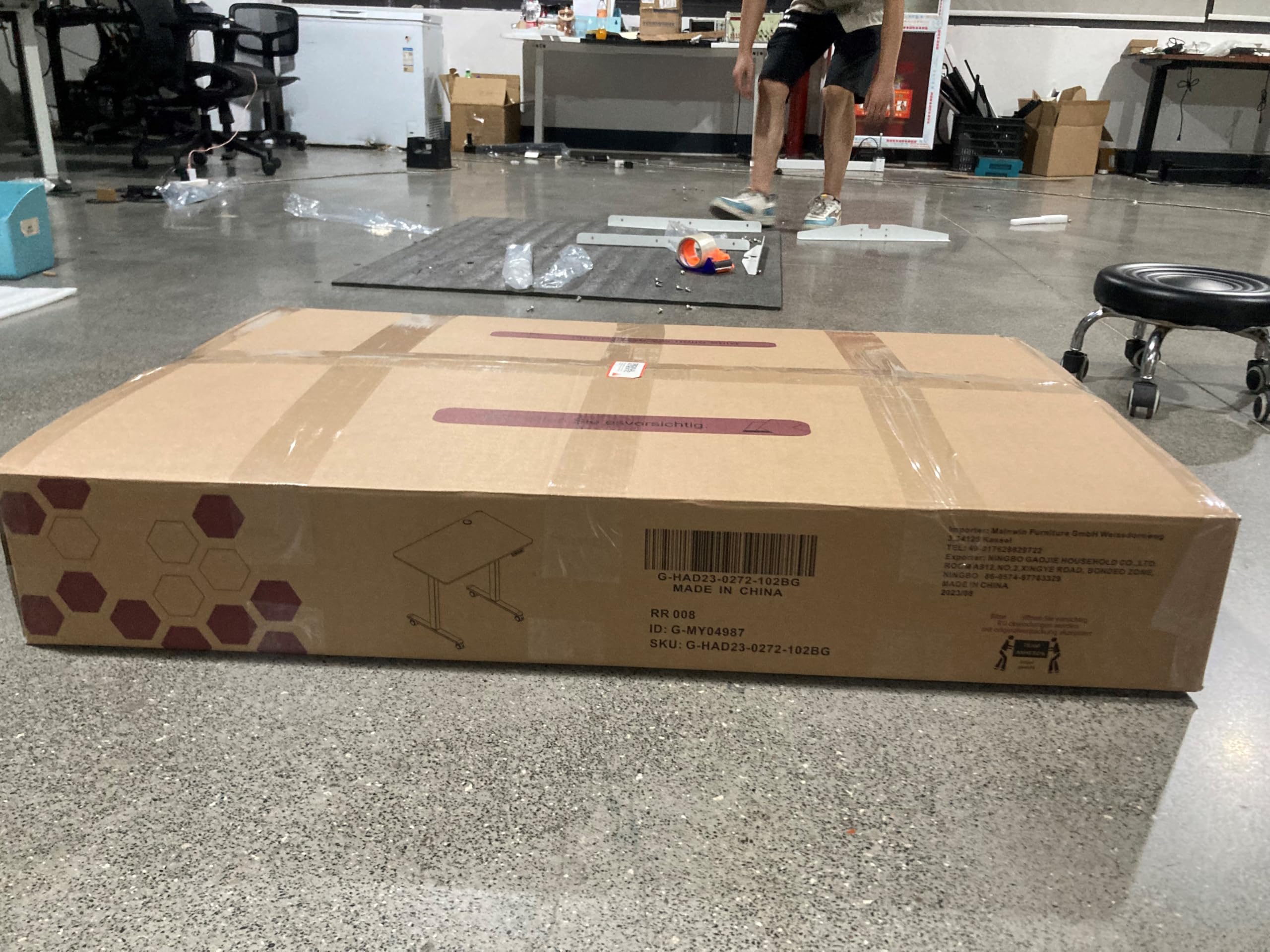
Image: One of the two packages containing the Flamaker Height-Adjustable Desk components. The desk is shipped in two separate boxes for the desktop and the frame.
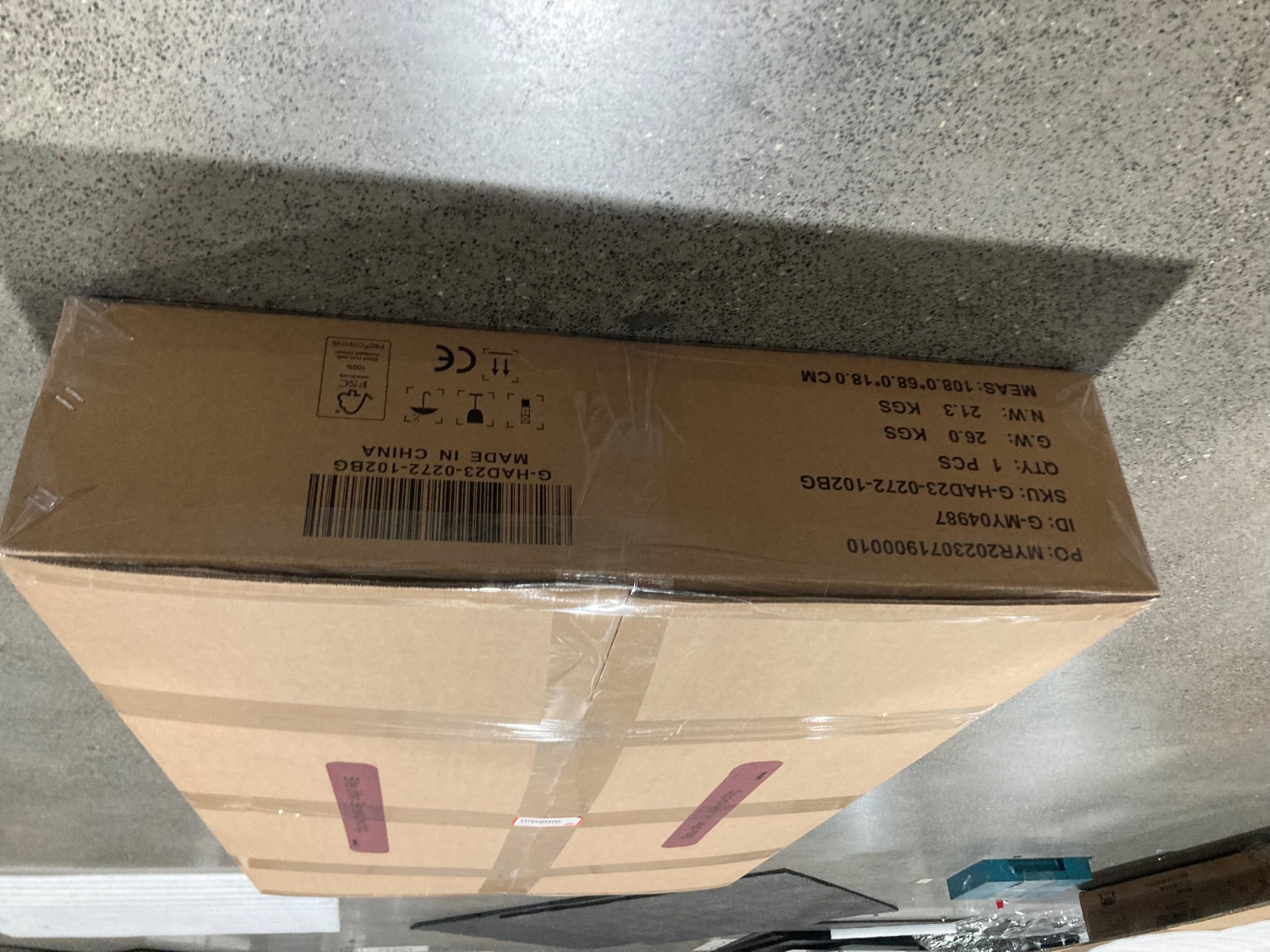
Obraz: strona A view of one of the Flamaker desk packaging boxes, indicating its dimensions and weight.
Instrukcja obsługi
Funkcje panelu sterowania:
Obraz: szczegółowy view of the multifunctional control panel, featuring an LED display, height adjustment buttons, memory presets, and a USB charging port.
- Wyświetlacz LED: Shows the current desk height in real-time.
- Przyciski góra/dół (+/-): Press to manually adjust the desk height.
- Ustawienia pamięci (1, 2): The desk features two memory buttons to store your preferred sitting and standing heights.
- Dostosuj wysokość biurka do swoich potrzeb.
- Press the "M" button, then press either "1" or "2" to save the current height.
- To recall a saved height, simply press the corresponding memory button (1 or 2).
- Sitting Reminder Button: Activates a reminder to switch positions.
- Port ładowania USB: Located on the control panel for convenient device charging.
System zapobiegający kolizjom:
The desk is equipped with an anti-collision system that automatically stops the lifting or lowering motion if it encounters an obstacle. This feature enhances safety and prevents damage to the desk or surrounding objects.
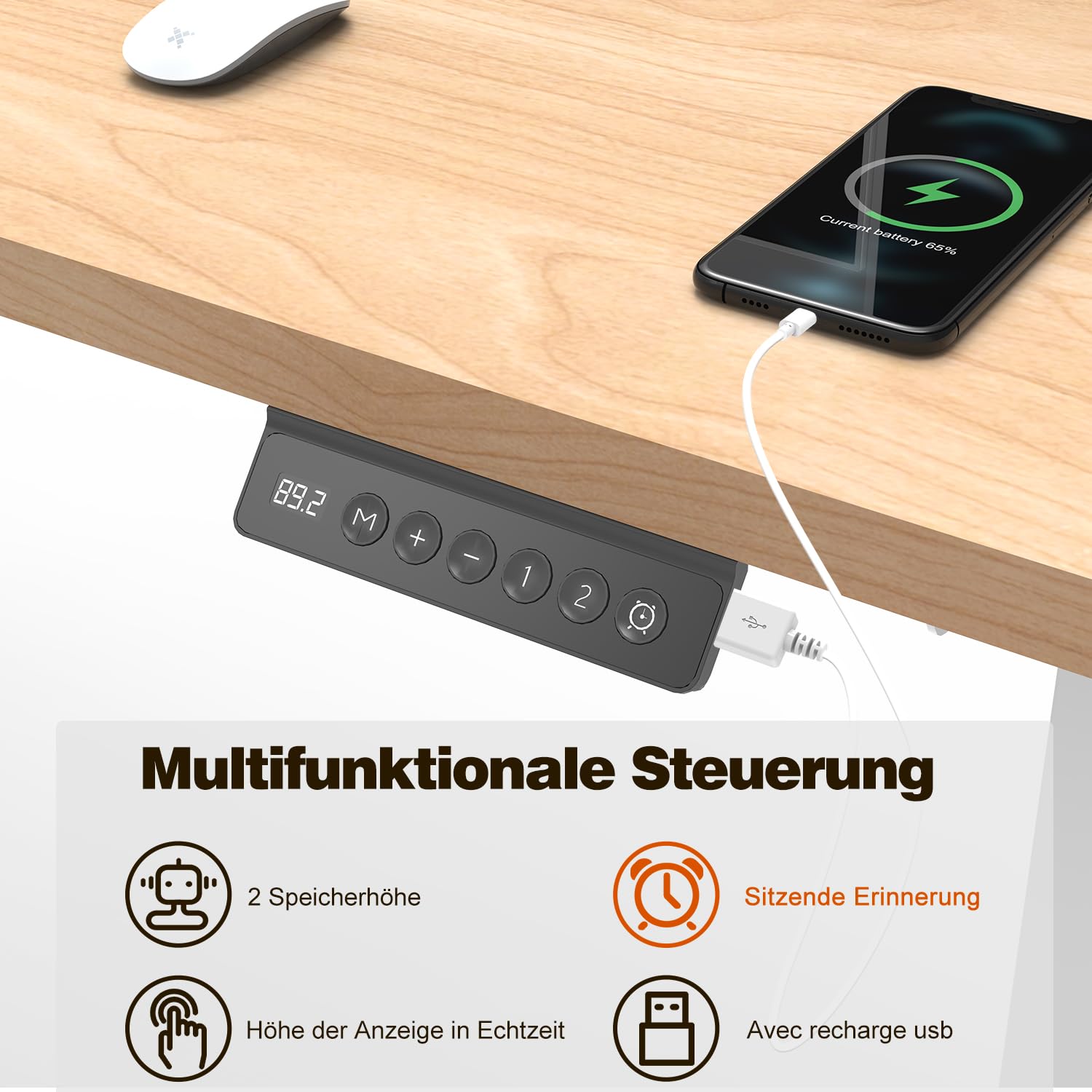
Image: The anti-collision system in action, showing the desk stopping its upward movement upon detecting an obstruction. This safety feature protects the desk and its surroundings.
Height Range and Load Capacity:
- Regulacja wysokości: 72 cm to 116 cm (28.35 inches to 45.67 inches).
- Maksymalna nośność statyczna: 80 kg (176 funta).
- Prędkość regulacji: 25 mm/s.
- Poziom hałasu: Less than 50 dB during operation.
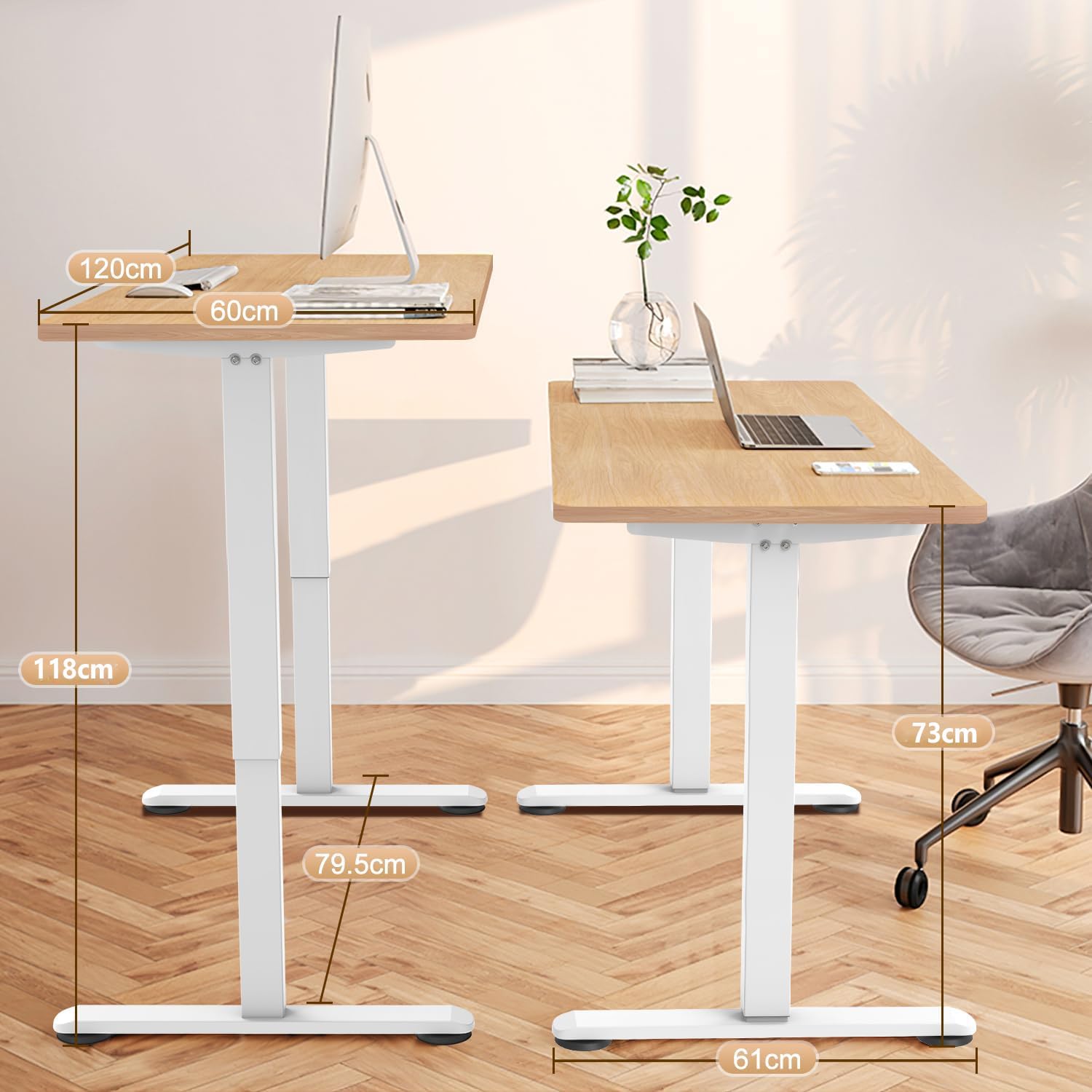
Image: A visual representation of the desk's dimensions and height adjustment range, illustrating the minimum and maximum heights for sitting and standing positions.
Whole Piece Desktop Advantage:
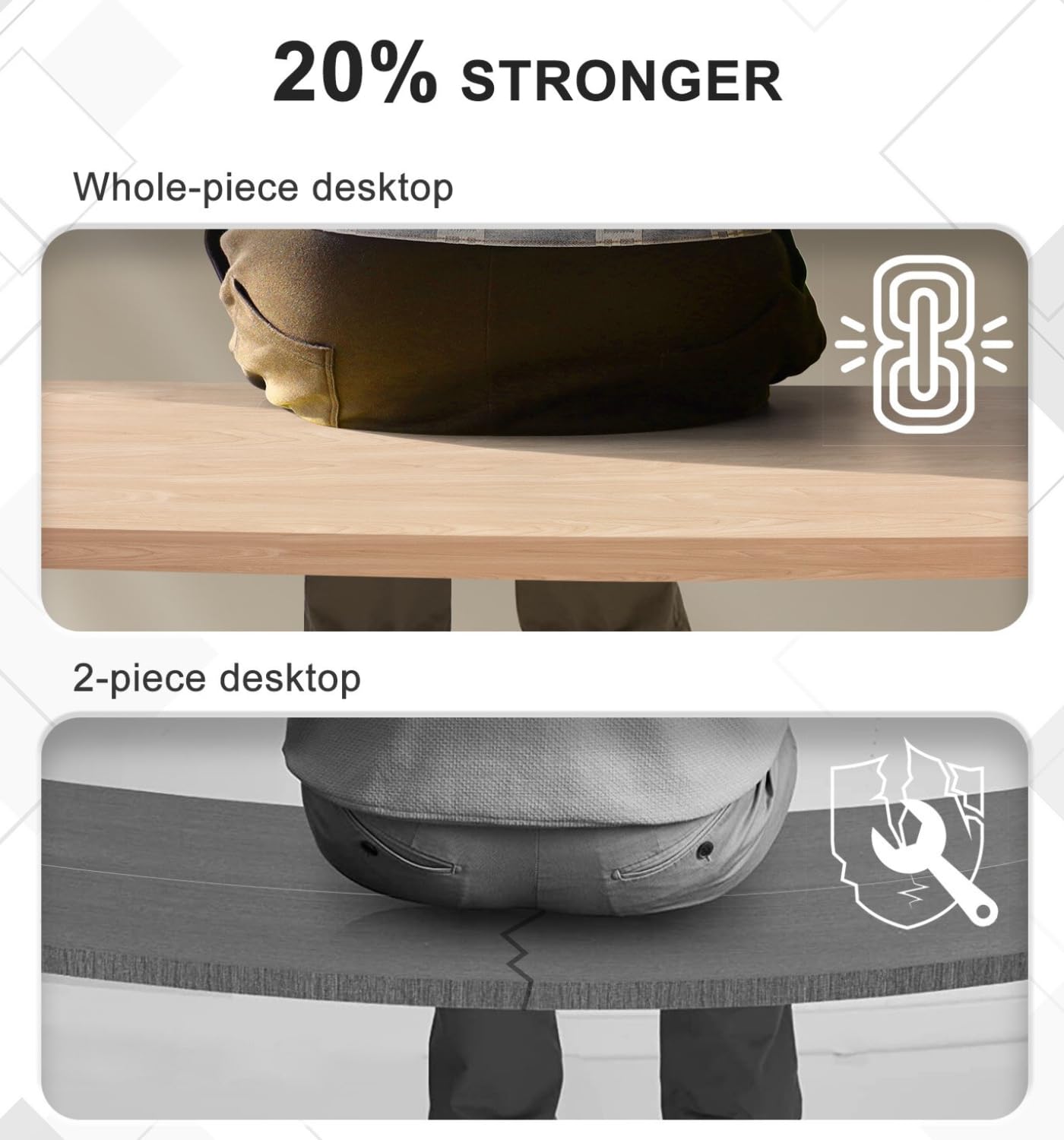
The Flamaker desk features a single, whole-piece desktop, which provides superior stability and a consistent aesthetic compared to multi-piece desktops. This design also simplifies assembly.
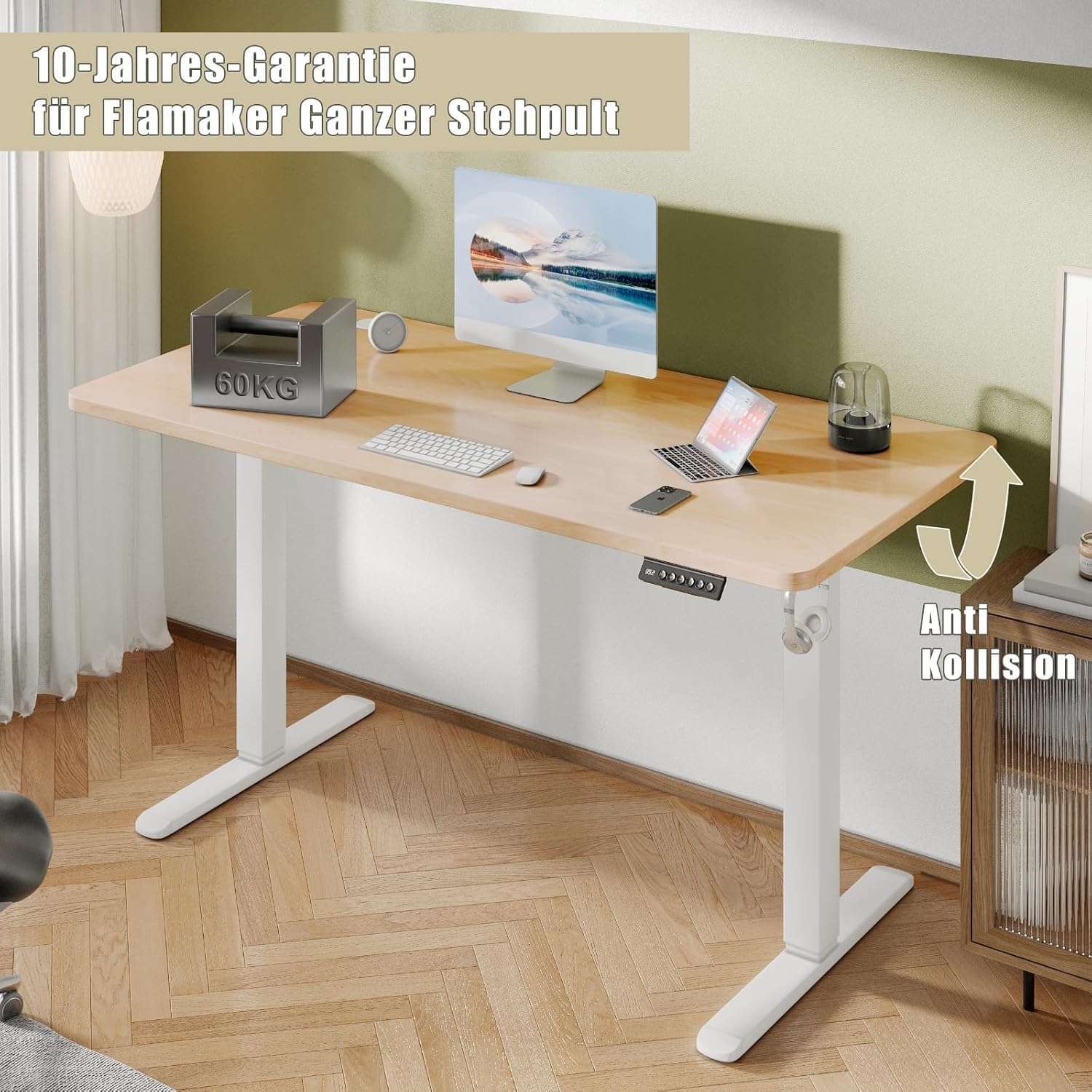
Image: A comparison illustrating the enhanced strength and stability of a whole-piece desktop compared to a two-piece desktop, which can be prone to sagging or instability.
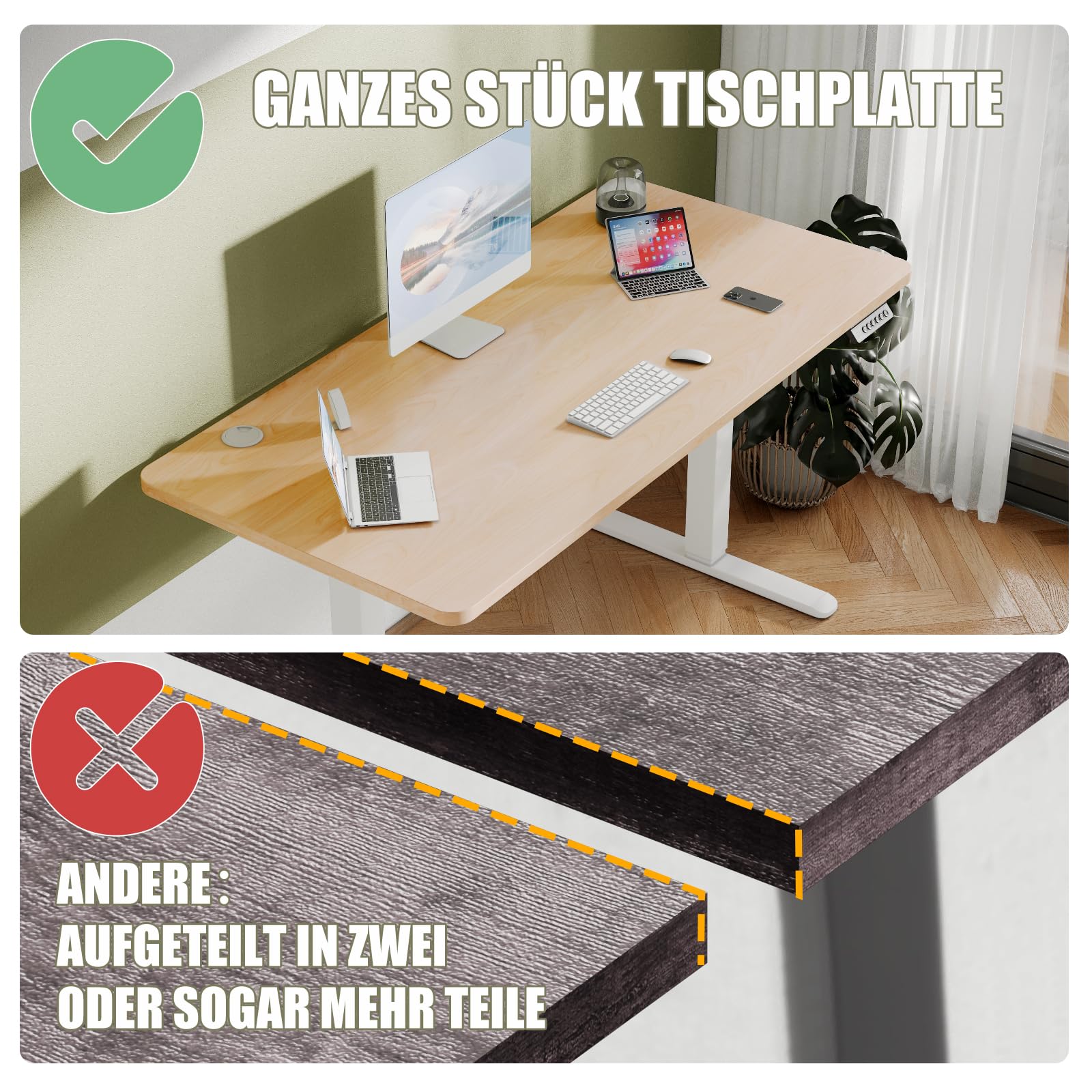
Image: Demonstrating the desktop's properties: waterproof, non-slip, and easy to clean, as shown by a spilled coffee cup that can be wiped away effortlessly.
Konserwacja
- Czyszczenie: Przetrzyj blat i ramę miękką szmatką.amp szmatką. Unikaj silnych środków chemicznych i ściernych środków czyszczących.
- Zarządzanie kablami: Periodically check and organize cables to prevent tangles and ensure smooth operation.
- Pielęgnacja silnika: The motor is designed for long-term use (up to 10,000 cycles). No specific user maintenance is required for the motor.
- Regularne kontrole: Ensure all screws and connections remain tight. Retighten if necessary.
Rozwiązywanie problemów
| Problem | Możliwa przyczyna | Rozwiązanie |
|---|---|---|
| Desk not moving. | Power cable disconnected; motor error; control panel issue. | Check power connection. Unplug and replug the power adapter. Refer to the control panel manual for specific error codes if displayed. |
| Desk movement is uneven or jerky. | Przeciążenie, luźne połączenia, przeszkoda. | Reduce weight on the desk. Check all assembly connections. Ensure no objects are obstructing the lifting mechanism. |
| Częsta aktywacja systemu zapobiegającego kolizjom. | Przeszkoda na drodze ruchu. | Clear any objects from the desk's path, both above and below. |
| Ustawienia pamięci nie działają. | Ustawienia predefiniowane nie zostały zapisane prawidłowo. | Re-save the desired heights by adjusting to the height, pressing "M", then pressing "1" or "2". |
If you encounter issues not listed here or if the problem persists, please contact Flamaker customer support.
Specyfikacje
| Marka | Rozpalacz płomieni |
| Numer modelu | T-12 |
| Wymiary produktu (Gł. x Szer. x Wys.) | 60 x 120 x (72-116) cm (23.62"D x 47.24"W x 28.35"-45.67"H) |
| Zakres regulacji wysokości | 72 cm - 116 cm (28.35" - 45.67") |
| Maksymalna nośność statyczna | 80 kg (176 funta) |
| Prędkość regulacji | 25 mm/s |
| Poziom hałasu | <50 dB |
| Tworzywo | Engineered Wood (Desktop), Industrial Steel (Frame) |
| Kolor | Beżowy+biały |
| Waga przedmiotu | 28 kilogramów (61.7 funty) |
| Mechanizm podnoszący | Elektryczny |
Gwarancja i wsparcie
Flamaker products undergo rigorous testing before leaving the factory. The motor is designed for a lifespan of up to 10,000 cycles.
For any questions during installation or use, please feel free to contact Flamaker customer support. Detailed contact information can typically be found on the product packaging or the official Flamaker webstrona.
Notatka: If you received the desk in two separate packages, please be aware that the second package may arrive shortly after the first. Please wait patiently for both packages before beginning assembly.