
DOOGEE T30Ultra
Instrukcja obsługi tabletu DOOGEE T30 Ultra 11 cali
Model: T30Ultra
1. Wprowadzenie
Welcome to the user manual for your new DOOGEE T30 Ultra tablet. This guide provides essential information on setting up, operating, maintaining, and troubleshooting your device to ensure optimal performance and user experience. Please read this manual thoroughly before using your tablet.
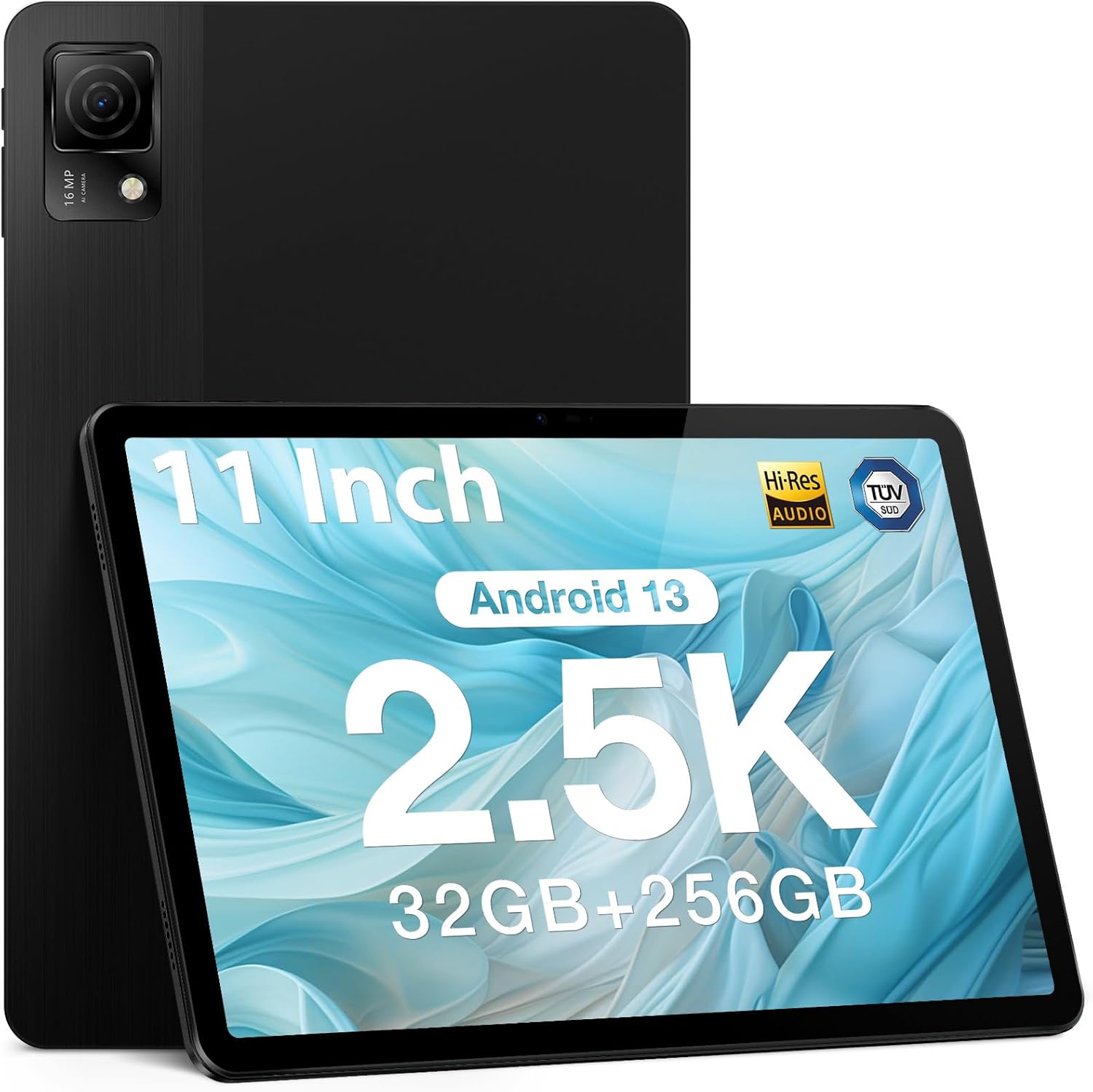
Figure 1.1: DOOGEE T30 Ultra Tablet
2. Co znajduje się w pudełku
Upon opening your DOOGEE T30 Ultra package, please verify that all the following items are included:
- Tabletka
- Rumak
- linia danych
- Igła do wyjmowania kart
- Podręcznik
3. Konfiguracja
3.1 Pierwsze włączenie zasilania
- Press and hold the Power button located on the side of the tablet until the DOOGEE logo appears on the screen.
- Postępuj zgodnie z instrukcjami wyświetlanymi na ekranie, aby wybrać język i region, a następnie nawiązać połączenie z siecią Wi-Fi.
- Zaloguj się na swoje konto Google lub utwórz nowe, aby uzyskać dostęp do usług Google i Sklepu Play.
3.2 Wkładanie karty SIM/TF
Aby włożyć kartę SIM do transmisji danych komórkowych lub kartę TF (microSD) w celu rozszerzenia pamięci:
- Znajdź tackę na kartę SIM/TF z boku tabletu.
- Włóż dołączoną igłę do wyjmowania karty w mały otwór obok tacki, aby ją wysunąć.
- Ostrożnie umieść kartę(y) Nano-SIM i/lub kartę TF w przeznaczonych do tego gniazdach na tacce, zwracając uwagę na prawidłową orientację.
- Delikatnie wsuń tackę z powrotem do tabletu, aż zatrzaśnie się na swoim miejscu.
4. Korzystanie z tabletu
4.1 Wyświetlacz i wrażenia wizualne
The DOOGEE T30 Ultra features an 11-inch 2.5K FHD touch screen with a resolution of 1600 x 2560 pixels, providing high pixel density for detailed images and realistic color reproduction. It supports a wide color gamut and has an 87.2% screen ratio for an immersive visual experience.
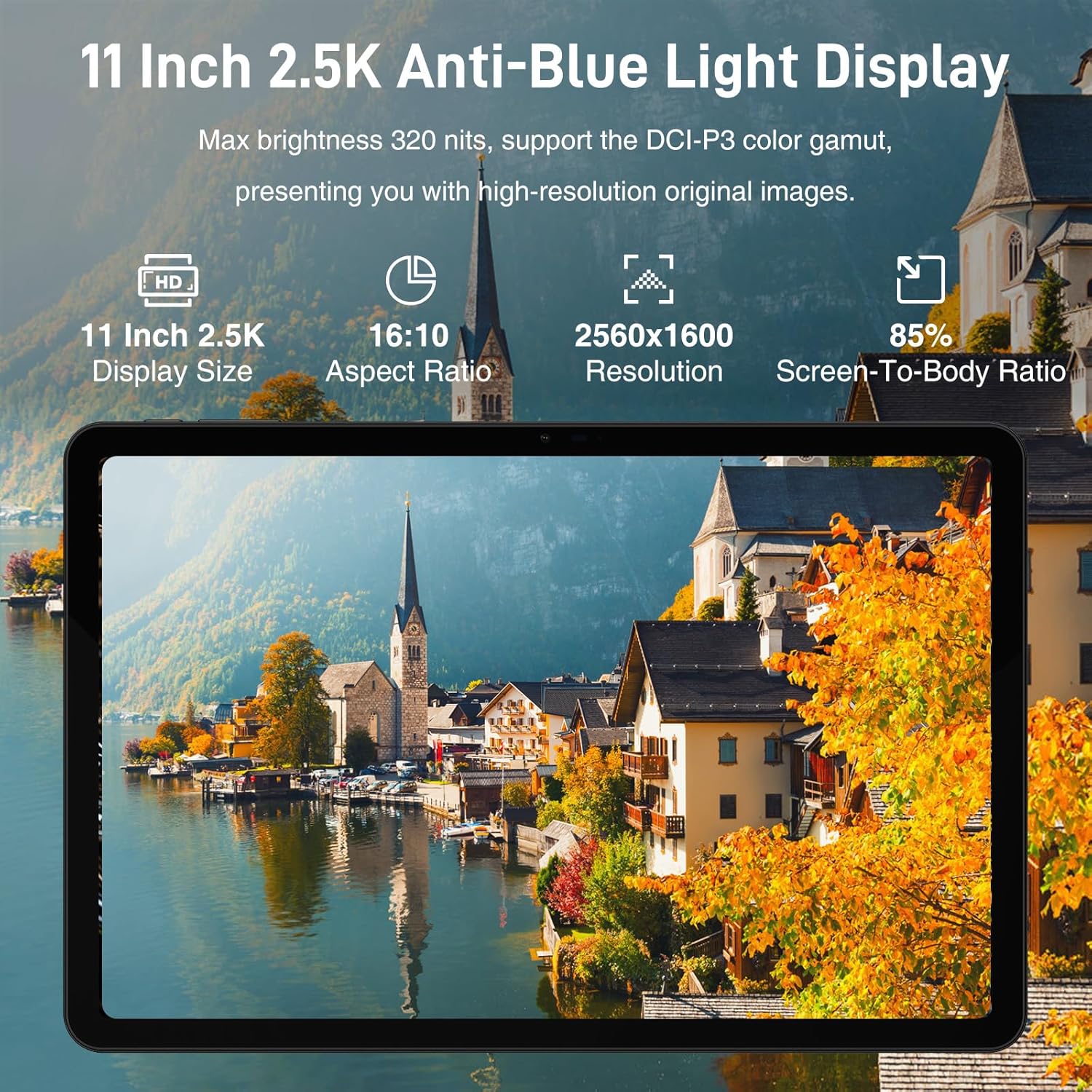
Figure 4.1: 11-inch 2.5K Anti-Blue Light Display
4.2 Wydajność i przechowywanie
Powered by the Helio G99 2.2GHz octa-core processor, the tablet ensures smooth operation for various tasks, from reading to gaming. It comes with 32GB RAM (12GB physical + 20GB virtual) and 256GB ROM, expandable up to 2TB with a TF card, offering ampprzestrzeń dla aplikacji i mediów.

Figure 4.2: Powerful Processor Performance

Figure 4.3: Super Powerful Storage Capacity
4.3 Żywotność baterii i ładowanie
The 8580mAh battery provides extended usage for entertainment and productivity. It supports 18W fast charging, allowing you to quickly recharge your device.

Figure 4.4: 8580mAh Ever-lasting Battery
4.4 Multimedia i dźwięk
The tablet supports Google Widevine L1, enabling 1080P and above-definition video streaming for a high-quality viewing experience. Its Quad Speakers deliver rich, clear audio, reducing distortion for an enhanced multimedia experience.

Figure 4.5: Widevine DRM L1 Support
4.5 Łączność
The DOOGEE T30 Ultra offers robust connectivity options, including dual-band Wi-Fi (2.4GHz/5GHz) for faster and more stable network connections, Bluetooth 5.0, and 4G LTE with dual SIM support for reliable mobile data and communication.
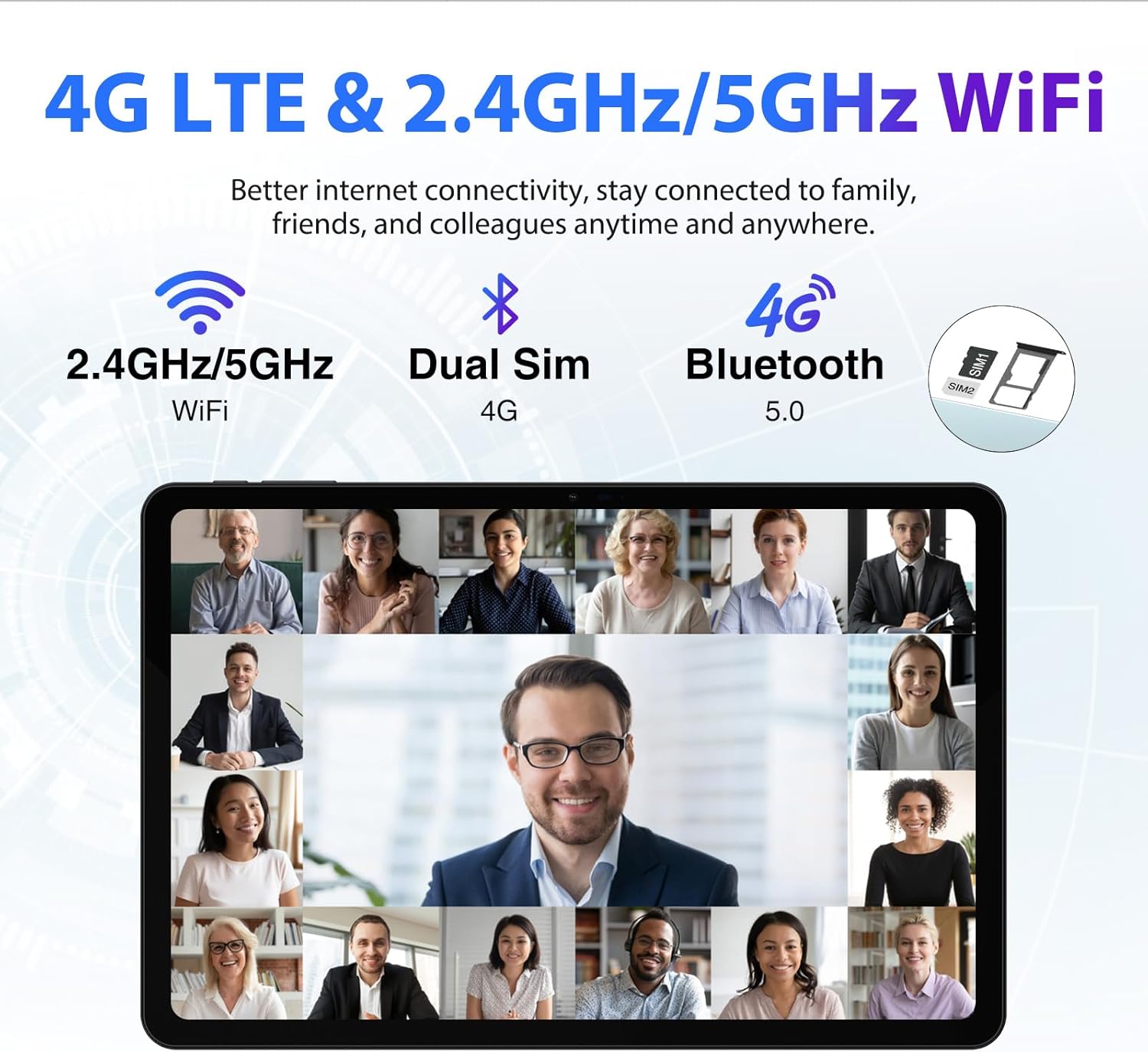
Figure 4.6: 4G LTE & 2.4GHz/5GHz WiFi
4.6 Funkcje aparatu
Equipped with a 16MP main camera and an 8MP front camera, the tablet allows you to capture high-quality photos and engage in clear video calls.

Figure 4.7: Capture Beautiful Moments
System operacyjny 4.7
The DOOGEE T30 Ultra runs on Android 13, providing an improved user experience with enhanced functionality, privacy, and security features. It supports split-screen functionality for multitasking.

Figure 4.8: Android 13 GMS Authentication
4.8 GPS i nawigacja
The tablet supports 5 navigation modes (Beidou, Galileo, Glonass, GPS, AGPS), ensuring more accurate and real-time positioning for navigation purposes.

Figure 4.9: Advanced GPS and Navigation
4.9 Ochrona oczu
The DOOGEE T30 Ultra Tablet has received German TUV Rheinland anti-blue light certification, which helps filter blue light and reduce eye strain during prolonged use. It features reading mode, eye protection mode, and dark mode for comfortable viewing.

Rysunek 4.10: Ochrona oczu przed niskim poziomem niebieskiego światła
4.10 Wideo produktu
Obejrzyj ten oficjalny film o produkcie, aby uzyskać wizualny podglądview of the DOOGEE T30 Ultra tablet's features and design.
Video 4.1: DOOGEE T30 Ultra Product Overview
5. Konserwacja
To ensure the longevity and optimal performance of your DOOGEE T30 Ultra tablet, follow these maintenance guidelines:
- Czyszczenie: Do czyszczenia ekranu i obudowy tabletu używaj miękkiej, niepozostawiającej włókien ściereczki. Unikaj stosowania silnych środków chemicznych i materiałów ściernych.
- Temperatura: Do not expose the tablet to extreme temperatures (hot or cold) or direct sunlight for extended periods.
- Narażenie na działanie wody: The tablet is not waterproof. Avoid contact with water or other liquids.
- Składowanie: Jeśli tablet nie będzie używany przez dłuższy czas, należy go przechowywać w chłodnym i suchym miejscu.
- Aktualizacje oprogramowania: Regularly check for and install system updates to ensure your tablet has the latest features and security patches.
6. Rozwiązywanie Problemów
If you encounter issues with your DOOGEE T30 Ultra tablet, refer to the following common troubleshooting steps:
| Problem | Możliwe rozwiązanie |
|---|---|
| Tablet się nie włącza | Upewnij się, że bateria jest naładowana. Podłącz ładowarkę i odczekaj kilka minut przed ponownym uruchomieniem. Jeśli urządzenie nie reaguje, spróbuj wymuszonego restartu (informacje o kombinacjach przycisków znajdziesz w instrukcji obsługi danego urządzenia). |
| Niska wydajność | Close unused applications. Clear cache and data for frequently used apps. Restart the tablet. Check for available system updates. |
| Problemy z połączeniem Wi-Fi | Zrestartuj router Wi-Fi. Usuń sieć z tabletu i połącz się ponownie. Upewnij się, że jesteś w zasięgu sygnału Wi-Fi. |
| Aplikacje ulegają awarii lub zawieszają się | Clear the app's cache and data in Settings > Apps. Uninstall and reinstall the app. Ensure the app is updated to its latest version. |
If the issue persists after trying these steps, please contact DOOGEE customer support for further assistance.
7. Specyfikacje
Key technical specifications for the DOOGEE T30 Ultra tablet:
| Funkcja | Szczegół |
|---|---|
| Rozmiar wyświetlacza | 11 cali |
| Rozdzielczość ekranu | 2560 x 1600 pikseli (2.5K) |
| Edytor | Helio G99 Octa-Core (2.2GHz) |
| BARAN | 32 GB (12 GB pamięci fizycznej + 20 GB pamięci wirtualnej) |
| Pamięć wewnętrzna (ROM) | 256 GB UFS2.2 |
| Możliwość rozbudowy pamięci masowej | Do 2TB (karta TF) |
| System operacyjny | Android 13 |
| Pojemność baterii | 8580mAh |
| Ładowanie | Szybkie ładowanie 18 W |
| Kamera tylna | 16MP |
| Przednia kamera | 8MP |
| Typ bezprzewodowy | 802.11ac (2.4GHz/5GHz Wi-Fi) |
| Bluetooth | Bluetooth 5.0 |
| Wymiary | 10.11 x 6.64 x 0.3 cala |
| Waga przedmiotu | 1.19 funta |
| Certyfikaty | Hi-Res Audio, TUV Low Blue Light |
8. Gwarancja i wsparcie
Your DOOGEE T30 Ultra tablet is backed by a 1-year warranty from the date of purchase. This warranty covers manufacturing defects and malfunctions under normal use. For warranty claims or technical support, please refer to the contact information provided in your product packaging or visit the official DOOGEE webstrona.
DOOGEE offers a 30-day money-back guarantee and free returns. Additionally, 24/7 one-on-one online support is available for customer assistance.
Ask a question about this manual
Ask about setup, troubleshooting, compatibility, parts, safety, or missing instructions. Manuals+ will review the question and use this page’s manual context to help answer it.