
Wstęp
This manual provides instructions for the proper use and maintenance of your BoxWave AllReader SD Card Reader. Please read this manual thoroughly before using the device to ensure optimal performance and longevity. The AllReader SD Card Reader is designed to facilitate easy file transfer between various devices and SD/microSD cards.
Produkt ponadview
The BoxWave AllReader SD Card Reader is a compact device featuring multiple interfaces for broad compatibility with various electronic devices. It supports both standard SD cards and microSD cards.
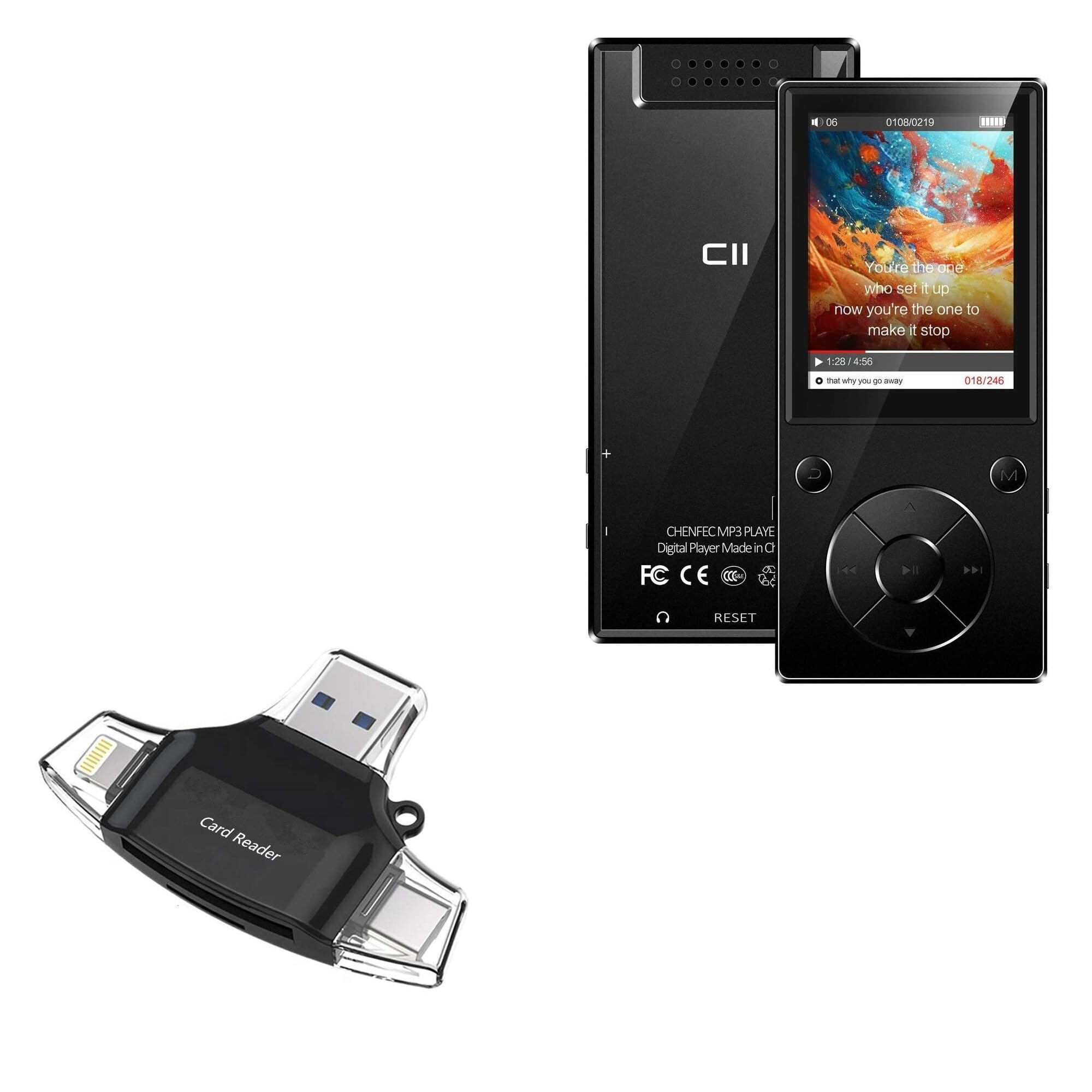
Image: The BoxWave AllReader SD Card Reader, showing its compact design and various connectors.
Główne cechy:
- Four Interfaces: Equipped with USB-C, USB-A, Micro-USB, and Apple (Lightning) connectors for wide device compatibility.
- Łatwy File Transfer: Enables direct transfer of files between memory cards and connected devices.
- Podłącz i graj: W przypadku większości systemów operacyjnych nie jest wymagana instalacja sterowników ani oprogramowania.
- Kompaktowa konstrukcja: Small and portable for convenient use on the go.
- Obsługa kart pamięci: Compatible with both SD and microSD card formats.

Obraz: Szczegółowy view of the four integrated interfaces: USB-A, USB-C, Apple (Lightning), and Flip-out Micro USB.
Organizować coś
- Włóż kartę pamięci: Gently insert your SD or microSD card into the appropriate slot on the AllReader SD Card Reader until it clicks into place. Ensure the card is inserted in the correct orientation.
- Połącz z urządzeniem: Select the appropriate connector (USB-C, USB-A, Micro-USB, or Apple Lightning) for your host device (e.g., smartphone, tablet, laptop, desktop PC). Plug the AllReader into your device's port.
- Rozpoznawanie urządzenia: Your device should automatically detect the card reader and the inserted memory card. A notification or file browser window may appear, indicating that the storage is ready for access.
Notatka: For some mobile devices, you may need to use a file management application to browse the contents of the connected memory card.

Image: The AllReader with an SD card inserted, connected to a tablet, illustrating the setup for file przenosić.
Instrukcja obsługi
Przenoszenie Files:
- Ensure the AllReader is properly connected to your device and the memory card is inserted.
- Otwórz urządzenie file manager or photo gallery application.
- Locate the external storage device, typically labeled as "USB Storage," "SD Card," or similar.
- Browse to the desired files na karcie pamięci.
- Wybierz filechcesz przenieść.
- Use the "Copy" or "Move" function within your device's file menedżer do transferu files to your device's internal storage or another connected storage.
- Przenieść files from your device to the memory card, reverse the process: select files from your device's storage and copy/move them to the external storage (memory card).

Image: The AllReader connected to various devices including smartphones, tablets, laptops, and desktop PCs, demonstrating its versatility for file przenosić.
Safely Removing the Device:
Before disconnecting the AllReader from your computer, always safely eject the device through your operating system's options (e.g., "Safely Remove Hardware" on Windows, "Eject" on macOS). For mobile devices, ensure no file transfery są aktywne przed odłączeniem.
Konserwacja
- Czyszczenie: Do czyszczenia zewnętrznej części czytnika kart należy używać miękkiej, suchej ściereczki. Unikaj stosowania płynnych środków czyszczących i rozpuszczalników.
- Składowanie: Store the AllReader in a cool, dry place away from direct sunlight and extreme temperatures.
- Obsługiwanie: Avoid dropping the device or subjecting it to strong impacts. Do not force memory cards or connectors into slots.
- Pielęgnacja złącza: Keep the connectors free from dust and debris. If necessary, use a soft brush or compressed air to clean them.
Rozwiązywanie problemów
| Problem | Możliwe rozwiązanie |
|---|---|
| Urządzenie nie zostało rozpoznane. |
|
| Nie można uzyskać dostępu files na karcie pamięci. |
|
| Powolny file prędkości transferu. |
|
Specyfikacje
- Nazwa modelu: AllReader SD Card Reader
- Marka: Fala pudełkowa
- Interfejsy: USB-C, USB-A, Micro-USB, Apple (Lightning)
- Zgodność karty: SD, microSD
- Kolor: Czarny jak kruk
- Waga przedmiotu: 6 uncji
- ASIN: B0CNSDX7WD
- Data pierwszej dostępności: 13 listopada 2023 r.
Gwarancja i wsparcie
For warranty information and technical support, please refer to the official BoxWave webOdwiedź stronę internetową lub skontaktuj się bezpośrednio z działem obsługi klienta. Zachowaj paragon zakupu na wypadek reklamacji.
BoxWave Customer Service: www.boxwave.com/support