
1. Wprowadzenie
Dziękujemy za zakupasing the BoxWave SlimKeys Bluetooth Keyboard. This portable, backlit keyboard is designed to enhance your typing experience across various devices, including tablets, smartphones, and computers. Its slim profile, customizable LED backlight, and reliable Bluetooth connectivity make it an ideal companion for productivity on the go. This manual provides detailed instructions for setup, operation, maintenance, and troubleshooting to ensure optimal performance of your device.

Image: The SlimKeys Bluetooth Keyboard positioned alongside a Blackview Tab 7 tablet, demonstrating its compact size and compatibility.
2. Funkcje produktu
- Zintegrowane podświetlenie LED: Illuminates keys for typing in low-light or dark environments.
- Możliwość dostosowania podświetlenia: Choose from seven vibrant LED backlight colors to personalize your setup.
- Reliable Wireless Connectivity: Connects quickly and easily via Bluetooth 3.0 for a stable and responsive typing experience.
- Battery-Saving Power Switch: A dedicated on/off switch helps extend battery life during travel or downtime.
- Smukła i przenośna konstrukcja: Compact and lightweight, making it easy to store and transport without added bulk.
- Chiclet Keys: Funkcje niskiego poziomu profile keys designed for quiet and comfortable typing.
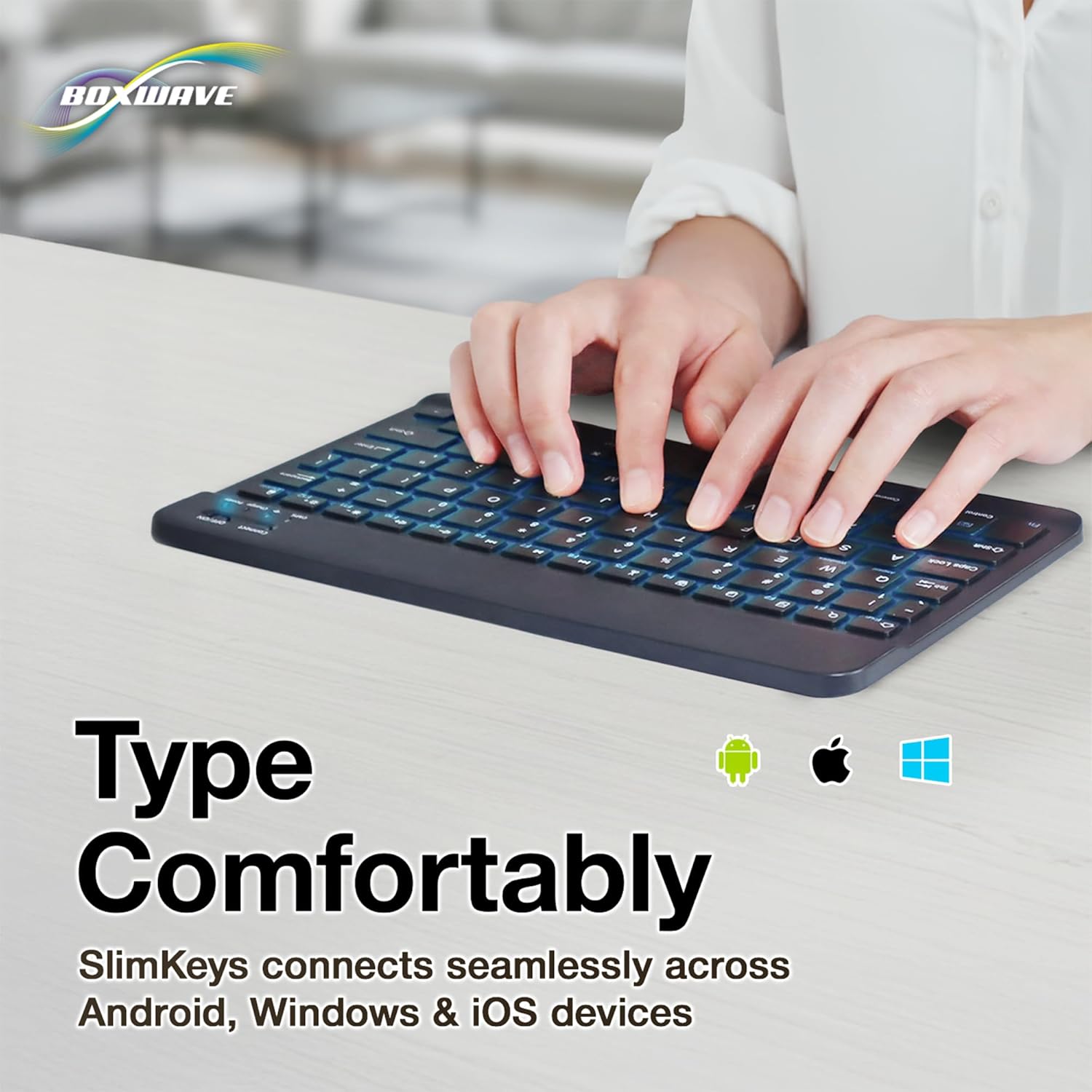
- Zgodność z wieloma platformami: Seamlessly connects across Android, Windows, and iOS devices.

Image: An infographic highlighting the main features of the SlimKeys keyboard, including backlit keys, multi-platform compatibility, chiclet keys, and its ultra-slim and light design.
3. Przewodnik konfiguracji
3.1. Ładowanie klawiatury
Before first use, ensure the keyboard is fully charged. Connect the included charging cable to the keyboard's charging port and to a USB power source (e.g., computer USB port, USB wall adapter). The 'Charge' indicator light will illuminate during charging and turn off when fully charged.

Image: The SlimKeys keyboard with its charging cable connected, demonstrating the charging process and highlighting its long-lasting battery life.
3.2. Włączanie/wyłączanie zasilania
Locate the ON/OFF switch on the top right side of the keyboard. Slide the switch to the 'ON' position to power on the keyboard. The 'Power' indicator light will briefly illuminate. To conserve battery, slide the switch to 'OFF' when not in use.
3.3. Parowanie Bluetooth
- Sprawdź, czy klawiatura jest włączona.
- Press the 'Connect' button located near the ON/OFF switch. The 'Connect' indicator light will start blinking, indicating the keyboard is in pairing mode.
- On your device (tablet, smartphone, computer), go to the Bluetooth settings.
- Włącz Bluetooth i wyszukaj dostępne urządzenia.
- Select 'BoxWave SlimKeys Keyboard' (or similar name) from the list of found devices.
- If prompted, enter the pairing code displayed on your device's screen using the SlimKeys keyboard, then press Enter.
- Once paired, the 'Connect' indicator light on the keyboard will stop blinking and remain solid, or turn off, depending on the model. Your keyboard is now ready for use.
Obraz: szczegółowy view of the top right section of the SlimKeys keyboard, highlighting the 'Connect' button and the 'ON/OFF' switch, along with the indicator lights.
4. Instrukcja obsługi
4.1. Pisanie
Once successfully paired, you can use the SlimKeys keyboard for all your typing needs. The chiclet-style keys provide a comfortable and responsive typing experience.
4.2. Kontrola podświetlenia
The keyboard features an integrated LED backlight with seven customizable colors. To control the backlight:
- Naciśnij Żarówka key (usually located near the right Ctrl key) to turn the backlight on or off.
- Naciśnij RGB key (usually located next to the Light Bulb key) to cycle through the seven available backlight colors.

Image: The SlimKeys keyboard showcasing its seven different backlight colors, demonstrating the customization options.
4.3. Specialized Function Keys
The SlimKeys keyboard includes a row of specialized function keys (F1-F12) that provide quick access to common commands. These functions may vary slightly depending on your operating system (Android, Windows, iOS). To use a function key, press the Fn key (usually located near the left Ctrl key) simultaneously with the desired function key.
| Kombinacja klawiszy | Funkcjonować |
|---|---|
| Fn + Esc (Home) | Przejdź do ekranu głównego |
| Fn + F1 (Search) | Otwórz wyszukiwanie |
| Fn + F2 (Select All) | Select All text/items |
| Fn + F3 (Copy) | Skopiuj wybraną zawartość |
| Fn + F4 (Paste) | Wklej zawartość |
| Fn + F5 (Cut) | Wytnij wybraną zawartość |
| Fn + F6 (Skip Back) | Przejdź do poprzedniego utworu |
| Fn + F7 (Play/Pause) | Play or Pause media |
| Fn + F8 (Skip Forward) | Przejdź do następnego utworu |
| Fn + F9 (Volume Down) | Zmniejsz głośność |
| Fn + F10 (Volume Up) | Zwiększ głośność |
| Fn + F11 (Brightness Down) | Zmniejsz jasność ekranu |
| Fn + F12 (Brightness Up) | Zwiększ jasność ekranu |
| Fn + Delete (Lock) | Lock device screen |

Image: A visual representation of the specialized function keys on the SlimKeys keyboard, detailing their respective commands.
5. Konserwacja
To ensure the longevity and optimal performance of your BoxWave SlimKeys Bluetooth Keyboard, follow these maintenance guidelines:
- Czyszczenie: Do czyszczenia powierzchni klawiatury użyj miękkiej, niepozostawiającej włókien ściereczki. W przypadku uporczywych zabrudzeń delikatnie przetrzyjampPrzetrzyj szmatkę wodą lub delikatnym, nieściernym środkiem czyszczącym. Unikaj nadmiernej wilgoci.
- Składowanie: Przechowuj klawiaturę w chłodnym, suchym miejscu, z dala od bezpośredniego światła słonecznego i ekstremalnych temperatur.
- Unikaj płynów: Nie narażaj klawiatury na działanie płynów. W przypadku przypadkowego zalania, natychmiast wyłącz klawiaturę i pozostaw ją do całkowitego wyschnięcia przed ponownym użyciem.
- Zachowaj ostrożność: Unikaj upuszczania klawiatury i narażania jej na silne uderzenia, ponieważ mogą one uszkodzić podzespoły wewnętrzne.
6. Rozwiązywanie Problemów
If you encounter issues with your BoxWave SlimKeys Bluetooth Keyboard, refer to the following common problems and solutions:
| Problem | Możliwa przyczyna | Rozwiązanie |
|---|---|---|
| Klawiatura się nie włącza. | Bateria jest rozładowana. | Naładuj klawiaturę całkowicie. |
| Cannot pair the keyboard with my device. | Bluetooth not enabled on device; keyboard not in pairing mode; interference. | Ensure Bluetooth is on. Press 'Connect' button on keyboard. Move closer to device. Remove previous pairings. Restart both devices. |
| Klawiatura często się rozłącza. | Niski poziom naładowania baterii; zbyt duża odległość od urządzenia; zakłócenia. | Charge keyboard. Keep keyboard within 10 meters of device. Avoid strong electromagnetic interference. |
| Podświetlenie nie działa lub jest zablokowane na jednym kolorze. | Backlight off; low battery; software glitch. | Press the Light Bulb key. Charge the keyboard. Power cycle the keyboard (turn off, then on). |
| Klawisze nie reagują. | Keyboard not paired; low battery; hardware issue. | Re-pair the keyboard. Charge the keyboard. If problem persists, contact customer support. |
If the problem persists after trying these solutions, please contact BoxWave customer support for further assistance.
7. Specyfikacje
| Funkcja | Szczegół |
|---|---|
| Nazwa modelu | SlimKeys Bluetooth Keyboard |
| Łączność | Bluetooth 3.0 |
| Podświetlenie | 7 kolorów diod LED |
| Zgodność | Android, Windows, iOS |
| Waga przedmiotu | 8.6 uncji (około 244 gramów) |
| Wymiary (w przybliżeniu) | 9.5 in (Width) x 5.75 in (Depth) x 0.2 in (Height) |
| Producent | Fala pudełkowa |

Image: The SlimKeys keyboard shown with its approximate dimensions, illustrating its ultra-slim and lightweight design for portability.
8. Gwarancja i wsparcie
BoxWave products are designed for quality and reliability. For information regarding product warranty, returns, or technical support, please refer to the warranty card included with your product or visit the official BoxWave website. You may also contact BoxWave customer service directly for assistance with any product-related inquiries.
Informacje kontaktowe: Please refer to the packaging or BoxWave's official webstrona zawierająca najnowsze dane kontaktowe działu obsługi klienta.