
COCOCAM ZY-C2
Instrukcja obsługi kamery zewnętrznej COCOCAM Solar Camera Outdoor Wireless
Model: ZY-C2
1. Wprowadzenie
This user manual provides comprehensive instructions for the installation, operation, and maintenance of your COCOCAM Solar Camera Outdoor Wireless. This 2K PTZ camera is designed for home security, featuring AI motion detection, color night vision, and two-way audio. Please read this manual thoroughly before using the product to ensure proper functionality and safety.
2. Zawartość opakowania
Sprawdź, czy w przesyłce znajdują się wszystkie wymienione poniżej elementy. Jeśli brakuje któregokolwiek z nich lub jest on uszkodzony, skontaktuj się z obsługą klienta.
- 1x COCOCAM Solar Security Camera
- Panel słoneczny 1x
- 1x Uchwyt na panel słoneczny
- 1x 3.3ft USB Charging Cable
- 1x Instrukcja obsługi
- 1x Positioning Sheet
- 2x Screw Packages (for camera and solar panel mounting)
3. Koniec produktuview
The COCOCAM Solar Camera is a versatile outdoor security solution. Below are the key components and features:
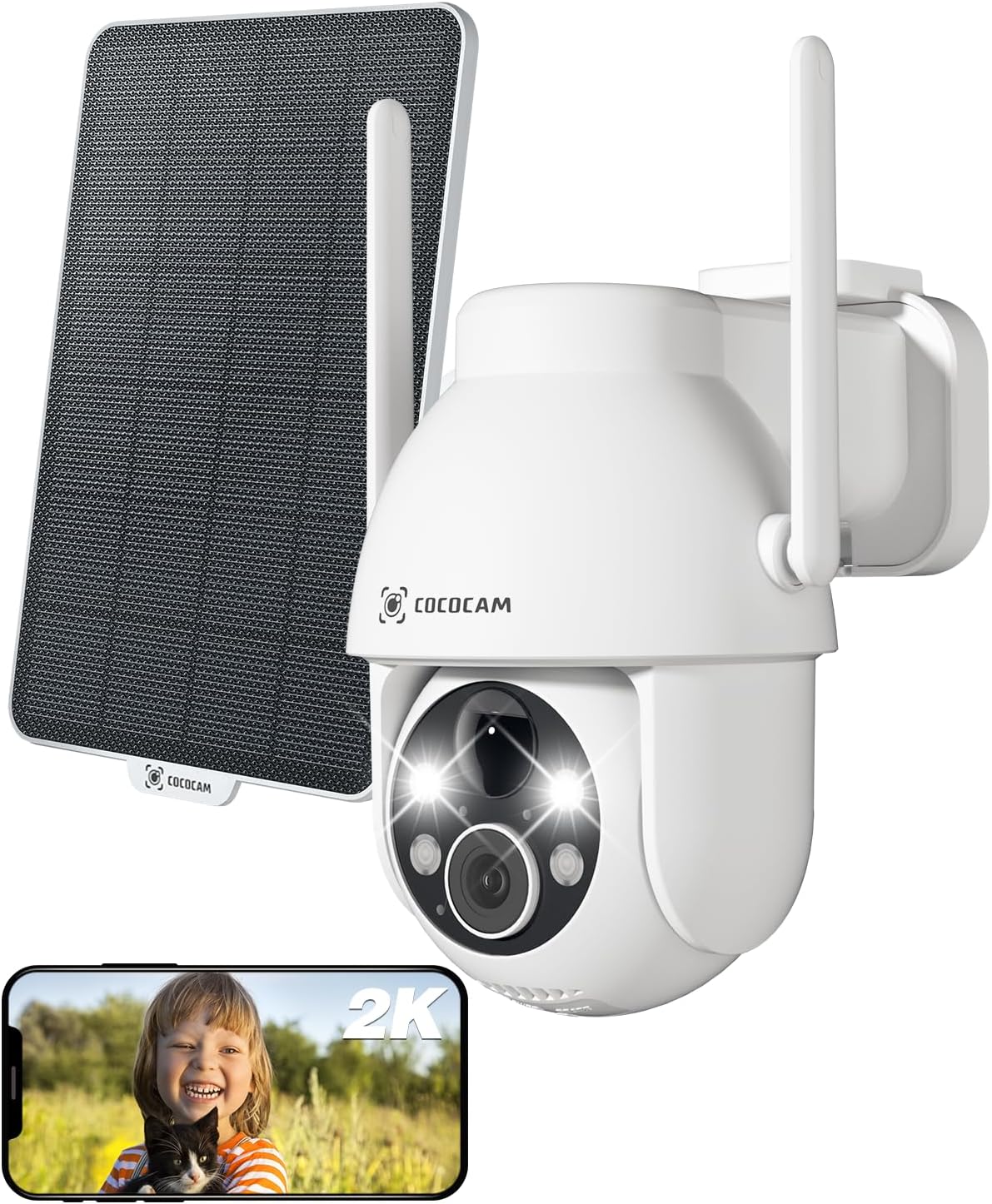
Figure 3.1: Camera and Solar Panel Overview. This image displays the main camera unit alongside its accompanying solar panel, illustrating the complete system for outdoor surveillance.
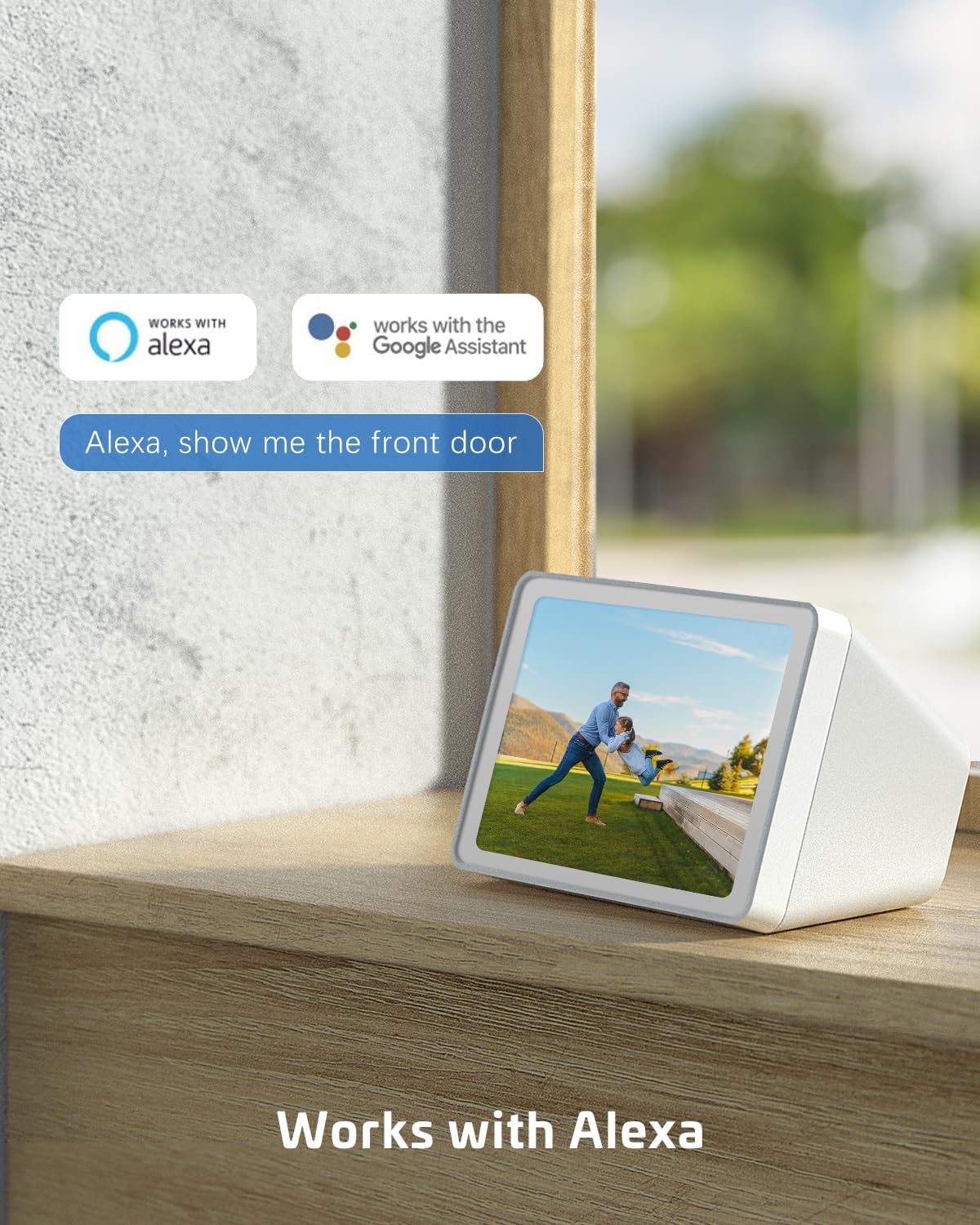
Figure 3.2: Pan and Tilt Functionality. The camera offers 355° pan and 120° tilt rotation, providing extensive coverage without blind spots. This allows for remote adjustment of the viewkąt widzenia za pośrednictwem aplikacji mobilnej.

Figure 3.3: 2K Super HD Color Night Vision. This image demonstrates the camera's ability to capture clear, high-definition video even in low-light conditions, offering both color and infrared night vision options for enhanced visibility.

Rysunek 3.4: Dwukierunkowa komunikacja audio. The camera supports two-way audio, enabling real-time communication through the camera's built-in speaker and microphone. This feature is useful for interacting with visitors or deterring intruders.
Główne cechy:
- Rozdzielczość 2K QHD: Provides high-resolution 3MP image quality for clear video monitoring.
- Funkcjonalność PTZ: 355° pan and 120° tilt rotation with 4x digital zoom, controllable via the Cloudage or Cococam app.
- Zasilany energią słoneczną i bezprzewodowy: Equipped with a solar panel and 5200mAh rechargeable batteries for continuous power without wiring.
- Wykrywanie ruchu AI: Optimized algorithms for human-like recognition, reducing false alarms. Supports optional recognition of pets, cars, and packages (paid features).
- Kolorowe widzenie nocne: Offers clear night vision up to 100ft.
- Dwukierunkowy dźwięk: Umożliwia komunikację w czasie rzeczywistym poprzez kamerę.
- Odporność na warunki atmosferyczne IP66: Designed to withstand various weather conditions, operating from -25°C to 60°C (-13°F to 140°F).
- Opcje podwójnego przechowywania: Supports TF card (up to 128GB, not included) and cloud storage service (paid feature).
- Udostępnianie wielu użytkownikom: Easily share camera access with family and friends via QR scan.
- Integracja inteligentnego domu: Kompatybilny z Amazon Alexa.
4. Konfiguracja
Follow these steps to set up your COCOCAM Solar Camera:
- Naładuj aparat: Before initial use, ensure the camera's internal battery is fully charged using the provided USB cable.
- Pobierz aplikację: Download the "Cloudage" or "Cococam" app from your smartphone's app store (iOS App Store or Google Play Store).
- Utwórz konto: Otwórz aplikację i postępuj zgodnie z instrukcjami wyświetlanymi na ekranie, aby utworzyć nowe konto użytkownika.
- Dodaj urządzenie: In the app, select "Add Device" or the "+" icon. Choose your camera model from the list.
- Połącz się z Wi-Fi: Postępuj zgodnie z instrukcjami aplikacji, aby połączyć kamerę z siecią Wi-Fi 2.4 GHz. Ważny: The camera only supports 2.4GHz Wi-Fi, not 5GHz. Ensure your router is configured for 2.4GHz or that you are connecting to the 2.4GHz band.
- Montaż kamery i panelu słonecznego:
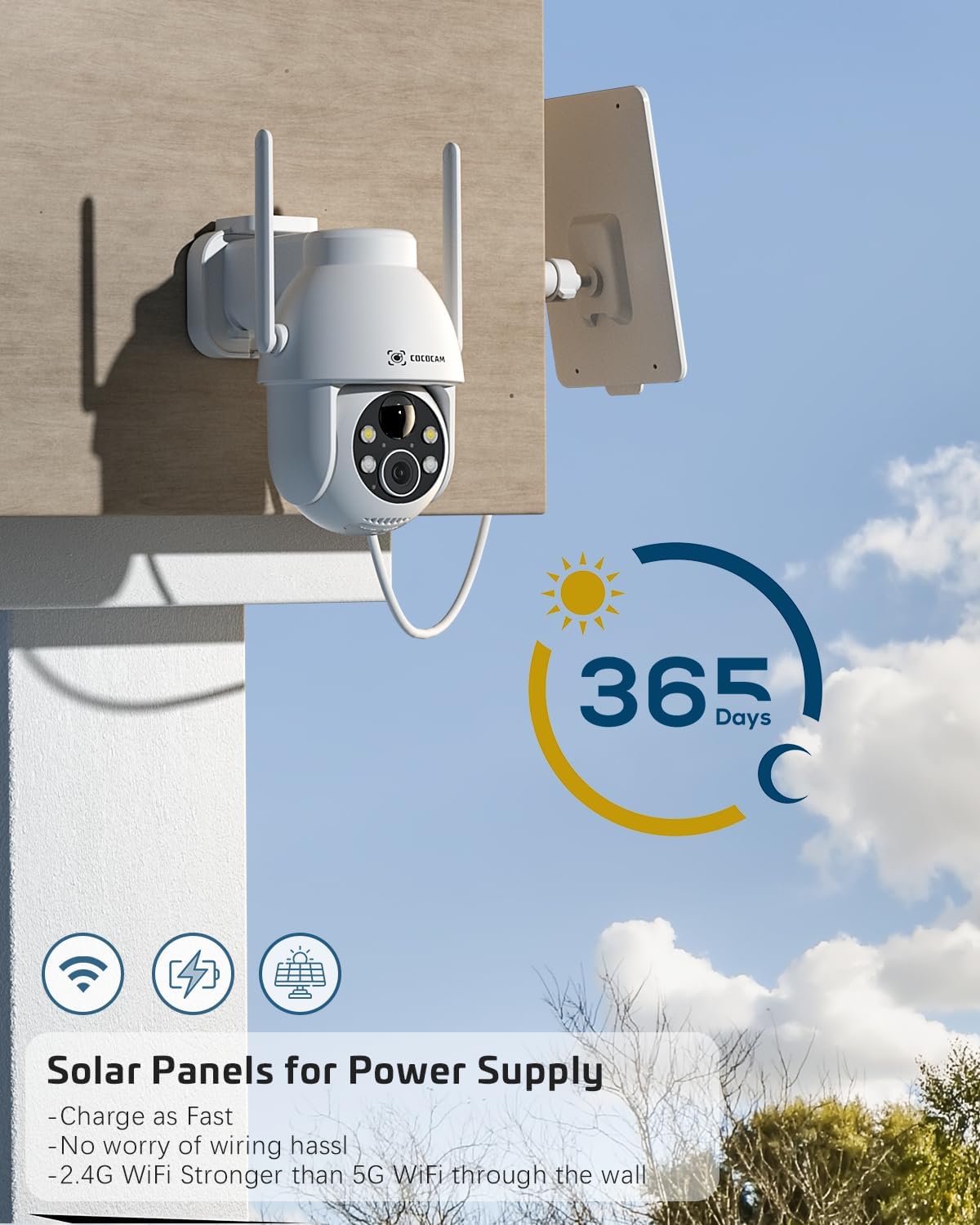
Figure 4.1: Camera and Solar Panel Installation. The camera and solar panel are designed for easy wall mounting. Position the solar panel in an area that receives direct sunlight for optimal charging.
Select a suitable outdoor location for installation. Use the included screws and positioning sheet to securely mount the camera and the solar panel. The solar panel should be positioned to receive maximum direct sunlight throughout the day for continuous power supply. Installation typically takes about 10 minutes.
- Ostateczne poprawki: Once mounted, use the app to adjust the camera's pan and tilt angles to achieve the desired viewObszar objęty badaniem.
5. Obsługa aparatu
Your COCOCAM camera offers a range of features accessible through the mobile application:
5.1 Na żywo View i sterowanie PTZ
Access the live video feed from your camera via the app. Use the on-screen controls to pan (355°), tilt (120°), and digitally zoom (4x) the camera to monitor different areas.
5.2 Detekcja ruchu i alerty

Figure 5.1: AI Motion Detection. The camera's advanced AI algorithms can differentiate between humans, pets, cars, and packages, reducing false alarms and providing more accurate alerts.
The camera features advanced AI motion detection. When motion is detected, you will receive instant alerts on your smartphone. You can customize detection sensitivity and enable/disable AI human detection in the app settings. Optional paid features include recognition for pets, cars, and packages.
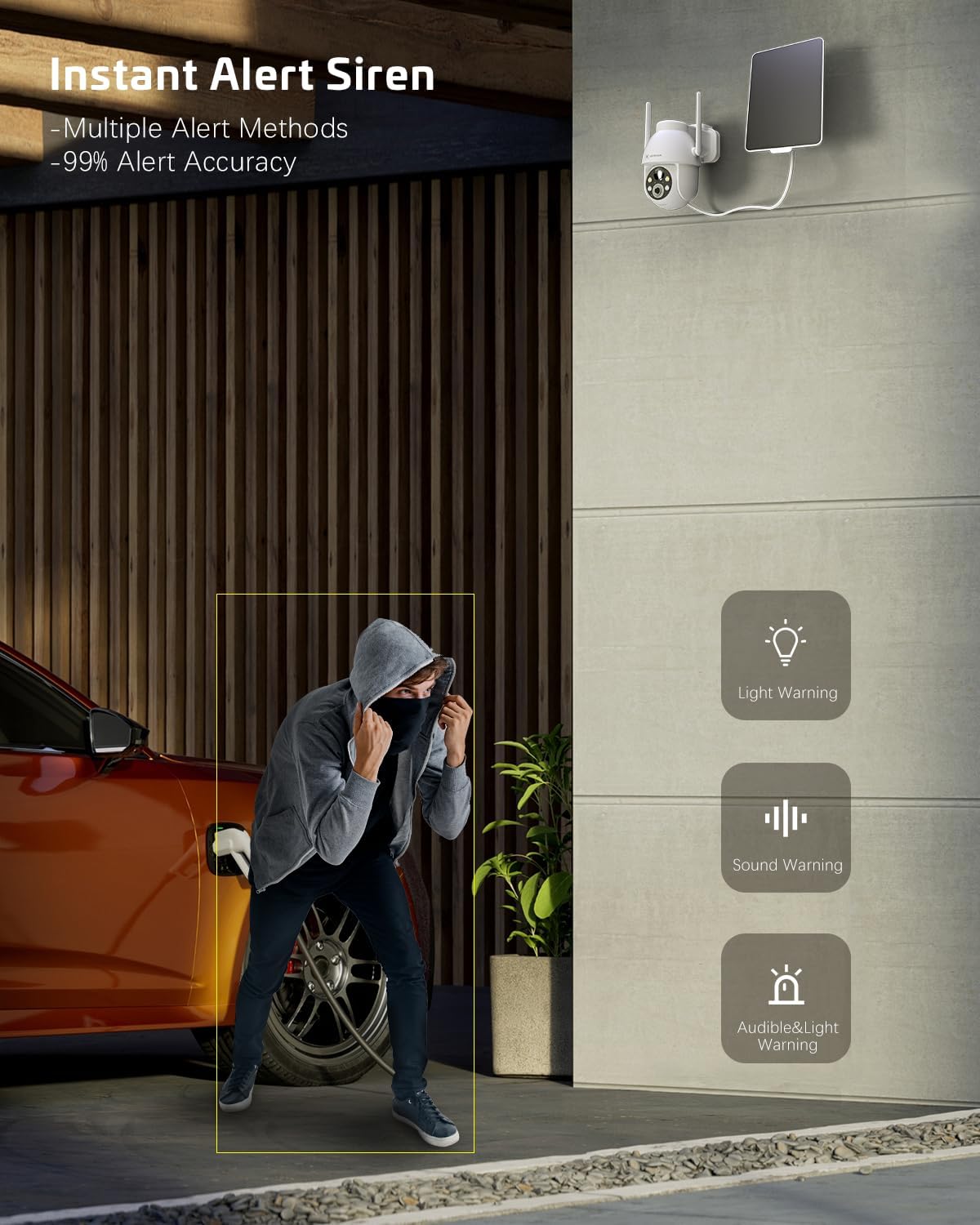
Figure 5.2: Instant Alert Siren. Upon detecting suspicious activity, the camera can activate a siren and flashing lights to deter intruders, providing multiple warning methods.
5.3 Widzenie nocne
The camera automatically switches to night vision mode in low light. It offers both infrared night vision for clear black-and-white images and a 2K Super HD color night vision mode for enhanced detail in color.
5.4 Dźwięk dwukierunkowy
Use the two-way audio feature to communicate with individuals near the camera. Simply tap the microphone icon in the app to speak, and listen through the camera's speaker.
5.5 Przechowywanie wideo
Nagrania można przechowywać na dwa sposoby:
- Karta TF: Włóż kartę TF (microSD) (do 128 GB, nie ma jej w zestawie) do przeznaczonego na to gniazda w aparacie, aby przechowywać dane lokalnie.
- Przechowywanie w chmurze: Subscribe to the optional cloud storage service (paid feature) for secure, remote storage of your video recordings. All video data is encrypted for privacy.
5.6 Udostępnianie wielu użytkownikom
Share access to your camera with family members or trusted individuals. This can be done easily by generating a QR code within the app for them to scan.
5.7 Integracja inteligentnego domu
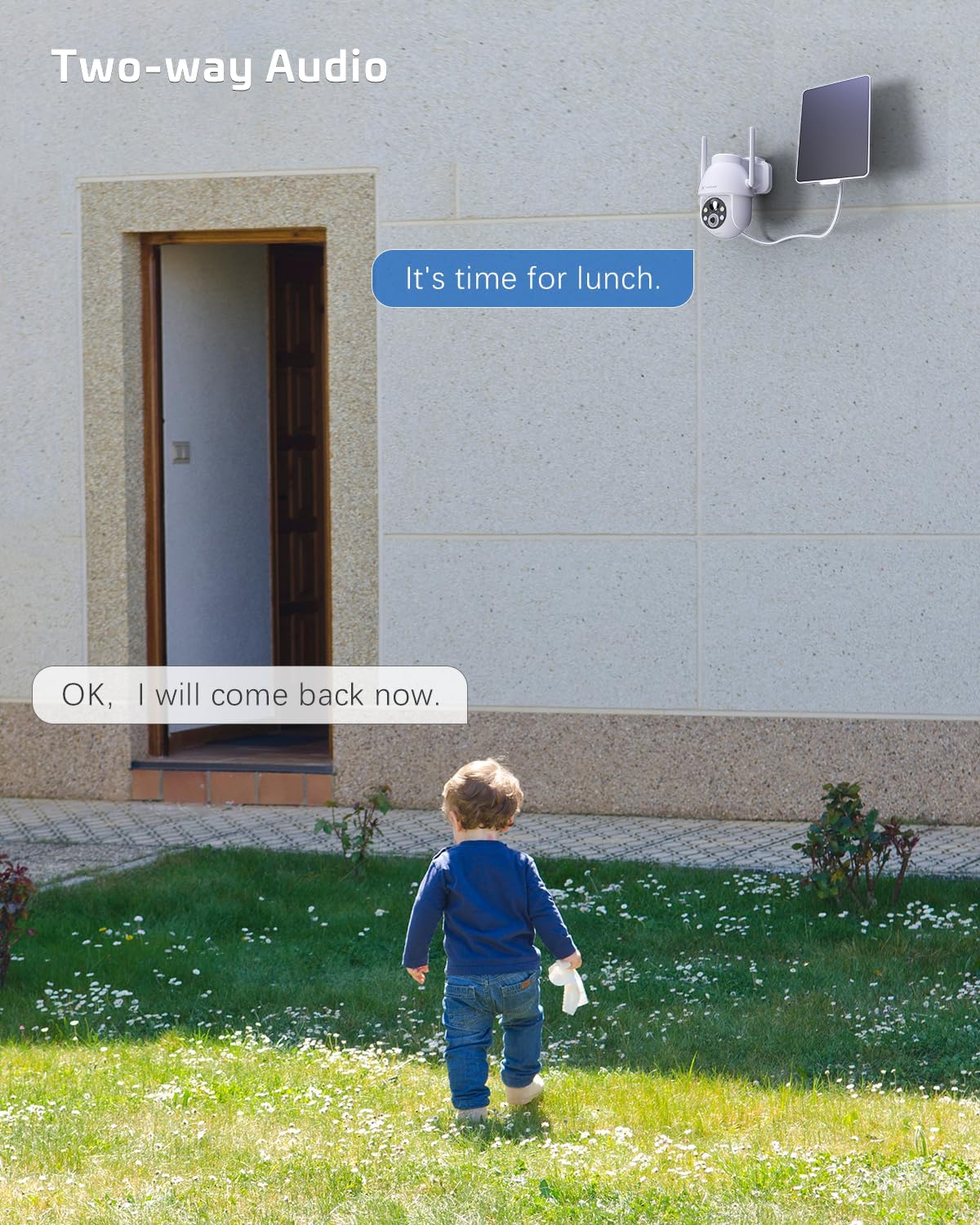
Figure 5.3: Alexa Integration. The camera is compatible with Amazon Alexa, allowing for voice control and viewwyświetlanie obrazu z kamery na kompatybilnych inteligentnych wyświetlaczach.
The COCOCAM camera can be integrated with Amazon Alexa. Follow the instructions in the Alexa app to link your COCOCAM account and enable voice commands for viewPrzekazywanie obrazu z kamery na kompatybilnych urządzeniach.
6. Konserwacja
Proper maintenance ensures the longevity and optimal performance of your COCOCAM Solar Camera:
- Czyszczenie paneli słonecznych: Regularnie przecieraj powierzchnię panelu słonecznego miękką, miękką szmatką.amp cloth to remove dust, dirt, or debris that may hinder its charging efficiency.
- Czyszczenie obiektywu aparatu: Delikatnie czyść obiektyw aparatu ściereczką z mikrofibry, aby zapewnić wysoką jakość obrazu. Unikaj materiałów ściernych, które mogłyby zarysować obiektyw.
- Ochrona przed warunkami atmosferycznymi: The camera is IP66 weatherproof, designed to withstand rain and dust. However, avoid submerging the camera in water.

Figure 6.1: IP66 Weatherproof Design. The camera is built to withstand various outdoor elements, ensuring reliable operation in diverse weather conditions.
- Temperatura pracy: Ensure the camera operates within its specified temperature range of -25°C to 60°C (-13°F to 140°F).
- Aktualizacje oprogramowania układowego: Check the app periodically for firmware updates to ensure your camera has the latest features and security enhancements.
7. Rozwiązywanie Problemów
If you encounter issues with your COCOCAM Solar Camera, refer to the following common problems and solutions:
| Problem | Możliwa przyczyna / rozwiązanie |
|---|---|
| Kamera nie łączy się z siecią Wi-Fi |
|
| Bateria nie ładuje się lub jest słaba |
|
| Częste fałszywe alarmy |
|
| Słaba jakość wideo lub niewyraźne obrazy |
|
| Dwukierunkowe audio nie działa |
|
If the problem persists, please refer to the support section or contact COCOCAM customer service.
8. Specyfikacje
| Funkcja | Szczegół |
|---|---|
| Numer modelu | ZY-C2 |
| Rozdzielczość przechwytywania wideo | 2K (1440p), 3MP |
| Zakres obrotu/pochylenia | Obrót o 355°, pochylenie o 120° |
| Zoom cyfrowy | 4x |
| Źródło zasilania | Solar Powered, 5200mAh Rechargeable Battery |
| Protokół łączności | Wi-Fi (tylko 2.4 GHz) |
| Technologia komunikacji bezprzewodowej | Wi-Fi |
| Ocena odporności na warunki atmosferyczne | IP66 |
| Temperatura pracy | -25°C do 60°C (-13°F do 140°F) |
| Zakres noktowizora | 20 Meters (approx. 65 feet), up to 100ft mentioned in feature bullets |
| Opcje przechowywania | TF Card (up to 128GB), Cloud Storage (paid) |
| Audio | Dźwięk dwukierunkowy |
| Kompatybilne urządzenia | Smartfon, Amazon Alexa |
| Typ montażu | Uchwyt ścienny, wkręcany |
| Waga przedmiotu | 650 gramów |
| Kolor | Biały |
| Tworzywo | Plastikowy |
9. Gwarancja i wsparcie
Gwarancja: COCOCAM provides a 2-year warranty for this camera. Please retain your proof of purchase for warranty claims.
Obsługa klienta: If you encounter any problems using your COCOCAM Solar Camera or require technical assistance, please contact COCOCAM customer support. You can typically find contact information on the COCOCAM official website or through the retailer where you purchased the product. For Amazon purchases, you can visit the COCOCAM Store on Amazon aby uzyskać informacje o opcjach wsparcia.
Ask a question about this manual
Ask about setup, troubleshooting, compatibility, parts, safety, or missing instructions. Manuals+ will review the question and use this page’s manual context to help answer it.