
1. Wprowadzenie
This manual provides detailed instructions for the Varmilo VA Series V2 Aurora Bluetooth White LED Mechanical Keyboard. It covers setup, operation, maintenance, and troubleshooting to ensure optimal performance and user experience. The VA Series V2 features an upgraded design with a standard USB-C cable, a double-section kickstand for enhanced adjustability, North-facing LEDs, and sound-proof silicone pads for a quieter typing experience. Indicator lights are positioned on the top right to minimize distractions.
2. Zawartość opakowania
Proszę sprawdzić zawartość opakowania po rozpakowaniu. Jeśli brakuje któregokolwiek elementu lub jest on uszkodzony, prosimy o kontakt z obsługą klienta.
- Varmilo VA Series V2 Aurora Mechanical Keyboard
- Kabel USB-C
- Instrukcja obsługi (ten dokument)
3. Konfiguracja
3.1 Konfiguracja fizyczna
- Rozpakuj klawiaturę: Ostrożnie wyjmij klawiaturę i wszystkie akcesoria z opakowania.
- Regulacja podpórek: Klawiatura posiada dwa klawiszetage height adjustable feet. Flip out the desired kickstands on the underside of the keyboard to achieve your preferred typing angle.

Image: The underside of the keyboard, highlighting the two-stagRegulowana podpórka umożliwiająca ergonomiczne ustawienie.
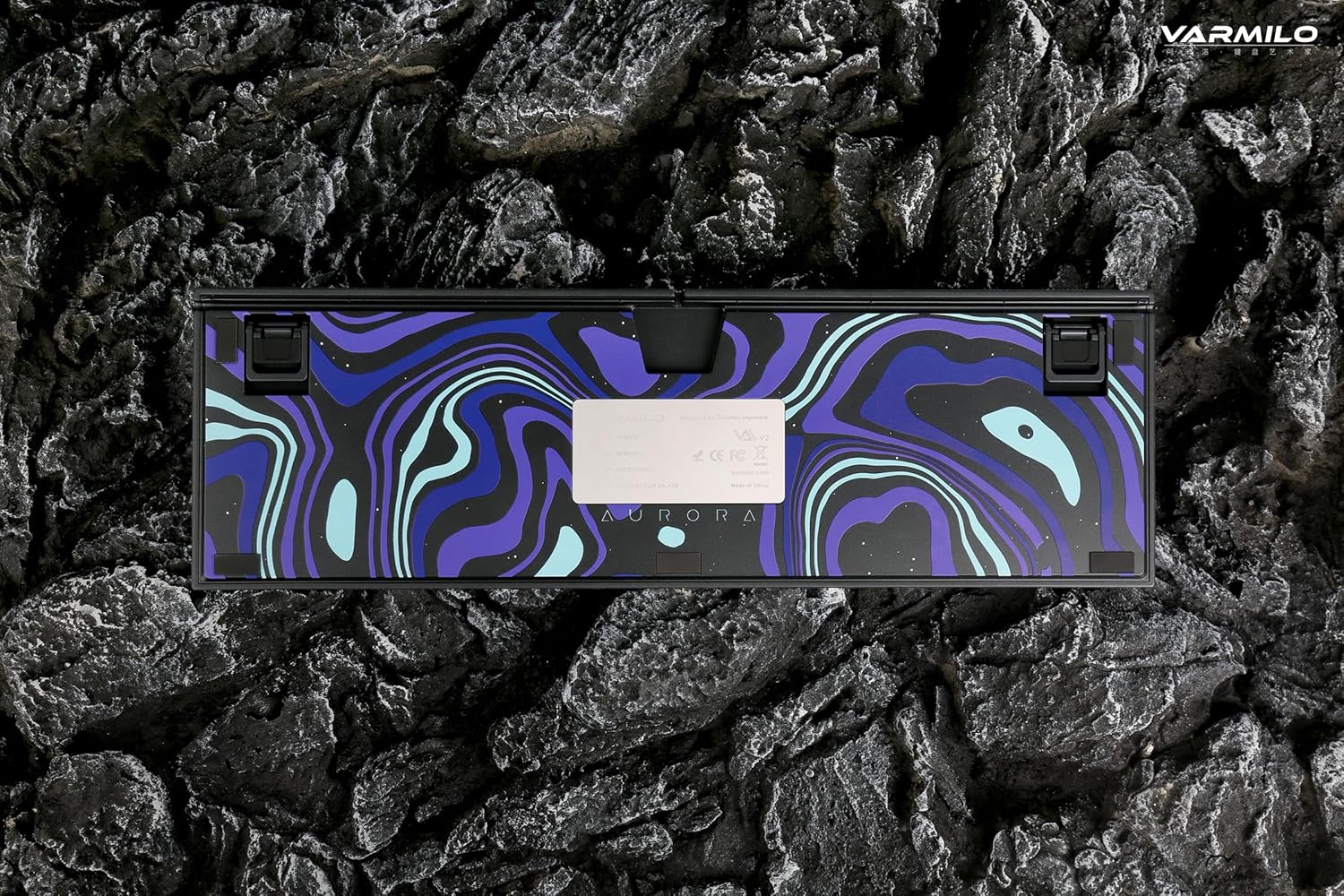
Image: The bottom of the keyboard, illustrating the cable grooves that allow the USB-C cable to exit from the left, right, or middle.
3.2 Metody połączenia
3.2.1 Połączenie przewodowe (USB-C)
- Znajdź port USB-C z tyłu klawiatury.
- Connect the provided USB-C cable to the keyboard and the other end to an available USB port on your computer or device.
- The keyboard will be automatically recognized by your operating system. The indicator light will show charging status if the battery is low.
3.2.2 Połączenie bezprzewodowe Bluetooth
The Varmilo VA Series V2 Aurora keyboard supports connecting up to 3 devices wirelessly via Bluetooth.
- Przełącz na tryb Bluetooth: Locate the mode switch on the keyboard (usually on the back or side) and set it to Bluetooth mode.
- Wejdź w tryb parowania: Naciśnij i przytrzymaj Fn + Wstaw (dla urządzenia Bluetooth 1), Fn + Dom (dla urządzenia Bluetooth 2) lub Fn + Strona w górę (for Bluetooth device 3) for 3-5 seconds until the indicator light flashes rapidly, indicating pairing mode.
- Włącz Bluetooth na swoim urządzeniu: On your computer, smartphone, or tablet, go to Bluetooth settings and turn on Bluetooth.
- Wybierz klawiaturę: Look for "Varmilo VA2" or a similar name in the list of available devices and select it to pair.
- Potwierdź parowanie: Once paired, the indicator light on the keyboard will stop flashing and remain solid for a few seconds, then turn off or show battery status.
- Pair Additional Devices: Repeat steps 2-5 using a different Fn key combination (Fn + Home or Fn + Page Up) to pair up to two more devices.
4. Instrukcja obsługi
4.1 Przełączanie między urządzeniami
- To switch to Bluetooth device 1: Press Fn + Wstaw.
- To switch to Bluetooth device 2: Press Fn + Dom.
- To switch to Bluetooth device 3: Press Fn + Strona w górę.
- To switch to Wired mode: Set the mode switch on the keyboard to Wired mode.
4.2 Sterowanie podświetleniem LED
The keyboard features a White LED backlight. Use the following key combinations to control the backlight:
- Fn + < (Left Arrow): Zmniejsz jasność podświetlenia.
- Fn + > (Right Arrow): Zwiększ jasność podświetlenia.
- Fn + Strzałka w górę: Change backlight mode/effect.
- Fn + Strzałka w dół: Change backlight mode/effect (reverse direction).
- Fn + Z: Włącz/wyłącz podświetlenie.
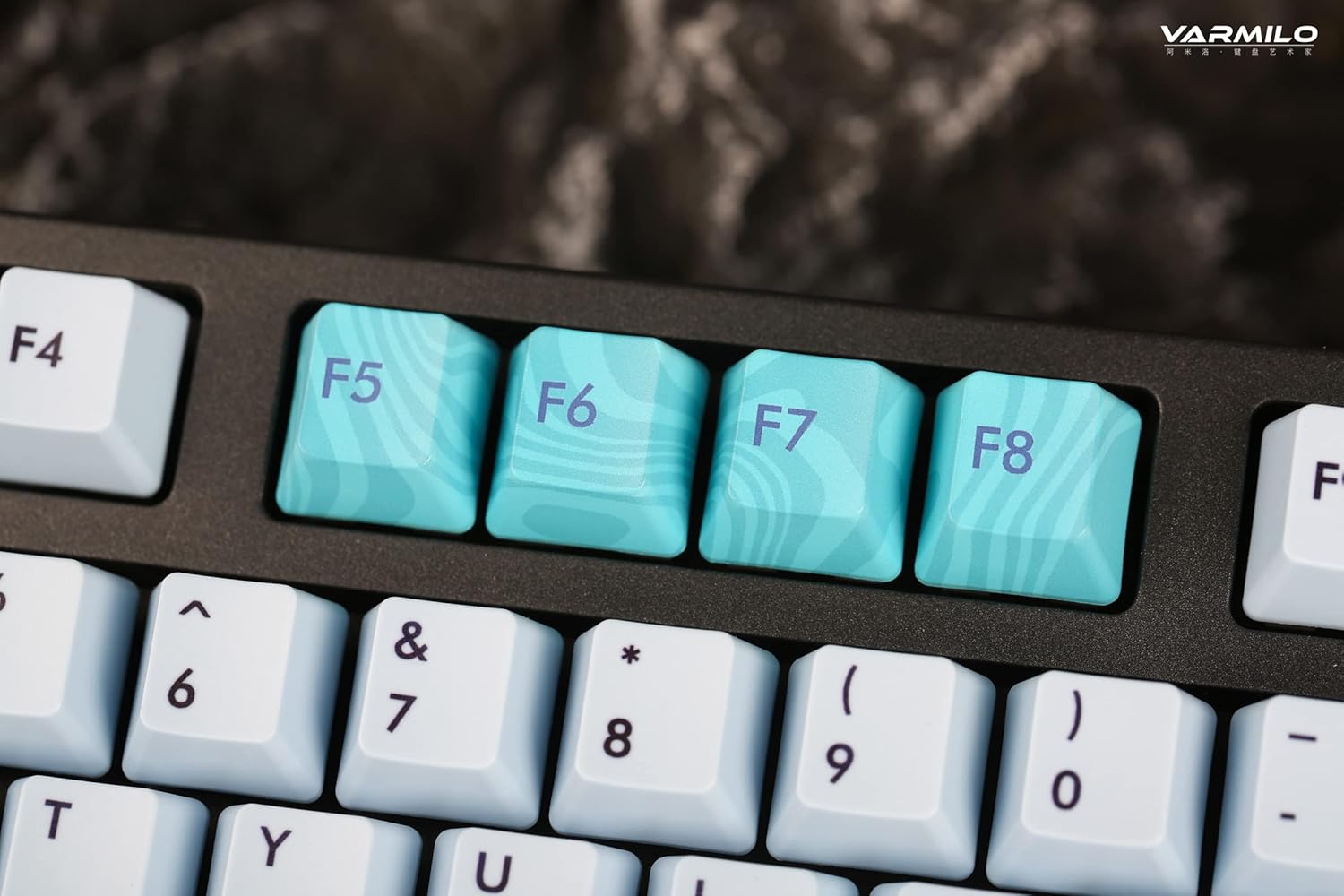
Image: Close-up of the arrow keys, which are used in combination with the Fn key to control backlight brightness and modes.
4.3 Klawisze funkcyjne i sterowanie multimediami
The keyboard features a full-size (104 + 4) layout with dedicated function keys and multimedia controls accessible via the Fn klawisz.
- Fn + F1-F12: Access various system functions (e.g., media playback, volume control, screen brightness). Refer to your operating system's settings for specific mappings or common keyboard shortcuts.
- Klawisz Fn + Windows: Zablokuj/odblokuj klawisz Windows, aby zapobiec przypadkowym naciśnięciom podczas gry.
- Fn + Prawy Ctrl: Switch between Mac/Windows layout (if applicable, check specific model features).

Obraz: Zbliżenie view of the F5-F8 keys, showcasing their unique design and potential secondary functions.
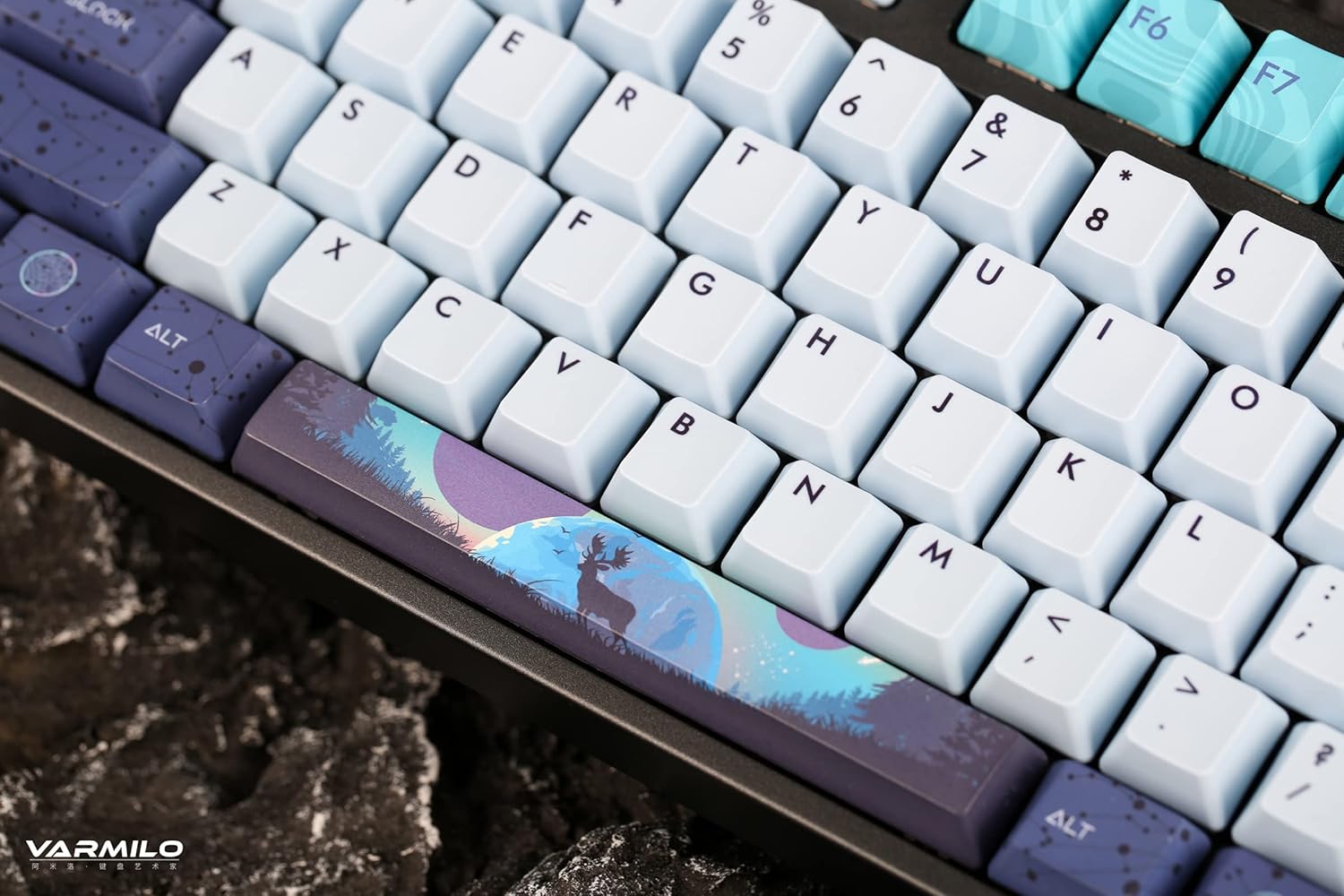
Obraz: szczegółowy view of the keyboard's keycaps, including a custom-designed spacebar, highlighting the thick Dye Sub PBT keycaps.
5. Konserwacja
Proper maintenance ensures the longevity and performance of your Varmilo keyboard.
- Czyszczenie: Use a soft brush or compressed air to remove dust and debris from between the keycaps. For stubborn dirt, gently wipe the keycaps with a damp szmatką i łagodnym roztworem mydła, uważając, aby żaden płyn nie dostał się do klawiatury.
- Demontaż nasadki klawisza: If you need to clean under the keycaps or replace them, use a keycap puller. Gently pull the keycap straight up to avoid damaging the switch. The keyboard features durable Dye Sub PBT keycaps.
- Składowanie: Jeśli klawiatura nie będzie używana przez dłuższy czas, należy ją przechowywać w suchym i wolnym od kurzu miejscu.
- Unikaj płynów: Do not expose the keyboard to liquids. Spills can cause permanent damage.
6. Rozwiązywanie Problemów
| Problem | Możliwa przyczyna | Rozwiązanie |
|---|---|---|
| Klawiatura nie reaguje (przewodowa) | Loose USB-C cable connection; faulty USB port; incorrect mode. |
|
| Klawiatura nie odpowiada (Bluetooth) | Not paired; out of range; low battery; incorrect Bluetooth channel selected. |
|
| Podświetlenie nie działa | Backlight turned off; brightness set to minimum; low battery. |
|
| Klawisze nie są rejestrowane lub wpisywane podwójnie | Dust/debris under keycap; switch malfunction; software issue. |
|
7. Specyfikacje
| Funkcja | Szczegół |
|---|---|
| Marka | Warmilo |
| Model | VA Series V2 Aurora |
| Typ klawiatury | Mechaniczny |
| Typ przełącznika | Kailh Prestige Red |
| Łączność | USB-C (Wired), Bluetooth (Wireless) |
| Urządzenia bezprzewodowe | Connects up to 3 devices wirelessly |
| Klawisze | Thick Dye Sub PBT |
| Podświetlenie | White LED, North-facing |
| Układ | Full-size (104 + 4 keys) |
| Kompatybilne urządzenia | Laptop, PC, smartfon, tablet |
| Cechy specjalne | Dwójkatage height adjustable feet, Sound-proof silicone pads, Cable grooves |
| Tworzywo | Silicone (internal sound damp(zakończenie) |
8. Gwarancja i wsparcie
Varmilo products are designed for quality and durability. For warranty information, technical support, or service inquiries, please refer to the official Varmilo webstronie internetowej lub skontaktuj się ze sprzedawcą.
You can visit the official Varmilo Store for more information: Sklep Varmilo na Amazonie.