
DOOGEE U9KIDS
Instrukcja obsługi tabletu DOOGEE U9 Kid
Model: U9KIDS
1. Wprowadzenie
Welcome to the DOOGEE U9 Kid Tablet user manual. This guide provides comprehensive instructions for setting up, operating, maintaining, and troubleshooting your new tablet. The DOOGEE U9 is a 10-inch HD tablet designed specifically for children aged 3-7, featuring Android 13, robust memory and storage, a long-lasting battery, and eye protection technology to ensure a safe and engaging digital experience.

Image 1.1: The DOOGEE U9 Kid Tablet, showcasing its protective pink case with a bunny-shaped stand and a colorful display.
2. Informacje dotyczące bezpieczeństwa
Please read all safety instructions carefully before using the tablet to ensure safe and proper operation. Keep this manual for future reference.
- Ryzyko zadławienia: Keep small parts away from young children. The tablet case and stand are designed for child safety, but supervision is always recommended.
- Bezpieczeństwo baterii: Do not attempt to replace the battery yourself. Use only the original charger and cable provided. Do not expose the tablet to extreme temperatures or direct sunlight.
- Pielęgnacja ekranu: The screen is fragile. Avoid dropping the tablet or placing heavy objects on it. Use a soft, lint-free cloth for cleaning.
- Narażenie na działanie wody: This tablet is not waterproof. Avoid exposure to water or other liquids.
- Ochrona oczu: The tablet features TÜV SÜD Blue Light Certification for eye protection. Encourage children to take regular breaks from screen time.
- Wentylacja: Ensure proper ventilation when using the tablet. Do not cover the tablet with blankets or pillows, especially during charging or heavy use.
3. Zawartość opakowania
Sprawdź, czy w opakowaniu znajdują się wszystkie elementy:
- DOOGEE U9 Kid Tablet (with pre-installed protective case)
- Kabel ładujący USB-C
- Zasilacz
- Instrukcja obsługi (ten dokument)
- Karta gwarancyjna (jeśli dotyczy)
4. Koniec produktuview
4.1. Cechy fizyczne i komponenty
The DOOGEE U9 Kid Tablet is designed with durability and child-friendliness in mind. It features a robust protective case and intuitive controls.
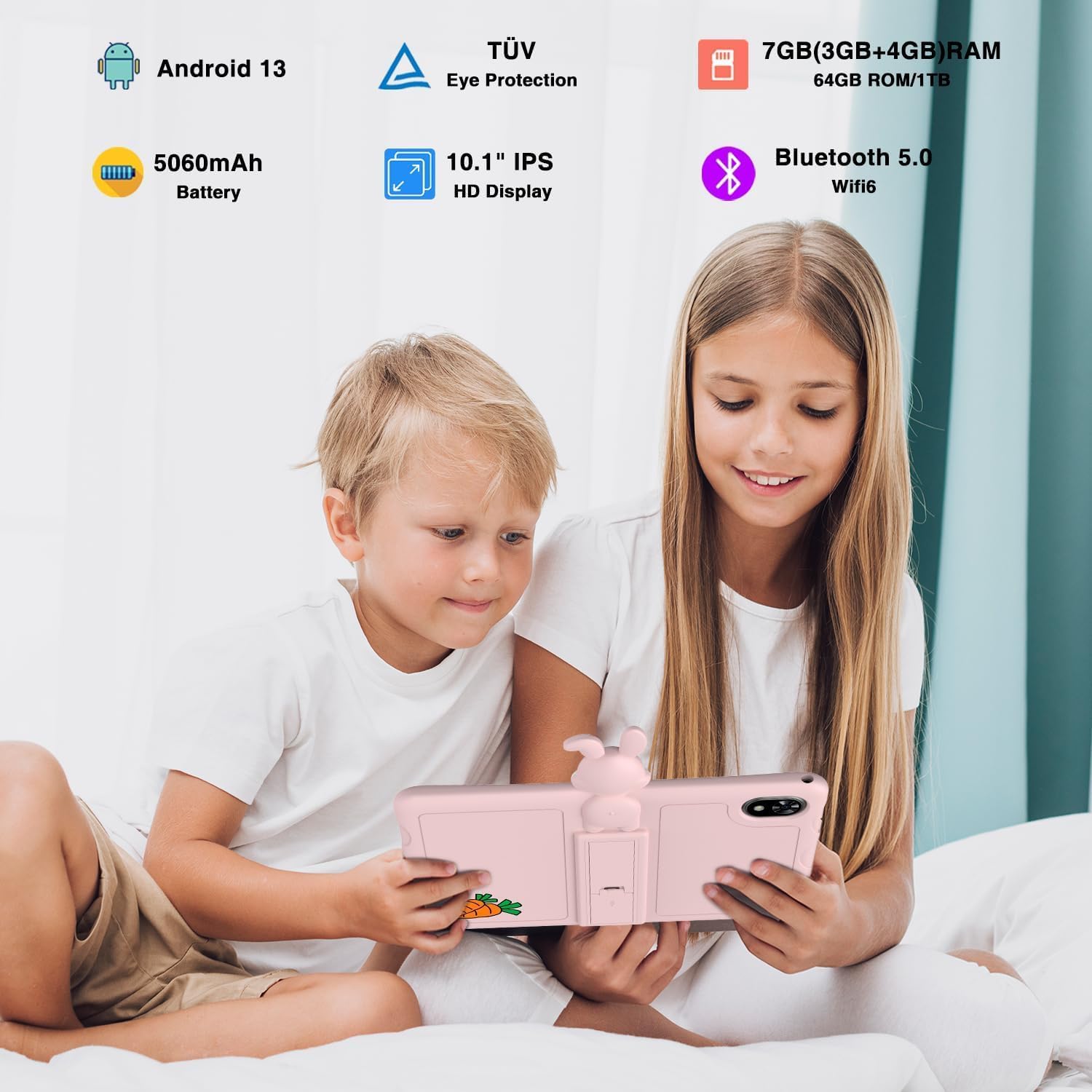
Image 4.1: Children enjoying the DOOGEE U9 Kid Tablet, illustrating its key features.
- Wyświetlacz: 10.1-inch HD IPS screen, optimized for comfortable viewing with TÜV SÜD Blue Light Certification.
- Kamery: Equipped with dual cameras (5MP rear, 2MP front) for capturing photos and video calls.
- Porty: Includes a USB-C port for charging and data transfer, and a 3.5mm headphone jack.
- Sterownica: Power button and volume rocker located on the side for easy access.
- Etui ochronne: Comes with a durable, child-friendly silicone case with an integrated kickstand for hands-free viewing.
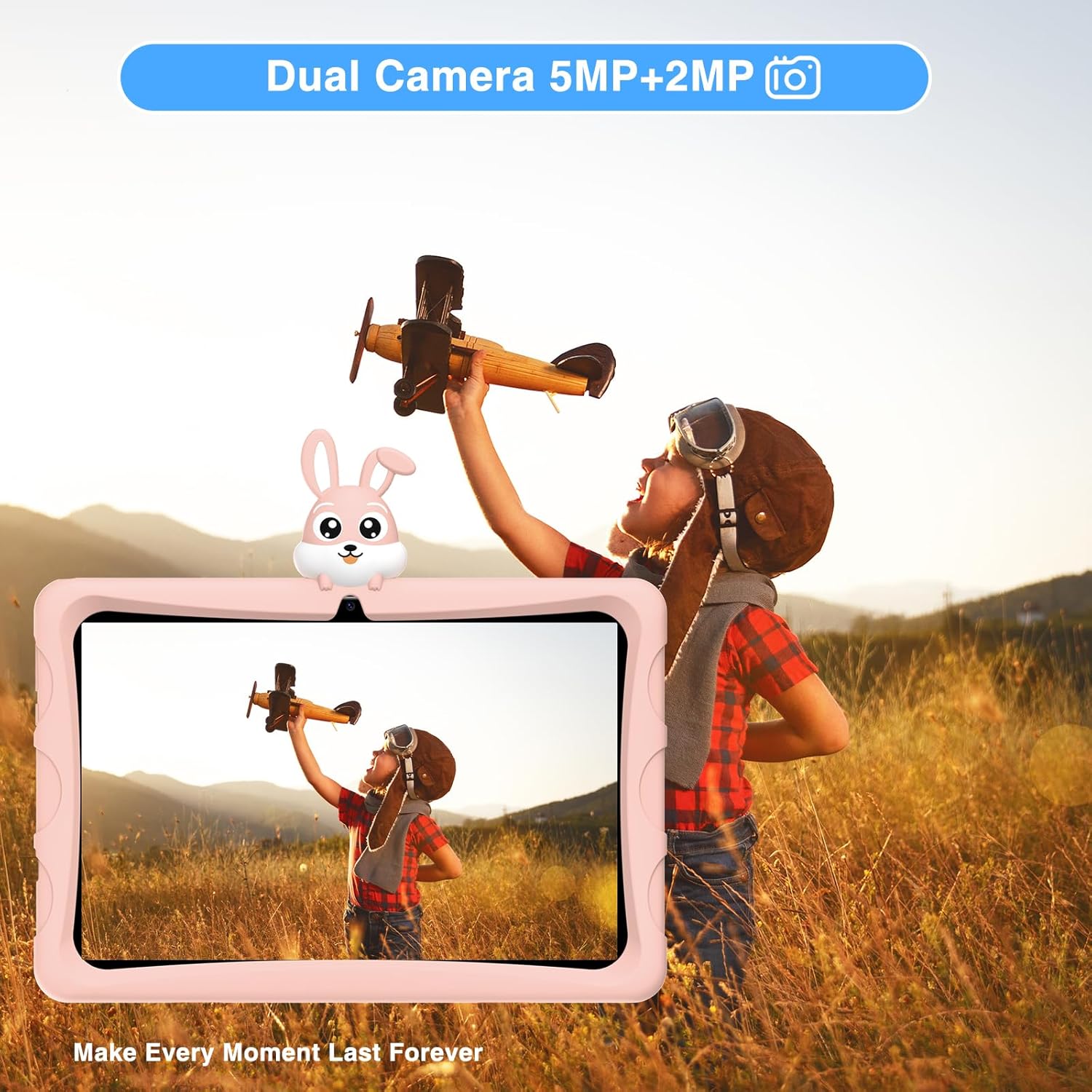
Image 4.2: The tablet's dual camera system, suitable for capturing memories.

Image 4.3: Highlighting the tablet's 10.1-inch IPS HD display for clear visuals.

Image 4.4: The tablet's eye protection features, certified by TÜV Rheinland.
4.2. Film o produkcieview
Watch this official product video for a visual guide to the DOOGEE U9 Kid Tablet's features and design.
Wideo 4.1: Oficjalny film prezentujący produktasing the features and design of the DOOGEE U9 Kid Tablet, including its protective case, display, and educational content.
5. Konfiguracja
5.1. Ładowanie początkowe
Before first use, fully charge the tablet. Connect the USB-C cable to the tablet's charging port and the other end to the power adapter. Plug the adapter into a wall outlet. The charging indicator will show the charging status. The tablet features a 5060mAh battery for extended use.
5.2. Włączanie i konfiguracja początkowa
- Naciśnij i przytrzymaj Przycisk zasilania aż pojawi się logo DOOGEE.
- Postępuj zgodnie z instrukcjami wyświetlanymi na ekranie, aby wybrać swój język, połączyć się z siecią Wi-Fi i skonfigurować konto Google.
- Configure parental controls and child profiles as desired. The tablet runs on Android 13, offering enhanced privacy and user management features.

Image 5.1: The tablet runs on the latest Android 13, providing a secure and user-friendly experience.
6. Obsługa tabletu
6.1. Nawigacja w systemie Android 13
The DOOGEE U9 operates on Android 13, offering an intuitive interface. Swipe down from the top for quick settings and notifications. Use gestures or the navigation bar for home, back, and recent apps.
6.2. Kids' Learning and Entertainment
The tablet comes pre-loaded with a variety of educational and entertainment applications suitable for children. These apps are designed to be engaging and promote learning.

Image 6.1: The tablet features a curated selection of apps tailored for children's learning and play.

Image 6.2: A wide range of free learning applications are available for children.
6.3. Media Consumption with Widevine L1
The DOOGEE U9 supports Widevine L1, allowing for high-definition streaming from popular platforms like Disney+, Hulu, Amazon Prime Video, HBO Max, and YouTube Kids. This ensures a premium viewing experience for your child's favorite content.
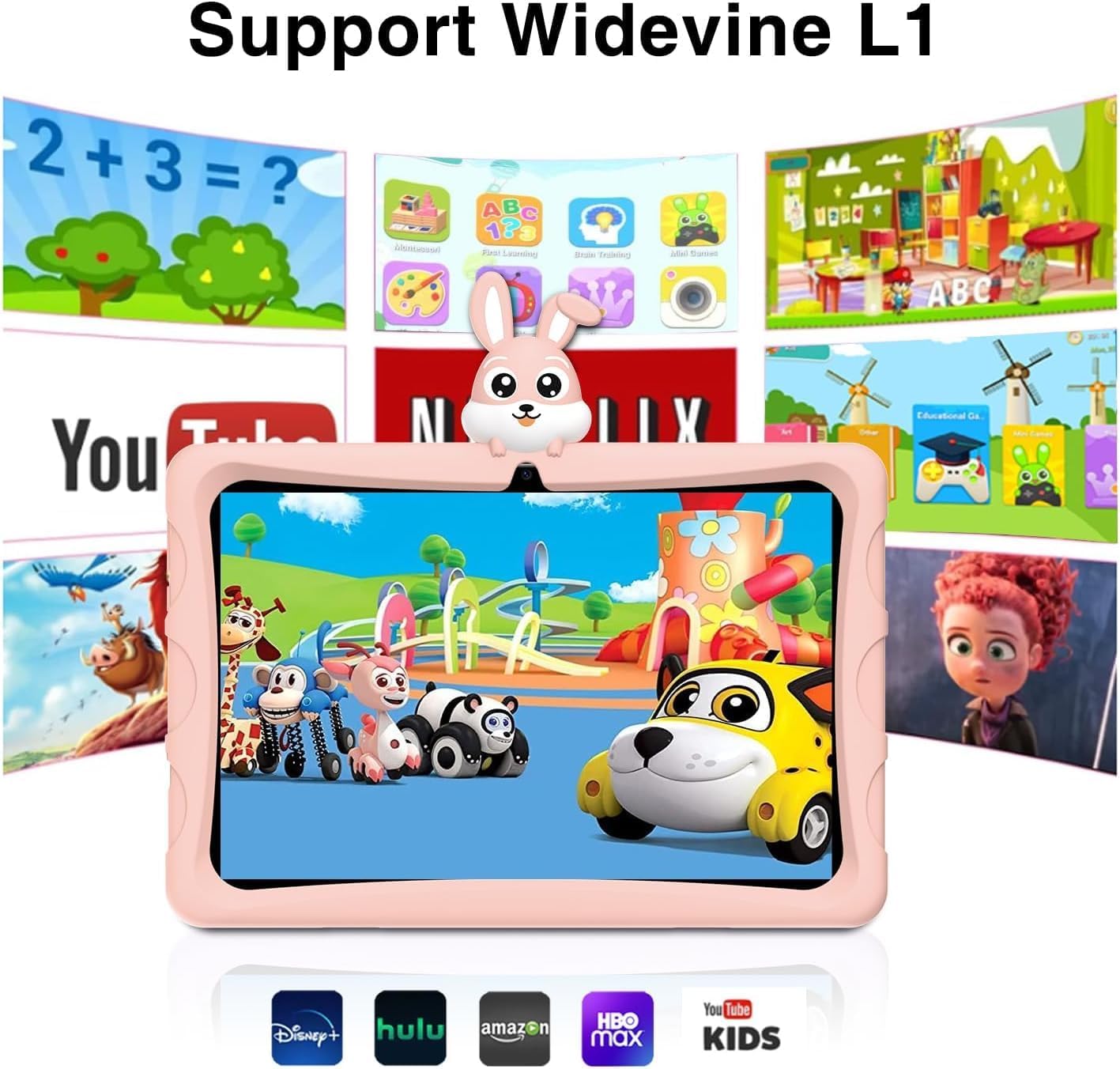
Image 6.3: Widevine L1 support enables high-quality streaming from popular services.

Image 6.4: Enjoy high-definition content with Widevine L1 certification.
7. Konserwacja
Proper maintenance ensures the longevity and optimal performance of your DOOGEE U9 Kid Tablet.
- Czyszczenie: Use a soft, dry, lint-free cloth to clean the screen and tablet body. For stubborn smudges, slightly dampPrzetrzyj szmatkę wodą. Unikaj stosowania silnych środków chemicznych i materiałów ściernych.
- Składowanie: Przechowywać tablet w chłodnym, suchym miejscu, z dala od bezpośredniego światła słonecznego i ekstremalnych temperatur.
- Pielęgnacja baterii: Aby przedłużyć żywotność baterii, unikaj częstego całkowitego rozładowywania tabletu. Ładuj go regularnie, ale nie pozostawiaj podłączonego do zasilania przez dłuższy czas po pełnym naładowaniu.
- Aktualizacje oprogramowania: Okresowo sprawdzaj dostępność aktualizacji systemu w ustawieniach tabletu, aby mieć pewność, że posiadasz najnowsze funkcje i poprawki zabezpieczeń.
8. Rozwiązywanie Problemów
If you encounter issues with your DOOGEE U9 Kid Tablet, refer to the following common problems and solutions:
| Problem | Możliwa przyczyna | Rozwiązanie |
|---|---|---|
| Tablet się nie włącza | Niski poziom baterii; Awaria systemu | Ładuj tablet przez co najmniej 30 minut. Jeśli nadal nie reaguje, naciśnij i przytrzymaj przycisk zasilania przez 10–15 sekund, aby wymusić ponowne uruchomienie. |
| Niska wydajność | Zbyt wiele uruchomionych aplikacji; Mało pamięci; Nieaktualne oprogramowanie | Close unused apps. Clear cache. Uninstall unnecessary apps. Check for system updates. |
| Problemy z połączeniem Wi-Fi | Nieprawidłowe hasło; Problem z routerem; Wyłączona sieć Wi-Fi w tablecie | Ensure Wi-Fi is enabled and password is correct. Restart your Wi-Fi router. Forget and reconnect to the network on the tablet. |
| Aplikacje ulegają awarii lub zawieszają się | App specific bug; Insufficient RAM | Force close the app and reopen. Clear the app's cache and data in settings. Update the app. If persistent, consider uninstalling and reinstalling. |
9. Specyfikacje
Detailed technical specifications for the DOOGEE U9 Kid Tablet:
| Funkcja | Specyfikacja |
|---|---|
| Numer modelu | U9KIDS |
| Rozmiar wyświetlacza | 10.1 cali |
| System operacyjny | Android 13 |
| Pamięć (RAM) | 7GB (3GB+4GB virtual) |
| Pamięć masowa (ROM) | 64 GB (możliwość rozszerzenia do 1 TB za pomocą karty TF) |
| Edytor | Quad Core (Integrated GPU within RK3562 Processor) |
| Pojemność baterii | 5060mAh litowo-polimerowa (w zestawie) |
| Łączność bezprzewodowa | Wi-Fi 6 (802.11ax), Bluetooth 5.0 |
| Kamery | Dual Camera (5MP Rear, 2MP Front) |
| Wymiary (dł. x szer. x wys.) | 24.53 x 16.33 x 0.99 cala |
| Waga przedmiotu | 2.9 funta |
| Cechy specjalne | TÜV SÜD Blue Light Certification, Widevine L1 Support, OTG |
| Zakres wiekowy (opis) | Dziecko |

Image 9.1: The tablet's memory and storage capabilities for smooth performance.
10. Gwarancja i wsparcie
DOOGEE products are covered by a limited warranty. Please refer to the warranty card included in your package for specific terms and conditions. For technical support, product inquiries, or warranty claims, please contact DOOGEE customer service through their official webwitrynę lub sprzedawcę, u którego dokonałeś zakupu produktu.
For more information, visit the official DOOGEE store: Sklep DOOGEE na Amazon.
Ask a question about this manual
Ask about setup, troubleshooting, compatibility, parts, safety, or missing instructions. Manuals+ will review the question and use this page’s manual context to help answer it.