
Wstęp
This manual provides instructions for the ADATA SC610 External Solid State Drive. Please read this manual thoroughly before using the device to ensure proper operation and to maximize its lifespan.
Zawartość opakowania
- ADATA SC610 External SSD
Produkt ponadview
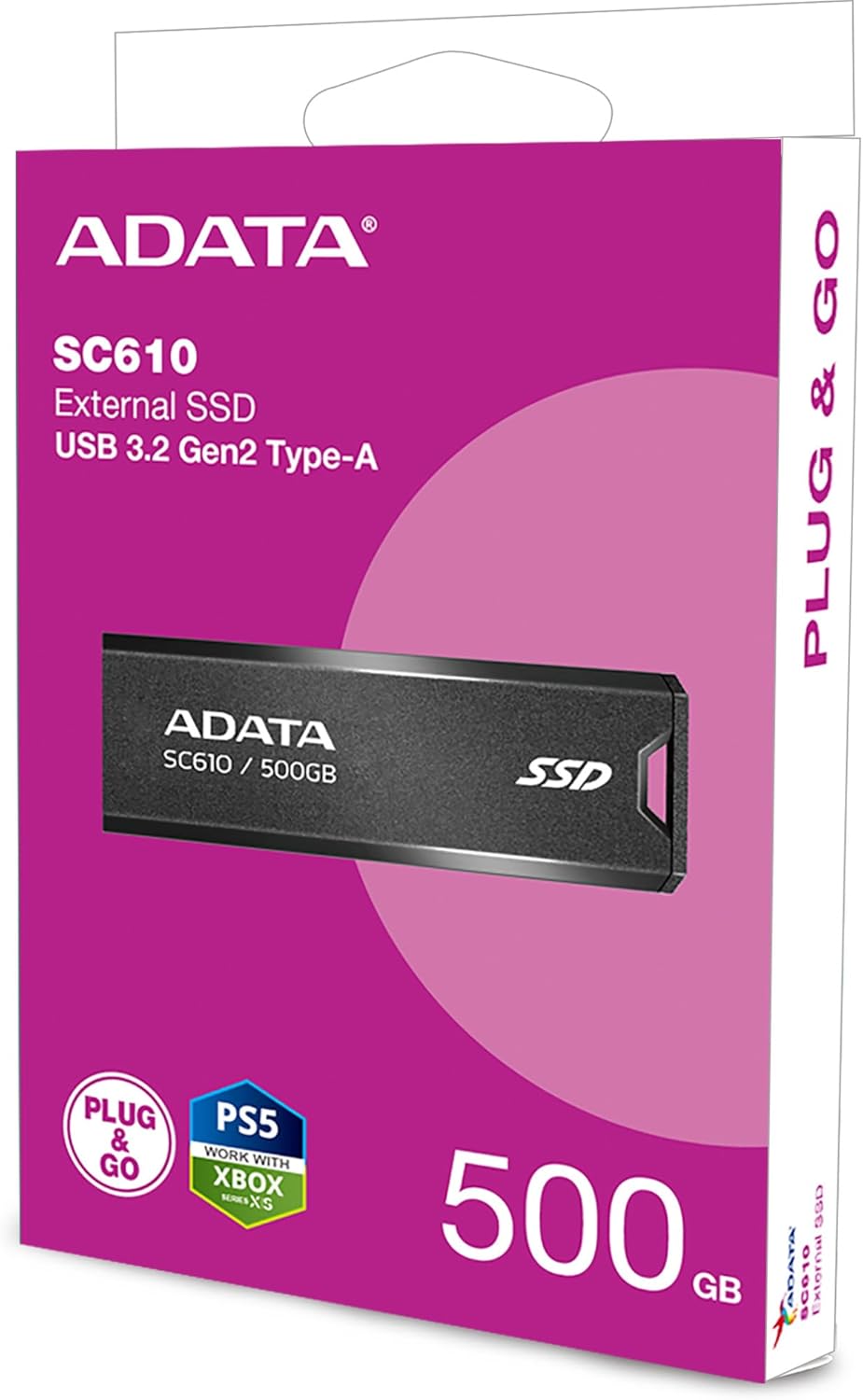
The ADATA SC610 is a compact and portable external solid state drive designed for high-speed data transfer. It features a capless push-out USB connector for convenience.

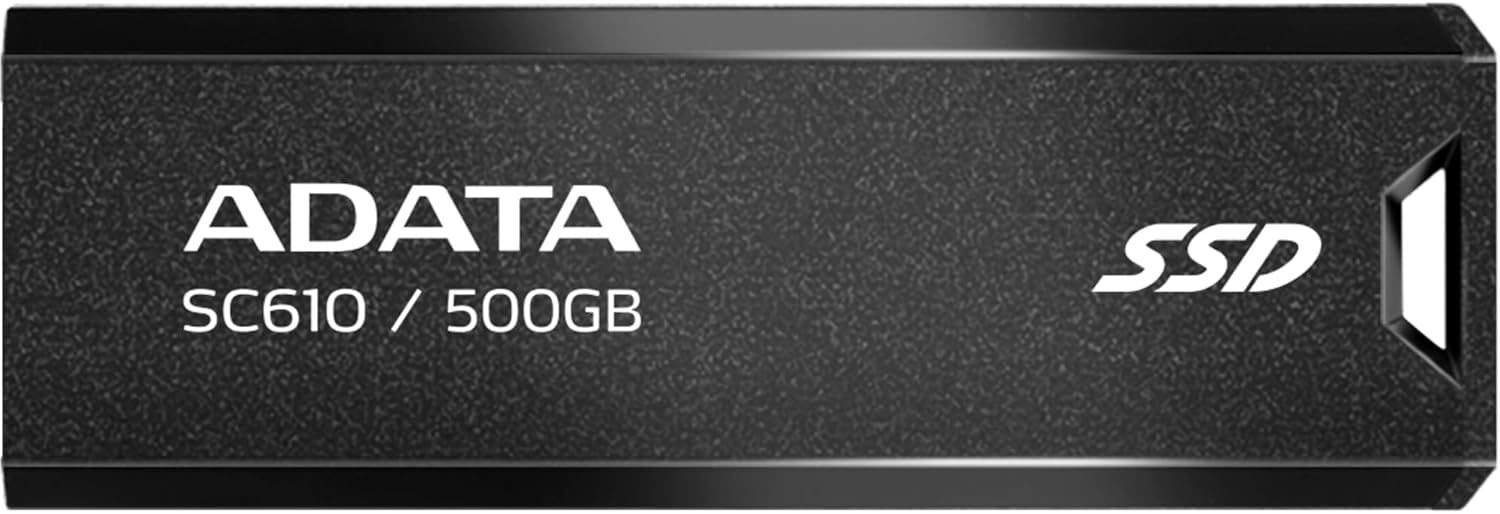
Przód view of the ADATA SC610 External SSD, showing the ADATA logo, SC610 / 500GB model designation, and SSD branding.

Szczyt view of the ADATA SC610 External SSD, illustrating the push-out mechanism for the USB connector.
Organizować coś
Podłączanie dysku SSD
- Znajdź dostępny port USB-A w komputerze lub kompatybilnym urządzeniu.
- Gently push the slider on the ADATA SC610 to extend the USB connector.
The ADATA SC610 External SSD with its USB-A connector fully extended, ready for connection.
- Insert the USB connector into the USB-A port.
- The device will be automatically detected by most operating systems.
Initial Use and Formatting
For Windows users, the drive should appear as a removable storage device. For macOS or Linux, it may require initial formatting depending on your intended use. Refer to your operating system's documentation for disk management and formatting procedures.
Operating the ADATA SC610
Przenoszenie Files
Once connected, the ADATA SC610 functions like any other external storage device. You can drag and drop files, copy and paste, or use backup software to transfer data to and from the SSD.
The device supports USB 3.2 Gen 2, offering read speeds up to 550MB/s and write speeds up to 500MB/s for fast data transfers. Ensure your host device also supports USB 3.2 Gen 2 for optimal performance.
Using with Gaming Consoles
The SC610 is compatible with many gaming consoles, including PlayStation 5 and Xbox Series X|S, for storing games. Consult your console's manual for specific instructions on connecting and utilizing external storage for games.
ADATA SC610 External SSDs connected to an Xbox console, demonstrating their use as external game storage.
Bezpieczne usuwanie
Always safely eject the ADATA SC610 from your operating system before physically disconnecting it to prevent data corruption. For Windows, use the "Safely Remove Hardware" icon in the system tray. For macOS, drag the drive icon to the Trash or use the Eject option.
Konserwacja
- Keep the SSD clean and free from dust. Use a soft, dry cloth for cleaning.
- Unikaj wystawiania urządzenia na działanie ekstremalnych temperatur, bezpośredniego światła słonecznego lub wysokiej wilgotności.
- Do not drop or subject the SSD to strong impacts.
- Ensure the USB connector is fully retracted when not in use to protect it from damage.
Rozwiązywanie problemów
Urządzenie nie zostało wykryte
- Ensure the USB connector is fully extended and securely plugged into the USB port.
- Wypróbuj inny port USB na swoim komputerze.
- Test the SSD on another computer to rule out a port issue.
- Check your computer's Disk Management (Windows) or Disk Utility (macOS) to see if the drive is recognized but unformatted.
Niska prędkość transferu
- Verify that you are using a USB 3.2 Gen 2 compatible port on your host device. Older USB 2.0 or 3.0 ports will result in lower speeds.
- Upewnij się, że sterowniki Twojego komputera są aktualne.
- Unikaj przenoszenia wielu małych filejednocześnie, ponieważ może to zmniejszyć ogólną prędkość transferu w porównaniu z dużymi files.
Data Corruption
- Always safely eject the device before disconnecting it.
- Unikaj przerywania file przelewy.
- Run a disk check utility on the drive if you suspect corruption.
Specyfikacje
| Funkcja | Szczegół |
|---|---|
| Model | SC610 |
| Pojemność | 500 GB |
| Interfejs | USB 3.2 Gen 2 (USB-A) |
| Prędkość odczytu | Do 550 MB/s |
| Prędkość zapisu | Do 500 MB/s |
| Wymiary (dł. x szer. x wys.) | 0.93 x 2.65 x 0.4 cala |
| Waga | 0.459 uncji |
| Technologia łączności | USB |
| Kompatybilne urządzenia | Konsola do gier |
Gwarancja i wsparcie
ADATA products are covered by a limited warranty. For detailed warranty information, technical support, and service inquiries, please visit the official ADATA webodwiedź witrynę lub skontaktuj się z działem obsługi klienta.
Official ADATA Webstrona: www.adata.com


