
1. Wprowadzenie
Thank you for choosing JOYWISE Bluetooth Headphones. These wireless earbuds are designed for an active lifestyle, offering a comfortable and secure fit, long-lasting battery life, and high-fidelity audio. With IPX7 waterproofing and Bluetooth 5.3 technology, they are ideal for sports, running, and workouts.
This manual provides detailed instructions on how to set up, operate, and maintain your headphones to ensure optimal performance and longevity.
2. Co znajduje się w pudełku
Upon unboxing your JOYWISE U18C headphones, please verify that all the following components are included:
- Wireless Headphones (JOYWISE U18C)
- Kabel ładujący USB-C
- Instrukcja obsługi
- Eartips (3 pairs: S, M, L)
- Torba transportowa
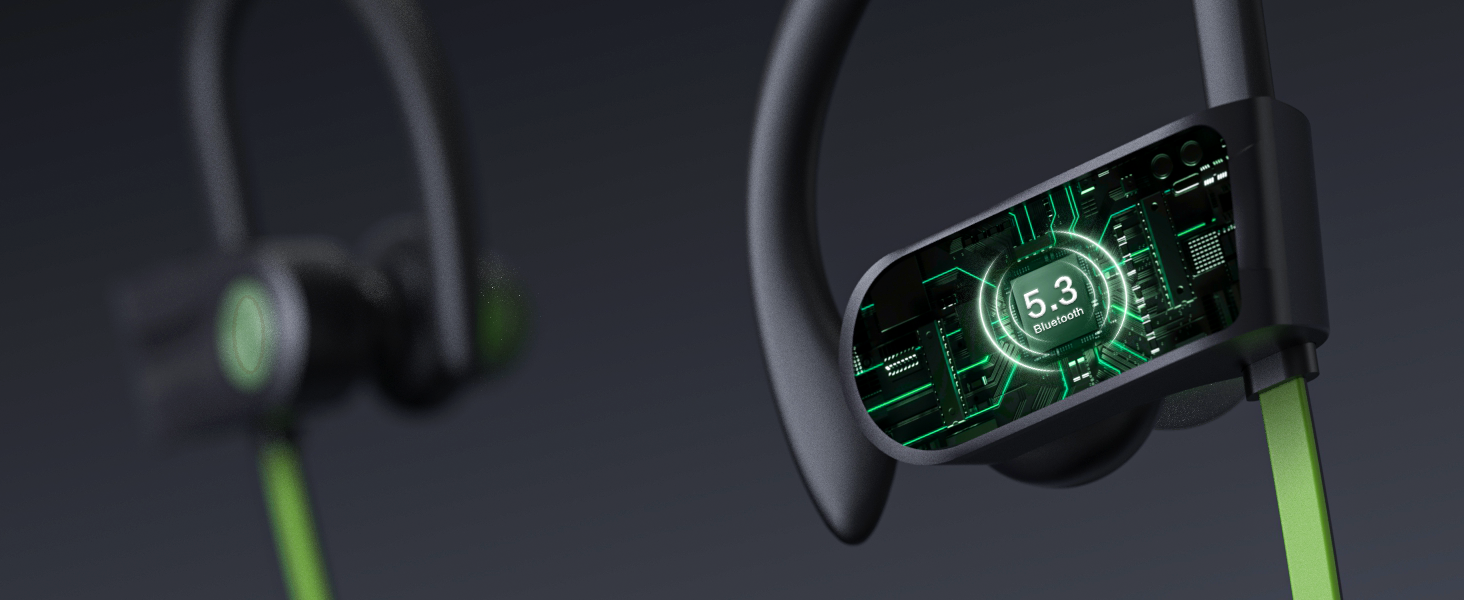
Figure 2.1: Included components of the JOYWISE U18C package.
3. Koniec produktuview
The JOYWISE U18C headphones feature an ergonomic design with ear hooks for a secure fit, a durable neckband, and intuitive controls for a seamless audio experience.

Figure 3.1: JOYWISE U18C Bluetooth Headphones and carrying case.
3.1 Główne cechy
- Comfortable Fit and Durability: Ergonomic design with adjustable ear hooks and an upgraded durable neck lanyard for secure wear during intense activities.
- Long-lasting 16-hour Play Life: Enjoy extended music playback and call time without frequent recharging.
- Premium High-Fidelity Music & Clear Calls: Advanced audio technology for immersive sound and clear communication.
- Bluetooth 5.3 & Hassle-Free Button Controls: Stable wireless connection and easy management of audio and calls.
- Stopień wodoodporności IPX7: Designed to withstand sweat and splashes, suitable for various workout conditions.
- AI Tailored Tunes with Boean APP: Enhance your music experience with the exclusive AI-driven Boean app for personalized compositions.

Rysunek 3.2: Koniecview kluczowych cech.
3.2 Elementy sterujące i wskaźniki
The headphones feature intuitive button controls for easy operation:
- Przycisk MFB (przycisk wielofunkcyjny): Włączanie/wyłączanie, odtwarzanie/pauza, odbieranie/kończenie połączeń.
- Przycisk „+”: Zwiększ głośność, Następny utwór.
- "-" Przycisk: Zmniejszenie głośności, poprzedni utwór.
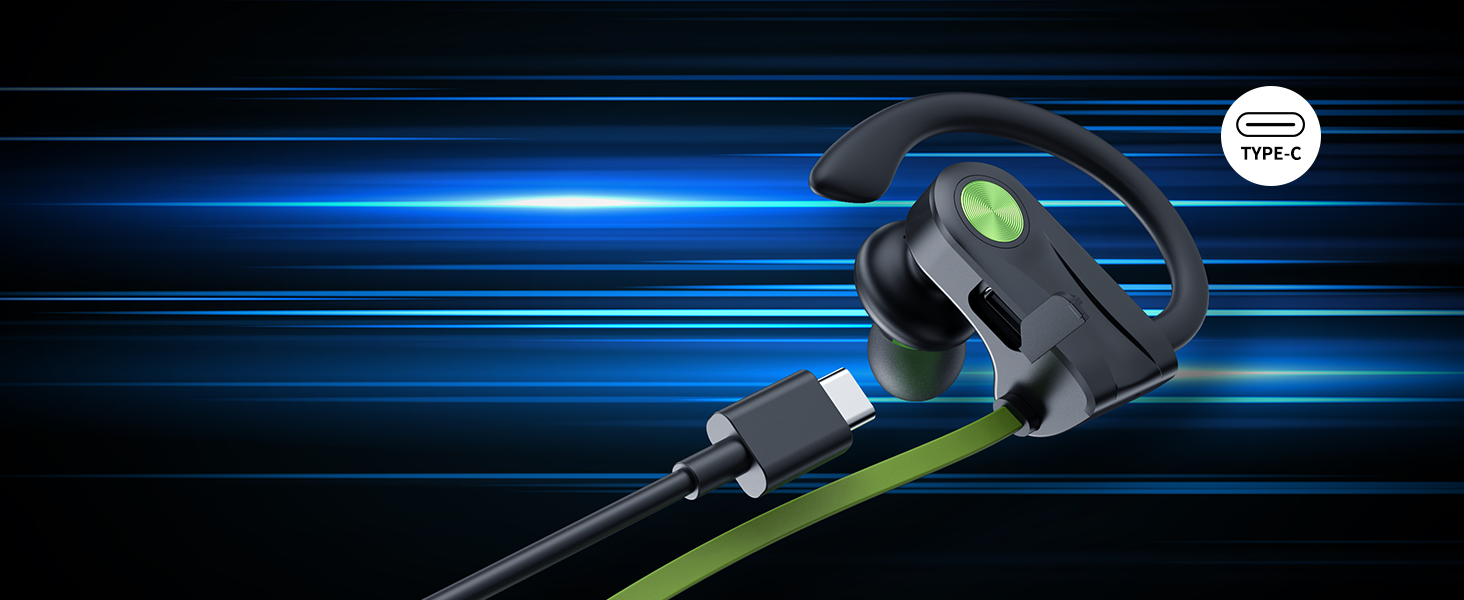
Figure 3.3: Button controls layout.
4. Konfiguracja
4.1 Ładowanie słuchawek
Before first use, fully charge your JOYWISE U18C headphones. Use the provided USB-C charging cable.
- Podłącz koniec kabla USB-C do portu ładowania w słuchawkach.
- Connect the USB-A end to a compatible USB power source (e.g., computer USB port, wall adapter).
- The LED indicator on the headphones will show charging status (refer to specific light patterns in the quick start guide if available).
- A full charge provides up to 16 hours of continuous music playback.

Rysunek 4.1: Informacje o czasie pracy baterii i ładowaniu.
4.2 parowanie Bluetooth
Pair your headphones with your Bluetooth-enabled device (smartphone, tablet, laptop) for the first time.
- Sprawdź, czy słuchawki są w pełni naładowane i wyłączone.
- Press and hold the MFB button until the LED indicator flashes blue and red alternately, indicating pairing mode.
- Włącz na swoim urządzeniu Bluetooth i wyszukaj dostępne urządzenia.
- Select "JOYWISE U18C" (or similar name) from the list of found devices.
- Po nawiązaniu połączenia dioda LED zazwyczaj będzie świecić ciągłym niebieskim światłem lub będzie powoli migać na niebiesko.
Note: The headphones do not currently support direct connection with smartwatches. This is a common limitation across many headphone brands.

Rysunek 4.2: Technologia Bluetooth 5.3 zapewniająca stabilne połączenie.
5. Instrukcja obsługi
5.1 Włączanie/wyłączanie zasilania
- Włączanie: Press and hold the MFB button for approximately 3 seconds until the LED indicator flashes blue.
- Wyłączone: Press and hold the MFB button for approximately 5 seconds until the LED indicator flashes red and then turns off.
5.2 Odtwarzanie muzyki
- Odtwórz/Pauza: Krótko naciśnij przycisk MFB.
- Następny utwór: Naciśnij i przytrzymaj przycisk „+”.
- Poprzedni utwór: Naciśnij i przytrzymaj przycisk „-”.
- Zwiększenie głośności: Naciśnij krótko przycisk „+”.
- Ściszanie: Naciśnij krótko przycisk "-".
5.3 Rozmowy telefoniczne
- Odbieranie/kończenie połączeń: Krótko naciśnij przycisk MFB.
- Odrzuć połączenie: Naciśnij długo przycisk MFB.
- Aktywuj asystenta głosowego: Naciśnij dwukrotnie przycisk MFB.

Rysunek 5.1: Wbudowany mikrofon zapewniający wyraźne rozmowy.
5.4 Boean App Integration
Enhance your audio experience by connecting your JOYWISE U18C headphones with the exclusive AI-driven Boean app. The app allows you to:
- Experiment with diverse genres, beats, and tones.
- Generate personalized compositions based on your interactions.
- Access convenient modes for music creation.
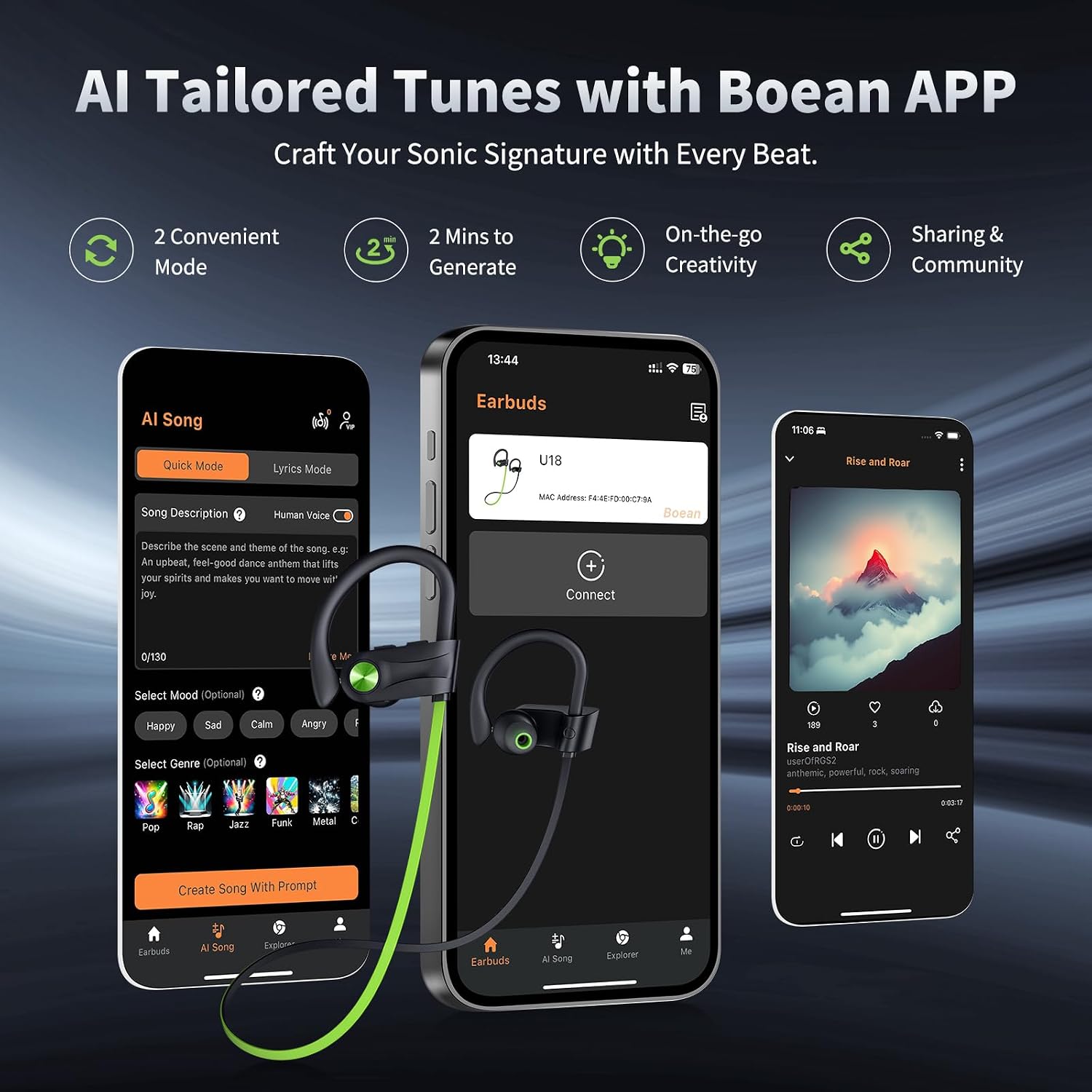
Figure 5.2: Boean App interface for tailored tunes.
6. Konserwacja
6.1 Czyszczenie i pielęgnacja
- Regularly clean the eartips and ear hooks with a soft, dry cloth.
- For deeper cleaning, remove the eartips and wash them with mild soap and water. Ensure they are completely dry before reattaching.
- Avoid using abrasive cleaners or solvents, as they may damage the headphones.
6.2 Wodoodporność (IPX7)
The JOYWISE U18C headphones are rated IPX7 waterproof, meaning they can withstand submersion in up to 1 meter of water for 30 minutes. This makes them resistant to sweat and rain during workouts.
- While IPX7 rated, it is niezalecane for swimming or prolonged submersion.
- Ensure the charging port cover is securely closed before exposure to water.
- If the headphones get wet, wipe them dry thoroughly before charging or storing.

Figure 6.1: IPX7 Waterproof Rating for exercise and outdoor activities.
6.3 Przechowywanie
When not in use, store your headphones in the provided carrying bag to protect them from dust, scratches, and damage.
7. Rozwiązywanie Problemów
| Problem | Możliwa przyczyna | Rozwiązanie |
|---|---|---|
| Słuchawki nie włączają się. | Niski poziom naładowania baterii. | Naładuj słuchawki w pełni, korzystając z dołączonego kabla USB-C. |
| Nie można sparować z urządzeniem. | Słuchawki nie są w trybie parowania; Bluetooth w urządzeniu jest wyłączony; urządzenie znajduje się za daleko. | Ensure headphones are in pairing mode (flashing red/blue). Turn on Bluetooth on your device. Keep devices within 10 meters. |
| Brak dźwięku lub słaba jakość dźwięku. | Volume too low; improper fit; device not connected. | Increase volume on headphones and device. Adjust eartips for a snug fit. Re-pair the headphones. |
| Słuchawki często się rozłączają. | Poza zasięgiem, zakłócenia, słaba bateria. | Stay within Bluetooth range. Avoid strong electromagnetic interference. Charge headphones. |
7.1 Oficjalny film o produkcie
Watch this official video from the seller for a demonstration of the headphones' suitability for running and active use.
Video: Are these headphones suitable for running? (Source: Gofong, Seller)
8. Specyfikacje
| Funkcja | Szczegół |
|---|---|
| Nazwa modelu | U18C |
| Technologia łączności | Bezprzewodowa (Bluetooth 5.3) |
| Poziom wodoodporności | Wodoodporność IPX7 |
| Żywotność baterii | 16 godzin (czas odtwarzania) |
| Zakres częstotliwości | 20 Hz - 20 000 Hz |
| Zasięg Bluetooth | 10 metrów |
| Umieszczenie ucha | Douszne (z zaczepami na uszy) |
| Typ sterowania | Button, Touch (Media Control) |
| Tworzywo | Plastikowy |
| Waga przedmiotu | 3.52 uncji |
| Zalecane zastosowania | Bieganie, Ćwiczenia |
9. Gwarancja i wsparcie
JOYWISE products are designed for reliability and performance. Your JOYWISE U18C headphones come with a 1-letnia gwarancja od daty zakupu, obejmując wady produkcyjne.
- For warranty claims or technical support, please contact JOYWISE customer service through the retailer where you purchased the product or visit the official JOYWISE webstrona.
- Zachowaj dowód zakupu w celu potwierdzenia gwarancji.

Figure 9.1: JOYWISE Brand Logo.