
1. Wprowadzenie
This manual provides essential information for the proper setup, operation, and maintenance of your Sanpyl 22in HD Digital Photo Frame. Please read this manual thoroughly before using the device to ensure optimal performance and longevity.
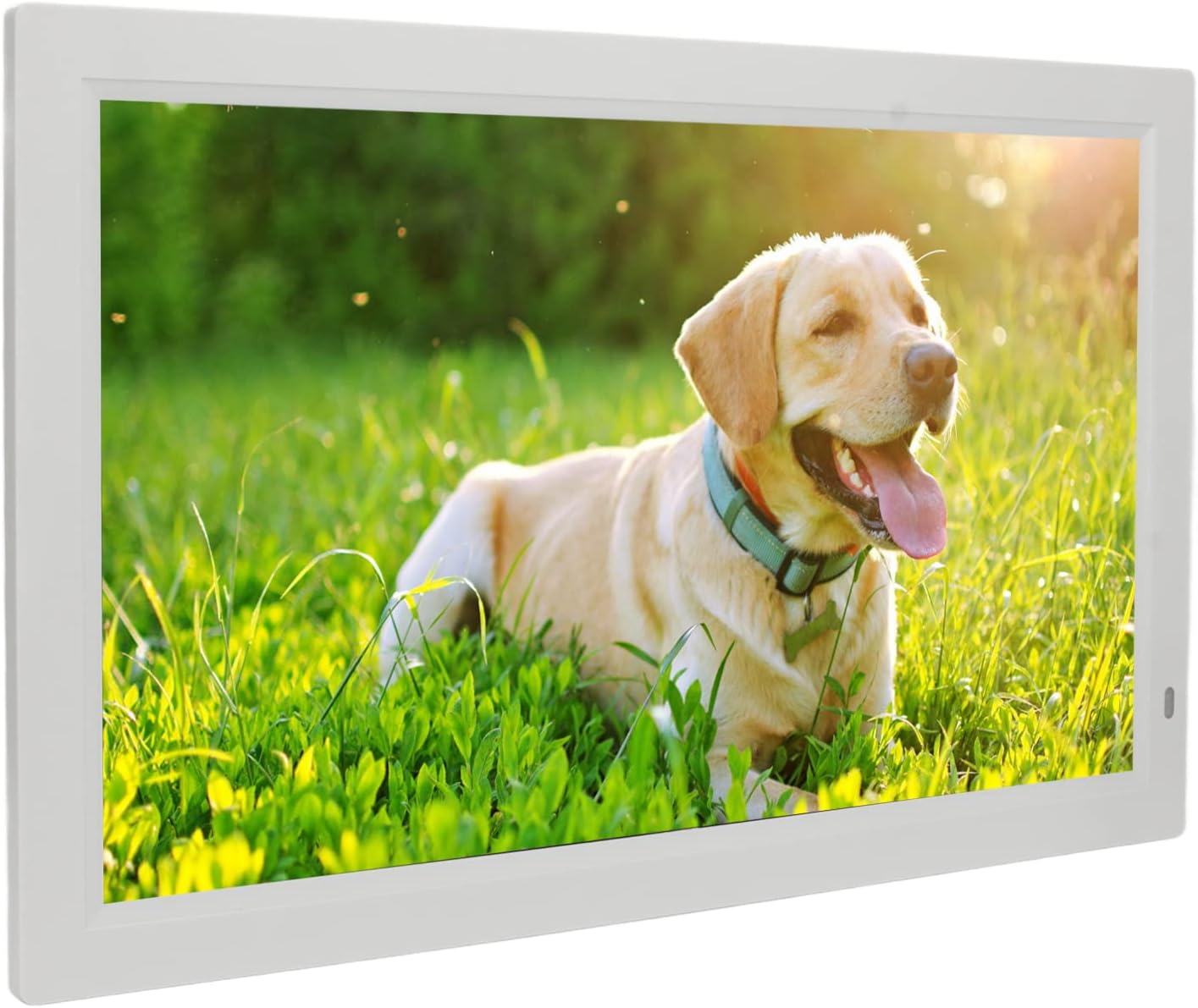
Image 1.1: The Sanpyl 22in HD Digital Photo Frame in use, displaying a vibrant image of a dog in a grassy field, with a remote control in hand.
2. Funkcje
- Obraz preview and Slideshow: Easily find specific photos with image preview. Set various slide effects, speeds, repeat modes, and breakpoint playback for videos.
- Inteligentny pilot zdalnego sterowania: Standard infrared remote for one-button control of pictures, videos, and music. Designed for ease of use.
- 22 Inch Large Screen: Adjustable brightness LED digital screen (16:10 aspect ratio) for excellent visuals and fine color reproduction.
- Wiele funkcji: Includes clock, calendar, alarm clock, timing switch, scrolling subtitles, and automatic copy. Built-in stereo audio output for dynamic auditory experience and background music for photos.
- Potężna funkcja przechowywania: Supports external Storage cards (1G-16G), Multi Media Cards (not included), and USB flash disks (not included) for playing photos, music, and movies.
3. Zawartość opakowania
Proszę zaznaczyć pole dotyczące następujących elementów:
- 1 x Digital Photo Frame
- 1 x uchwyt
- 1 x kabel zasilający (wtyczka amerykańska)
- 1 x Remote Control (with built-in CR2025 160mAh button battery)
- 1 x Instrukcja obsługi

Image 3.1: The Sanpyl 22in HD Digital Photo Frame shown with its included accessories: power adapter, remote control, and stand.
4. Konfiguracja
4.1 Mocowanie stojaka
- Locate the bracket in the package.
- Align the bracket with the designated slots on the back of the digital photo frame.
- Securely attach the bracket to provide stable support for the frame.

Obraz 4.1: Tył view of the digital photo frame, illustrating the attached stand for desktop placement.
4.2 Podłączanie zasilania
- Connect the power cable to the DC interface on the back of the frame.
- Podłącz zasilacz do standardowego gniazdka elektrycznego.
- The frame will power on automatically or can be turned on using the power button.

Obraz 4.2: Profesjonalizm bocznyfile of the digital photo frame, highlighting the power input port.
4.3 Pierwsze włączenie zasilania i nawigacja
Upon connecting power, the frame will display a welcome screen. Use the remote control or the buttons on the back of the frame to navigate the initial setup menus, including language selection and time settings.
Video 4.1: This video demonstrates the initial power-on sequence of the digital photo frame, menu navigation, and basic photo and video playback functionalities.
5. Obsługa
5.1 Odtwarzanie multimediów
The Sanpyl Digital Photo Frame supports various media formats:
- Format obrazu: JPEG (pictures can be enlarged and rotated)
- Formaty wideo: MP4, AVI, MPG, FLV, VOB
- Formaty audio: MP3, WMA
You can play media manually, remotely via the intelligent remote control, or set it to play automatically after starting. The frame supports mixed broadcast of pictures, music, and videos.
5.2 Using Storage Media
Insert your compatible storage media into the respective slots on the frame:
- Storage card (1G-16G)
- Multi Media Card (not included)
- USB flash disk (not included) via the USB interface
Once inserted, navigate to the appropriate media type (Photo, Music, Movie) using the remote or frame buttons to access and play your files.
5.3 dodatkowych funkcji
The frame offers several utility functions:
- Zegar i kalendarz: Display current time and date.
- Budzik: Ustaw alarmy jako przypomnienia.
- Maszyna do przełączania rozrządu: Zaplanuj automatyczne włączanie i wyłączanie zasilania.
- Scrolling Subtitles: Display text overlays.
- Automatic Copy: Functionality for copying files.
6. Konserwacja
6.1 Czyszczenie ekranu
Aby wyczyścić ekran, delikatnie przetrzyj go miękką, suchą, niepozostawiającą włókien ściereczką. W przypadku uporczywych plam delikatnie przetrzyj.ampen the cloth with water or a screen-cleaning solution designed for electronics. Avoid using harsh chemicals or abrasive materials.
6.2 Ogólna opieka
- Keep the frame away from direct sunlight, heat sources, and moisture.
- Zapewnij odpowiednią wentylację wokół urządzenia.
- Avoid dropping or subjecting the frame to strong impacts.
- Jeśli nie używasz urządzenia przez dłuższy czas, odłącz zasilacz od źródła zasilania.
7. Rozwiązywanie Problemów
7.1 No Power/Display
- Check if the power adapter is securely connected to both the frame and the electrical outlet.
- Upewnij się, że gniazdko elektryczne działa, testując je z innym urządzeniem.
- Press the power button on the remote or the frame to ensure it's turned on.
7.2 Media Not Playing
- Sprawdź, czy nośnik files are in a supported format (JPEG, MP4, AVI, MPG, FLV, VOB, MP3, WMA).
- Ensure the storage card or USB flash disk is properly inserted and not corrupted.
- Check if the storage device has sufficient free space.
7.3 Pilot zdalnego sterowania nie odpowiada
- Ensure there are no obstructions between the remote control and the frame's infrared receiver.
- Sprawdź baterię pilota (CR2025). W razie potrzeby wymień.
8. Specyfikacje
| Specyfikacja | Wartość |
|---|---|
| Typ przedmiotu | Cyfrowa ramka na zdjęcia |
| Tworzywo | ABS |
| Rezolucja | 1080P |
| Tomtage | 100-240 V |
| Rozmiar ekranu | 22 inch LED digital screen (16:10) |
| Supported Picture Format | Plik JPEG |
| Obsługiwane formaty wideo | MP4, AVI, MPG, FLV, VOB |
| Obsługiwane formaty audio | MP3, WMA |
| Obsługiwane nośniki pamięci masowej | Storage card (1G-16G), Multi Media Card, USB flash disk |
| Format wideo | Support NTSC PAL switching |
| Interfejs wyjściowy | Headphone output interface, DC interface, USB interface, HD interface, Storage card or Multi Media Card interface |
| Tryb sterowania | Play pictures manually, remotely or automatically after starting; Picture, music, video advertisement; Support mixed broadcast |
9. Gwarancja i wsparcie
Your Sanpyl 22in HD Digital Photo Frame comes with a standard manufacturer's warranty. Please refer to the warranty card included in your package for specific terms and conditions. For technical support or service inquiries, please contact your retailer or the manufacturer directly.