
1. Wprowadzenie
The Zopsc Call to U Caregiver Pager system is designed to provide reliable and immediate communication between a patient or elderly individual and their caregiver. This wireless system ensures that assistance can be requested quickly and efficiently, enhancing safety and peace of mind in various settings such as homes, nursing facilities, and hospitals.
2. Koniec produktuview
The system consists of a receiver unit and a call button (transmitter). The receiver alerts the caregiver, while the call button is used by the individual needing assistance.
2.1 Składniki
- Odbiornik: The main unit that receives signals from the call button and emits alerts.
- Call Button (Transmitter): A portable button used to send an alert signal.
- Kabel ładujący: For recharging the receiver unit.
- Instrukcja obsługi: Niniejsza instrukcja obsługi.
2.2 Diagram produktu

Rysunek 1: Koniecview of the Zopsc Caregiver Pager system, including the receiver and the call button with its lanyard.

Rycina 2: Przód view of the receiver unit, featuring a musical note icon indicating sound functions.

Rycina 3: Przód view of the call button, clearly marked with a bell icon and "CALL" text.
3. Funkcje
- Szybkie połączenie: Immediate alert message upon pressing the call button during an emergency.
- Stabilny sygnał: Reliable working range up to 330 meters (1082.68 feet) in open areas, ensuring consistent communication.
- Dostosowywane alerty: Offers 38 music options and 4-level volume adjustment for personalized alert settings.
- Wszechstronne zastosowanie: Suitable for various environments including homes, nursing homes, and hospitals, providing safety for the elderly and patients.
- Przenośna konstrukcja: Lightweight and compact, making it easy to carry for both indoor and outdoor use.
4. Konfiguracja
4.1 Ładowanie odbiornika
- Connect the provided charging cable to the receiver's charging port.
- Plug the other end of the charging cable into a standard USB power adapter (not included) or a USB port.
- Allow the receiver to charge fully before first use. The charging indicator light will typically change color or turn off when charging is complete.
4.2 Installing Battery in Call Button
- Locate the battery compartment on the back of the call button.
- Otwórz pokrywę komory.
- Insert one 23A battery (60mAh) into the compartment, ensuring correct polarity (+/-).
- Dokładnie zamknij pokrywę komory baterii.
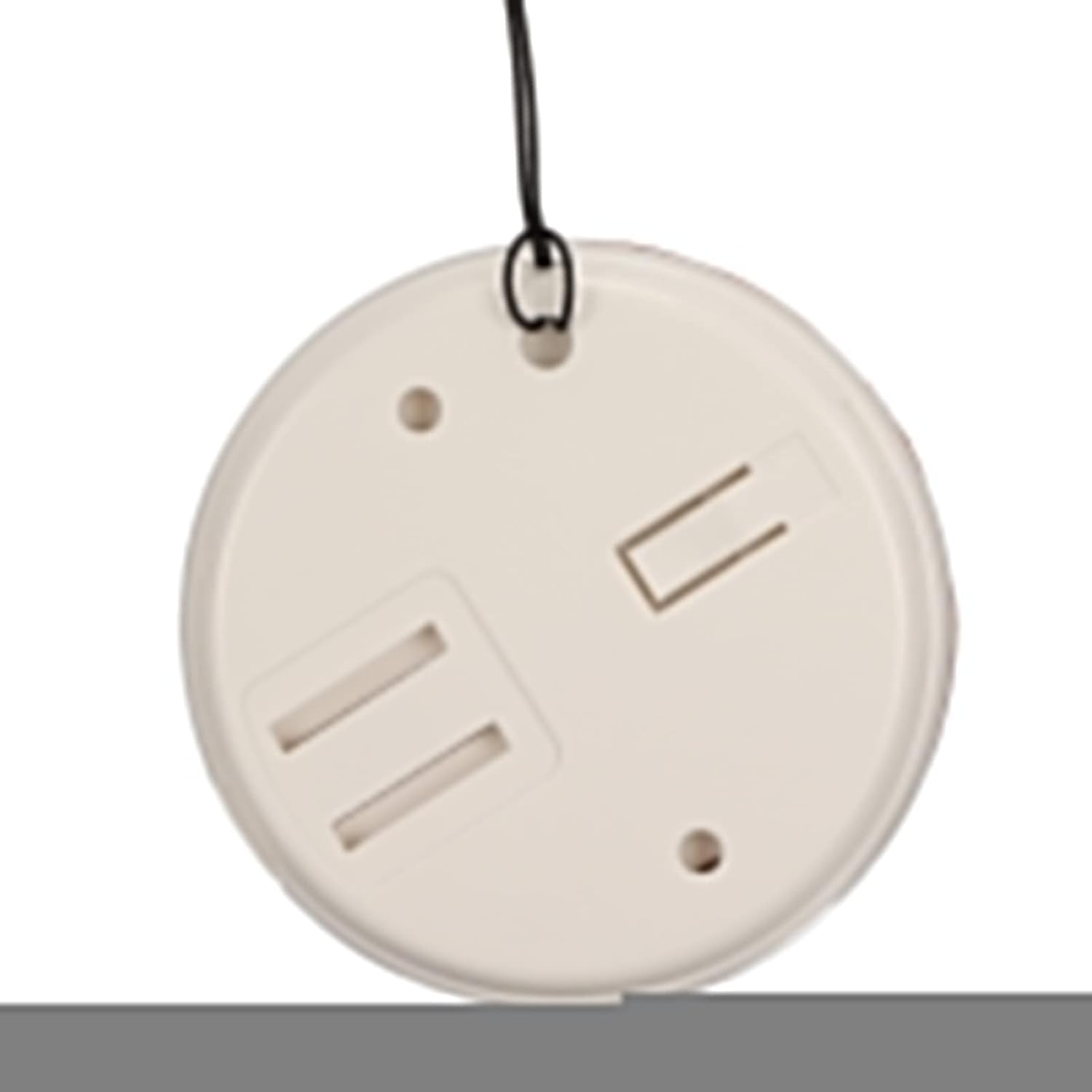
Rysunek 4: Tył view of the call button, illustrating the battery compartment for installation.
4.3 Pairing (Matching) Transmitter and Receiver
The system typically comes pre-paired. If re-pairing is needed or if you add additional buttons, follow these general steps:
- Włącz odbiornik.
- Press and hold the pairing button on the receiver (refer to receiver diagram for exact location, usually a small button on the side or back) until an indicator light flashes or a sound is heard, indicating pairing mode.
- Within a few seconds, press the call button (transmitter).
- The receiver should confirm successful pairing with a sound or light indication.
5. Instrukcja obsługi
5.1 Nawiązywanie połączenia
To alert the caregiver, simply press the large "CALL" button on the transmitter. The receiver will immediately sound an alarm and/or flash a light, depending on its settings.
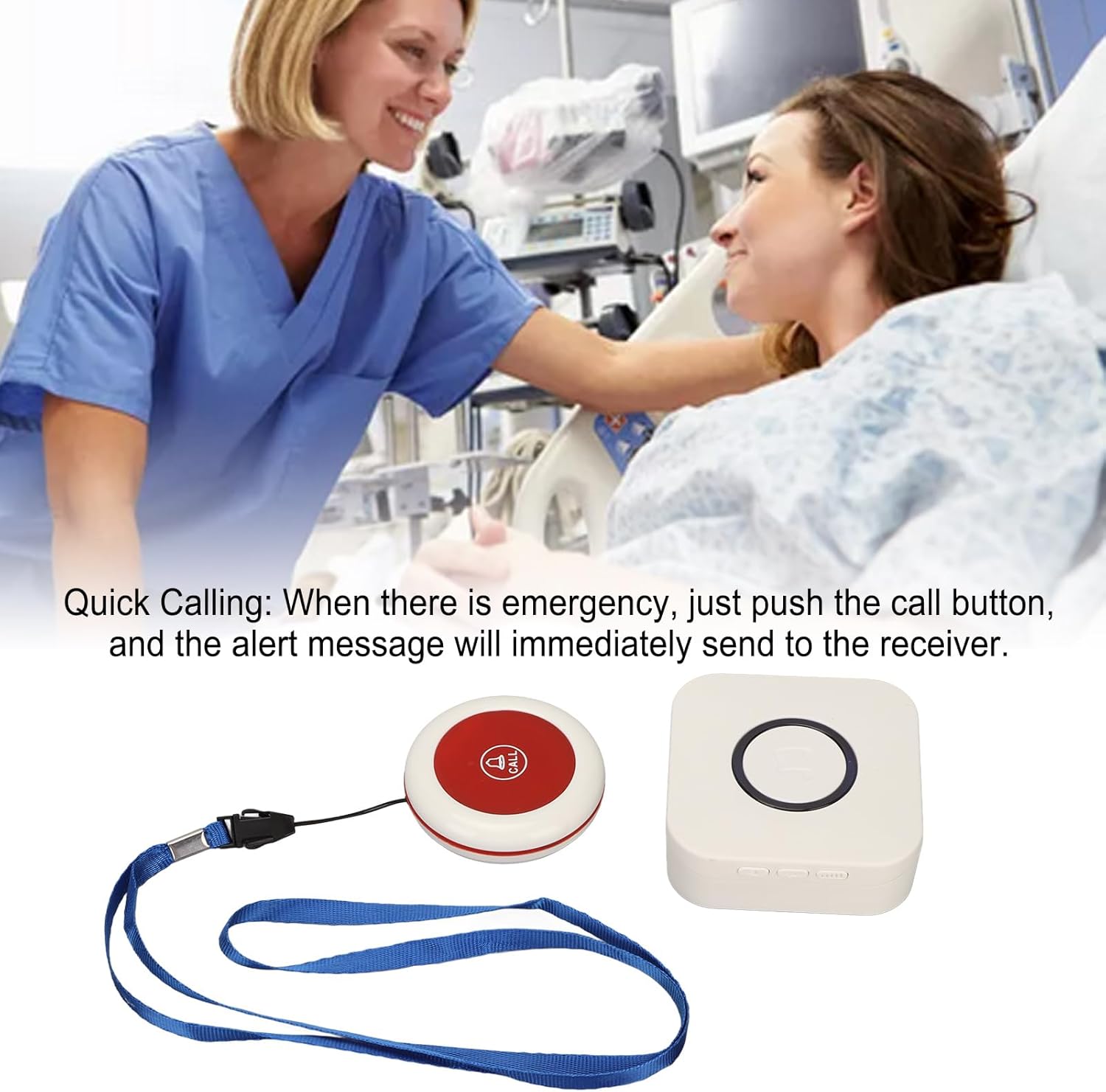
Figure 5: Illustrative image of a caregiver responding to a patient's call, demonstrating the product's purpose.
5.2 Adjusting Volume and Music Options
The receiver unit typically has buttons to adjust the volume level and cycle through the available music/alert tones. Refer to the receiver unit for specific button functions (e.g., volume up/down, melody selection button).

Rysunek 6: Góra view of both the receiver and call button, showing their relative sizes and designs.
6. Konserwacja
- Czyszczenie: Wipe the units with a soft, dry cloth. Do not use abrasive cleaners or immerse in water.
- Wymiana baterii (przycisk połączenia): Replace the 23A battery in the call button when the signal becomes weak or the button stops functioning.
- Charging (Receiver): Recharge the receiver when the battery is low to ensure continuous operation.
- Składowanie: Store the pager system in a cool, dry place when not in use for extended periods.
7. Rozwiązywanie Problemów
| Problem | Możliwa przyczyna | Rozwiązanie |
|---|---|---|
| Receiver does not sound alarm. |
|
|
| Przycisk połączenia nie odpowiada. |
|
|
| Short signal range. |
|
|
8. Specyfikacje
| Funkcja | Szczegół |
|---|---|
| Typ przedmiotu | Pager opiekuna |
| Tworzywo | ABS |
| Bezprzewodowa odległość odbioru | Approx. 330m / 1082.68ft (in open space) |
| Częstotliwość bezprzewodowa | 433MHz |
| Akumulator odbiornika | Built-in Lithium Polymer Battery, 1 x 1000mAh |
| Transmitter (Call Button) Battery | 1 x 23A Battery, 60mAh |
| Numer modelu | Zopsc2dw5184pv7 |
| Wymiary | 10.1 x 8.4 x 6.7 cm (Shipping Dimensions) |
| Waga | 190 g (waga przedmiotu) |
9. Gwarancja i wsparcie
Aby uzyskać informacje o gwarancji lub pomocy technicznej, zapoznaj się z opakowaniem produktu lub skontaktuj się ze sprzedawcą. Zachowaj paragon jako dowód zakupu.
For further assistance, you may visit the Zopsc official webstronie lub skontaktuj się z działem obsługi klienta.