
1. Wprowadzenie
This manual provides essential instructions for setting up and operating your Luoran M4B MP3 Player. Please read this guide thoroughly to ensure proper use and to maximize your device's capabilities. The Luoran M4B is a portable media player designed for music, video, and app playback, featuring a 4.0-inch IPS display, Bluetooth, and Wi-Fi connectivity.
2. Zawartość opakowania
Sprawdź, czy w przesyłce znajdują się wszystkie elementy:
- Odtwarzacz MP3 Luoran M4B
- Kabel USB-C
- Instrukcja obsługi (ten dokument)
3. Urządzenie ponadview

Rysunek 3.1: Przód i tył view of the Luoran M4B MP3 Player, highlighting its 4.0-inch IPS display and metal frame with tempered glass back.
3.1. Przyciski fizyczne i porty
- Przycisk zasilania: Located on the side, used to turn the device on/off and wake/sleep the screen.
- Przyciski głośności (+/-): Znajduje się z boku i służy do regulacji głośności dźwięku.
- Port USB-C: Znajduje się na dole, służy do ładowania i przesyłania danych.
- Gniazdo słuchawkowe 3.5 mm: Znajduje się na dole i służy do podłączania przewodowych słuchawek.
- Gniazdo kart Micro SD: Located on the side, for expanding storage.
4. Rozpoczęcie pracy
4.1. Ładowanie urządzenia
Before first use, fully charge the MP3 player. Connect the provided USB-C cable to the device's USB-C port and the other end to a compatible USB power adapter (not included) or a computer's USB port. The charging indicator will show the charging status.
4.2. Włączanie/wyłączanie zasilania
- Włączanie: Naciśnij i przytrzymaj przycisk zasilania, aż ekran się zaświeci.
- Aby wyłączyć: Naciśnij i przytrzymaj przycisk zasilania, a następnie wybierz opcję „Wyłącz” z listy opcji na ekranie.
- Aby zasnąć/obudzić się: Briefly press the Power button to turn the screen off or on.
5. Podstawowa obsługa
5.1. Nawigacja za pomocą ekranu dotykowego
The Luoran M4B features a full touchscreen for navigation. Swipe left, right, up, or down to browse menus and content. Tap icons to open applications or select options.
5.2. Łączenie z Wi-Fi
To access online features and apps, connect your device to a Wi-Fi network:
- Idź do Ustawienia.
- Wybierać Sieć i Internet.
- Włączyć coś Wi-Fi.
- Wybierz żądaną sieć Wi-Fi z listy.
- Wprowadź hasło, jeśli zostaniesz o to poproszony i dotknij Łączyć.
5.3. Łączenie przez Bluetooth
Pair your MP3 player with Bluetooth headphones, speakers, or car stereos:
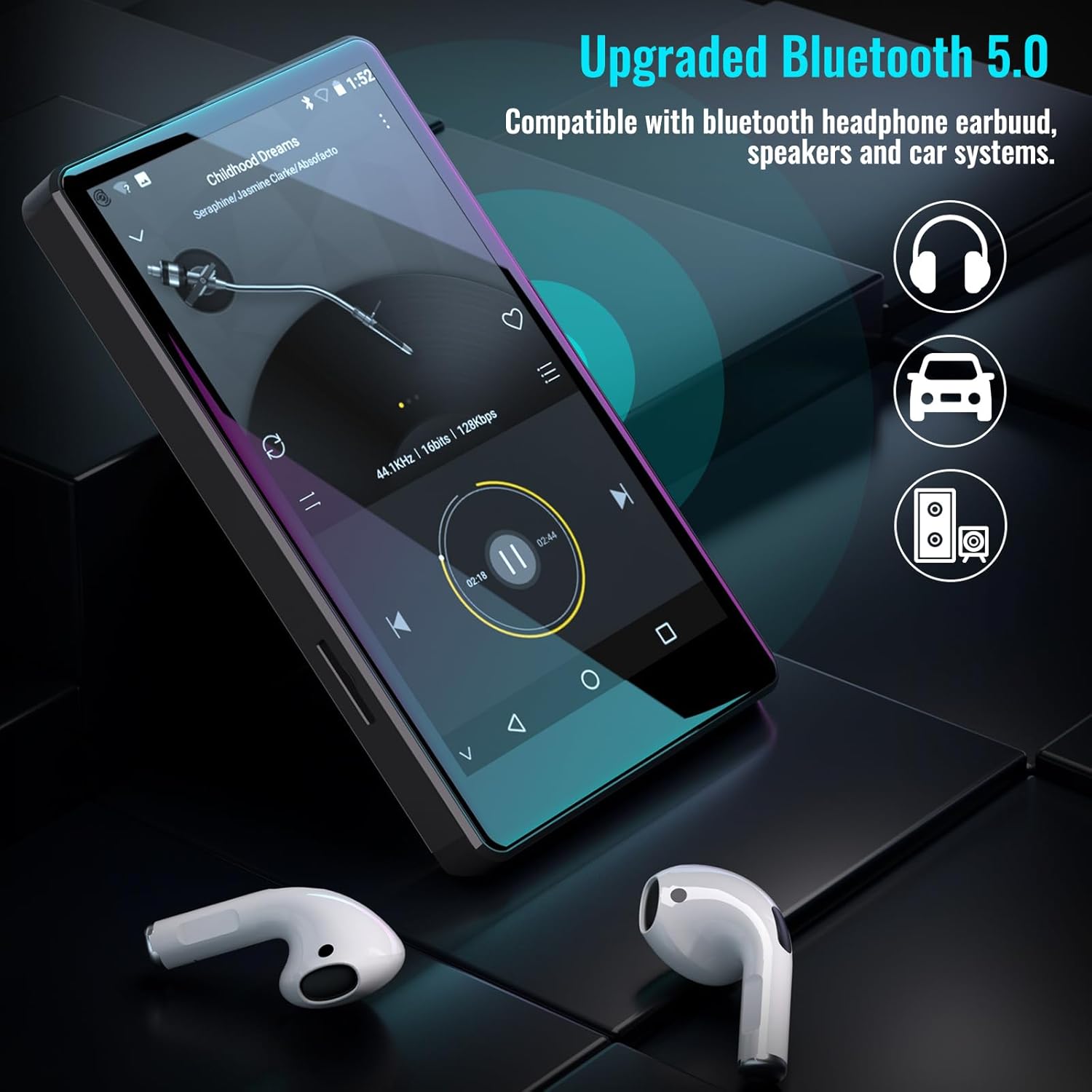
Figure 5.1: The Luoran M4B MP3 Player supports Bluetooth 5.0 for connecting to various audio devices.
- Idź do Ustawienia.
- Wybierać Podłączone urządzenia.
- Włączyć coś Bluetooth.
- Upewnij się, że akcesorium Bluetooth jest w trybie parowania.
- Wybierz akcesorium z listy dostępnych urządzeń, które chcesz sparować.
6 Odtwarzanie muzyki i multimediów
6.1. Supported Music Formats
The device supports a wide range of audio formats, including MP3, WAV, FLAC, APE, OGG, M4A, AAC, WMA, and MP2.
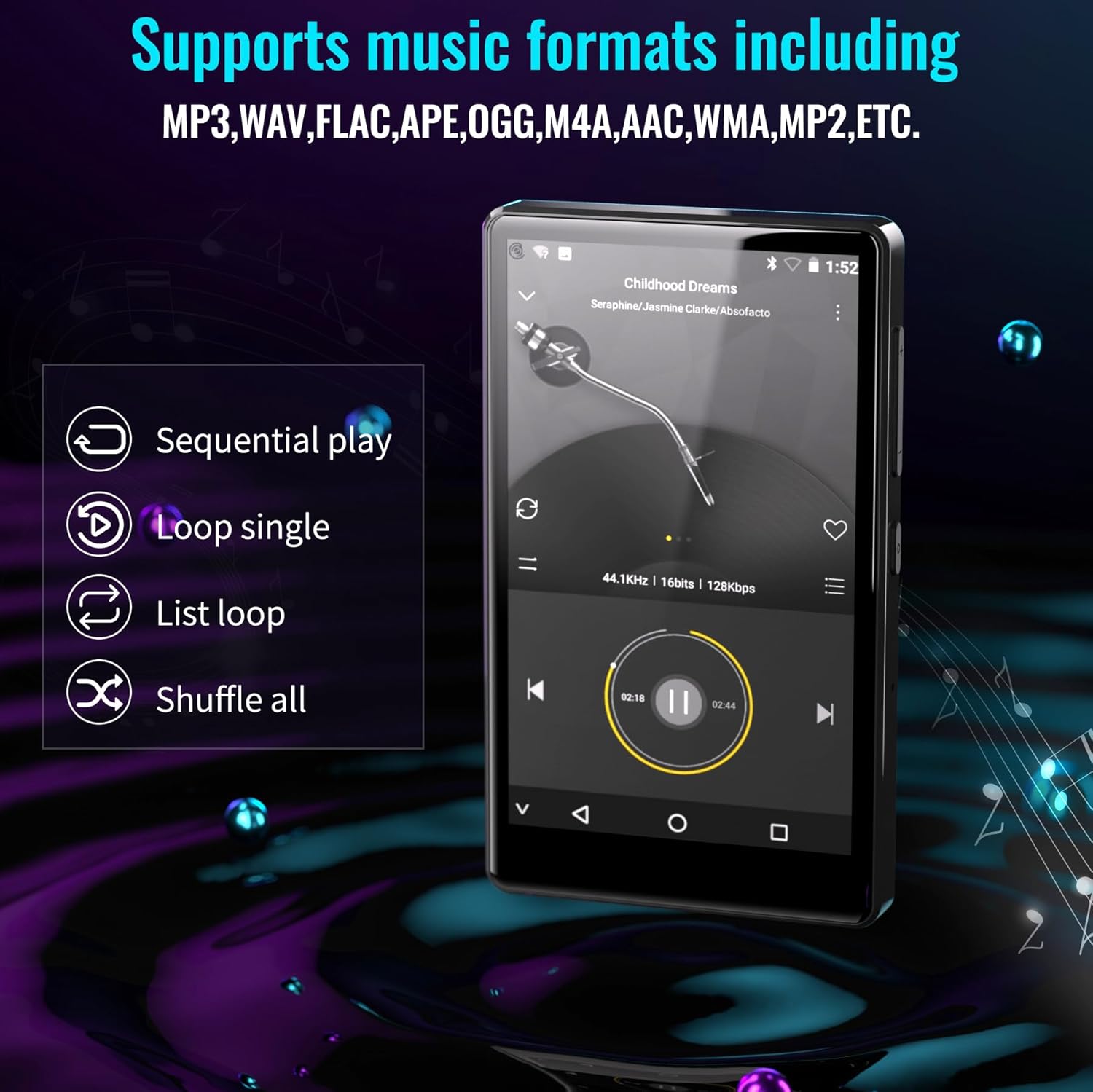
Figure 6.1: The MP3 player's interface showing various playback options and supported music formats.
6.2. Using Pre-installed Applications
The Luoran M4B comes with several popular music and media applications pre-installed, such as Spotify, Spotify Kids, Amazon Music, Audible, and HiBy Music. Access these apps from the home screen to stream or play your content.
6.3. Rozszerzalna pamięć masowa
The device has an internal storage capacity of 8GB. You can expand the storage up to 256GB using a Micro SD card (SDXC, SDHC compatible). Insert the Micro SD card into the dedicated slot on the side of the device.

Figure 6.2: Inserting a Micro SD card to expand the device's memory up to 256GB.
7. Dodatkowe funkcje
7.1. Web Przeglądarka
A web browser is included for internet access. This browser can be removed if desired, offering a level of content control.

Figure 7.1: The option to uninstall the web browser for content management.
7.2.Radio FM
The device includes an FM radio function, allowing you to listen to local radio stations. It may also support recording FM broadcasts.

Figure 7.2: The FM Radio interface on the device.
7.3. Ebook Reader
An Ebook application is available for reading digital books directly on the device's screen.

Figure 7.3: The device's interface for audiobooks or ebooks.
8. Konserwacja
8.1. Czyszczenie
Do czyszczenia urządzenia należy używać miękkiej, suchej i niepozostawiającej włókien ściereczki. Unikaj stosowania środków czyszczących o właściwościach ściernych i rozpuszczalników.
8.2. Pielęgnacja baterii
To prolong battery life, avoid exposing the device to extreme temperatures. Charge the device regularly, but avoid leaving it fully charged or fully discharged for extended periods.
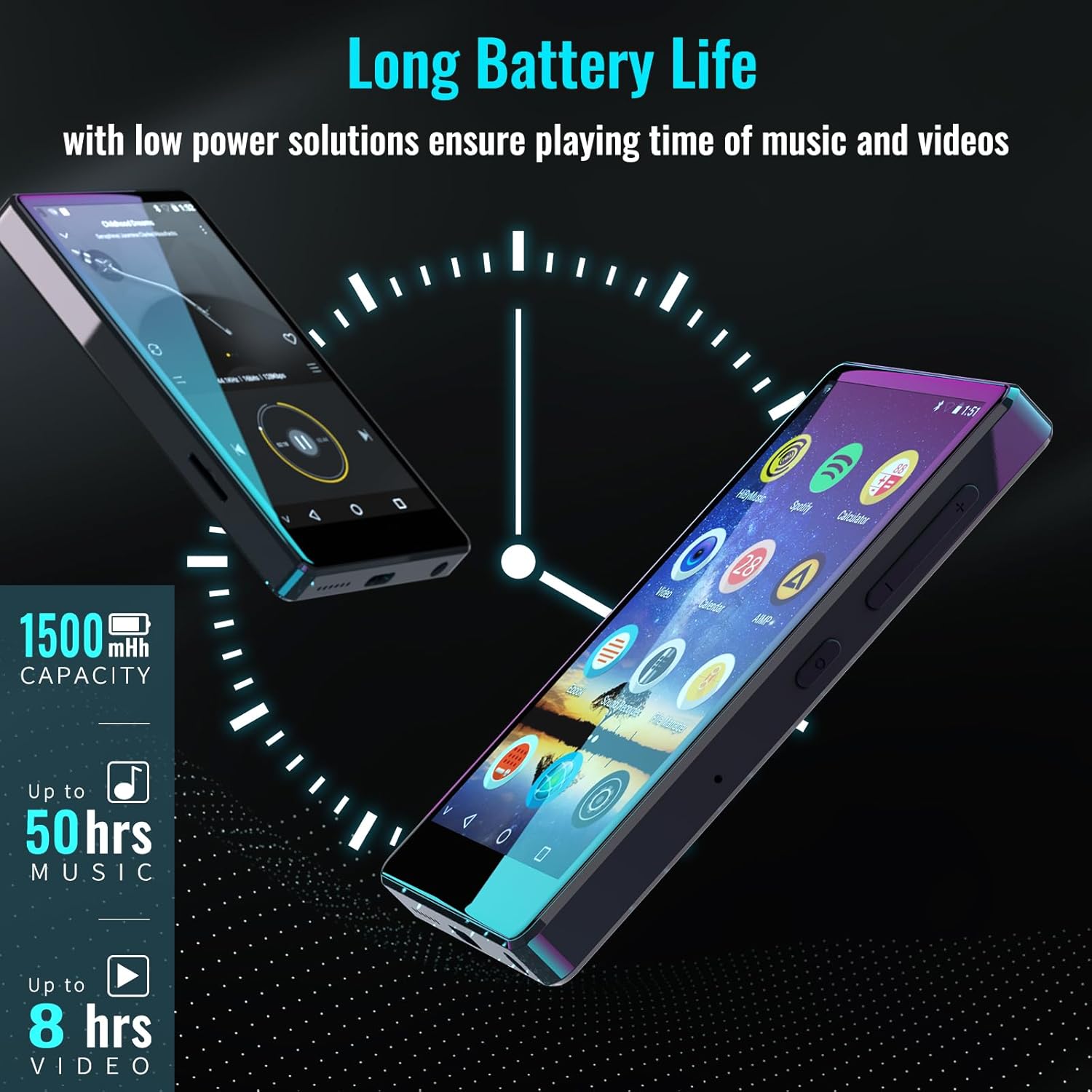
Figure 8.1: The device features a 1500mAh battery, providing up to 50 hours of music playback or 8 hours of video playback.
9. Rozwiązywanie Problemów
9.1. Urządzenie się nie włącza
- Ensure the device is sufficiently charged. Connect it to a power source for at least 30 minutes.
- Aby wymusić ponowne uruchomienie, naciśnij i przytrzymaj przycisk zasilania przez 10–15 sekund.
9.2. Cannot Connect to Wi-Fi/Bluetooth
- Verify that Wi-Fi/Bluetooth is enabled in Settings.
- Upewnij się, że znajdujesz się w zasięgu sieci/urządzenia.
- Check that the Wi-Fi password is correct.
- For Bluetooth, ensure the accessory is in pairing mode.
9.3. App Issues or Missing Apps
If you encounter issues with pre-installed applications or need to install/upgrade specific apps, please contact the Luoran Team for assistance. They can provide APK files and installation steps.
10. Specyfikacje
| Marka | Luoran |
| Nazwa modelu | M4B-C-BLK |
| Technologia łączności | Bluetooth, WiFi |
| Pojemność pamięci masowej | 8 GB (możliwość rozszerzenia do 256 GB za pomocą karty Micro SD) |
| Rozmiar ekranu | 4 cali |
| Kompatybilne urządzenia | Słuchawki, głośniki |
| Obsługiwany typ nośnika | Karta pamięci |
| Technologia wyświetlania | PROWADZONY |
| Obsługiwane standardy audio | MP3, WAV, FLAC, APE, M4A, AAC, WMA, MP2, etc. |
| Średnia żywotność baterii | 50 Hours (music playback) |
| Wymiary przedmiotu (gł. x szer. x wys.) | 0.4" gł. x 2.4" szer. x 4.2" wys. |
| UPC | 747783656344 |
11. Gwarancja i wsparcie
The Luoran M4B MP3 Player comes with a 12-miesięczna gwarancja. For technical support, warranty claims, or assistance with app installation/upgrades, please contact the Luoran Team directly. Contact information can typically be found on the manufacturer's webstronie lub poprzez platformę zakupową.