
HOCO Y12 Ultra Smart Watch
Instrukcja obsługi inteligentnego zegarka HOCO Y12 Ultra
Model: Y12 Ultra | Brand: HOCO
Wstęp
The HOCO Y12 Ultra Smart Watch is designed to seamlessly integrate into your daily life, offering a blend of connectivity, fitness tracking, and convenience. This manual provides essential information on setting up, operating, and maintaining your smartwatch to ensure optimal performance and longevity.
With features like Bluetooth 5.3 connectivity, IP68 water resistance, heart rate monitoring, and extended battery life, the Y12 Ultra is your ideal companion for staying connected and active.
Co jest w pudełku
Upon opening your HOCO Y12 Ultra Smart Watch package, please verify that all the following items are included:
- 1 x inteligentny zegarek HOCO Y12 Ultra
- 1 x Instrukcja obsługi
- 1 x kabel ładujący
- 1 x Karta gwarancyjna

Image: The retail packaging of the HOCO Y12 Ultra Smart Watch, showing the watch and its contents.
Organizować coś
1. Ładowanie inteligentnego zegarka
Before initial use, fully charge your HOCO Y12 Ultra Smart Watch. Use the provided charging cable and connect it to a standard USB power adapter (not included).
- Podłącz magnetyczny koniec kabla ładującego do styków ładowania z tyłu zegarka.
- Plug the USB-A end of the cable into a USB power source.
- The watch display will indicate charging status. A full charge typically takes approximately 1 hour.
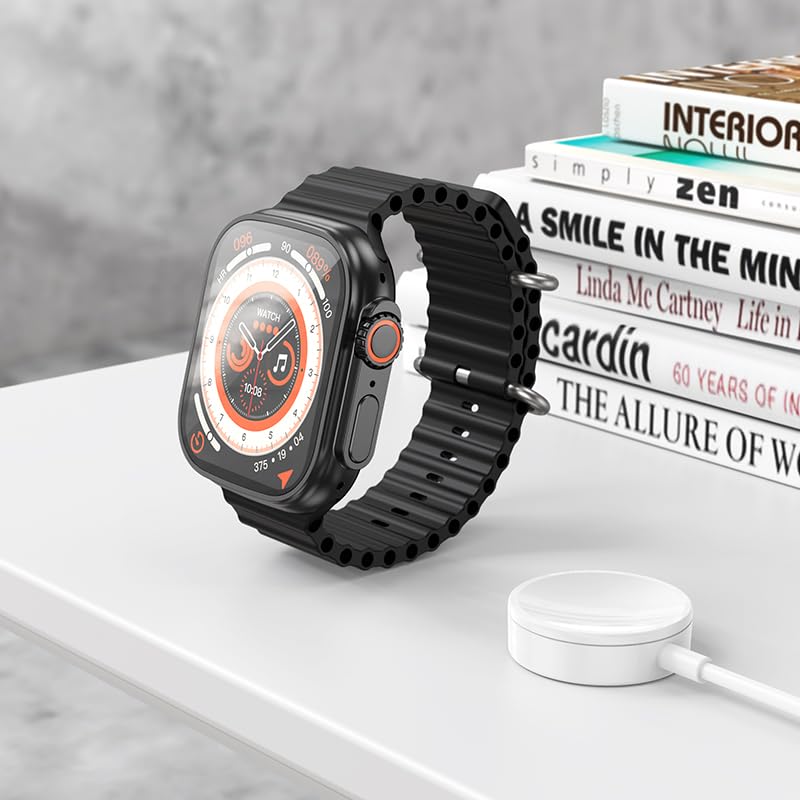
Image: The HOCO Y12 Ultra Smart Watch placed on its charging cable, illustrating the charging process.
2. Parowanie z urządzeniem
The HOCO Y12 Ultra Smart Watch is compatible with all Bluetooth devices, including smartphones, tablets, and laptops (iOS and Android).
- Ensure Bluetooth is enabled on both your smartphone or other compatible device.
- On your HOCO Y12 Ultra Smart Watch, navigate to the Bluetooth settings (refer to the 'Operating' section for navigation).
- On your smartphone, search for available Bluetooth devices and select "HOCO Y12 Ultra" (or similar name) from the list.
- Potwierdź prośbę o sparowanie na zegarku i smartfonie.
- Once paired, the watch will synchronize with your device for notifications, health data, and other features.
3. Instalacja aplikacji (zalecana)
For full functionality and detailed health tracking, it is recommended to install the official HOCO companion application on your smartphone. Szukaj "HOCO Smart" or a similar app name in your device's app store (Google Play Store for Android, Apple App Store for iOS).
- Pobierz i zainstaluj aplikację.
- Open the app and follow the on-screen instructions to connect your HOCO Y12 Ultra Smart Watch.
- This app allows you to customize watch faces, view detailed health metrics, manage notifications, and update firmware.
Obsługa inteligentnego zegarka
Podstawowe sterowanie i nawigacja
The HOCO Y12 Ultra Smart Watch features intuitive touch controls for easy navigation.
- Ekran dotykowy: Dotknij, aby wybrać, przesuń palcem w lewo/prawo/górę/dół, aby poruszać się po menu i ekranach.
- Przycisk boczny/korona: Naciśnij, aby wybudzić ekran, wrócić do ekranu głównego lub uzyskać dostęp do menu aplikacji. Obróć pokrętło (jeśli dotyczy), aby przewijać listy lub dostosować ustawienia.
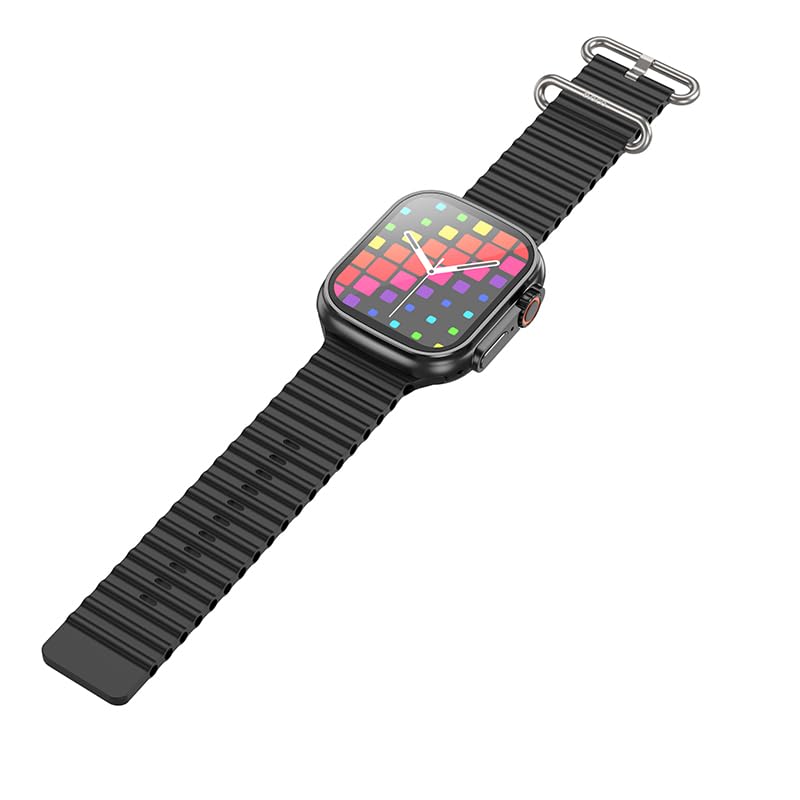
Obraz: strona A view of the HOCO Y12 Ultra Smart Watch, highlighting the physical buttons and the design of the strap.
Główne cechy i funkcje
- Monitor pracy serca: The built-in sensor continuously monitors your heart rate. Access this feature from the main menu or through a dedicated widget.
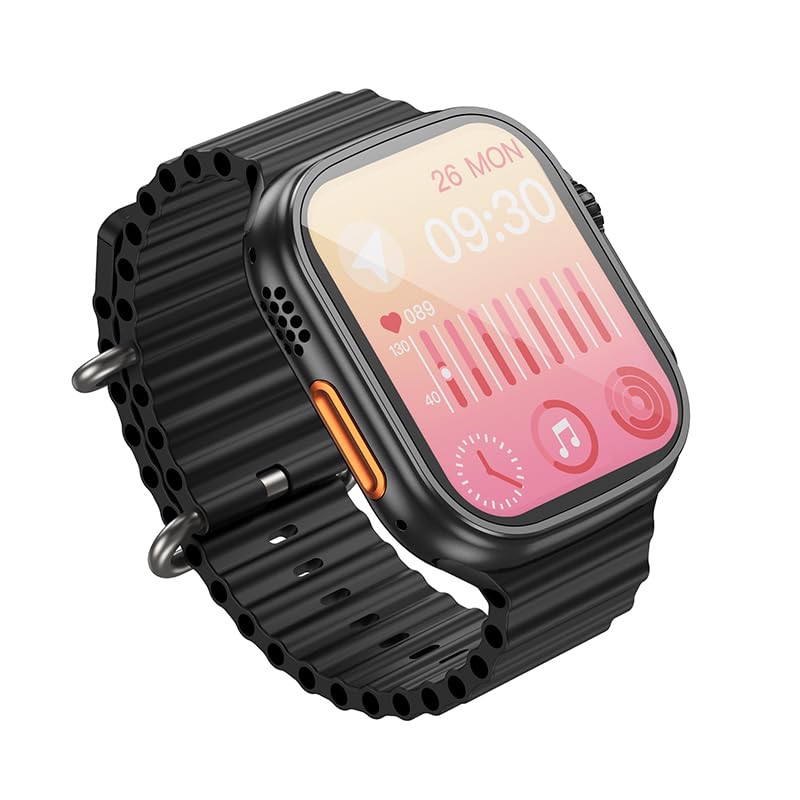
Image: The HOCO Y12 Ultra Smart Watch display showing heart rate data and other health metrics.
- Tryby sportowe: Track various activities such as running, walking, cycling, and more. Select your desired sport mode before starting your workout for accurate data collection.
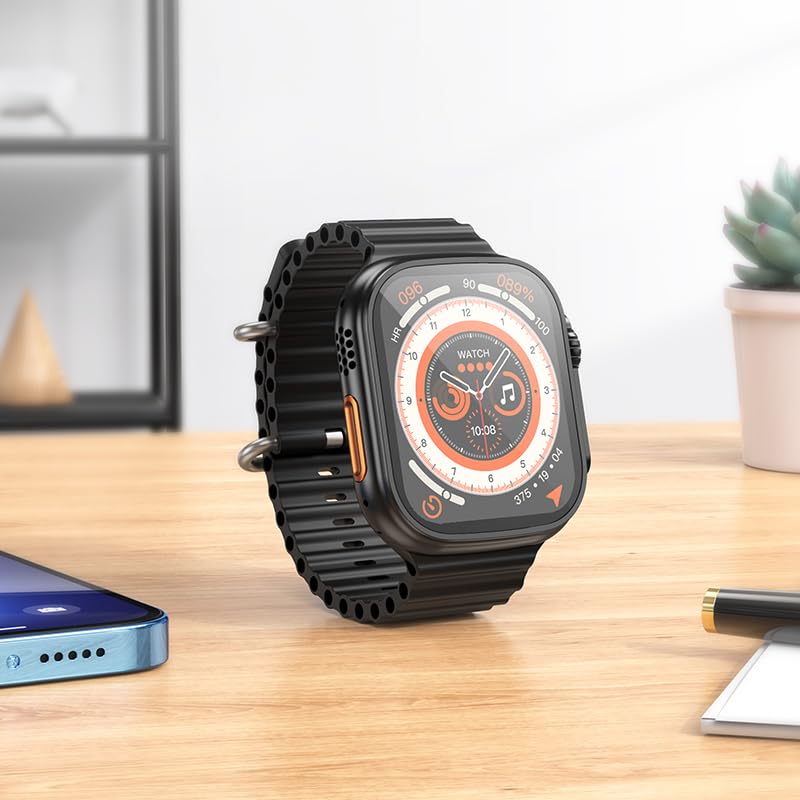
Image: The HOCO Y12 Ultra Smart Watch displaying a dynamic watch face, suitable for active use.
- Monitorowanie snu: Wear the watch to bed to automatically track your sleep patterns, including deep sleep, light sleep, and awake times. View szczegółowa analiza w aplikacji towarzyszącej.
- Asystent ds. zdrowia kobiet: Provides tracking and reminders for menstrual cycles (requires setup in the companion app).
- Powiadomienia: Odbieraj powiadomienia o połączeniach, wiadomościach i aplikacjach bezpośrednio na nadgarstku po sparowaniu urządzenia ze smartfonem.
- Wodoodporność IP68: The watch is designed to be water-resistant and sweat-proof, making it suitable for daily wear and workouts. Avoid prolonged submersion in deep water or hot water.
Żywotność baterii
The HOCO Y12 Ultra Smart Watch offers impressive battery performance:
- Up to 7 days of battery life with single Bluetooth usage.
- Approximately 3-4 days of battery life with dual Bluetooth usage (e.g., continuous music playback or frequent calls).
- Charging time: Approximately 1 hour for a full charge.
Konserwacja
Proper maintenance ensures the longevity and optimal performance of your HOCO Y12 Ultra Smart Watch.
- Czyszczenie: Regularly wipe the watch screen and strap with a soft, dry, lint-free cloth. For stubborn smudges, slightly dampPrzetrzyj szmatkę wodą. Unikaj stosowania silnych środków chemicznych i materiałów ściernych.
- Wodoodporność: While IP68 rated, it is recommended to dry the watch thoroughly after exposure to water (e.g., swimming, showering) to prevent skin irritation and ensure proper sensor function. Do not expose to hot water or steam.
- Ładowanie: Always use the original charging cable. Avoid overcharging the battery by disconnecting the charger once the watch is fully charged.
- Składowanie: Jeśli zegarek nie będzie używany przez dłuższy czas, należy przechowywać go w chłodnym, suchym miejscu, z dala od bezpośredniego światła słonecznego i ekstremalnych temperatur.
Rozwiązywanie problemów
If you encounter issues with your HOCO Y12 Ultra Smart Watch, refer to the following common troubleshooting steps:
| Problem | Możliwe rozwiązanie |
|---|---|
| Zegarek nie włącza się | Upewnij się, że zegarek jest w pełni naładowany. Podłącz go do ładowarki na co najmniej 15 minut. |
| Nie można sparować ze smartfonem |
|
| Powiadomienia nie są wyświetlane |
|
| Niedokładne dane dotyczące zdrowia |
|
Specyfikacje
Detailed technical specifications for the HOCO Y12 Ultra Smart Watch:
| Funkcja | Szczegół |
|---|---|
| Model | Y12 Ultra (y12_child_B) |
| Marka | HOCO |
| Typ wyświetlacza | AMOLED |
| Rozmiar ekranu | 1.96 cala (widoczna przekątna ekranu: 2" / 5 cm) |
| Rezolucja | 240x282 |
| Łączność | Bluetooth 5.3 |
| Odporność na wodę | IP68 (Water Resistant & Sweat Proof) |
| Pojemność baterii | 320mAh |
| Czas pracy | Up to 7 Days (Single Bluetooth), 3-4 Days (Dual Bluetooth) |
| Czas ładowania | Około 1 godziny |
| Materiał paska | Silikon |
| Kompatybilne urządzenia | Laptops, Mobile Phones, Tablets, PCs, Smart TVs (iOS, Android) |
| Cechy specjalne | Heart Rate Monitor, Sports Modes, Extended Battery Life, Blood Pressure Monitor, Daily Workout Memory, Wireless Connectivity, Female Health Assistant, Sleep Monitoring, Touch Controls |
| Waga przedmiotu | 100 gramów |
| Kraj pochodzenia | Chiny |
Gwarancja i wsparcie
Your HOCO Y12 Ultra Smart Watch comes with a warranty. Please refer to the included Warranty Card for specific terms and conditions, including warranty period and coverage details.
For technical support, product inquiries, or warranty claims, please contact HOCO customer service through the contact information provided on the Warranty Card or the official HOCO webstrona.
Keep your purchase receipt and Warranty Card in a safe place as proof of purchase may be required for warranty services.