
Wstęp
This manual provides detailed instructions for the safe and efficient operation of your Acogedor HRD-787 Portable Full Band Radio. Please read this manual thoroughly before using the device and retain it for future reference. The HRD-787 is a versatile multi-band radio featuring FM, VHF, AM, SW, and WB reception, Bluetooth connectivity, and memory card playback, designed for both indoor and outdoor use.

Image: The Acogedor HRD-787 Portable Full Band Radio, showcasinze względu na kompaktową konstrukcję i interfejs użytkownika.
Zawartość opakowania
Po rozpakowaniu sprawdź, czy wszystkie wymienione poniżej przedmioty znajdują się na miejscu i są w dobrym stanie:
- 1 x Full Band Radio (HRD-787)
- 1 x Słuchawka
- 2 x Eartips
- 1 x Torba do przechowywania
- 1 x Smycz
- 1 x kabel ładujący
- 1 x Instrukcja obsługi (ten dokument)
- 1 x APP Instruction Manual

Image: The Acogedor HRD-787 radio displayed with its complete set of accessories, including earphones, eartips, a storage bag, a lanyard, and a charging cable.
Produkt ponadview
The Acogedor HRD-787 is a compact and versatile portable radio designed for a wide range of listening experiences. Key features include:
- Odbiór pełnego pasma: Supports FM (64-108MHz), VHF (30.000-199.975MHz), AM (520-1710KHz), SW (4.750-21.850MHz), and WB (162.400-162.550MHz).
- Łączność Bluetooth 5.0: Do bezprzewodowego przesyłania strumieniowego dźwięku z kompatybilnych urządzeń.
- Odtwarzanie z karty pamięci: Supports MP3, WAV, WMA formats with up to 256GB capacity (card not included).
- Wysokiej jakości dźwięk: Features a 40mm speaker with 3W output for clear sound.
- SOS Alarm Function: W sytuacjach awaryjnych.
- Wbudowana latarka: Provides illumination when needed.
- Długa żywotność baterii: Integrated 1000mAh lithium battery.
- APP Remote Operation: Control the radio via a smartphone application.
- Intuicyjne sterowanie: Easy-to-use buttons for tuning and volume.
- Wyświetlacz z podświetleniem: Color-coded backlights for different modes (Green for FM/VHF, Color for AM, Yellow for SW, Red for WB, Blue for Bluetooth, Light Blue for Memory Card).
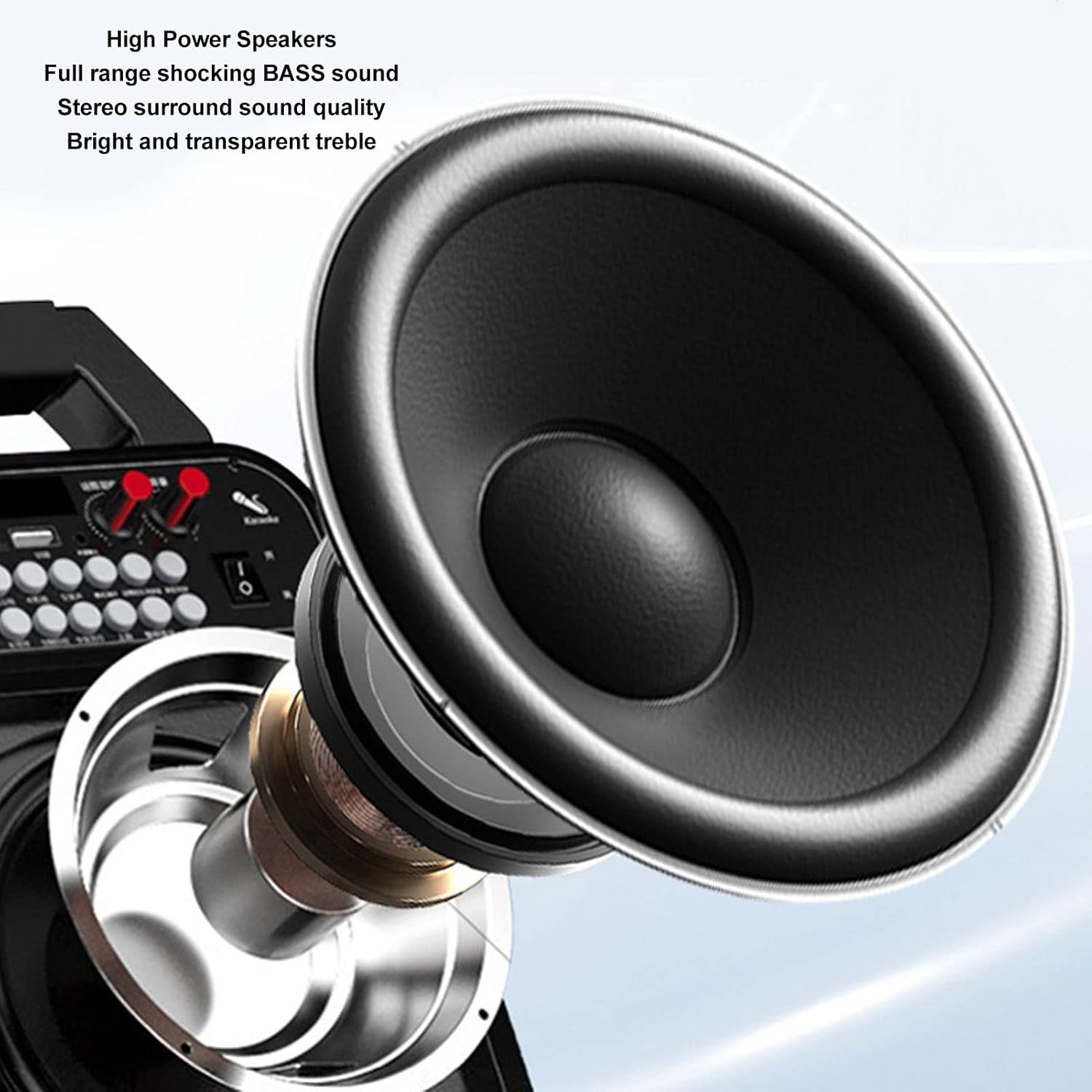
Obraz: szczegółowy view of the high-power speaker, highlighting the full-range shocking bass sound and stereo surround sound quality of the HRD-787 radio.
Organizować coś
1. Ładowanie początkowe
Before first use, fully charge the radio's built-in 1000mAh lithium battery. Connect the provided charging cable to the radio's charging port and a standard USB power adapter (not included). The charging indicator will show the charging status. A full charge typically takes a few hours.
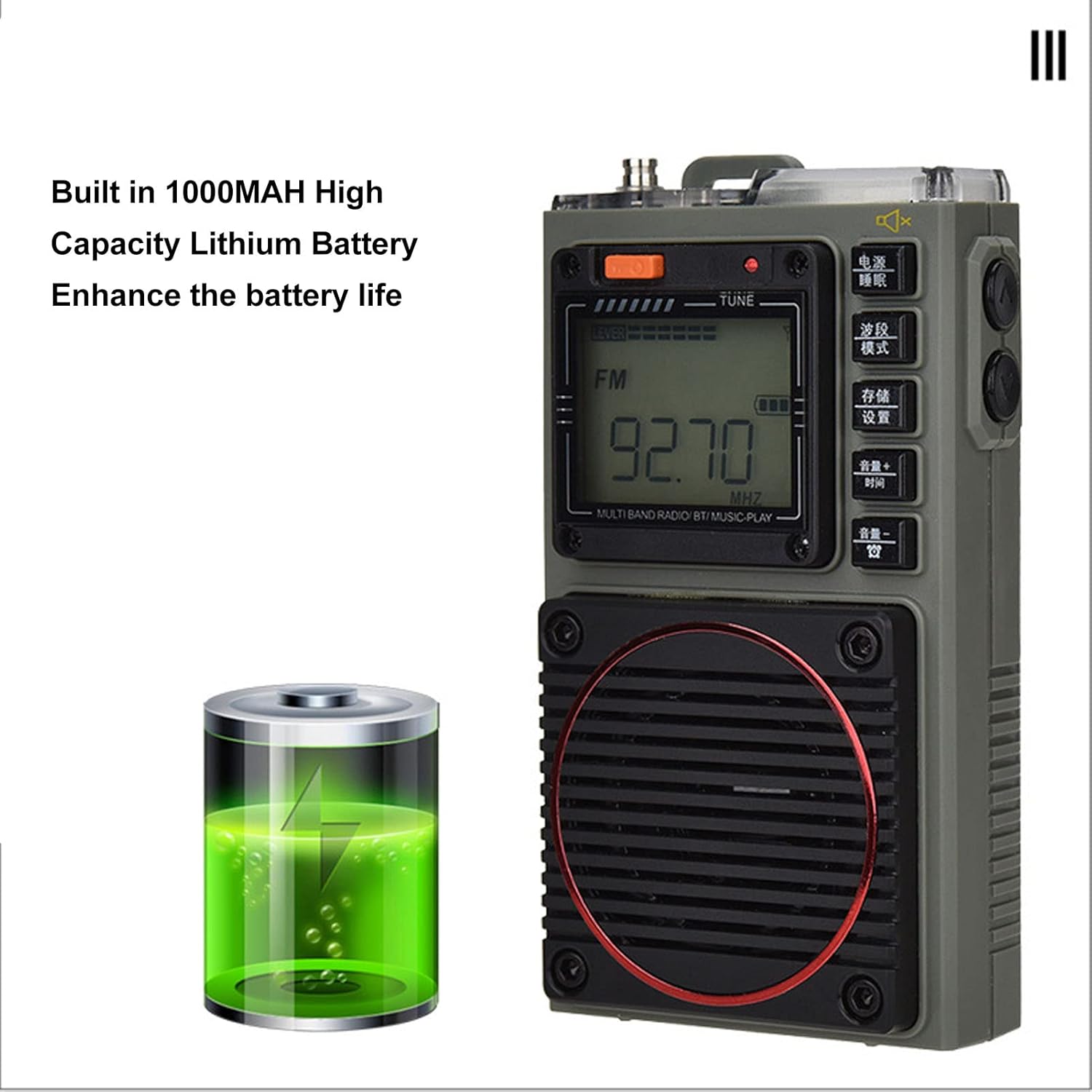
Image: The Acogedor HRD-787 radio is shown alongside a visual representation of its internal 1000mAh high-capacity lithium battery, emphasizing its long battery life.
2. Włączanie/wyłączanie zasilania
Aby włączyć radio, naciśnij i przytrzymaj przycisk Moc button (usually located on the top or side). To power off, press and hold the same button again.
3. Wkładanie karty pamięci (opcjonalnie)
If you wish to use the memory card playback feature, insert a compatible memory card (up to 256GB, formatted to FAT32) into the designated slot. Ensure the card is inserted correctly until it clicks into place.
Instrukcja obsługi
1. Basic Key Operations

Obraz: szczegółowy view of the Acogedor HRD-787 radio's control buttons, highlighting their clear labeling for easy operation of radio tuning and volume adjustments.
- Przycisk zasilania: Naciśnij i przytrzymaj, aby włączyć lub wyłączyć radio.
- BAND/MOD. Button: Short press to cycle through radio bands (FM, VHF, AM, SW, WB) or switch to Bluetooth/Memory Card mode.
- MEMO/SET Button: Used for saving radio stations or accessing settings.
- VOL+/TIME Button: Short press to increase volume. Long press for time settings (if applicable).
- VOL-/LOCK Button: Short press to decrease volume. Long press to lock/unlock buttons.
- TUNE Knob/Buttons: Use the tuning knob or dedicated tuning buttons (if present) to adjust frequency.
2. Strojenie radia
- Wybierz zespół: Naciśnij BAND/MOD. button to select your desired frequency band (FM, VHF, AM, SW, WB). The display backlight color will change accordingly.
- Automatyczne skanowanie: W trybie radia naciśnij i przytrzymaj MEMO/SET button to initiate an automatic scan for available stations. The radio will save found stations automatically.
- Strojenie ręczne: Użyj MELODIA knob or the frequency adjustment buttons (if available) to manually tune to a specific frequency.
- Recalling Saved Stations: Use the tuning buttons or a dedicated preset button (if available) to cycle through saved stations.
3. Odtwarzanie Bluetooth
- Wejdź w tryb Bluetooth: Naciśnij BAND/MOD. button until "BT" or "Bluetooth" appears on the display, and the backlight turns blue. The radio will enter pairing mode.
- Łączenie w pary: On your mobile device, enable Bluetooth and search for "HRD-787" (or similar device name). Select it to pair. A confirmation sound will indicate successful pairing.
- Odtwarzanie nagranego dźwięku: Once paired, you can play audio from your device through the radio's speaker. Use your device or the radio's volume controls.
4. Memory Card Playback

Image: The Acogedor HRD-787 radio's display shows a radio frequency, illustrating its capability for memory card playback of MP3, WAV, and WMA formats.
- Włóż kartę pamięci: Ensure a memory card with MP3, WAV, or WMA files is inserted into the slot.
- Enter Memory Card Mode: Naciśnij BAND/MOD. button until the display indicates memory card playback (e.g., "CARD" or a music icon), and the backlight turns light blue.
- Sterowanie odtwarzaniem: Use the radio's playback controls (e.g., Play/Pause, Next/Previous Track buttons, if available) to manage your music.
5. Funkcja alarmu SOS
In an emergency, activate the SOS alarm by pressing and holding the dedicated SOS button (if present) or a combination of buttons as indicated on the device. This will emit a loud alarm sound and activate the flashlight for signaling.
6. Obsługa latarki
To turn on the built-in flashlight, locate the flashlight button or switch (often on the side or top). Press it once to turn on, and again to turn off.
7. Earphone Output

Obraz: Zbliżenie view of the Acogedor HRD-787 radio, highlighting the earphone output jack for private listening and the integrated flashlight.
For private listening, plug the included earphones into the 3.5mm earphone jack located on the side of the radio. The internal speaker will automatically mute when earphones are connected.
8. APP Remote Operation

Image: A smartphone screen shows the dedicated application for remote control of the Acogedor HRD-787 radio, allowing users to select stations and change modes wirelessly.
Download the official Acogedor HRD-787 control application from your smartphone's app store. Follow the instructions in the separate APP Instruction Manual to pair your radio with the app. This allows for remote control of station selection, mode switching, and other functions.
Konserwacja
- Czyszczenie: Use a soft, dry cloth to clean the radio's exterior. Do not use abrasive cleaners, solvents, or strong chemicals, as these can damage the finish.
- Składowanie: Jeśli radio nie będzie używane przez dłuższy czas, należy je przechowywać w chłodnym i suchym miejscu, z dala od bezpośredniego światła słonecznego i ekstremalnych temperatur.
- Pielęgnacja baterii: To prolong battery life, avoid fully discharging the battery frequently. Recharge the radio regularly, even if not in active use, to maintain battery health.
- Wodoodporność: The HRD-787 is not waterproof. Avoid exposing it to rain, splashes, or high humidity.
Rozwiązywanie problemów
| Problem | Możliwa przyczyna | Rozwiązanie |
|---|---|---|
| Radio się nie włącza. | Bateria jest rozładowana. | Naładuj radio za pomocą dołączonego kabla USB. |
| Słaby odbiór radia. | Obszar o słabym sygnale; antena nie jest wysunięta. | Extend the telescopic antenna fully. Try moving to an open area or adjusting the radio's position. |
| Nie można sparować urządzenia Bluetooth. | Radio not in pairing mode; device too far; Bluetooth off on device. | Ensure the radio is in Bluetooth mode (blue backlight). Keep devices within 10 meters. Check Bluetooth settings on your device. |
| Karta pamięci nie została rozpoznana. | Card inserted incorrectly; unsupported format; card capacity too large. | Reinsert the memory card correctly. Ensure it is formatted to FAT32 and contains MP3, WAV, or WMA files. Max capacity is 256GB. |
| Brak dźwięku z głośnika/słuchawek. | Zbyt niski poziom głośności; słuchawki nie są całkowicie włożone; włączony jest tryb wyciszenia. | Zwiększ głośność. Upewnij się, że słuchawki są prawidłowo podłączone. Sprawdź, czy funkcja wyciszenia jest aktywna. |
Specyfikacje
| Funkcja | Szczegół |
|---|---|
| Model | HRD-787 |
| Tworzywo | ABS (akrylonitryl-butadien-styren) |
| Frequency Band - FM | 64-108MHz |
| Frequency Band - VHF | 30.000-199.975MHz |
| Frequency Band - AM | 520-1710 kHz |
| Frequency Band - SW | 4.750-21.850MHz |
| Frequency Band - WB | 162.400-162.550MHz |
| Receiving Sensitivity - FM | ≤8dB |
| Receiving Sensitivity - VHF | ≤8dB |
| Receiving Sensitivity - AM | ≤86dB |
| Receiving Sensitivity - SW | ≤40dB |
| Aktualny statyczne | ≤70uA |
| Maksymalny prąd | ≤820mA |
| Głośnik | Diameter: Approx. 40mm/1.57in, 4Ω, 3W |
| SNR - FM, VHF | ≥40dB |
| SNR - AM | ≥30dB |
| SNR - SW | ≥40dB |
| Stored Radios | 396 |
| Wersja Bluetooth | WERSJA 5.0 |
| Bluetooth Reception Range | Do 10 metrów (33 stóp) na otwartej przestrzeni |
| Typ baterii | Bateria litowa |
| Pojemność baterii | 1000mAh |
| Memory Card Playback Format | MP3, WAV, WMA |
| Memory Card Max Capacity | 256 GB (brak w zestawie) |
| Cechy specjalne | Built-In Flashlight, SOS Alarm, Portable, APP Remote Control |
Gwarancja i wsparcie
Acogedor products are designed for reliability and performance. For information regarding warranty coverage, technical support, or service inquiries, please refer to the warranty card included with your product or visit the official Acogedor website. Please have your model number (HRD-787) and purchase details ready when contacting support.