
Wstęp
Thank you for choosing the Xtrike Me GW-610 Gaming Mouse. This manual provides detailed instructions for setting up, operating, and maintaining your new gaming mouse. The GW-610 offers both wired and 2.4G wireless connectivity, customizable RGB lighting, and a high-precision optical sensor with adjustable DPI settings, designed for an enhanced gaming experience.
Zawartość opakowania
- Xtrike Me GW-610 Gaming Mouse
- USB Type-C to USB-A Cable (1.5m)
- 2.4G USB Receiver (usually stored inside the mouse)
- Instrukcja obsługi (ten dokument)
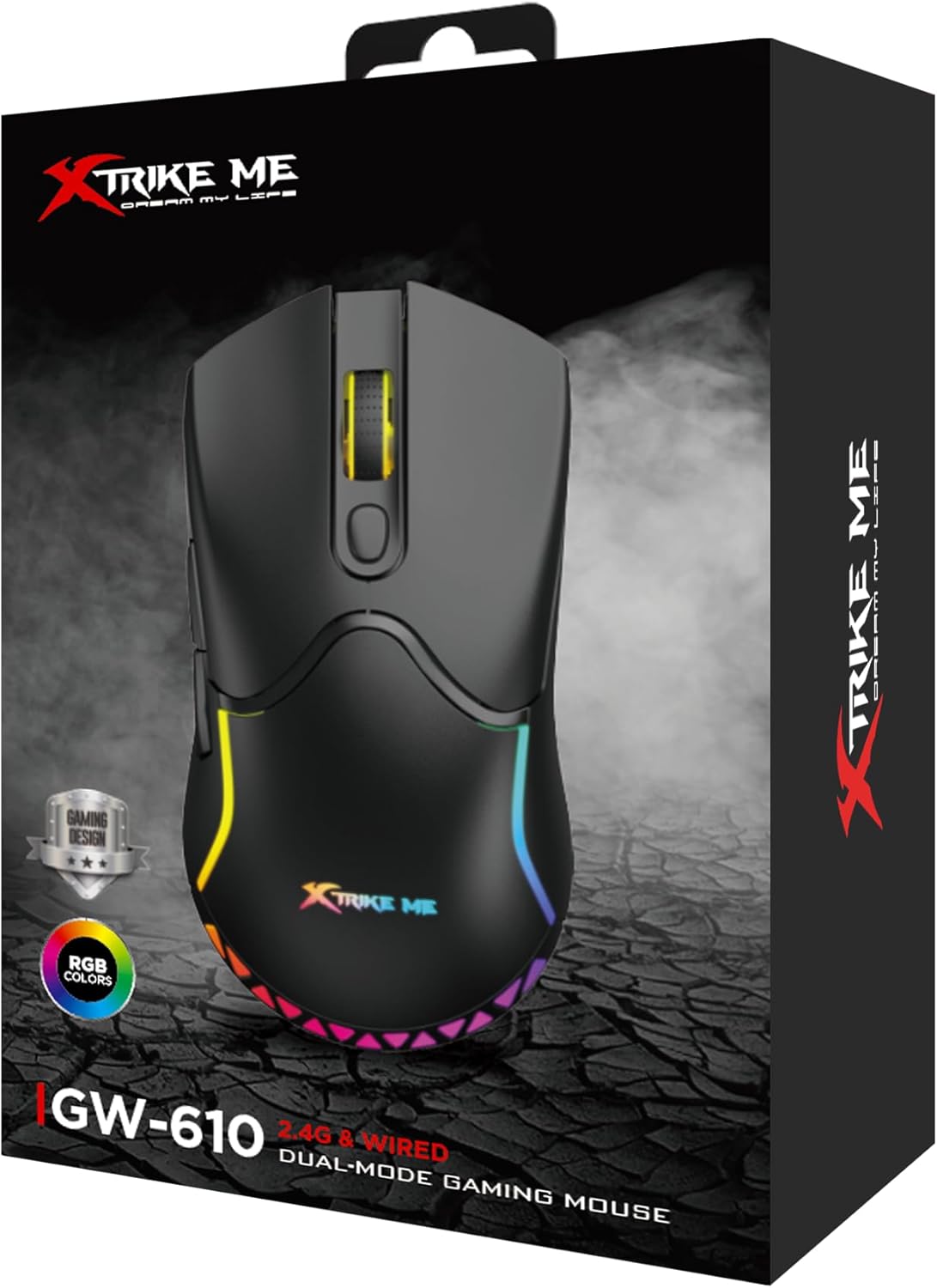
Image: The retail packaging box for the Xtrike Me GW-610 Gaming Mouse, showing the mouse and its key features.
Instrukcje konfiguracji
1. Połączenie przewodowe
- Connect the USB Type-C end of the provided cable to the mouse.
- Podłącz koniec USB-A kabla do wolnego portu USB w komputerze.
- Mysz zostanie automatycznie wykryta i będzie gotowa do użycia.
2. Wireless (2.4G) Connection
- Znajdź odbiornik USB 2.4G, który zwykle znajduje się w schowku na spodzie myszy.
- Odłącz odbiornik i podłącz go do wolnego portu USB w komputerze.
- Włącz mysz za pomocą włącznika zasilania znajdującego się na spodzie.
- Mysz automatycznie połączy się z odbiornikiem.
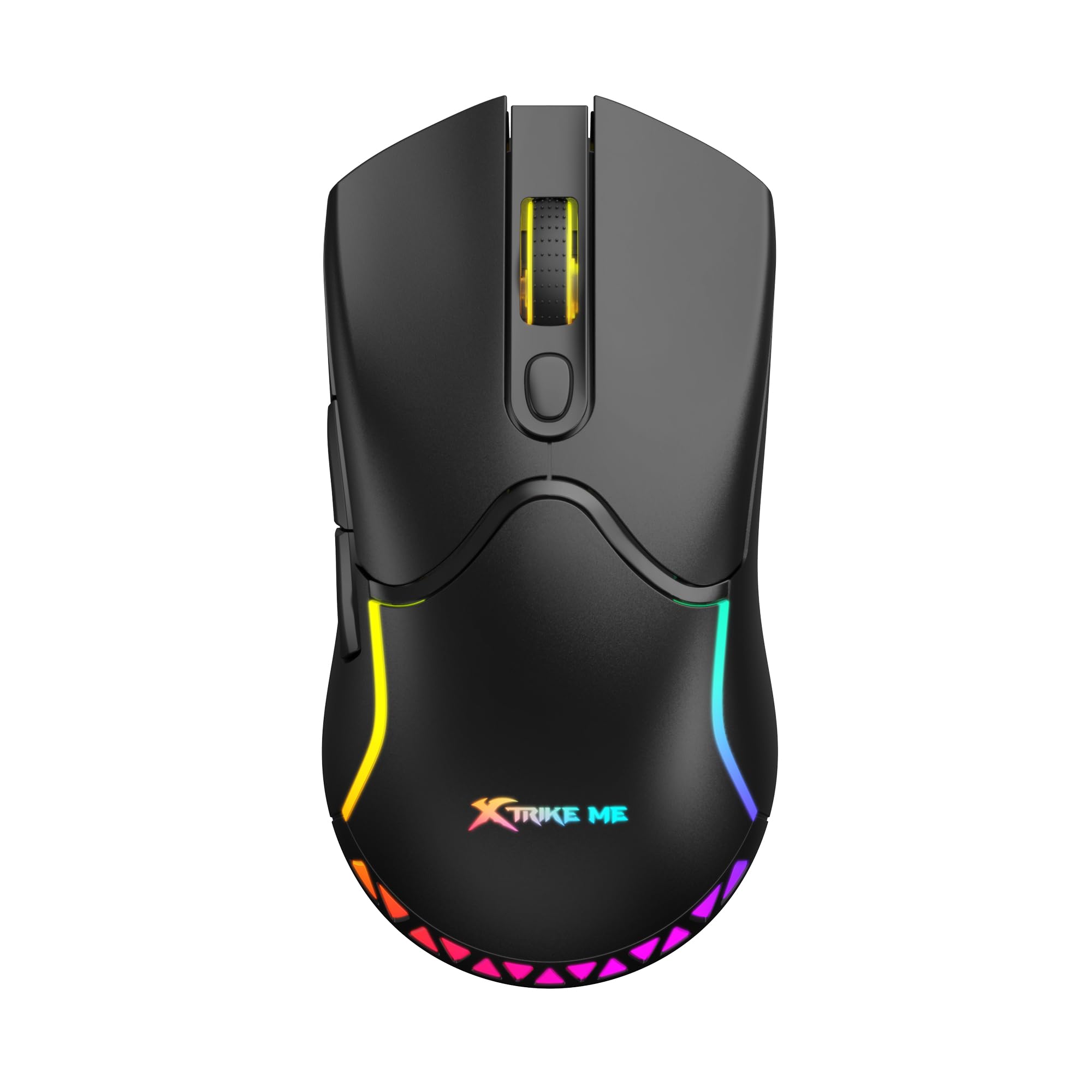
Obraz: Góra view of the Xtrike Me GW-610 Gaming Mouse, showcasindzięki ergonomicznej konstrukcji i oświetleniu RGB.
Instrukcja obsługi
Button Functions (7 Buttons)
- Lewy przycisk myszy: Standardowa funkcja kliknięcia podstawowego.
- Przycisk prawego przycisku myszy: Standardowa funkcja dodatkowego kliknięcia.
- Kółko przewijania: Przewija w górę/w dół i działa jak środkowy przycisk.
- Przycisk cyklu DPI: Changes the mouse sensitivity (DPI) through preset levels.
- Przycisk do przodu: Nawiguje do przodu w web przeglądarki lub file odkrywcy.
- Przycisk Wstecz: Porusza się wstecz web przeglądarki lub file odkrywcy.
- RGB Lighting Control Button: (Specific function may vary, often cycles through lighting modes or turns lights on/off. Refer to software if available for full customization.)

Obraz: kątowy view of the Xtrike Me GW-610 Gaming Mouse, highlighting the side buttons and ergonomic shape.
Regulacja DPI
Press the DPI cycle button (usually located behind the scroll wheel) to switch between the following sensitivity levels:
- 800 DPI
- 1600 DPI (domyślna)
- 2400 DPI
- 3200 DPI
- 4800 DPI
- 8000 DPI
Each DPI level may be indicated by a change in the mouse's LED color or a brief flash.
Sterowanie oświetleniem RGB
The mouse features multi-color RGB lighting effects. Use the dedicated RGB lighting control button (if present, or a combination of buttons) to cycle through different lighting modes or to turn the lighting on/off. The lighting effects include a flowing light pattern.

Obraz: Bok view of the Xtrike Me GW-610 Gaming Mouse, showing the illuminated RGB strip along its body.
Ładowanie myszy
When using the mouse in wireless mode, it is powered by a built-in 500mAh lithium-ion battery. To charge the mouse:
- Connect the USB Type-C end of the provided cable to the mouse.
- Podłącz koniec USB-A kabla do zasilanego portu USB w komputerze lub do zasilacza ściennego USB.
- Wskaźnik ładowania (jeśli występuje) pokaże stan ładowania.
- Pełne naładowanie trwa około 3 godzin.
The mouse can be used in wired mode while charging. A full charge provides approximately 20 hours of use with RGB lighting on, or 100 hours with RGB lighting off.
Konserwacja
- Czyszczenie: Do czyszczenia myszy używaj miękkiej, suchej ściereczki. W przypadku uporczywych zabrudzeń, delikatnie przetrzyjamp cloth can be used, ensuring no liquid enters the mouse. Do not use harsh chemicals or abrasive cleaners.
- Składowanie: Przechowuj mysz w chłodnym, suchym miejscu, z dala od bezpośredniego światła słonecznego i ekstremalnych temperatur.
- Pielęgnacja kabli: Aby zapobiec uszkodzeniom, nie należy nadmiernie zginać ani skręcać kabla USB.
Rozwiązywanie problemów
| Wydanie | Możliwe rozwiązanie |
|---|---|
| Mysz nie reaguje (przewodowa) |
|
| Mysz nie reaguje (bezprzewodowo) |
|
| DPI się nie zmienia |
|
| Nie działa oświetlenie RGB |
|
Specyfikacje
| Marka | Xtrike Me |
| Numer modelu | XT-GW-610 |
| Typ czujnika | Optyczny |
| Liczba przycisków | 7 |
| Łączność | 2.4G Wireless, Wired (Type-C) |
| Operating Distance (Wireless) | 10 metrów |
| Ustawienia DPI | 800-1600-2400-3200-4800-8000 (Default: 1600) |
| Przełącz ocenę | 3 miliony kliknięć |
| Poll Rate | 500 Hz |
| Typ baterii | Litowo-jonowy |
| Pojemność baterii | 500mAh |
| Usage Time (Lights On) | 20 godziny |
| Usage Time (Lights Off) | 100 godziny |
| Czas ładowania | 3 godziny |
| Objętość operacyjnatage (Przewodowy) | 5V/300mA (with charging) |
| Objętość operacyjnatage (Wireless) | 3.7 V/≤35 mA |
| Podświetlenie | RGB |
| Interfejs | Typ C |
| Długość kabla | 1.5 metrów |
| Wymiary | Wymiary: 127 x 66 x 39 mm |
| Waga | 90 gramów |
| Wsparcie systemu operacyjnego | Windows 7 lub nowszy |
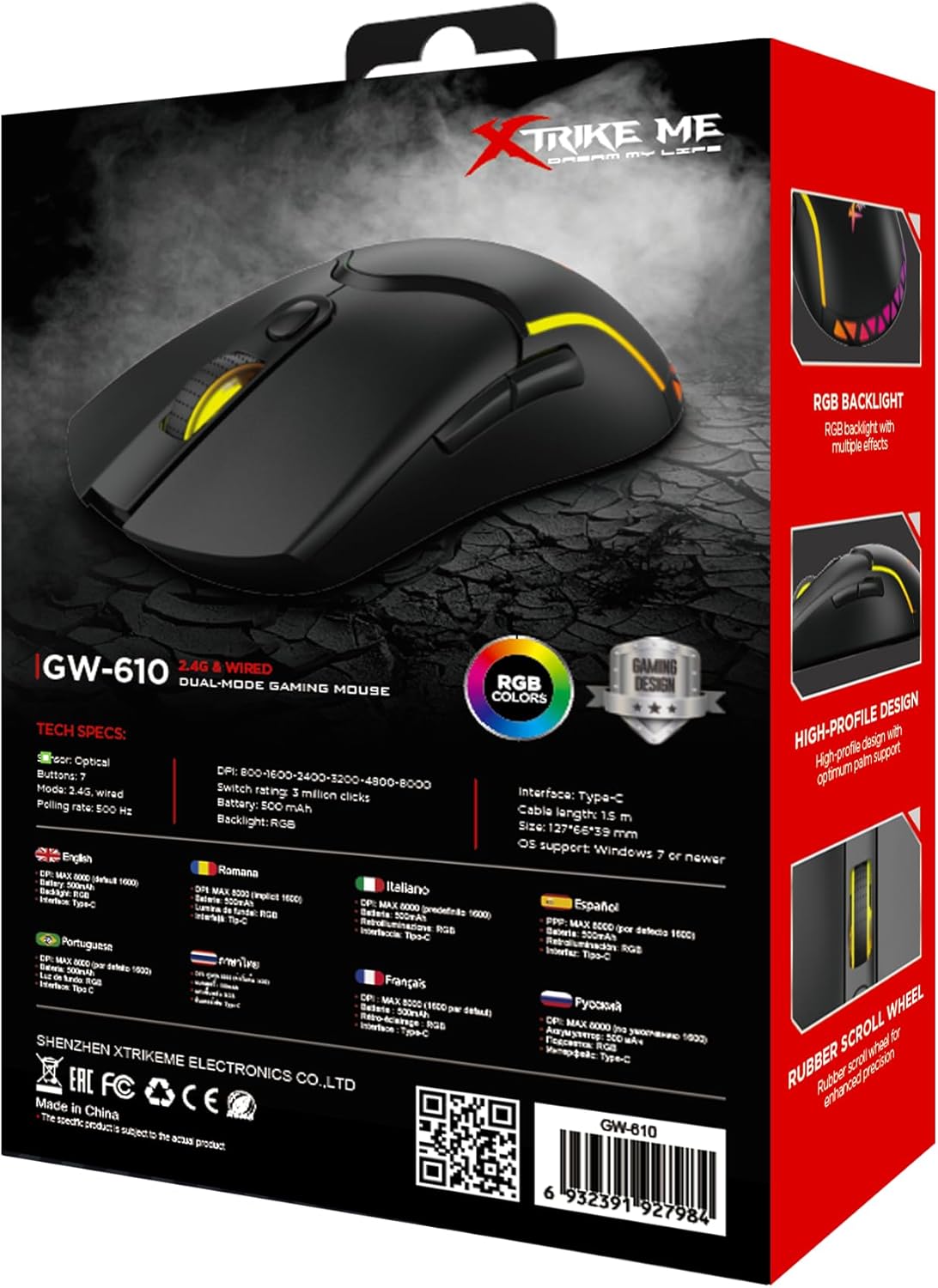
Image: The back of the Xtrike Me GW-610 Gaming Mouse box, displaying detailed technical specifications in multiple languages.
Gwarancja i wsparcie
The Xtrike Me GW-610 Gaming Mouse comes with a standard manufacturer's warranty. For specific warranty terms and conditions, please refer to the warranty card included with your product or visit the official Xtrike Me webstrona.
For technical support, troubleshooting assistance, or to inquire about replacement parts, please contact Xtrike Me customer service or visit their official webstrona: