
Docreate SKU930600
Docreate Portable Spot Welder Instruction Manual
Model: SKU930600 | Brand: Docreate
1. Koniec produktuview
The Docreate Portable Spot Welder is a versatile and compact tool designed for precision spot welding, ideal for lithium battery packs, robotics projects, and various metal crafts. Featuring an advanced LCD screen and 30 adjustable power levels, it offers user-friendly operation with comprehensive safety protections.

Image 1.1: Docreate Portable Spot Welder and included accessories, including welding pens, nickel belt, and charging cables.
2. Główne cechy
- Advanced LCD Display & Smart Controls: Features a vivid 1.8" color LCD screen for real-time monitoring of voltage, temperature, and welding count. Auto-mode operation, low-battery alerts, and firmware updates ensure user-friendly precision for DIY enthusiasts and professionals.
- Premium Aluminum Alloy Durability: Crafted with anodized aerospace-grade aluminum alloy for extreme heat resistance and abrasion protection. Fireproof housing guarantees long-lasting performance in high-intensity welding scenarios.
- Precision Control with 30 Adjustable Levels: Customize power output and delay time across 30 fine-tuned settings for flawless spot welds on batteries (18650/26650/32650/NiMH) and thin metals (≤0.3mm). Memory function retains preferences, while 5-minute auto-shutdown boosts safety.
- Kompleksowe zabezpieczenia: Built-in safeguards against over-discharge, over-voltage, short circuits, over-current, and overheating ensure risk-free operation. Smart warnings instantly alert users to anomalies.
- Versatile Multi-Material Welding: Perfect for lithium battery packs, robotics projects, and metal crafts. Seamlessly weld nickel strips, stainless steel, iron sheets, and cylindrical cells. Compact, portable design thrives in workshops, garages, and on-site repairs.
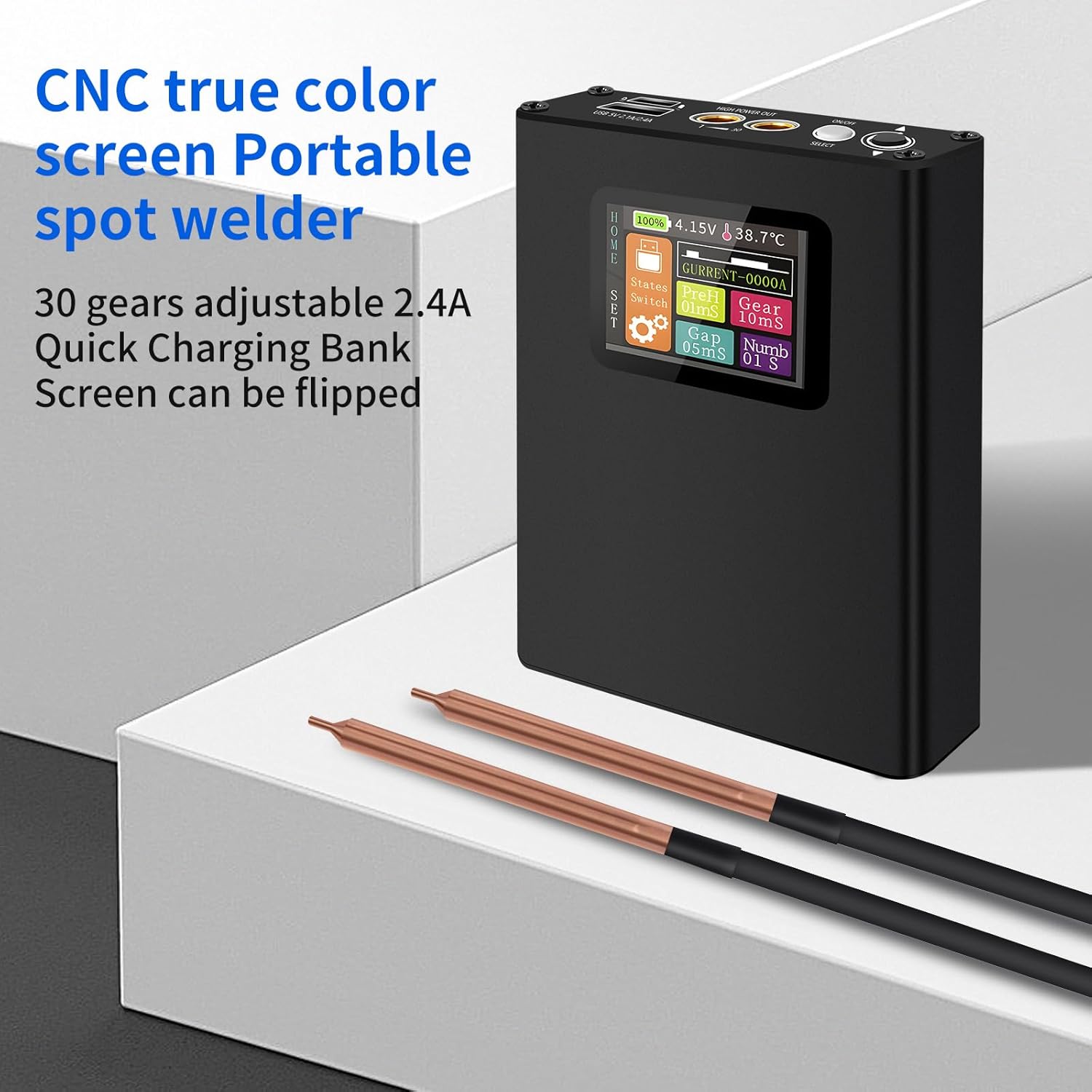
Image 2.1: The spot welder's CNC true color screen and portable design, highlighting 30 adjustable gears and quick charging.
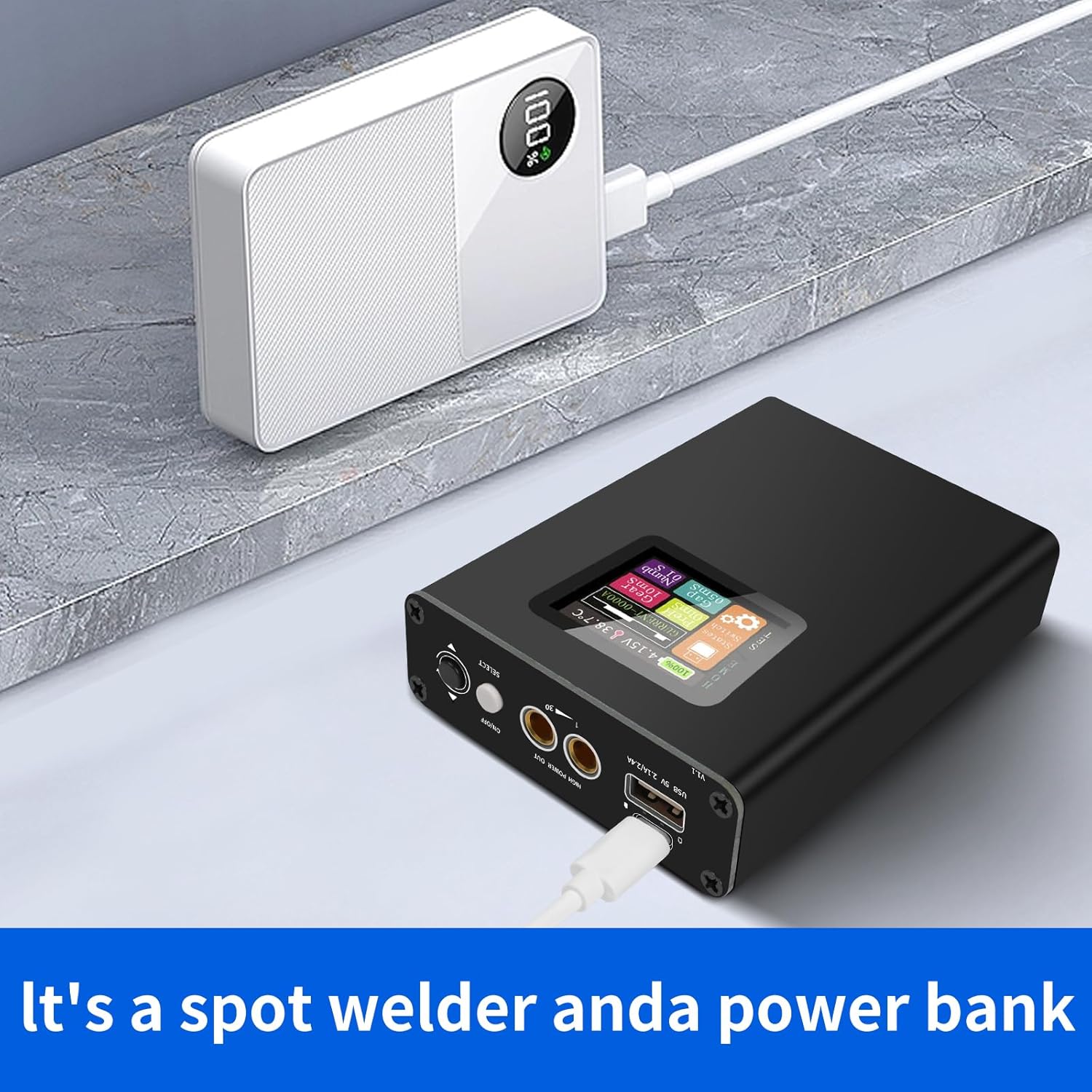
Image 2.2: The device also functions as a power bank, capable of charging other electronic devices.
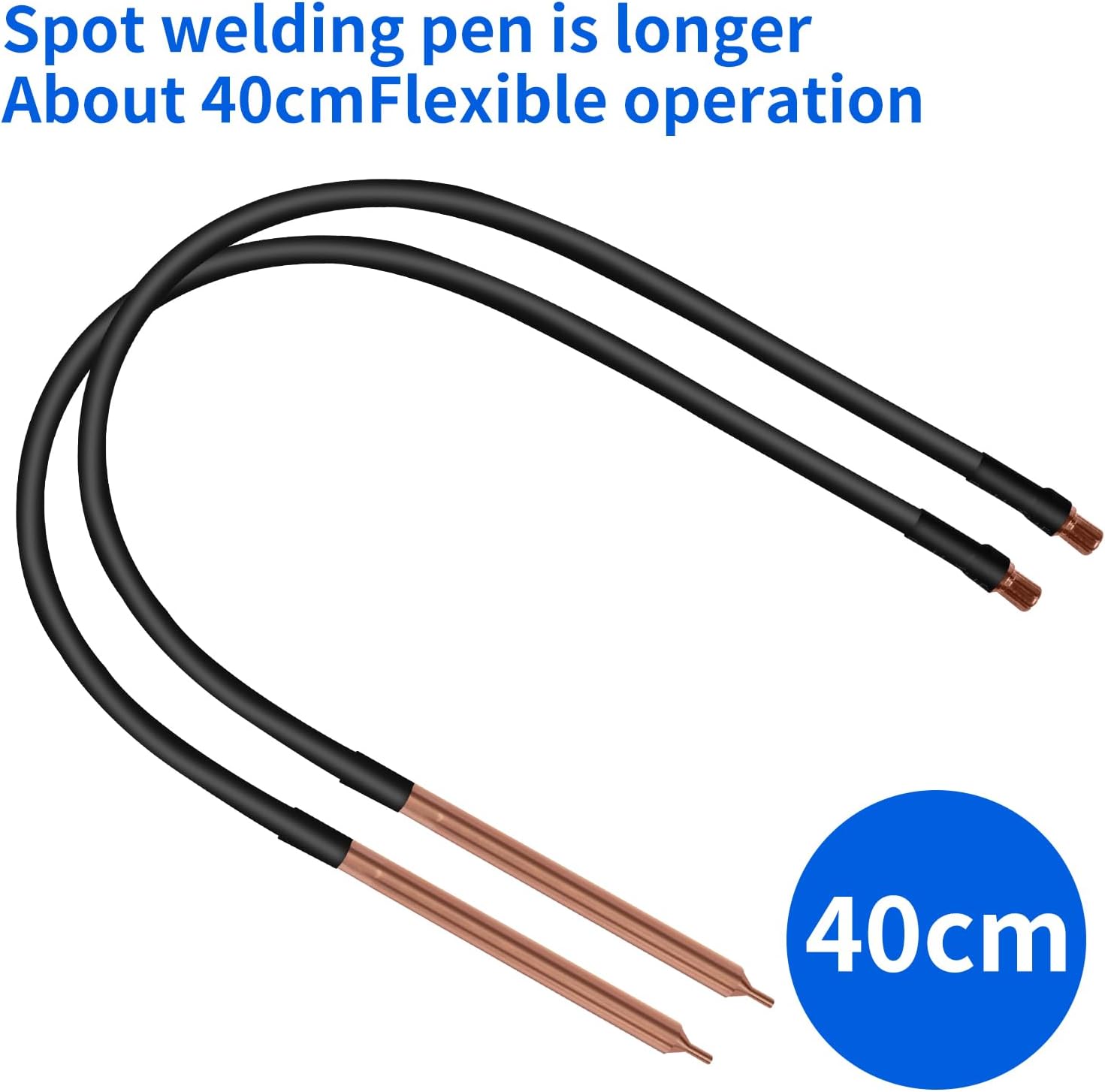
Image 2.3: The spot welding pens are approximately 40cm long, offering flexible operation.
3. Konfiguracja
- Naładuj urządzenie: Before first use, fully charge the spot welder using the provided USB-C cable. The LCD screen will indicate charging status. The device supports 2.1A input for faster charging.
- Podłącz pióra spawalnicze: Insert the two spot welding pens into their respective output interfaces on the device. Ensure a secure connection.
- Identyfikacja portów: Familiarize yourself with the device's ports and controls. The 1.8-inch display shows various parameters.
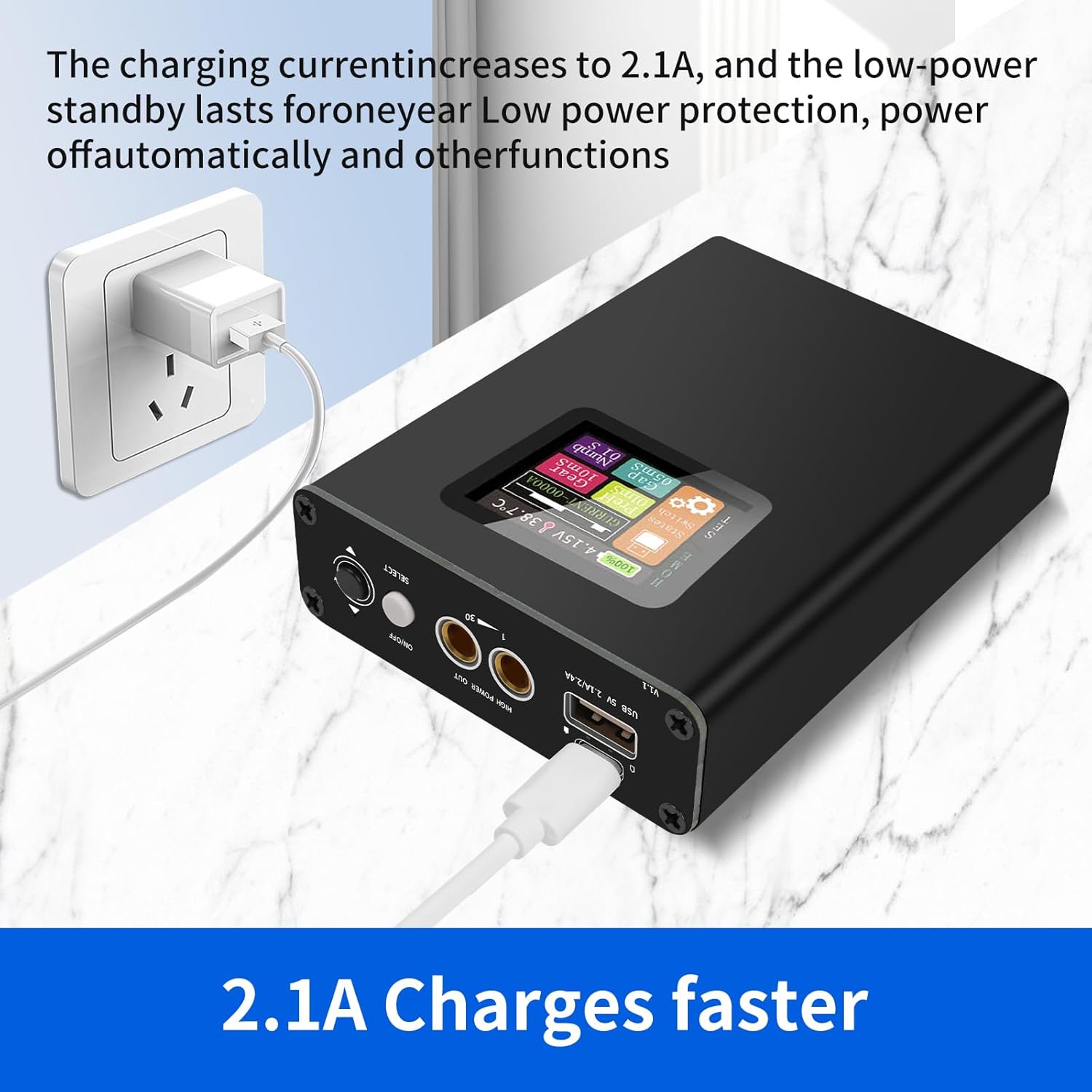
Image 3.1: Connect the spot welder to a power source for charging. The charging current increases to 2.1A for faster charging.
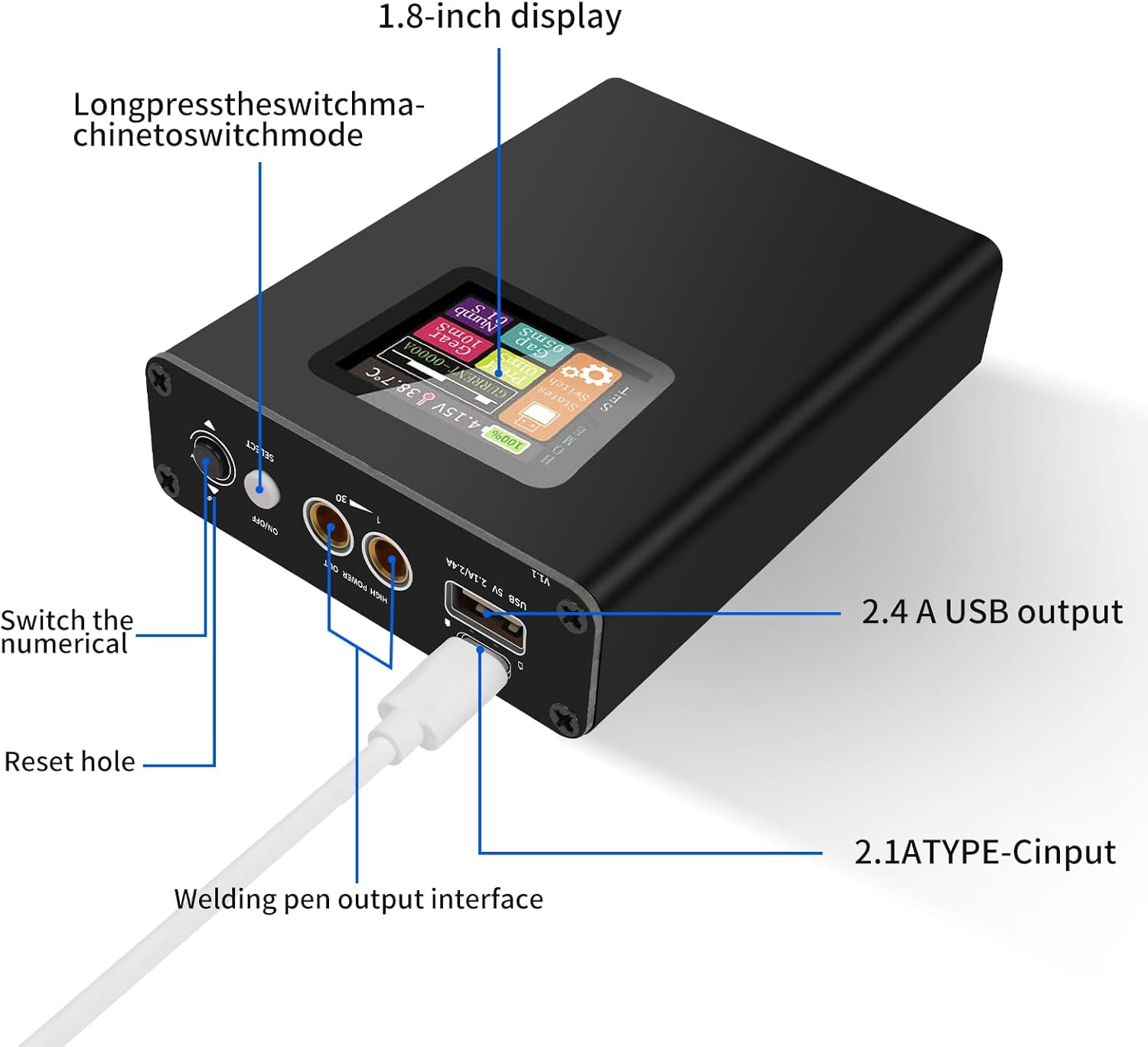
Image 3.2: Key components include the 1.8-inch display, 2.4A USB output, 2.1A Type-C input, welding pen output interface, reset hole, and numerical switch.
4. Instrukcja obsługi
- Włączanie: Long press the switch to power on the device. The main interface will appear on the LCD screen.
- Adjust Welding Parameters: Use the controls to adjust the power output (30 gears available) and delay time. These settings are crucial for achieving optimal welds on different materials and thicknesses (e.g., 0.1-0.15mm nickel sheets). The memory function retains your preferences.
- Perform Welding: Place the nickel strip or material to be welded onto the battery or workpiece. Ensure good contact. Press the welding pens firmly onto the material. The device will automatically perform the weld based on your settings.
- Monitor Welding Count: The LCD screen displays the welding count, helping you keep track of your progress.
- Automatyczne wyłączenie: For safety and power saving, the device features a 5-minute auto-shutdown function if inactive.
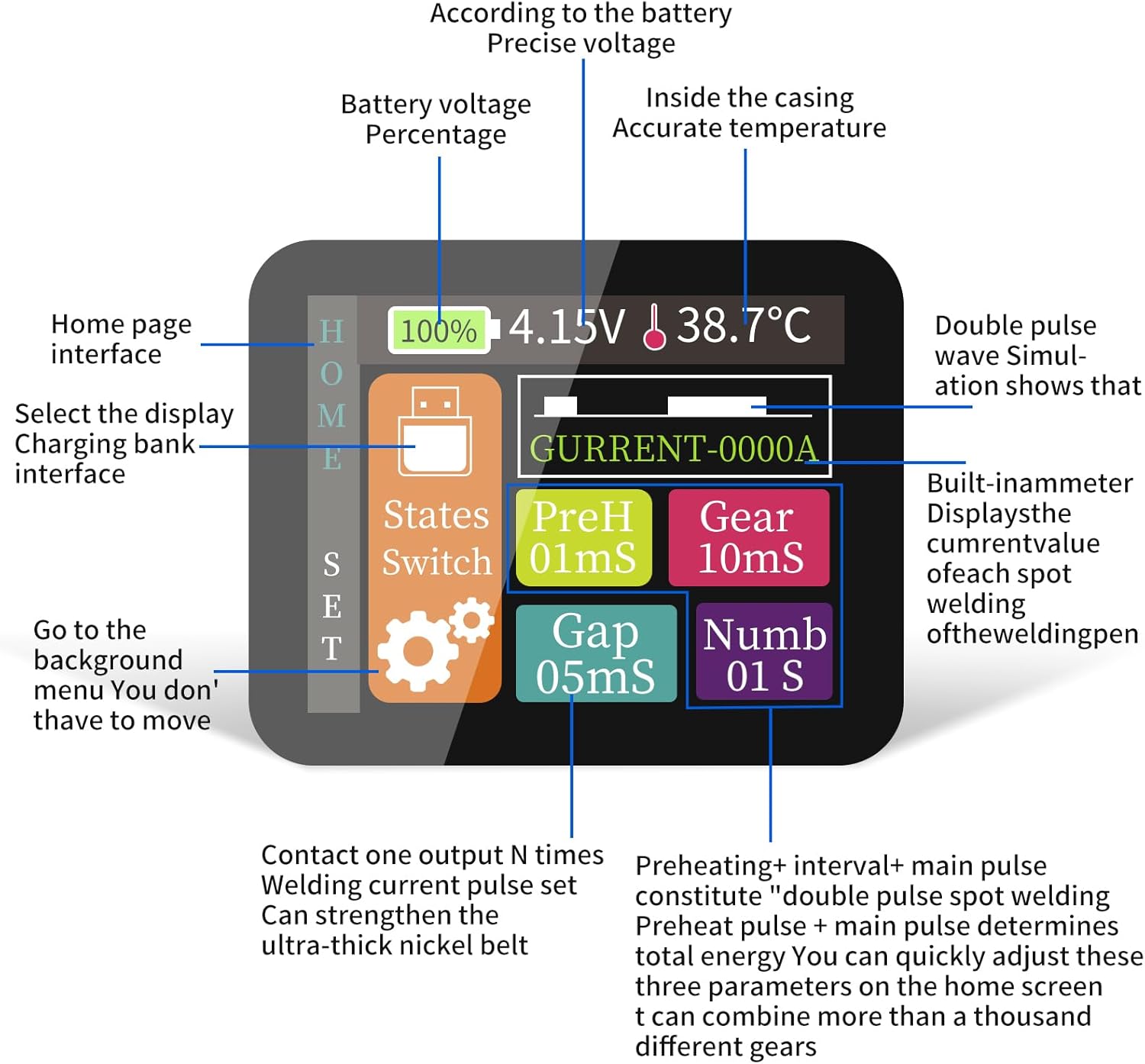
Image 4.1: The 1.8-inch HD colorful screen displays real-time voltage, temperature, and welding count. Users can navigate between home, charging bank, and parameter settings.

Image 4.2: The device supports enhanced welding strength for nickel sheets between 0.1-0.15mm, with adjustable gear settings for optimal results.
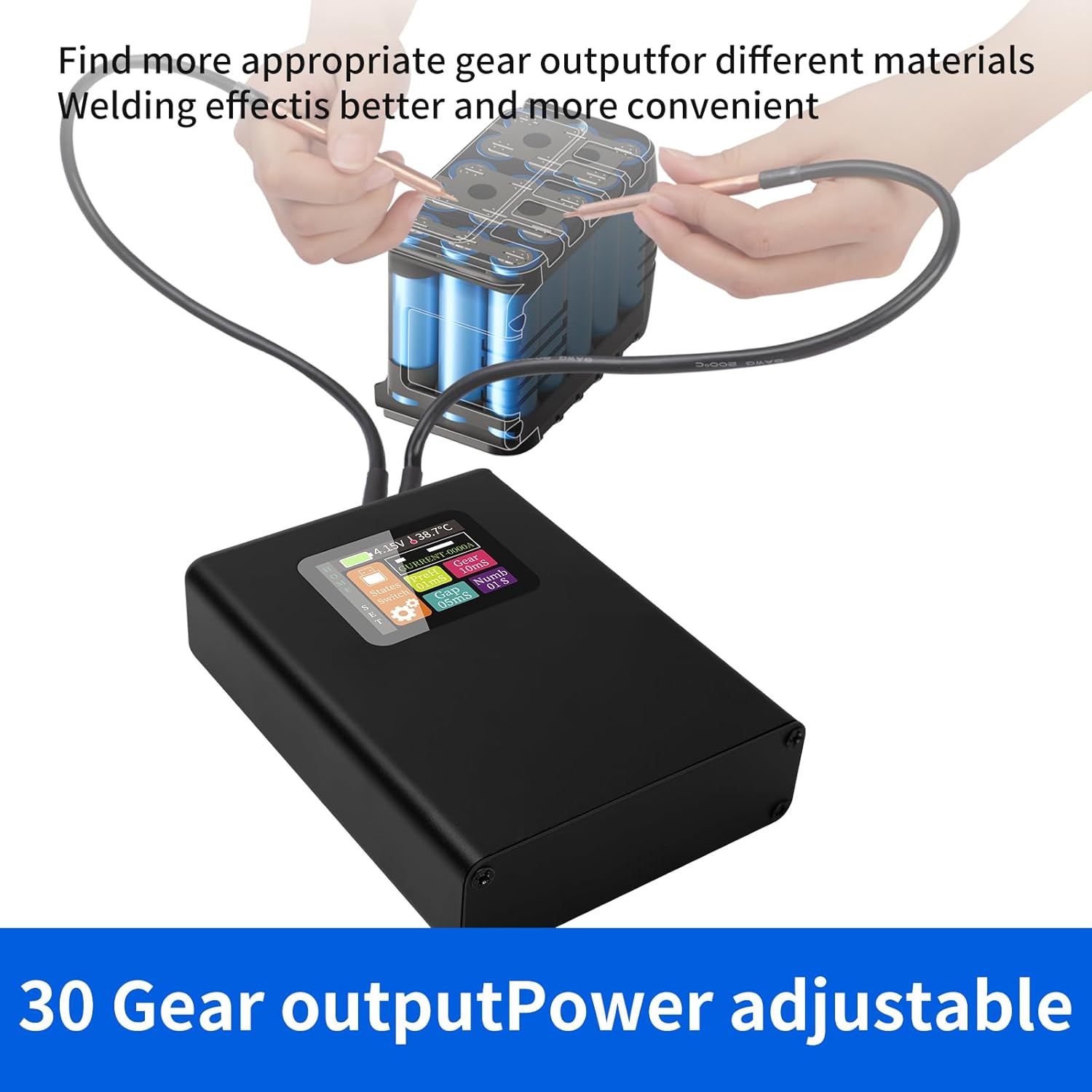
Image 4.3: The 30-gear output power is adjustable to find the most appropriate setting for different materials, ensuring better and more convenient welding.

Image 4.4: The spot welder is suitable for creating battery packs from cylindrical batteries (18650, 26650, 32650, NiMH, Ni/Cd).
5. Konserwacja
- Czyszczenie: Regularly clean the welding pen tips and the device's exterior with a dry, soft cloth. Ensure no metal debris accumulates around the welding points.
- Składowanie: Przechowuj zgrzewarkę punktową w chłodnym, suchym miejscu, z dala od bezpośredniego światła słonecznego i wilgoci. Trzymaj ją poza zasięgiem dzieci.
- Pielęgnacja baterii: To prolong battery life, avoid fully discharging the device frequently. Recharge it when the low-battery alert appears.
6. Rozwiązywanie Problemów
- Słaba jakość spoiny:
- Ensure welding pen tips are clean and sharp.
- Adjust the power output (gear level) to a higher setting.
- Verify the nickel strip thickness is within the recommended range (≤0.3mm).
- Ensure firm and consistent pressure on the welding pens.
- Urządzenie nie włącza się:
- Sprawdź poziom naładowania akumulatora i naładuj go, jeśli to konieczne.
- Ensure the power button is pressed and held for a sufficient duration.
- Ostrzeżenie o przegrzaniu:
- Allow the device to cool down. Avoid continuous, prolonged welding sessions.
- Zapewnij odpowiednią wentylację wokół urządzenia.
- Alert niskiego poziomu baterii:
- Natychmiast naładuj urządzenie.
7. Specyfikacje
| Atrybut | Wartość |
|---|---|
| Producent | Docrete |
| Waga przedmiotu | 1.09 funta |
| Wymiary opakowania | 7.09 x 4.41 x 1.89 cala |
| Numer modelu przedmiotu | SKU930600 |
| Kolor | Square Spot Welder |
| Źródło zasilania | prąd zmienny/stały |
| Zawarte komponenty | spot welding pen |
| Czy potrzebne są baterie? | NIE |
| ASIN | B0CB5QNLCM |
| Data pierwszej dostępności | 5 lipca 2023 r. |
8. Gwarancja i wsparcie
For warranty information and technical support, please refer to the documentation included with your product or contact Docreate customer service directly through their official websklep lub sklep, w którym zakupiono produkt. Zachowaj paragon na wypadek reklamacji.
Ask a question about this manual
Ask about setup, troubleshooting, compatibility, parts, safety, or missing instructions. Manuals+ will review the question and use this page’s manual context to help answer it.