
1. Wprowadzenie
Thank you for choosing the LITTLE TREE 55-Inch L-Shaped Computer Desk. This manual provides essential information for the safe assembly, proper use, and maintenance of your new desk. Please read these instructions carefully before beginning assembly and retain them for future reference.
2. Informacje dotyczące bezpieczeństwa
- Always follow the assembly instructions precisely to ensure the desk's stability.
- If the desk is used in an environment with children, consider anchoring it to the wall to prevent tipping. Wall anchoring hardware may not be included and should be purchased separately if needed.
- Keep liquids away from the desk's surfaces to prevent damage. In case of spills, wipe immediately with a dry cloth.
- Do not overload the desk or shelves beyond their recommended weight capacity (Maximum Weight Recommendation: 77 pounds).
- Ensure all screws and fasteners are tightened securely before use and periodically check for any loosening.
3. Specyfikacje produktu
| Funkcja | Szczegół |
|---|---|
| Marka | Małe drzewo |
| Numer modelu | MH039 |
| Wymiary (gł. x szer. x wys.) | 43.3" x 55.11" x 35.43" |
| Waga przedmiotu | 70 funta |
| Tworzywo | Drewno konstrukcyjne, Metal |
| Kolor | Orzech włoski |
| Cechy specjalne | Monitor Stand, Reversible Design, Scratch Resistant Surface, 2 Drawers, 4 Shelves, Headphone Hook |
| Liczba szuflad | 2 |
| Liczba półek | 4 |
| Maksymalna zalecana waga | 77 funta |
4. Zawartość opakowania
Your LITTLE TREE L-Shaped Computer Desk package includes all necessary components, simple assembly tools, and a step-by-step instruction guide. Please verify that all parts are present and undamaged before beginning assembly. If any parts are missing or damaged, please contact customer support.
5. Instalacja i montaż
Assembly of this desk is designed to be straightforward. Each component is marked, and a detailed step-by-step guide is provided in the packaging. It is recommended that two people assemble the desk for ease and safety.
5.1 Konstrukcja odwracalna
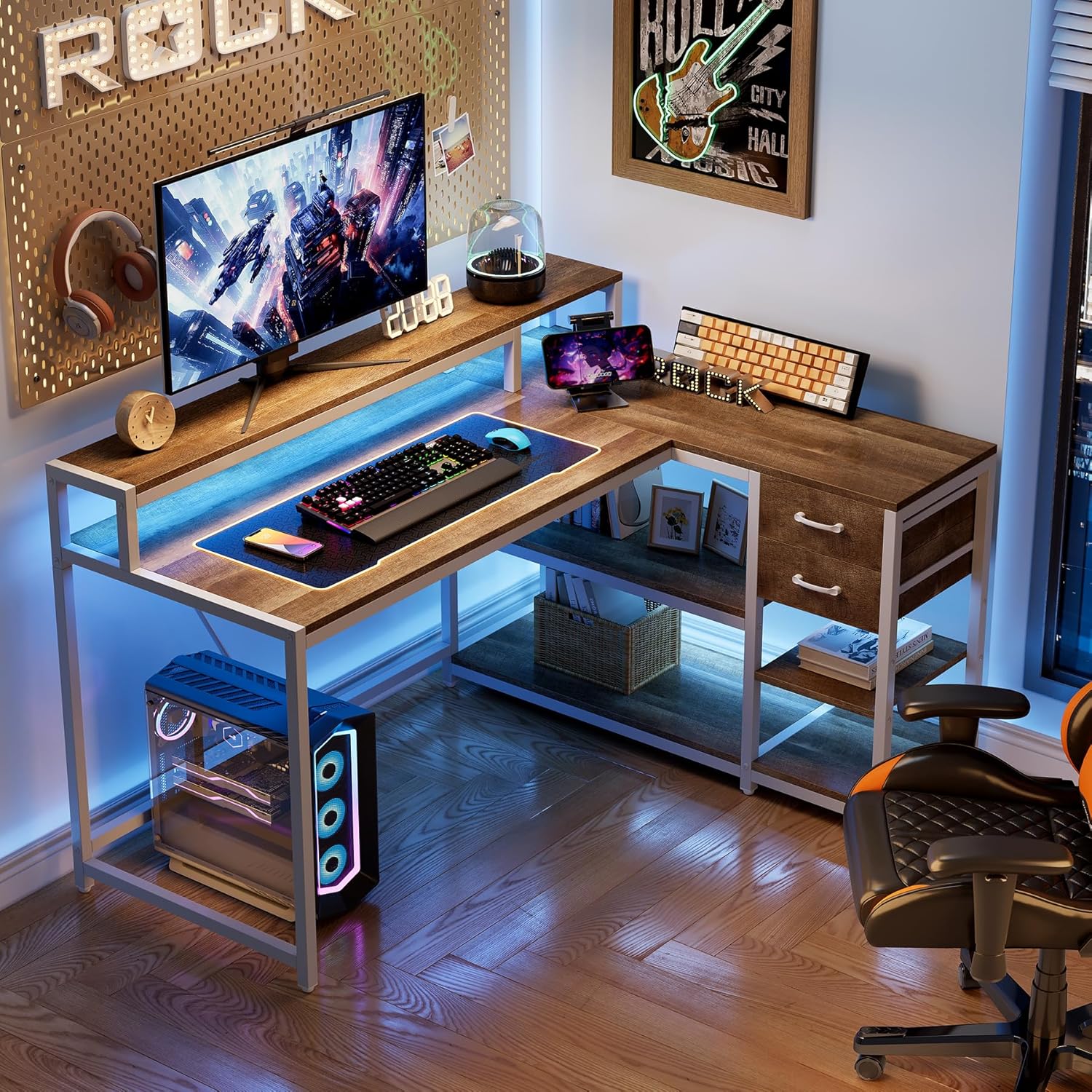
The L-shaped section of the desk, including the drawers and shelves, can be assembled on either the left or right side to best suit your room layout and preferences. Refer to the specific sections in your included assembly guide for instructions on configuring the desk for your desired orientation.


5.2 Kroki Zgromadzenia Ogólnego
- Rozpakuj wszystkie elementy i rozłóż je na czystej, miękkiej powierzchni, aby zapobiec zarysowaniom.
- Identify all parts using the provided parts list in your assembly guide.
- Follow the step-by-step diagrams and instructions in the included manual to connect the frame components.
- Attach the desk panels, ensuring proper alignment and secure fastening.
- Assemble and install the drawers and shelves according to your desired left or right configuration.
- Install the monitor stand and headphone hook.
- Po całkowitym złożeniu biurka należy ostrożnie przesunąć je w wybrane miejsce.
6. Instrukcja obsługi (użytkowanie)
The LITTLE TREE L-Shaped Computer Desk is designed for versatile use in home offices, gaming setups, or study areas.
- Main Desktop Surface: Zapewnia ample space for your computer, keyboard, mouse, and other essential work items.
- Podstawka pod monitor: The elevated monitor stand helps promote ergonomic posture by raising your screen to a comfortable viewwysokość.
- Kalesony: Two integrated drawers offer enclosed storage for office supplies, documents, or personal items, helping to keep your workspace tidy.
- Półki do przechowywania: Four open shelves provide additional space for books, decorative items, or other accessories, keeping them within easy reach.
- Haczyk na słuchawki: Utilize the convenient headphone hook to keep your headphones organized and off the desk surface.

7. Konserwacja i pielęgnacja
Właściwa pielęgnacja przedłuży żywotność i wygląd Twojego biurka.
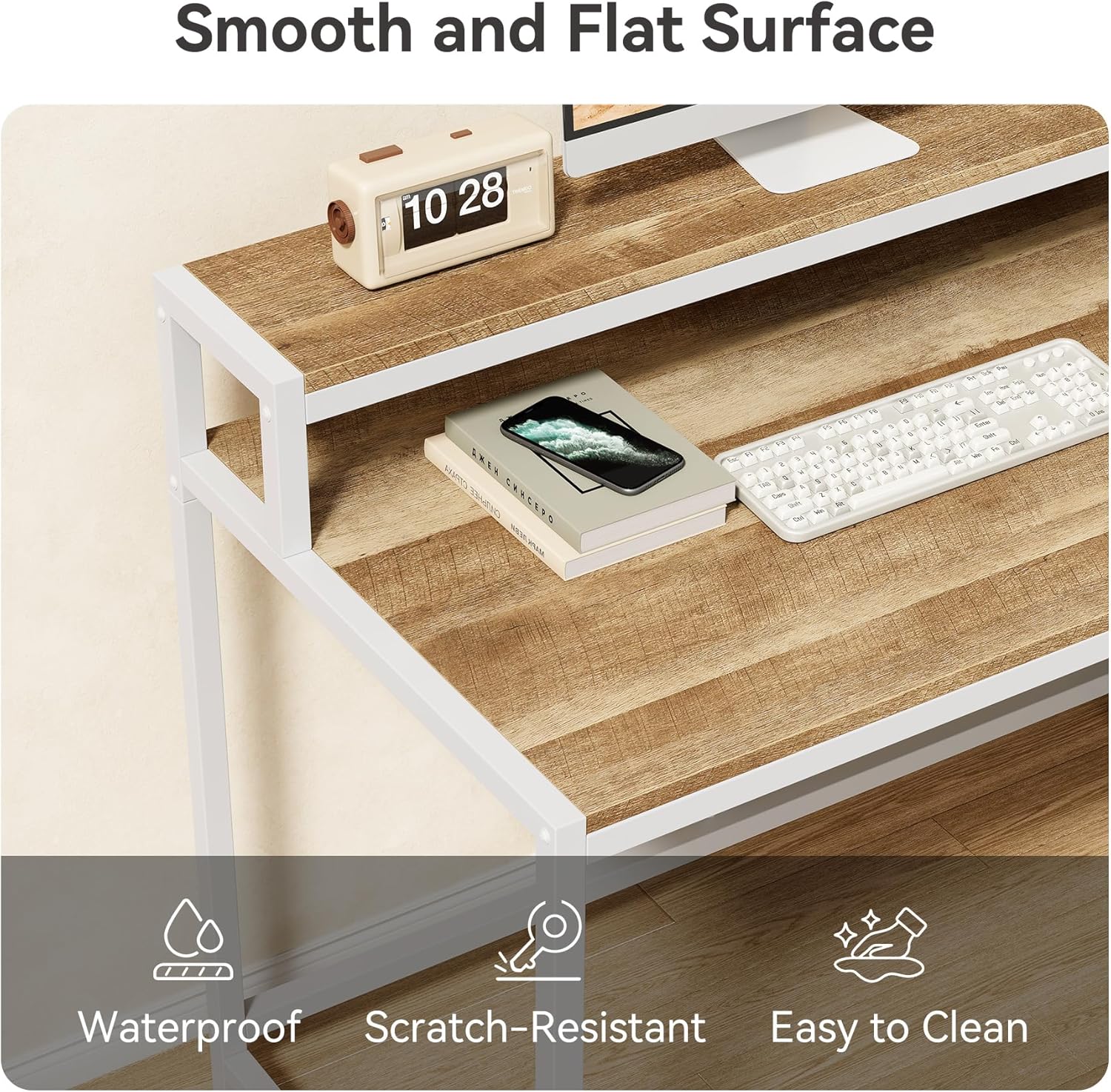
- Czyszczenie: Przetrzyj powierzchnie biurek suchą ściereczką. W przypadku uporczywych plam, delikatnie przetrzyjamp Można użyć ściereczki, a następnie natychmiast przetrzeć ją suchą ściereczką. Unikaj środków czyszczących o działaniu ściernym lub silnych środków chemicznych, ponieważ mogą one uszkodzić wykończenie.
- Odporność na zarysowania: The desk features a scratch-resistant surface, but it is still advisable to use coasters for drinks and protective pads under heavy or sharp objects.
- Sprawdzenie stabilności: Okresowo sprawdzaj wszystkie śruby i elementy mocujące, aby upewnić się, że są dobrze dokręcone. W razie potrzeby dokręć je, aby zachować stabilność.

8. Rozwiązywanie Problemów
Jeśli podczas montażu lub użytkowania napotkasz jakiekolwiek problemy, zapoznaj się z poniższymi typowymi rozwiązaniami:
- Niestabilność/Chwiejność: Ensure all screws are fully tightened. Check that the desk is on a level surface. Adjustable feet may be present to compensate for uneven floors.
- Parts Misalignment: Double-check the assembly instructions, especially for the reversible sections. Sometimes, a part may need to be flipped or reoriented. Disassemble the affected section and reassemble carefully.
- Szuflady nie wysuwają się płynnie: Verify that the drawer slides are correctly installed and aligned. Ensure no debris is obstructing the tracks.
- Brakujące lub uszkodzone części: Jeśli po otwarciu opakowania okaże się, że brakuje którejkolwiek części lub jest ona uszkodzona, nie należy kontynuować montażu. Należy natychmiast skontaktować się z obsługą klienta w celu uzyskania pomocy.
9. Gwarancja i wsparcie
This LITTLE TREE desk comes with a limited warranty. Please refer to the warranty information included in your product packaging for specific terms and conditions.
For further assistance, technical support, or to report missing/damaged parts, please contact LITTLE TREE customer service through the retailer where you purchased the product or visit the official LITTLE TREE webwitryna do informacji kontaktowych.