
Wstęp
This manual provides detailed instructions for the installation, operation, and maintenance of your REVODATA I706-P-A-HS 5MP POE IP Camera. Please read this manual thoroughly before using the product to ensure proper setup and functionality.
Ważne uwagi:
- This camera is POE powered and requires an external standard 48V 802.3af POE switch.
- The camera defaults to 5MP and H.265 encoding. If your NVR does not support 5MP or H.265, you can switch the camera to 1080P (2MP) and H.264.
- The camera also supports H.264 encoding for compatibility with H.264 and H.265 devices.
- An auxiliary power interface allows use as a non-POE network camera with a standard 12V 2A power supply (not included).
Zawartość opakowania
Proszę dokładnie sprawdzić zawartość opakowania. Jeśli brakuje któregokolwiek z elementów lub jest on uszkodzony, prosimy o kontakt ze sprzedawcą.
- REVODATA I706-P-A-HS 5MP POE IP Camera (1 unit)
- Mounting Screws Set (1 set)
- Instrukcja obsługi (1 szt.)

Obraz: Ponadview of the camera's components, dimensions, and included package items. Note: Power unit is not included.
Główne cechy
- Rozdzielczość HD 5MP: Equipped with a 1/3-inch CMOS sensor, delivering clear 2880x1616P images/videos at up to 20 frames per second.
- Built-in Microphone (One-way Audio): Captures sound around the camera, providing additional security information.
- 48V POE Support: Integrated POE module (802.3af standard) simplifies wiring. Also supports 12V 2A non-POE power via an auxiliary interface.
- Kompaktowa konstrukcja: Small size (5.3 x 4.5 x 4 cm) with a 3.6mm fixed lens, offering an 80° viewing angle, ideal for discreet placement.
- H.265/H.264 Dual Encoding: Compatible with both H.264 and H.265 devices, optimizing storage space.
- Zdalne sterowanie P2P Viewing: Access live and recorded footage remotely via the "Linklemo" mobile app (iOS, Android) or VMS software for Windows.
- Detekcja ruchu: Receive alarm messages on your phone upon detecting human movement.
- Web Obsługa interfejsu: Compatible with IE6.0 and above browsers for configuration and viewing.
- Trwała konstrukcja: Features a metal shell for enhanced durability.

Image: Key features of the REVODATA 5MP POE IP Camera, including POE, H.265/H.264 compression, 5MP resolution, audio, 75° Field of View, P2P remote access, motion detection, and 3.6mm lens.

Image: The compact design of the camera, illustrating its small size for discreet installation.
Konfiguracja i instalacja
1. Włączanie kamery
The REVODATA I706-P-A-HS camera supports two power methods:
- Zasilanie przez Ethernet (POE): Connect the camera's RJ45 port to a standard 48V 802.3af POE switch or NVR using an Ethernet cable. This provides both power and data connectivity.
- Auxiliary DC Power: If not using POE, connect a 12V 2A DC power adapter (not included) to the camera's DC power port. Then, connect the RJ45 port to your network router or NVR for data.
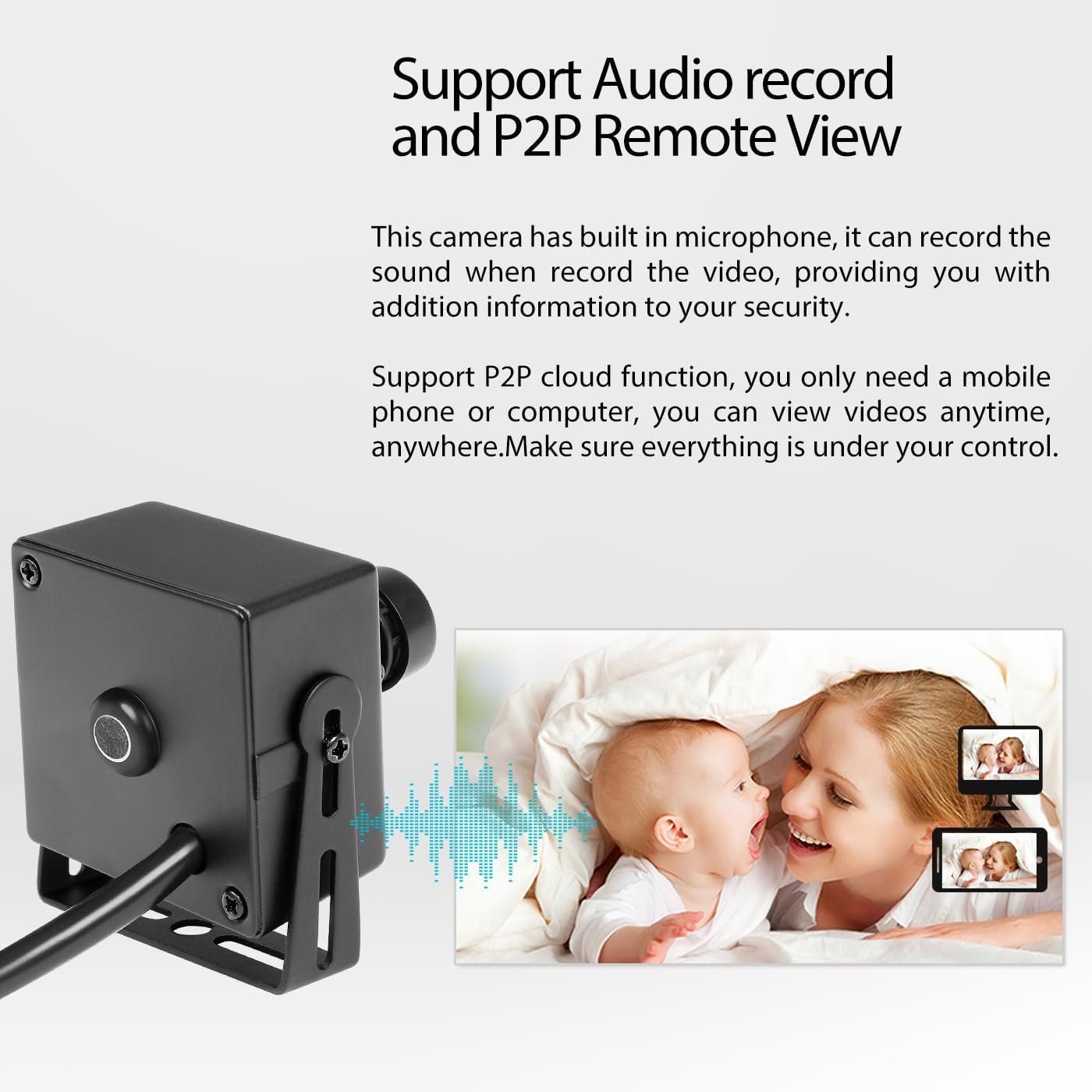
Image: Illustration of POE support, showing how a POE cable provides both power and network connectivity to the camera.
2. Instalacja fizyczna
The camera comes with mounting brackets and screws for easy installation. Choose a suitable indoor location that provides the desired viewing angle (80° Field of View).
- Secure the mounting bracket to a wall or ceiling using the provided screws.
- Zamontuj kamerę w uchwycie i dostosuj jej kąt, aby uzyskać optymalne pokrycie.
3. Wstępna konfiguracja
Upon first connection, the camera will obtain an IP address dynamically (DHCP). You can access the camera's web interface via a browser (IE6.0 or above) to configure settings.
- Zgodność z NVR: If your NVR does not support 5MP or H.265, adjust the camera's resolution to 1080P (2MP) and encoding to H.264 via the web interface or VMS software for compatibility.
- Instalacja oprogramowania: Na telefon komórkowy viewing, download and install the "Linklemo" app (iOS/Android). For PC viewing and management, install the VMS software (Windows only).
Działanie
1. Zdalny Viewing (P2P)
The camera supports P2P cloud functionality, allowing you to view na żywo i nagrane footage from anywhere using your smartphone or computer.
- Download and install the "Linklemo" app on your iOS or Android smartphone.
- Follow the in-app instructions to add your camera using its unique ID or QR code.
- For PC, use the provided VMS software (Windows) to connect and manage your camera.

Image: Mobile app and VMS software interfaces for remote viewing and management of the camera.
2. Nagrywanie dźwięku
The built-in microphone allows for one-way audio recording. This feature captures ambient sounds, providing additional context to your video surveillance.
- Ensure audio recording is enabled in the camera's settings via the web interface or VMS software.
- Audio will be recorded alongside video footage and can be accessed during playback.

Image: The camera's audio recording function and P2P remote viewmożliwości.
3. Detekcja ruchu
Configure motion detection to receive alerts and record only when activity is detected, saving storage space.
- Access motion detection settings through the camera's web interface or VMS software.
- Define detection zones and sensitivity levels.
- Enable email alarms or push notifications to your mobile device upon detection.

Image: Motion detection alarm feature, showing a notification on a smartphone when movement is detected.
4. Day/Night Vision
The camera provides clear images in both day and low-light conditions. While it does not have built-in IR LEDs, its low-light performance is optimized for environments with minimal ambient light.
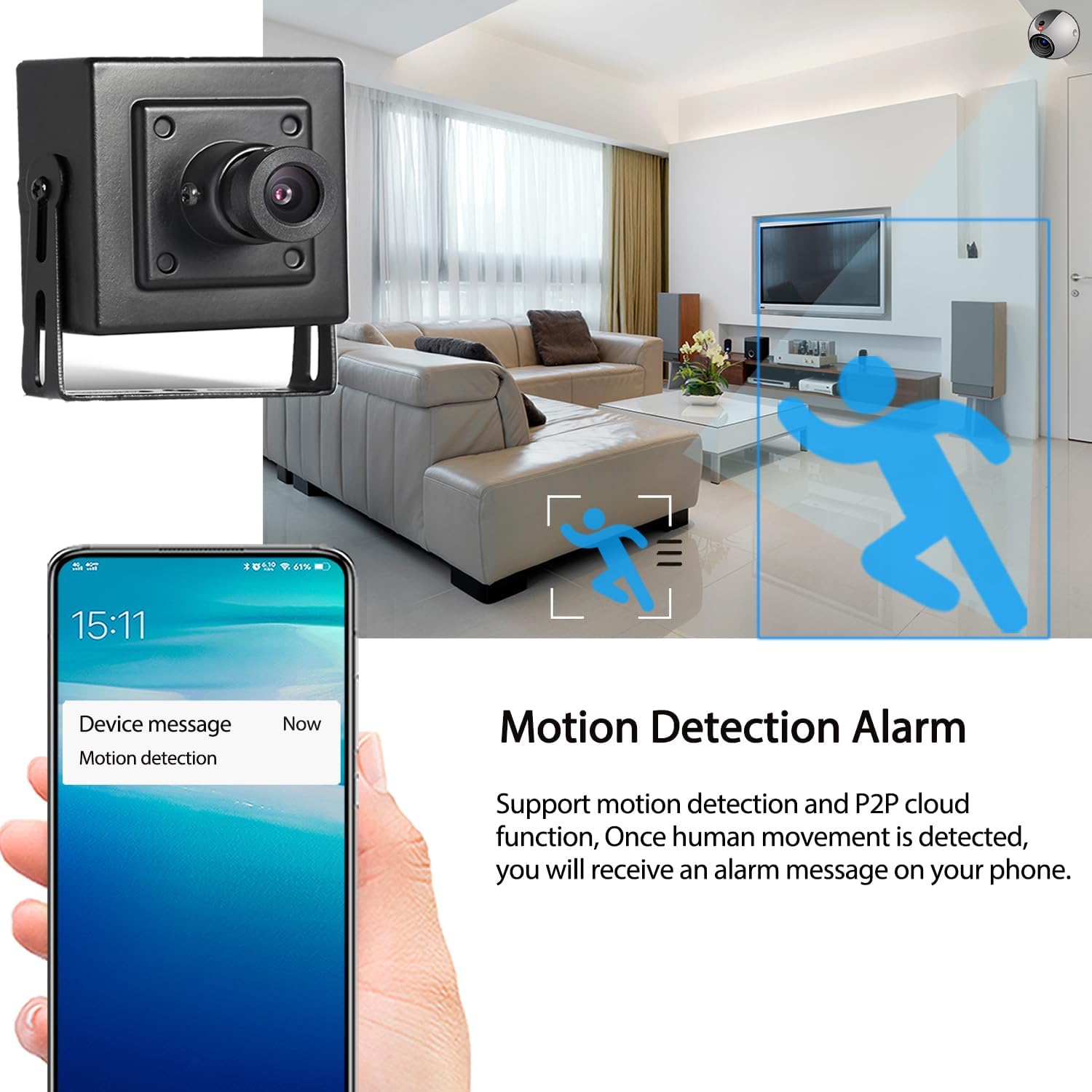
Image: Comparison of day and night image quality captured by the camera.
Konserwacja
- Czyszczenie: Delikatnie przetrzyj obiektyw i korpus aparatu miękką, suchą ściereczką. Unikaj stosowania silnych środków chemicznych i ściernych środków czyszczących.
- Aktualizacje oprogramowania układowego: Okresowo sprawdzaj producenta webwitryna z aktualizacjami oprogramowania sprzętowego, zapewniająca optymalną wydajność i bezpieczeństwo.
- Warunki środowiskowe: Ensure the camera is used within its specified operating temperature range (-25°C to 60°C) and in an indoor environment as recommended.
Rozwiązywanie problemów
| Problem | Możliwa przyczyna / rozwiązanie |
|---|---|
| No image or video feed. |
|
| Cannot connect to NVR. |
|
| Brak nagrania audio. |
|
| Nie otrzymano alertów o wykryciu ruchu. |
|
Dane techniczne
| Nazwa modelu | I706-P-A-HS |
| Transduktor | FH8852V200+GC5053 (1/3'' CMOS) |
| Effective Resolution | 5 megapikseli (2880*1616P) |
| Szybkość klatek | 25 kl./s (5 MP) |
| Obiektyw | Obiektyw stały 3.6 mm |
| Pole View (pole widzenia) | 80 stopni |
| Format kompresji | H.265/H.264 |
| Audio | Built-in Microphone (One-way audio), Sensitivity: -36dB |
| Standard POE | 802.3af (48V) |
| Zasilanie pomocnicze | 12V 2A DC (adapter not included) |
| Łączność | Przewodowy Ethernet (RJ-45, 10M/100M mbps) |
| Protokoły | HTTP, TCP/IP, RTSP, RTP, UPNP, SMTP, DHCP, DDNS, DNS, FTP, NTP |
| Port ONVIF | 80 |
| Inteligentny alarm | Motion Detection, Email Alarm |
| Składowanie | NVR lub komputer |
| Temperatura pracy | -25°C do 60°C (-13°F do 140°F) |
| Wymiary (dł. x szer. x wys.) | 5.3 x 4.5 x 4 cm (2.09 x 1.77 x 1.57 cala) |
| Waga | 0.2 kg (0.44 funta) |
| Stopień ochrony IP | IP65 (Note: Product is recommended for indoor use) |
Gwarancja i wsparcie
For warranty information and technical support, please refer to the documentation provided with your purchase or contact REVODATA customer service through their official webna stronie internetowej lub u sprzedawcy.
Always ensure you are using the latest software and firmware for optimal performance and security.