
1. Wprowadzenie
Thank you for choosing the EBTOOLS 4G LTE USB WiFi Modem. This device provides a portable wireless hotspot, allowing you to connect multiple devices to the internet using a 3G or 4G SIM card. This manual will guide you through the setup, operation, maintenance, and troubleshooting of your device to ensure optimal performance and a seamless user experience.
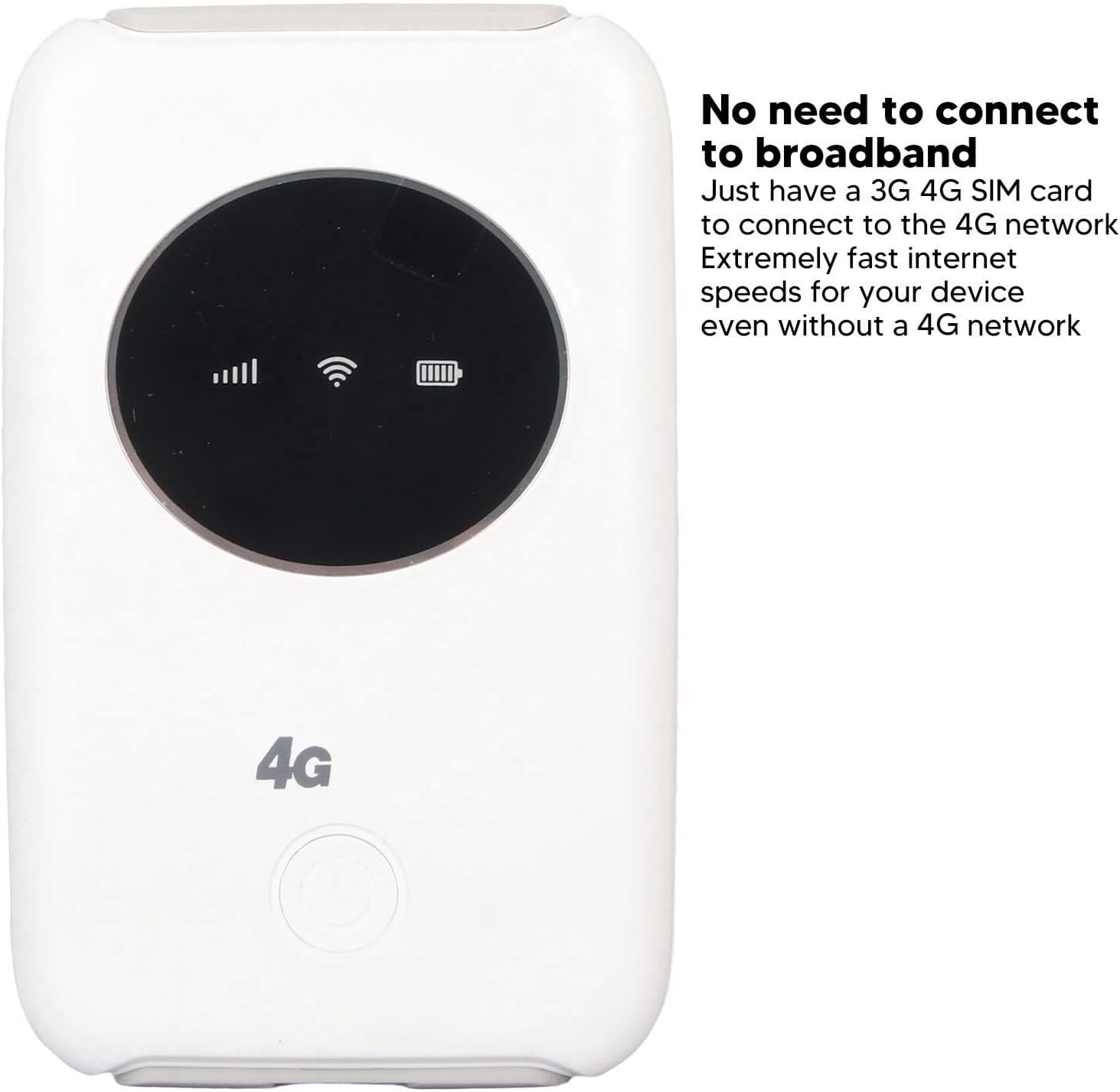
Obraz 1.1: Przód view of the EBTOOLS 4G LTE USB WiFi Modem, showing its compact design and indicator lights for signal strength, WiFi status, and battery level. This device allows internet access without a traditional broadband connection, requiring only a 3G or 4G SIM card.
2. Koniec produktuview
2.1 Główne cechy
- Portable 4G LTE Hotspot: Provides wireless internet access using a 3G/4G SIM card.
- Łączność o dużej prędkości: Supports LTE CAT4 with internet access speeds up to 300Mbps, depending on signal strength.
- Obsługa wielu użytkowników: Umożliwia jednoczesne podłączenie do 10 urządzeń.
- Wbudowana bateria: Features a 3200mAh Lithium-ion polymer battery for extended use.
- Elastyczne ładowanie: Can be charged via computer USB port, car USB charger, or other external power sources.
- Kompaktowa konstrukcja: Small and lightweight, ideal for travel, business trips, outdoor activities, and car WiFi.
2.2 Zawartość opakowania
- 1 x EBTOOLS 4G LTE USB WiFi Modem
- 1 x kabel USB
- 1 x Instrukcja obsługi

Image 2.1: The EBTOOLS 4G LTE USB WiFi Modem shown alongside its Micro USB charging cable. This image illustrates the main components included in the product package.
3. Konfiguracja
3.1 Wkładanie karty SIM i baterii
- Locate the SIM card slot on the device. The device uses a standard SIM card.
- Carefully insert your active 3G or 4G SIM card into the designated slot. Ensure it is inserted correctly according to the diagram or markings on the device.
- Install the built-in Lithium-ion polymer battery into its compartment.
- Dokładnie zamknij pokrywę komory baterii.

Rysunek 3.1: Szczegółowy view of the modem, illustrating the process of inserting the SIM card and battery. Proper insertion is crucial for the device to function correctly.
3.2 Konfiguracja początkowa (ustawienia APN)
Even if your SIM card is active and supports hotspot devices, you may need to configure the Access Point Name (APN) settings for internet connectivity. Follow these steps:
- Ensure your SIM card's PIN code is disabled. This can usually be done through a mobile phone before inserting it into the modem.
- Connect a device (e.g., laptop, smartphone) to the modem's WiFi network. The default WiFi name (SSID) and password are usually found on a sticker inside the battery compartment or on the device itself.
- Otwórz web browser on the connected device and enter the router's IP address: 192.168.43.1.
- Log in to the modem's administration interface. Default login credentials are often 'admin' for both username and password. Refer to the device's label for specific details.
- Navigate to the network settings or APN settings section.
- Enable APN for the network and modify the APN settings according to your mobile network provider's specifications. This information can typically be found on your provider's webstronie internetowej lub kontaktując się z obsługą klienta.
- Save the changes and restart the modem if prompted.
Ważny: Ensure your SIM card is active and has an active data plan for internet access.
4. Instrukcja obsługi
4.1 Włączanie/wyłączanie
- Włączanie: Press and hold the power button (usually located on the front or side) for a few seconds until the indicator lights illuminate.
- Aby wyłączyć: Naciśnij i przytrzymaj przycisk zasilania ponownie przez kilka sekund, aż kontrolki zgasną.
4.2 Podłączanie urządzeń
The EBTOOLS 4G LTE USB WiFi Modem can support up to 10 connected devices simultaneously. The effective WiFi range is approximately 10 meters (32.8 feet).
- Ensure the modem is powered on and the WiFi indicator light is active.
- On your device (smartphone, tablet, laptop), search for available WiFi networks.
- Select the network name (SSID) corresponding to your EBTOOLS modem.
- Enter the WiFi password (WPA/WPA2 key) when prompted. This is typically found on a sticker on the device or in the battery compartment.
- Po nawiązaniu połączenia urządzenie powinno mieć dostęp do Internetu.

Image 4.1: The modem is shown with an overlay indicating its ability to connect up to 10 devices simultaneously, including smartphones, tablets, and laptops. The effective range is approximately 10 meters.
4.3 Ładowanie urządzenia
The modem can be charged using the provided USB cable. Connect the Micro USB end to the modem and the standard USB end to any of the following power sources:
- Port USB komputera
- Car USB charger
- Standard USB power adapter (e.g., smartphone charger)
The battery indicator light will show the charging status. The device can operate while charging when connected to an external power source, without a time limit.
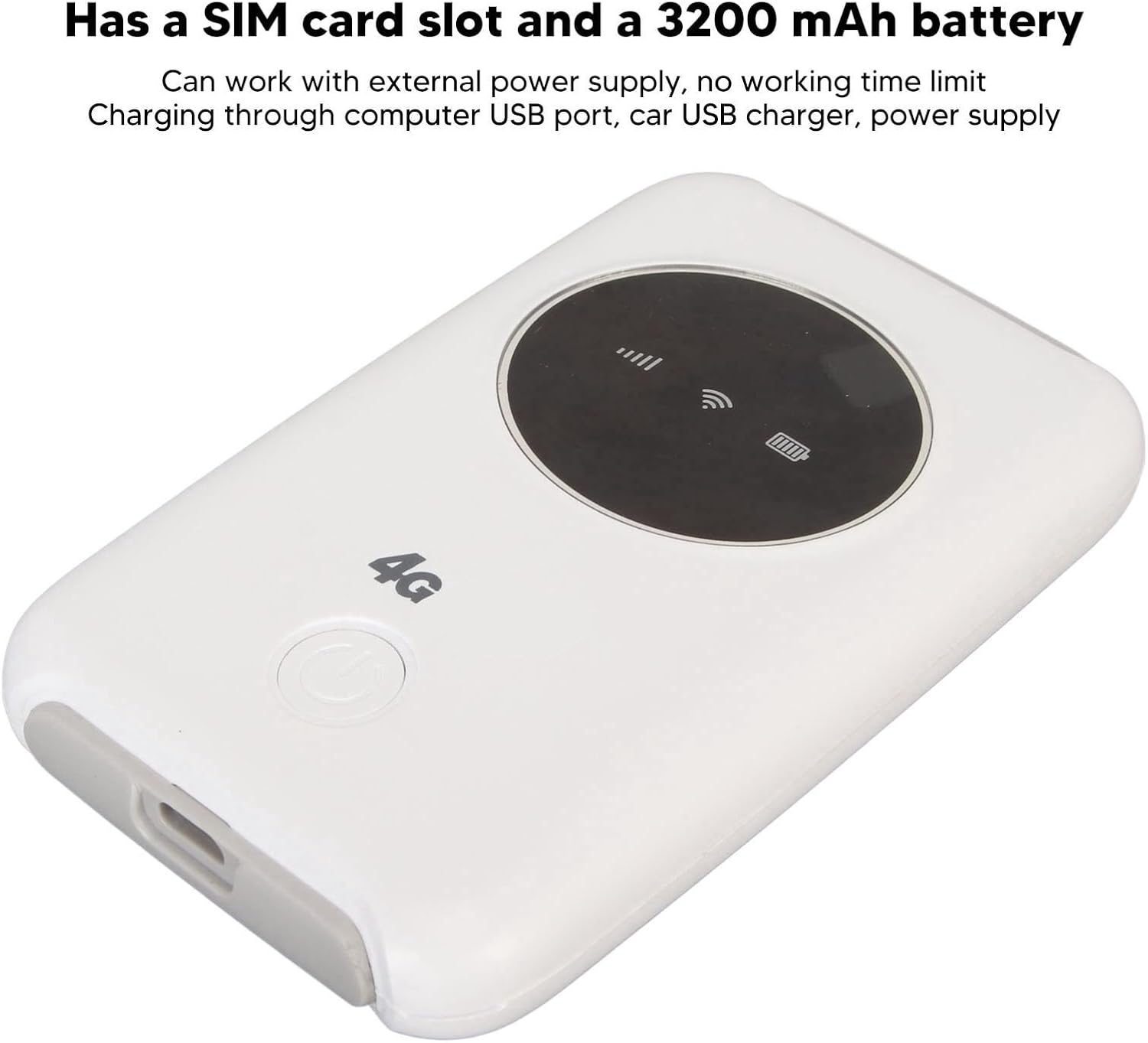
Image 4.2: This image emphasizes the modem's integrated SIM card slot and its 3200mAh battery. It also notes that the device can function continuously when connected to an external power supply.
5. Konserwacja
- Rozpraszanie ciepła: If the WiFi modem operates for an extended period, it requires proper heat dissipation. Ensure it is placed in a well-ventilated area to prevent overheating, which could damage internal components.
- Czyszczenie: Do czyszczenia urządzenia używaj miękkiej, suchej ściereczki. Unikaj stosowania płynnych środków czyszczących i materiałów ściernych.
- Składowanie: Przechowywać urządzenie w chłodnym i suchym miejscu, z dala od bezpośredniego światła słonecznego i ekstremalnych temperatur.
- Narażenie na działanie wody: Trzymaj urządzenie z dala od wody i wilgoci, aby zapobiec uszkodzeniom.
6. Rozwiązywanie Problemów
6.1 Typowe problemy i rozwiązania
| Wydanie | Możliwa przyczyna | Rozwiązanie |
|---|---|---|
| Brak połączenia internetowego |
|
|
| Przegrzanie urządzenia |
|
|
| Cannot connect more devices |
|
|
7. Specyfikacje
| Funkcja | Szczegół |
|---|---|
| Typ produktu | 4G LTE USB WiFi Modem |
| Marka | EBTOOLS |
| Numer modelu | EBTOOLS794cgdg3qo |
| Kolor | Biały |
| Wymiary (dł. x szer. x wys.) | Około 10 x 6 x 1.5 cm (3.9 x 2.4 x 0.6 cala) |
| Waga | 125g |
| Typ baterii | Built-in Lithium-ion Polymer Battery |
| Pojemność baterii | 3200mAh |
| Gniazdo karty SIM | 1 x Standard SIM Card Slot (SIM card not included) |
| Pasma sieciowe | B1/2/3/5/7/8/20/40 |
| Maksymalna prędkość pobierania | Do 300 Mb/s (LTE CAT4) |
| Maksymalna liczba połączonych użytkowników | 10 |
| standard bezprzewodowy | 802.11ac (for WiFi broadcast) |
| Wejście Voltage | 5V prądu stałego |
| Interfejs | Mikro USB |
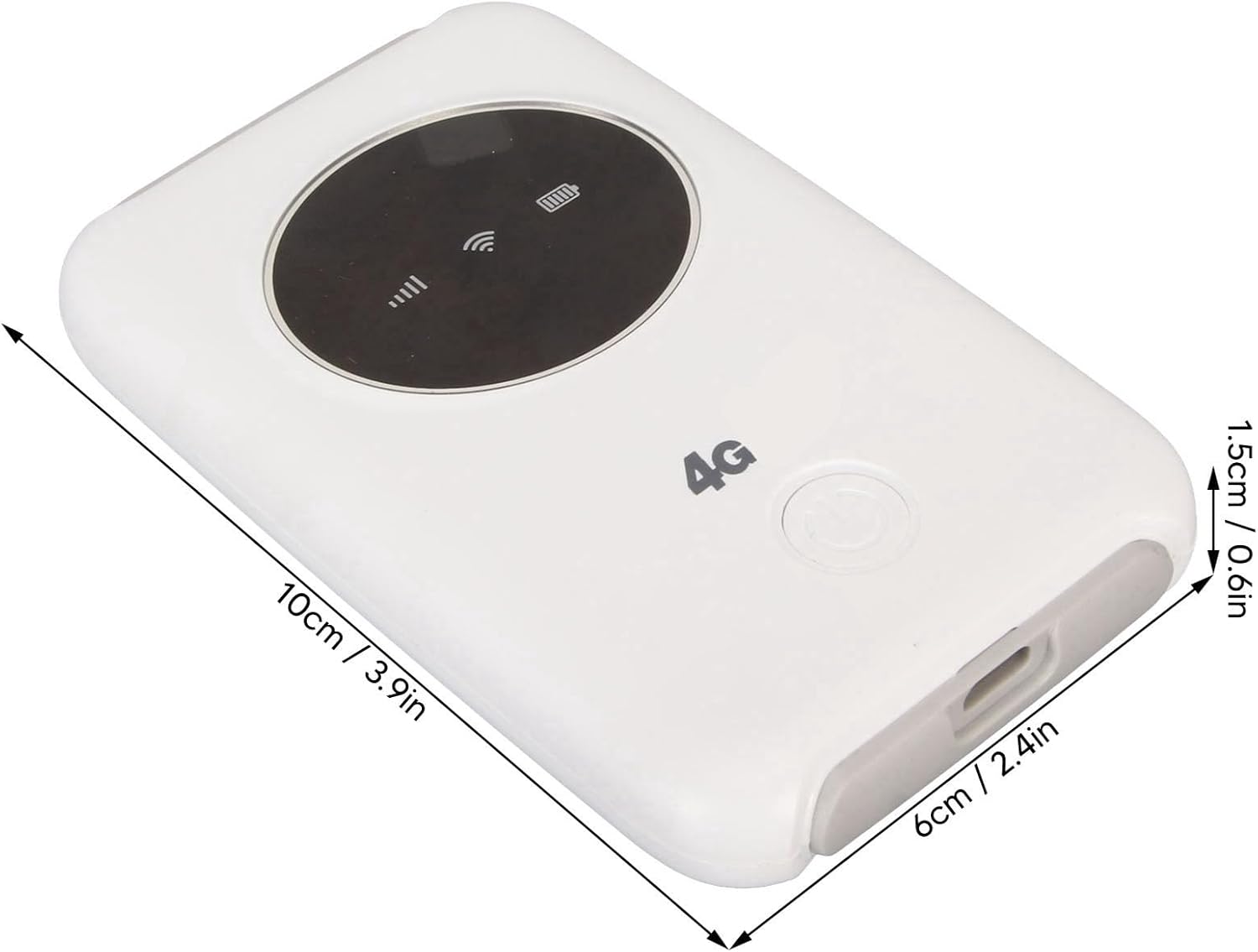
Image 7.1: The modem with its physical dimensions clearly marked, showing its compact size of approximately 10cm x 6cm x 1.5cm.
8. Informacje dotyczące bezpieczeństwa
- Nie należy podejmować prób rozmontowywania, naprawiania ani modyfikowania urządzenia.
- Unikaj wystawiania urządzenia na działanie ekstremalnych temperatur, bezpośredniego światła słonecznego lub wysokiej wilgotności.
- Trzymaj urządzenie z dala od materiałów łatwopalnych i wybuchowych.
- Use only the provided or recommended charging cable and power sources.
- Przechowywać w miejscu niedostępnym dla dzieci.
9. Gwarancja i wsparcie
Specific warranty information for this product is not available in this manual. Please refer to the documentation provided with your purchase or contact your retailer for details regarding warranty coverage and customer support. For technical assistance, please reach out to the manufacturer or seller through their official channels.