
Wstęp
Thank you for choosing the TNICER N1 Motorcycle Helmet Bluetooth Headset. This manual provides detailed instructions for the proper installation, operation, and maintenance of your device. Please read this manual thoroughly before use to ensure optimal performance and safety.
Cechy produktu
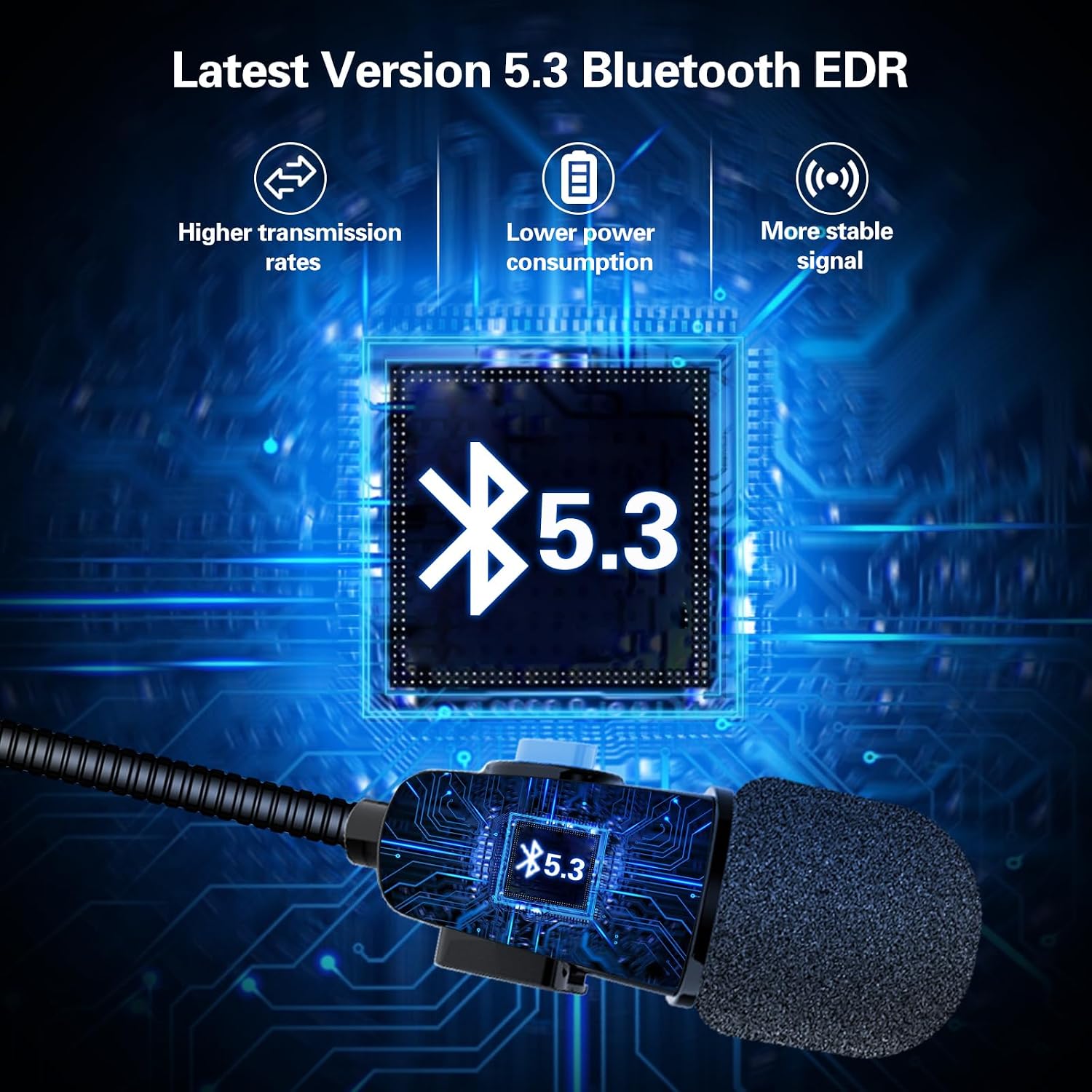
- Technologia Bluetooth 5.3: Ensures faster, more stable signal transmission with ultra-low power consumption.
- DSP Noise Suppression: Enhances sound quality for clear stereo music and communication.
- Automatyczne odbieranie połączeń: Incoming calls are answered automatically after 8 seconds, enhancing safety during rides. Manual hang-up is possible within 8 seconds.
- Łatwe w obsłudze sterowanie: Three raised control buttons for easy operation, even with gloves.
- Długa żywotność baterii: Up to 8 hours of continuous work and 300 hours of standby time on a 1.5-hour charge.
- Trwała konstrukcja: Anti-sweat and dustproof sealing for extended product lifespan.
- Uniwersalne dopasowanie: Designed for easy mounting on most helmets.
Produkt ponadview i komponenty


Konfiguracja i instalacja
1. Checking Helmet Compatibility
Before installation, measure the speaker recess section within your helmet. The TNICER N1 speakers have a thickness of 0.44 inches (approximately 11.17 mm) and diameters of 40mm and 35mm. Ensure there is adequate space for proper fitment.
2. Montaż zestawu słuchawkowego
- Identify suitable locations inside your helmet for the speakers and microphone. The headset is designed for easy and firm mounting.
- Attach the speakers to the helmet's interior, typically within the ear recesses, using the provided adhesive pads or Velcro.
- Position the microphone near your mouth for clear voice pickup. Ensure it does not obstruct your vision or helmet closure.
- Ułóż kable starannie wewnątrz wyściółki kasku, aby uniknąć przeszkód i zapewnić sobie komfort.
3. Ładowanie urządzenia
- Connect the charging cable to the headset's charging port and to a standard USB power source.
- Pełne naładowanie trwa około 1.5 godzin.
- The device will indicate charging status (e.g., LED indicator). Refer to the device's LED behavior for specific charging signals.
4. Parowanie Bluetooth
- Upewnij się, że zestaw słuchawkowy jest wyłączony.
- Press and hold the power button until the LED indicator flashes alternately in red and blue, indicating pairing mode.
- Włącz Bluetooth na swoim smartfonie lub innym urządzeniu Bluetooth i wyszukaj dostępne urządzenia.
- Select "TNICER N1" from the list of found devices.
- Po sparowaniu wskaźnik LED zazwyczaj będzie świecił ciągłym niebieskim światłem lub będzie wolno migał.
Instrukcja obsługi
1. Włączanie/wyłączanie zasilania
- Włączanie: Press and hold the power button for approximately 3 seconds until you hear an audible prompt and the LED indicator lights up.
- Wyłączone: Press and hold the power button for approximately 5 seconds until you hear an audible prompt and the LED indicator turns off.
2. Zarządzanie połączeniami
- Automatyczne odpowiadanie: Incoming calls will be answered automatically after 8 seconds.
- Manual Hang Up: During the 8-second automatic answering period, you can manually press the appropriate button (refer to device controls) to hang up the call.
- Ponowne wybieranie ostatniego numeru: Aby ponownie wybrać ostatnio wybierany numer, naciśnij dwukrotnie przycisk zasilania.
3. Odtwarzanie muzyki
- Odtwórz/Pauza: Press the central control button (often the power button) once to play or pause music.
- Zwiększenie głośności: Naciśnij przycisk „+”, aby zwiększyć głośność.
- Ściszanie: Naciśnij przycisk „-”, aby zmniejszyć głośność.
- Następny utwór: Press and hold the '+' button for 2 seconds to skip to the next song.
- Poprzedni utwór: Press and hold the '-' button for 2 seconds to go to the previous song.
4. Asystent głosowy
- Aktywuj asystenta głosowego: Triple-press the power button to activate your smartphone's voice assistant (e.g., Siri, Google Assistant).
Konserwacja
- Czyszczenie: The N1 speaker is sealed to prevent sweat and dust. Wipe the device with a soft, damp płótno. Nie używaj ostrych środków chemicznych ani ściernych środków czyszczących.
- Składowanie: Przechowuj zestaw słuchawkowy w chłodnym, suchym miejscu, z dala od bezpośredniego światła słonecznego i ekstremalnych temperatur, gdy nie jest używany.
- Pielęgnacja baterii: Aby przedłużyć żywotność baterii, unikaj częstego całkowitego rozładowywania baterii. Ładuj urządzenie regularnie, nawet jeśli nie jest używane regularnie.
Rozwiązywanie problemów
| Problem | Możliwa przyczyna | Rozwiązanie |
|---|---|---|
| Urządzenie nie włącza się. | Niski poziom naładowania baterii. | Ładuj urządzenie przez co najmniej 1.5 godziny. |
| Nie można sparować ze smartfonem. | Headset not in pairing mode; Bluetooth off on phone; device too far. | Ensure headset is in pairing mode (flashing red/blue LED). Turn on phone's Bluetooth. Keep devices within 1 meter. |
| Brak dźwięku lub niski poziom głośności. | Volume too low; device not connected; speakers improperly placed. | Increase volume on headset and phone. Re-pair the device. Adjust speaker position in helmet. |
| "Low battery" warning. | Poziom naładowania baterii jest krytycznie niski. | Recharge the headset immediately. |
Specyfikacje
| Funkcja | Szczegół |
|---|---|
| Nazwa modelu | N1 |
| Marka | TNICER |
| Wersja Bluetooth | 5.3 |
| Czas ładowania akumulatora | 1.5 godzin |
| Battery Average Life (Music/Talk) | 8 godzin |
| Czas czuwania | 300 godzin |
| Poziom wodoodporności | Waterproof (Anti-sweat and dustproof) |
| Grubość głośnika | 0.44 cali (ok. 11.17 mm) |
| Średnica głośnika | 40 mm i 35 mm |
| Długość kabla mikrofonowego | 43cm |
| Długość kabla głośnikowego | 15cm |
| Umieszczenie ucha | Na ucho |
| Współczynnik kształtu | Na ucho |
| Kompatybilne urządzenia | Smartphone, Laptop, Personal Computer, Tablet, Gaming Console |
| Tworzywo | Plastikowy |
Gwarancja i wsparcie
For warranty information or technical support, please refer to the product packaging or contact TNICER customer service directly. Keep your purchase receipt for warranty claims.