
1. Wprowadzenie
This manual provides comprehensive instructions for the LENVII D7800 Desktop Automatic 2D Barcode Scanner. Please read this manual carefully before using the product to ensure proper operation and to maximize its performance and lifespan. Keep this manual for future reference.
2. Informacje dotyczące bezpieczeństwa
- Nie wystawiaj skanera na działanie wody ani nadmiernej wilgotności.
- Avoid dropping the scanner from heights exceeding 1.2 meters to prevent damage, despite its anti-shock design.
- Nie próbuj samodzielnie demontować ani naprawiać skanera. Skontaktuj się z wykwalifikowanym personelem serwisowym.
- Aby zapewnić optymalną wydajność, utrzymuj okno skanowania w czystości.
- Avoid direct eye exposure to the scanner's light source.
3. Zawartość opakowania
Sprawdź, czy w opakowaniu znajdują się wszystkie elementy:
- LENVII D7800 Desktop Automatic 2D Barcode Scanner
- Kabel USB (zintegrowany)
- Instrukcja obsługi (ten dokument)

Rysunek 3.1: Package contents including the scanner, USB cable, and user manual.
4. Koniec produktuview
4.1 Główne cechy
- Konstrukcja głośnomówiąca: Omnidirectional scanning for 1D, 2D, and QR codes.
- CCD Scanning Technology: Capable of reading barcodes from mobile phone and computer screens, as well as damaged, blurred, distorted, colorful, or reflective barcodes.
- Podłącz i graj: Instalacja sterownika nie jest wymagana.
- Szeroka kompatybilność: Działa z systemami operacyjnymi Windows XP/7/8/10, Mac OS i Linux.
- Regulowana głowica: Features a 15° adjustable head for flexible scanning angles.
- Konstrukcja antywstrząsowa: Zaprojektowane tak, aby wytrzymać upadek z wysokości do 1.2 metrów.
4.2 Wymiary
The scanner has compact dimensions suitable for desktop use.

Rysunek 4.1: Przód i bok view of the LENVII D7800 scanner with dimensions indicated.
4.3 Anti-shock Design
The LENVII D7800 is designed for durability, capable of withstanding accidental drops from a height of 1.2 meters without affecting its functionality.

Rysunek 4.2: Illustration of the scanner's anti-shock capability.
5. Konfiguracja
5.1 Podłączanie skanera
- Place the LENVII D7800 scanner on a stable, flat surface.
- Connect the integrated USB cable from the scanner to an available USB port on your computer (desktop or laptop).
- The scanner will power on automatically and initiate the "Plug and Play" process.

Rysunek 5.1: The scanner connected to various devices, demonstrating its plug-and-play functionality.
5.2 Instalacja sterownika
The LENVII D7800 is a plug-and-play device. No additional drivers or software installation is required for basic operation. Your operating system (Windows, Mac OS, Linux) will automatically recognize the device.
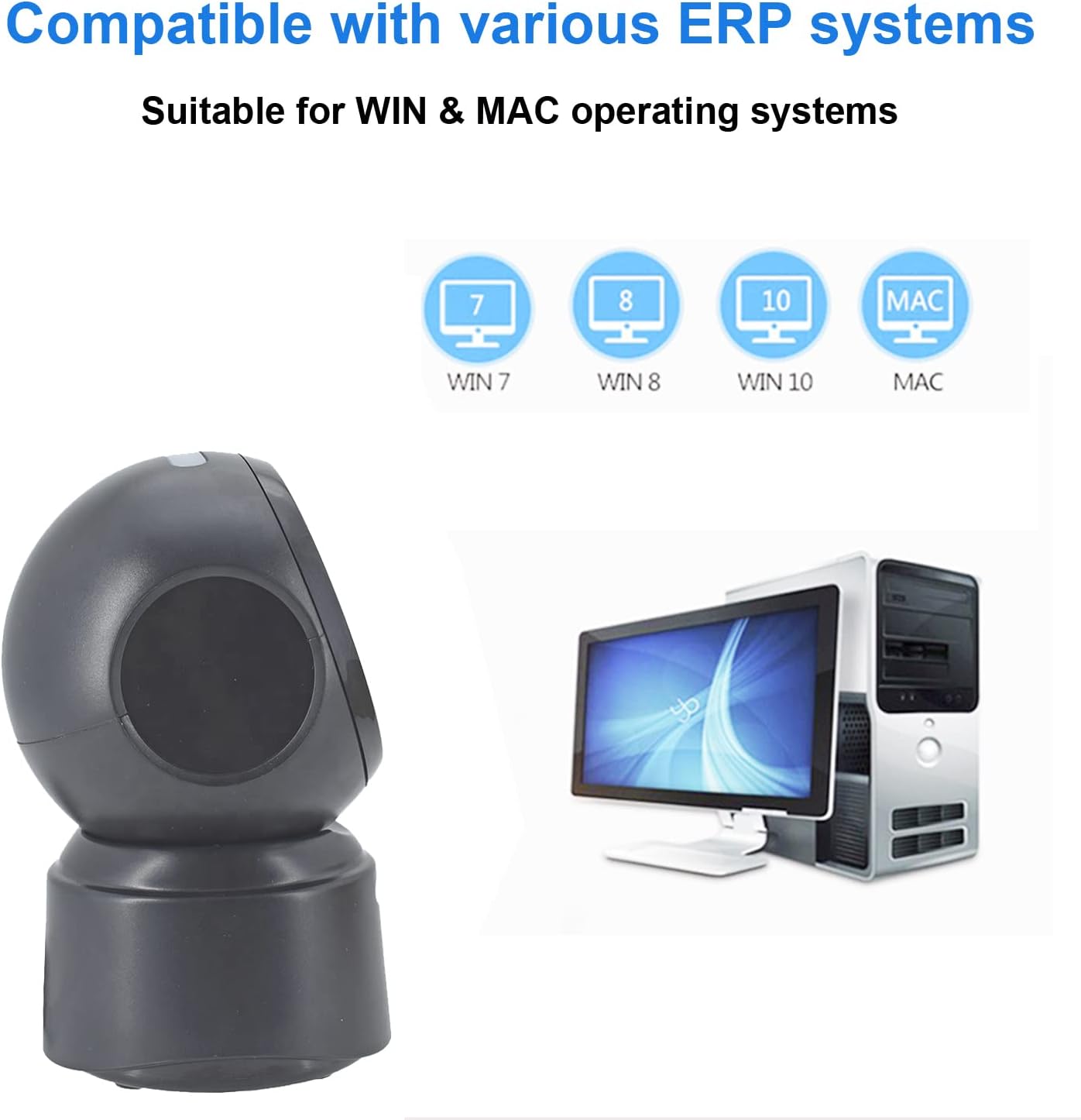
Rysunek 5.2: Compatibility with various operating systems.
6. Instrukcja obsługi
6.1 Podstawowa procedura skanowania
The D7800 scanner operates in an automatic, hands-free mode. Once connected, it is ready to scan.
- Sprawdź, czy skaner jest podłączony do komputera i włączony.
- Present the barcode to the scanning window. The scanner will automatically detect and read the barcode.
- A successful scan is typically indicated by an audible beep and/or a visual confirmation (e.g., LED indicator).
- The scanned data will be transmitted to your computer as keyboard input.
6.2 Scanning Barcode Types
The scanner supports a wide range of 1D, 2D, and QR codes, including those that are less than perfect.
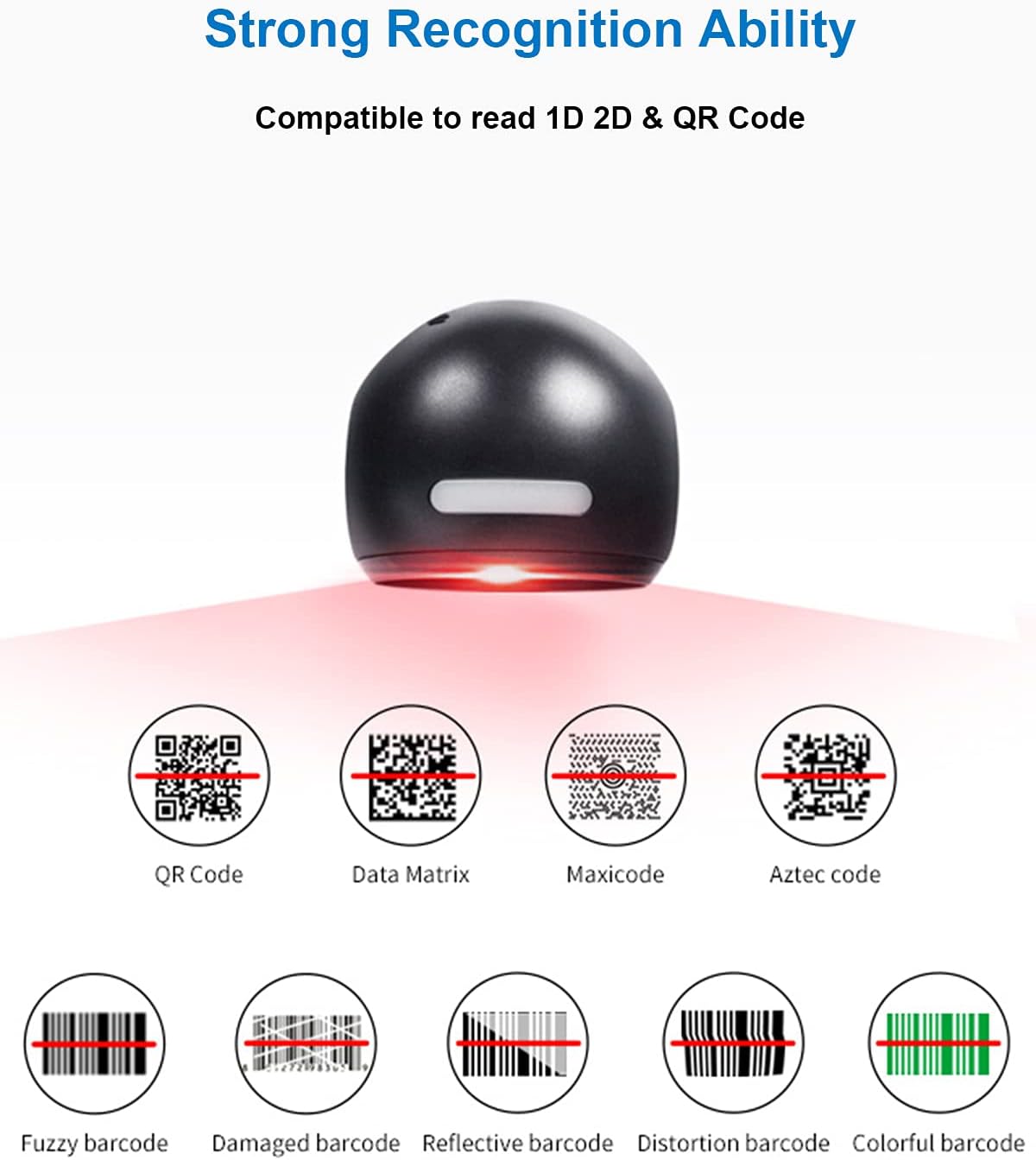
Rysunek 6.1: Examples of various barcode types and conditions the scanner can recognize.
6.3 On-Screen Barcode Scanning
The D7800 is capable of scanning barcodes directly from digital displays, such as smartphones, tablets, and computer monitors.

Rysunek 6.2: The scanner reading a barcode from a digital screen. Example barcode: 1234567890
6.4 Scenariusze aplikacji
The LENVII D7800 is suitable for various environments requiring efficient barcode scanning.
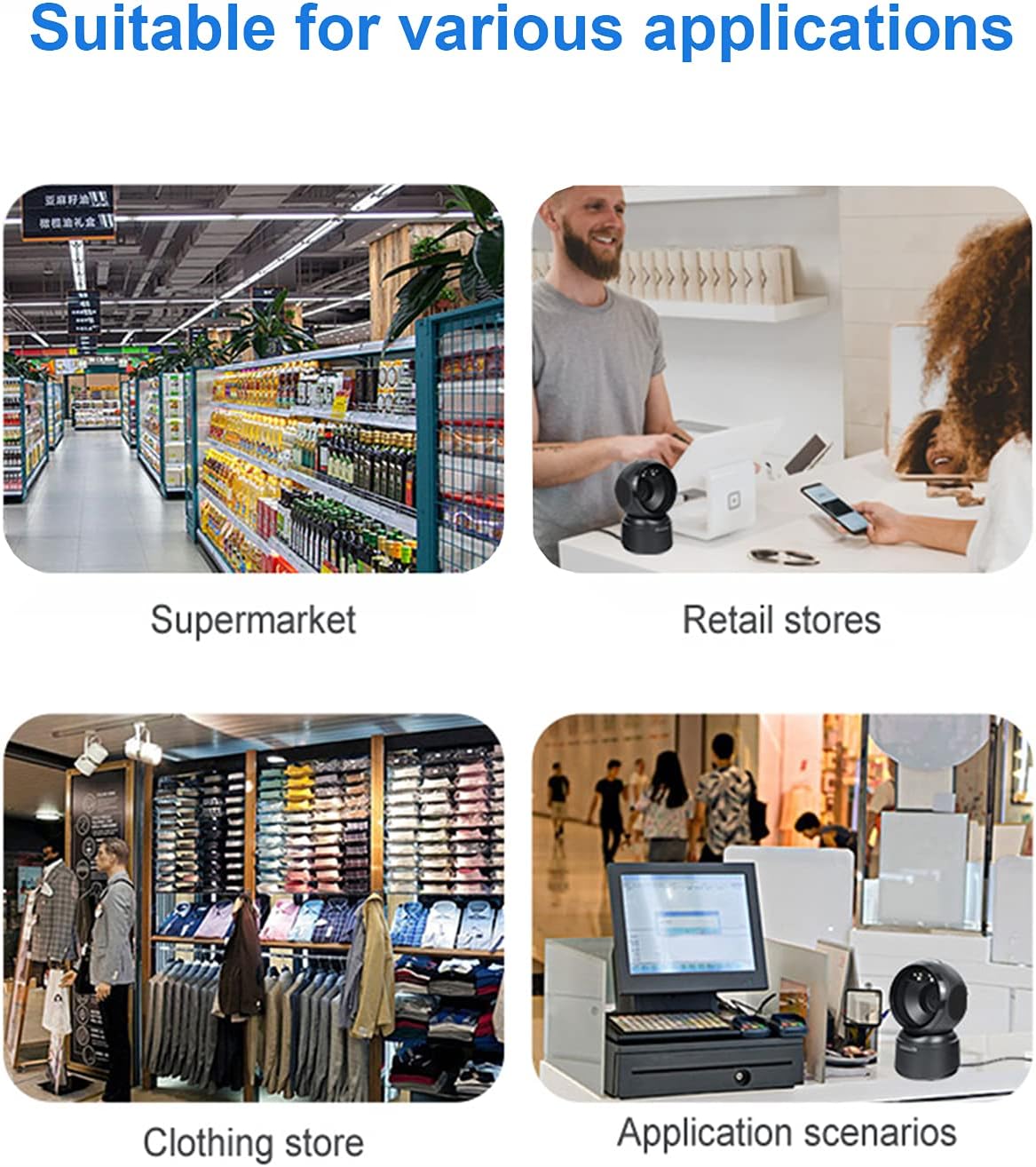
Rysunek 6.3: Common application environments for the scanner.
7. Konserwacja
7.1 Czyszczenie skanera
- Przed czyszczeniem należy upewnić się, że skaner jest odłączony od źródła zasilania.
- Do czyszczenia zewnętrznej części skanera należy używać miękkiej, suchej i niepozostawiającej włókien ściereczki.
- For the scanning window, use a lens cleaning cloth or a soft cloth lightly dampened with a mild, non-abrasive cleaning solution. Avoid spraying cleaners directly onto the scanner.
- Do not use harsh chemicals, solvents, or abrasive materials, as these can damage the scanner's surface or scanning window.
7.2 Przechowywanie
When not in use, store the scanner in a cool, dry place, away from direct sunlight and extreme temperatures. The maximum storage temperature is 60°C (140°F).
8. Rozwiązywanie Problemów
| Problem | Możliwa przyczyna | Rozwiązanie |
|---|---|---|
| Skaner się nie włącza. | Kabel USB nie jest prawidłowo podłączony lub port USB jest uszkodzony. | Ensure the USB cable is securely connected. Try a different USB port on your computer. |
| Skaner nie odczytuje kodów kreskowych. |
|
|
| Zeskanowane dane są nieprawidłowe lub niekompletne. |
|
|
Jeśli po wypróbowaniu tych rozwiązań problem nadal występuje, skontaktuj się z obsługą klienta.
9. Specyfikacje
| Funkcja | Szczegół |
|---|---|
| Model | D7800 |
| Typ | Przewodowy skaner kodów kreskowych 2D CMOS |
| Metoda połączenia | USB |
| Wymiary (szer. x wys. x gł.) | 84 mm x 140.2 mm x 90.1 mm (ok. 3.31 x 5.52 x 3.55 cala) |
| Waga | 230 g (ok. 0.51 funta) |
| Tworzywo | ABS |
| Kolor | Czarny |
| Źródło światła | Diody LED 617 nm (celownik); diody LED 6500 K (oświetlenie) |
| Czujnik obrazu | 640 * 480 CMOS |
| Edytor | ARM 32-bit |
| Prędkość skanowania | 200 razy / s |
| Moc | Prąd stały 5 V |
| Aktualny | 400mA ±5% |
| Kompatybilny system operacyjny | Windows XP/7/8/10, MacOS, Linux |
| 1D Code Support | EAN-8, EAN-13, Codabar, CODE 39, CODE 93, CODE 128, China Post, GS1-128, UPC-A, UPC-E, ISBN/ISSN, ISBT, Interleaved 2 z 5, Standard 2 z 5, Matrix 2 z 5, Industrial 2 z 5, MSI, RSS, ITF14, Telepen itp. |
| 2D/QR Code Support | Micro QR Code, Data Matrix, PDF417, Micro PDF417, Maxicode, Aztec, Hanxin, etc. |
| Maksymalna temperatura przechowywania | 60°C (140°F) |
10. Gwarancja i wsparcie
10.1 Informacje o gwarancji
LENVII products are covered by a limited warranty against defects in materials and workmanship. Please refer to the warranty card included with your product or contact LENVII customer support for specific warranty terms and conditions.
10.2 Obsługa klienta
For technical assistance, troubleshooting, or product inquiries, please contact LENVII customer support. Contact information can typically be found on the product packaging or the official LENVII webstrona.