
iJoy DHP2431
iJoy Disney Nightmare Before Christmas Sally Dress Bluetooth Headphones User Manual
Model: DHP2431 | Brand: iJoy
Wstęp

Obraz: The iJoy Disney Nightmare Before Christmas Sally Dress Bluetooth Headphones, showcasing their unique design.
Thank you for choosing the iJoy Disney Nightmare Before Christmas Sally Dress Bluetooth Headphones. These wireless over-ear headphones are designed to provide a rich audio experience with a unique Sally Dress design. They feature a built-in microphone for hands-free calling, a foldable design for portability, and versatile connectivity options. This manual will guide you through the setup, operation, and maintenance of your new headphones.
Organizować coś
1. Ładowanie słuchawek
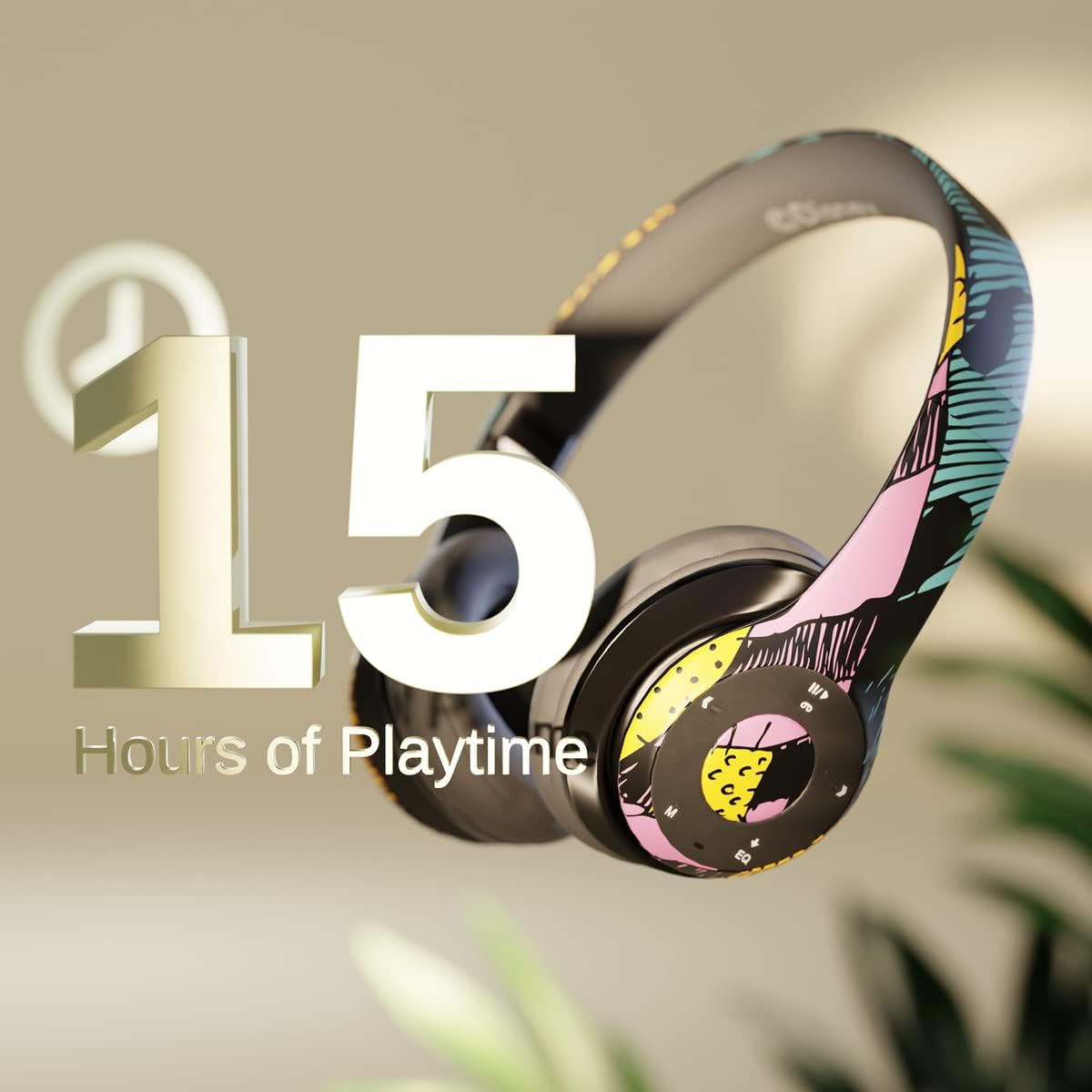
Obraz: Graphic indicating 15 hours of playtime for the headphones, highlighting battery endurance.
Before first use, fully charge your headphones. Connect the provided charging cable to the charging port on the headphones and a USB power source. The LED indicator will show charging status and turn off when fully charged. A full charge provides approximately 15 hours of battery life.
2. Parowanie Bluetooth

Obraz: The headphones with a graphic illustrating universal compatibility with both Apple and Android devices.
- Upewnij się, że słuchawki są wyłączone.
- Naciśnij i przytrzymaj przycisk zasilania, aż dioda LED zacznie migać na niebiesko i czerwono, wskazując tryb parowania.
- On your Bluetooth-enabled device (smartphone, tablet, computer), go to Bluetooth settings and search for available devices.
- Select "iJoy DHP2431" (or similar name) from the list.
- Po podłączeniu wskaźnik LED zacznie powoli migać na niebiesko.
3. Using the Auxiliary Cable
For a wired connection, plug one end of the 3.5mm auxiliary cable into the headphone's audio jack and the other end into your audio device. This allows for continued listening even if the battery is depleted.
4. Odtwarzanie z karty Micro SD
Insert a Micro SD card with your favorite music into the designated slot on the headphones. The headphones will automatically switch to Micro SD card playback mode. Use the control buttons to manage your music.
Instrukcja obsługi
Włączanie/wyłączanie zasilania
- Włączanie: Naciśnij i przytrzymaj przycisk zasilania, aż zaświeci się kontrolka LED.
- Aby wyłączyć: Naciśnij i przytrzymaj przycisk zasilania, aż dioda LED zgaśnie.
5-Button Control System
The headphones feature a convenient 5-button control system located on the ear cup for easy management of audio and calls.

Obraz: Szczegółowy view of the 5-button control panel on the headphone ear cup, indicating functions for volume, track navigation, equalizer, and call management.
- Play/Pause/Answer/Hang-up: Press the center button to play or pause music, or to answer/end a phone call.
- Zwiększ głośność / następny utwór: Naciśnij przycisk „+”, aby zwiększyć głośność. Przytrzymaj przycisk „+”, aby przejść do następnego utworu.
- Ciszej / Poprzedni utwór: Naciśnij przycisk „-”, aby zmniejszyć głośność. Przytrzymaj przycisk „-”, aby przejść do poprzedniego utworu.
- Korektor: Press the 'EQ' button to cycle through different equalizer presets.
- Wybór trybu: Press the 'M' button to switch between Bluetooth, Micro SD card, and FM Radio modes.
Rozmowy bez użycia rąk
With the built-in microphone, you can make and receive calls directly through your headphones when connected via Bluetooth to your smartphone. Use the center button to answer or end calls.
Wbudowany odbiornik radiowy
Switch to FM Radio mode using the 'M' button. The headphones will automatically scan and tune into available radio stations. Use the track navigation buttons to change stations.
Składana konstrukcja

Obraz: The headphones are shown in their folded configuration, highlighting their compact and portable design for easy storage and transport.
The headphones feature a foldable design, allowing for easy storage and portability. Simply fold the ear cups inwards towards the headband to reduce their size for travel or storage in a backpack.
Noise Canceling Design

Obraz: eksplodował view of the headphone's ear cup, illustrating the internal speaker components and the connection point for the auxiliary cable, emphasizing the noise-canceling technology.
The over-ear cup design helps to isolate audio, providing a more immersive listening experience by reducing external noise interference.
Konserwacja
- Czyszczenie: Do czyszczenia słuchawek używaj miękkiej, suchej ściereczki. Nie używaj środków czyszczących o właściwościach ściernych ani rozpuszczalników.
- Składowanie: Gdy nie są używane, przechowuj słuchawki w chłodnym i suchym miejscu. Składana konstrukcja zapewnia kompaktowe przechowywanie.
- Pielęgnacja baterii: Aby przedłużyć żywotność baterii, unikaj częstego całkowitego rozładowywania słuchawek. Ładuj je regularnie, nawet jeśli nie są używane regularnie.
- Wodoodporność: Słuchawki nie są wodoodporne. Unikaj kontaktu z płynami.
Rozwiązywanie problemów
- Brak zasilania: Upewnij się, że słuchawki są w pełni naładowane. Podłącz je do źródła zasilania i sprawdź wskaźnik ładowania.
- Nie można sparować przez Bluetooth:
- Sprawdź, czy słuchawki są w trybie parowania (dioda LED miga na niebiesko i czerwono).
- Upewnij się, że w Twoim urządzeniu włączona jest funkcja Bluetooth i że znajduje się ono w zasięgu (zazwyczaj 10 metrów).
- Usuń urządzenie z listy Bluetooth w telefonie i spróbuj sparować je ponownie.
- Uruchom ponownie słuchawki i urządzenie.
- Brak dźwięku:
- Sprawdź poziom głośności zarówno na słuchawkach, jak i na podłączonym urządzeniu.
- Ensure the headphones are properly connected via Bluetooth or auxiliary cable.
- If using an SD card, ensure the audio filesą w kompatybilnym formacie.
- Słaba jakość dźwięku:
- Zbliż się do urządzenia Bluetooth, aby uniknąć zakłóceń.
- Sprawdź źródło dźwięku pod kątem jakości.
- Ensure the ear cups are properly positioned over your ears for optimal sound isolation.
Specyfikacje
| Nazwa modelu | DHP2431 |
| Technologia łączności | Bezprzewodowy (Bluetooth) |
| Technologia komunikacji bezprzewodowej | Bluetooth |
| Zawarte komponenty | Headphones, Charging Cable, Auxiliary Cable |
| Zakres wiekowy (opis) | Adult (suitable for kids) |
| Tworzywo | Plastic, Metal, Fabric, Memory Foam |
| Zalecane zastosowania produktu | Muzyka, Dzwonienie |
| Kompatybilne urządzenia | Urządzenia z obsługą Bluetooth |
| Typ sterowania | Volume Control, Track Navigation, Equalizer, Mode Selector |
| Funkcja kabla | Retractable, Without Cable (for wireless use) |
| Waga przedmiotu | 0.26 kilograma (9.1 uncji) |
| Poziom wodoodporności | Nie jest wodoodporny |
| Styl | Sally Dress |
| Metoda kontroli | Przycisk |
| Liczba elementów | 1 |
| Żywotność baterii | 15 godzin |
| Typ sterownika audio | Dynamiczny sterownik |
| Kształt słuchawki | Nauszne |
| Interfejs sprzętowy | Dźwięk 3.5 mm |
| UPC | 842700197150 |
| Funkcja specjalna | Built-in Radio Receiver, Foldable and Adjustable headband, Micro SD Card Plug-in, Microphone Included |
| Producent | iRadość |
| Wymiary opakowania | 6.57 x 6.1 x 3.19 cala |
| Baterie | Wymagana 1 bateria litowo-polimerowa (w zestawie) |
Gwarancja
iJoy zapewnia 6-miesięczna gwarancja wymiany for these headphones. If your headset breaks or is damaged for any reason within this period, iJoy will provide you with a free replacement.
Wsparcie
For further assistance, troubleshooting, or warranty claims, please contact iJoy customer support. You can often find contact information on the product packaging or by visiting the official iJoy webstrona.
Filmy o produktach
iJoy Disney Nightmare Before Christmas Headphones Overview
Wideo: Oficjalny film prezentujący produktasing the iJoy Disney Nightmare Before Christmas Headphones, highlighting their design and features.
Ask a question about this manual
Ask about setup, troubleshooting, compatibility, parts, safety, or missing instructions. Manuals+ will review the question and use this page’s manual context to help answer it.