
1. Wprowadzenie
Welcome to your new Emporia Prime-LTE mobile phone. This manual provides essential information for setting up, operating, and maintaining your device. Designed for ease of use, the Emporia Prime-LTE combines practical features with reliable 4G connectivity.
2. Informacje dotyczące bezpieczeństwa
Please read this safety information carefully before using your device to ensure safe and proper use.
- Bezpieczeństwo baterii: Use only Emporia-approved batteries and chargers. Do not short-circuit, puncture, or expose the battery to extreme temperatures. Dispose of batteries properly.
- Wodoodporność: The device is IP54 certified, meaning it is protected against dust and splashing water. Do not immerse the phone in water or expose it to high-pressure water.
- Ochrona słuchu: Aby zapobiec uszkodzeniu słuchu, należy unikać długotrwałego słuchania muzyki na wysokim poziomie głośności.
- Bezpieczeństwo jazdy: Always prioritize driving safety. Use hands-free accessories and obey all local laws and regulations regarding mobile phone use while driving.
- Urządzenia medyczne: Maintain a safe distance between the phone and medical devices like pacemakers. Consult your physician and medical device manufacturer for specific guidelines.
- Sprzedaż: Do not dispose of the device or battery with household waste. Follow local regulations for electronic waste recycling.
3. Zawartość opakowania
Upewnij się, że w opakowaniu produktu znajdują się wszystkie elementy:
- Emporia Prime-LTE Mobile Phone
- Kabel USB
- Instrukcja obsługi (ten dokument)
- Akumulator (wstępnie zainstalowany lub osobny)
4. Urządzenie ponadview
4.1 Przód View

Obraz 4.1: Przód view of the Emporia Prime-LTE mobile phone. The display shows the current time and 'Call history'. Below the display is a clear, large-button keypad, including navigation keys, call/end buttons, and dedicated speed dial buttons.
The front of your Emporia Prime-LTE features a clear 2.31-inch display and a user-friendly keypad. The keypad includes large, well-spaced buttons for easy dialing and text input, along with dedicated navigation keys (Up, Down, OK/Select, Back), call/end buttons, and three speed dial buttons (P1, P2, P3) for important contacts.
4.2 Bok i góra Views

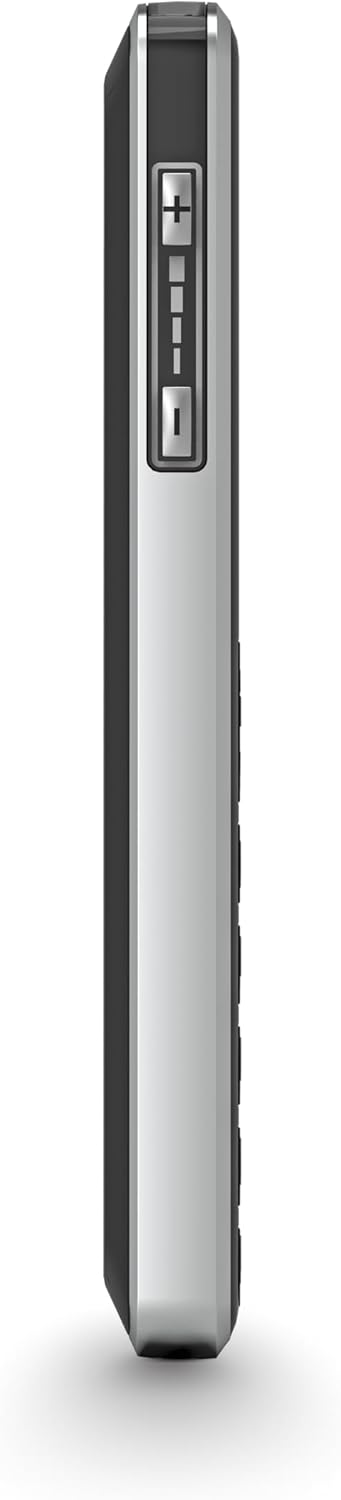
Obraz 4.2: Prawa i lewa strona views of the Emporia Prime-LTE phone. The right side features the volume control buttons.
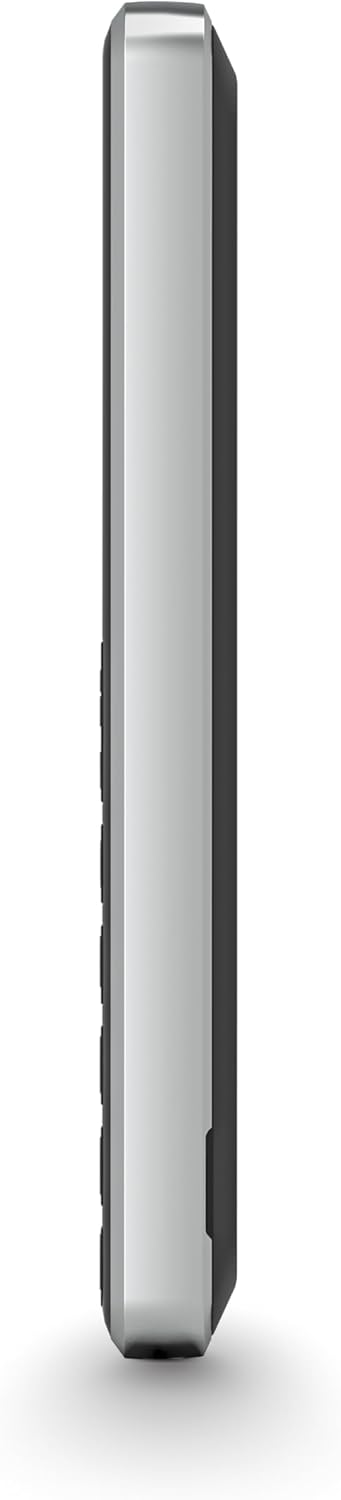
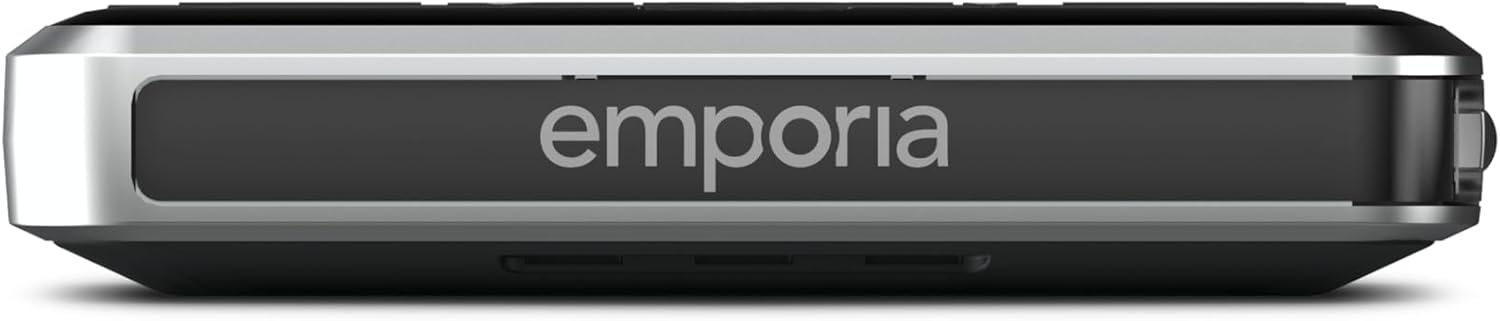
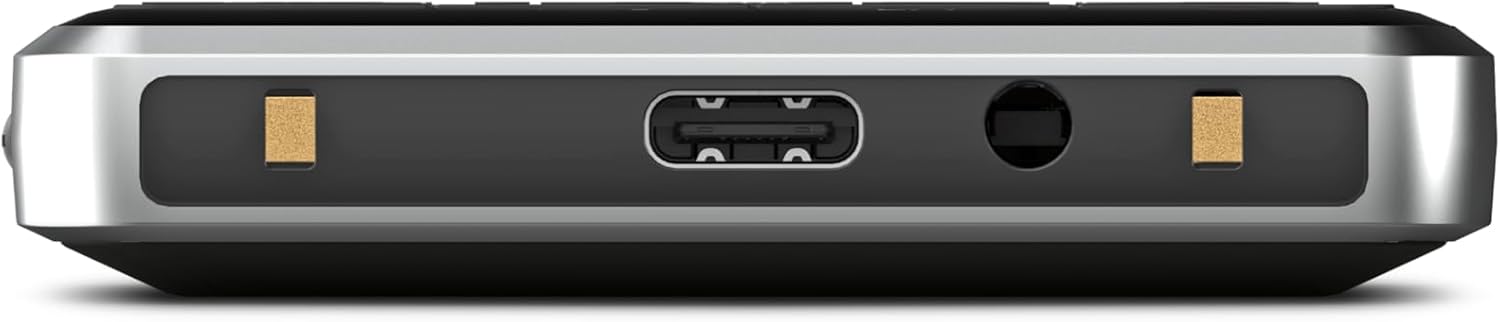
Obraz 4.3: Szczyt view of the Emporia Prime-LTE phone, showing the USB-C charging port and the 3.5mm headphone jack.
The sides of the phone house the volume control buttons. The top edge features the USB-C charging port and a 3.5mm headphone jack for audio accessories.
4.3 Wstecz View
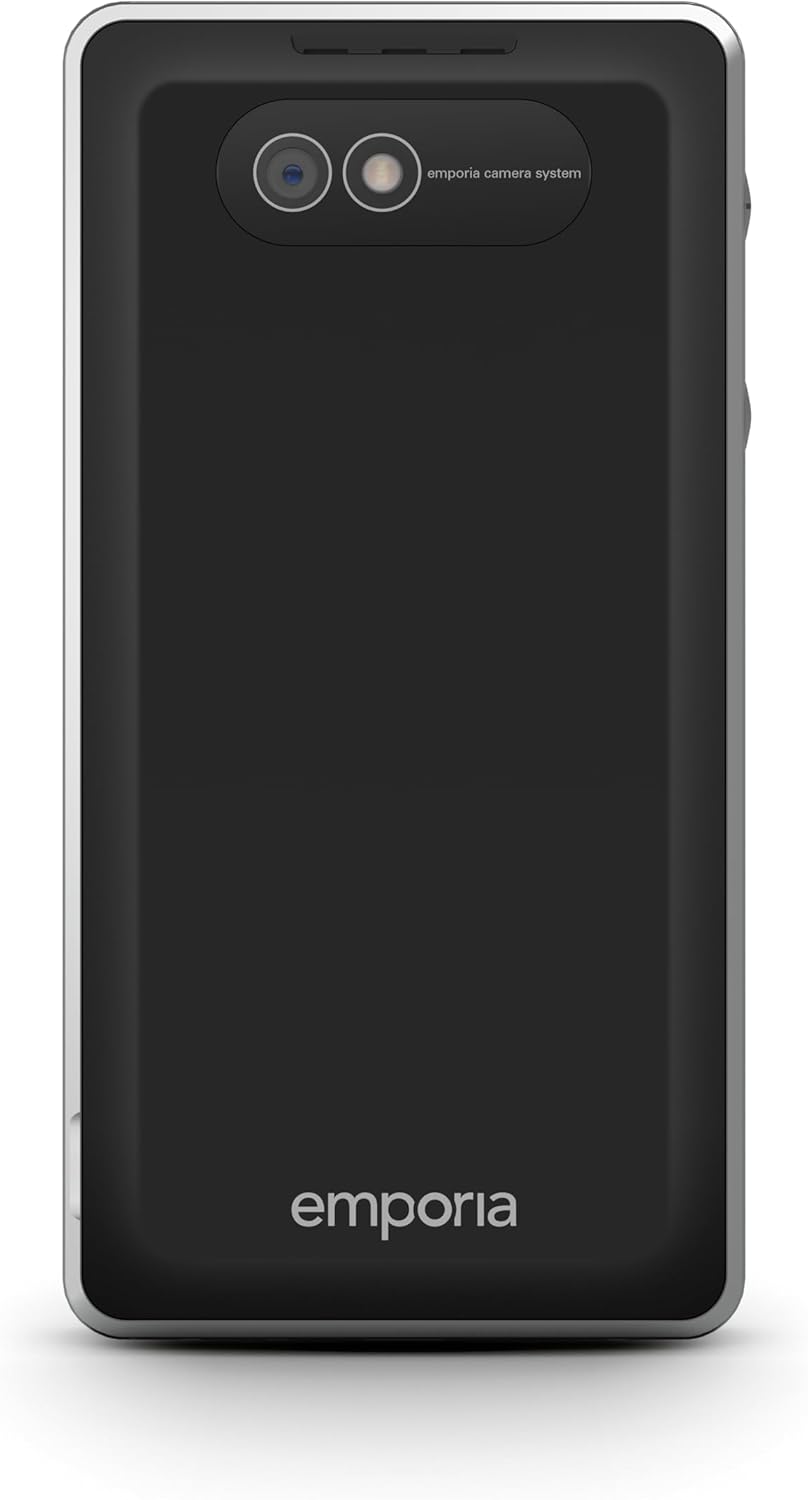
Obraz 4.4: Z powrotem view of the Emporia Prime-LTE phone, highlighting the camera module and the Emporia branding.
The back of the phone features the main camera module and the Emporia logo. A dedicated emergency call button is also located on the back for quick access in urgent situations.
5. Konfiguracja
5.1 Wkładanie karty SIM i baterii
- Ostrożnie zdejmij tylną obudowę telefonu.
- Włóż kartę(y) SIM do przeznaczonego(ych) gniazda(gniazda) złotymi stykami skierowanymi w dół.
- Umieść baterię w komorze, upewniając się, że styki są prawidłowo ustawione.
- Załóż tylną pokrywę, dociskając ją mocno, aż zatrzaśnie się na swoim miejscu.
5.2 Ładowanie urządzenia
- Connect the USB cable to the charging port on the top of the phone.
- Plug the other end of the USB cable into a compatible power adapter (not included) or a computer's USB port.
- The battery indicator on the screen will show the charging status. Allow the phone to charge fully before first use.
5.3 Włączanie/wyłączanie
- Włączanie: Press and hold the Power/End Call button (usually marked with a red phone icon or power symbol) until the screen lights up.
- Aby wyłączyć: Press and hold the Power/End Call button until a power-off option appears on the screen. Select 'Power Off' using the navigation keys and the OK/Select button.
6. Instrukcja obsługi
6.1 Podstawowa nawigacja
- Użyj Klawisze nawigacyjne w górę/w dół przewijać opcje menu.
- Naciśnij Przycisk OK/Wybierz (center navigation key) to confirm a selection or enter a menu.
- Naciśnij Przycisk Wstecz (often a left soft key or dedicated button) to return to the previous screen or menu.
6.2 Wykonywanie i odbieranie połączeń
- Zadzwonić: Wprowadź numer telefonu za pomocą klawiatury i naciśnij zielony przycisk połączenia.
- Szybkie wybieranie: Press and hold one of the P1, P2, or P3 buttons to call the assigned contact.
- Aby odebrać połączenie: Naciśnij zielony przycisk połączenia, gdy telefon zadzwoni.
- Aby zakończyć połączenie: Naciśnij czerwony przycisk Zakończ połączenie.
- The Emporia Prime-LTE supports 4G VoLTE for high-quality voice calls and reduced background noise. It is also compatible with hearing aids (M4/T4 rating).
6.3 Wysyłanie i odbieranie wiadomości SMS

Obraz 6.1: The 'Messages' menu on the Emporia Prime-LTE display, showing icons for different messaging functions.
- Aby wysłać SMS: Przejdź do menu „Wiadomości”, wybierz „Nowa wiadomość”, wprowadź numer odbiorcy i treść wiadomości, a następnie wyślij.
- Aby odczytać SMS: New messages will typically appear as a notification. Access the 'Messages' menu to view Twoja skrzynka odbiorcza.
6.4 Using Direct Function Buttons
- Przycisk aparatu: Press the dedicated camera button to quickly launch the camera application.
- Przycisk latarki: Press the dedicated flashlight button to turn the LED flashlight on or off.
- Przycisk alarmowy: Press the dedicated alarm button to quickly access alarm settings or activate a pre-set alarm.
- Przycisk połączenia alarmowego: Press the emergency button on the back of the phone to activate the emergency call function, which will dial pre-set emergency contacts.
Obraz 6.2: The Emporia Prime-LTE display showing a live camera preview, ready to capture an image.
6.5 Regulacja głośności
Use the volume up (+) and volume down (-) buttons located on the side of the phone to adjust call volume, ringtone volume, and media volume.
6.6 Łączność Bluetooth
To connect your Emporia Prime-LTE to other Bluetooth devices (e.g., headsets, car kits):
- Przejdź do menu „Ustawienia” i wybierz „Bluetooth”.
- Włącz Bluetooth.
- The phone will search for available devices. Select your desired device from the list and follow the on-screen prompts to pair.
7. Konserwacja
7.1 Czyszczenie telefonu
- Do przecierania ekranu i obudowy telefonu należy używać miękkiej, niepozostawiającej włókien ściereczki.
- Avoid using harsh chemicals, cleaning solvents, or aerosol sprays, as these may damage the device.
- Upewnij się, że wszystkie porty są wolne od kurzu i zanieczyszczeń.
7.2 Pielęgnacja baterii
- Nie należy pozostawiać akumulatora całkowicie rozładowanego na dłuższy czas.
- Avoid exposing the phone to extreme hot or cold temperatures, as this can reduce battery life.
- If the phone will not be used for a long time, charge the battery to about 50% before storing it.
8. Rozwiązywanie Problemów
If you encounter problems with your Emporia Prime-LTE, refer to the following common issues and solutions:
- Telefon się nie włącza: Ensure the battery is charged. Connect the charger and try again. Check if the battery is correctly inserted.
- Brak sygnału sieciowego: Check if the SIM card is correctly inserted. Ensure you are in an area with network coverage. Contact your service provider if the issue persists.
- Bateria nie ładuje się: Verify that the charger and USB cable are properly connected. Try using a different charger or USB port. Check for any damage to the charging port.
- Nie można wykonywać ani odbierać połączeń: Check network signal strength. Ensure your SIM card is active and has sufficient credit/plan. Verify that call barring is not enabled.
- Klawiatura nie reaguje: Restart the phone. If the issue continues, ensure no physical obstruction is affecting the keys.
- Problemy z dźwiękiem: Check the volume settings using the side buttons. Ensure the speaker is not blocked.
If these steps do not resolve the issue, please contact Emporia customer support.
9. Specyfikacje
| Funkcja | Wartość |
|---|---|
| Numer modelu | M76-LTE_001 |
| System operacyjny | Emporia |
| BARAN | 64 MB |
| Pamięć wewnętrzna | 64 GB |
| Waga produktu | 180 gramów |
| Wymiary opakowania | Wymiary 13.6 x 6.8 x 4.6 cm |
| Bateria | 1 litowo-jonowy (w zestawie) |
| Komunikacja bezprzewodowa | Sieć komórkowa (4G VoLTE) |
| Technologia łączności | Bluetooth |
| GPS | PRAWDA |
| Cechy specjalne | IP54 certified, emergency call button, long-lasting battery, speed dial keys for flashlight, camera, and alarm clock |
| Funkcje wyświetlacza | Bezprzewodowy |
| Wejście interfejsu ludzkiego | Keypad and Display Navigation |
| Rozdzielczość wyświetlacza | 320x240 |
| Funkcje aparatu | Tylny (2 MP) |
| Współczynnik kształtu | Blok |
| Kolor | Czarny |
| Moc znamionowa baterii | 1400 mAh |
| Czas rozmowy | 200 godzin |
10. Gwarancja i wsparcie
Your Emporia Prime-LTE mobile phone comes with a standard manufacturer's warranty. For detailed information regarding warranty terms and conditions, please refer to the warranty card included in your package or visit the official Emporia webstrona.
For technical support, service, or further assistance, please contact Emporia customer service through their official channels. Contact information can typically be found on the Emporia webstronie lub w dokumentacji produktu.


