
Ambrane OP-WLGC01
Instrukcja obsługi bezprzewodowego kontrolera do gier Ambrane OP-WLGC01
Model: OP-WLGC01
1. Wprowadzenie
Thank you for choosing the Ambrane Wireless Gaming Controller OP-WLGC01. This controller is designed to provide an immersive gaming experience across multiple platforms, including PC (Windows), PS3 Console, and Android TV. Featuring 2.4GHz wireless technology, dual vibration motors, and dynamic RGB lighting, this manual will guide you through its setup, operation, and maintenance.

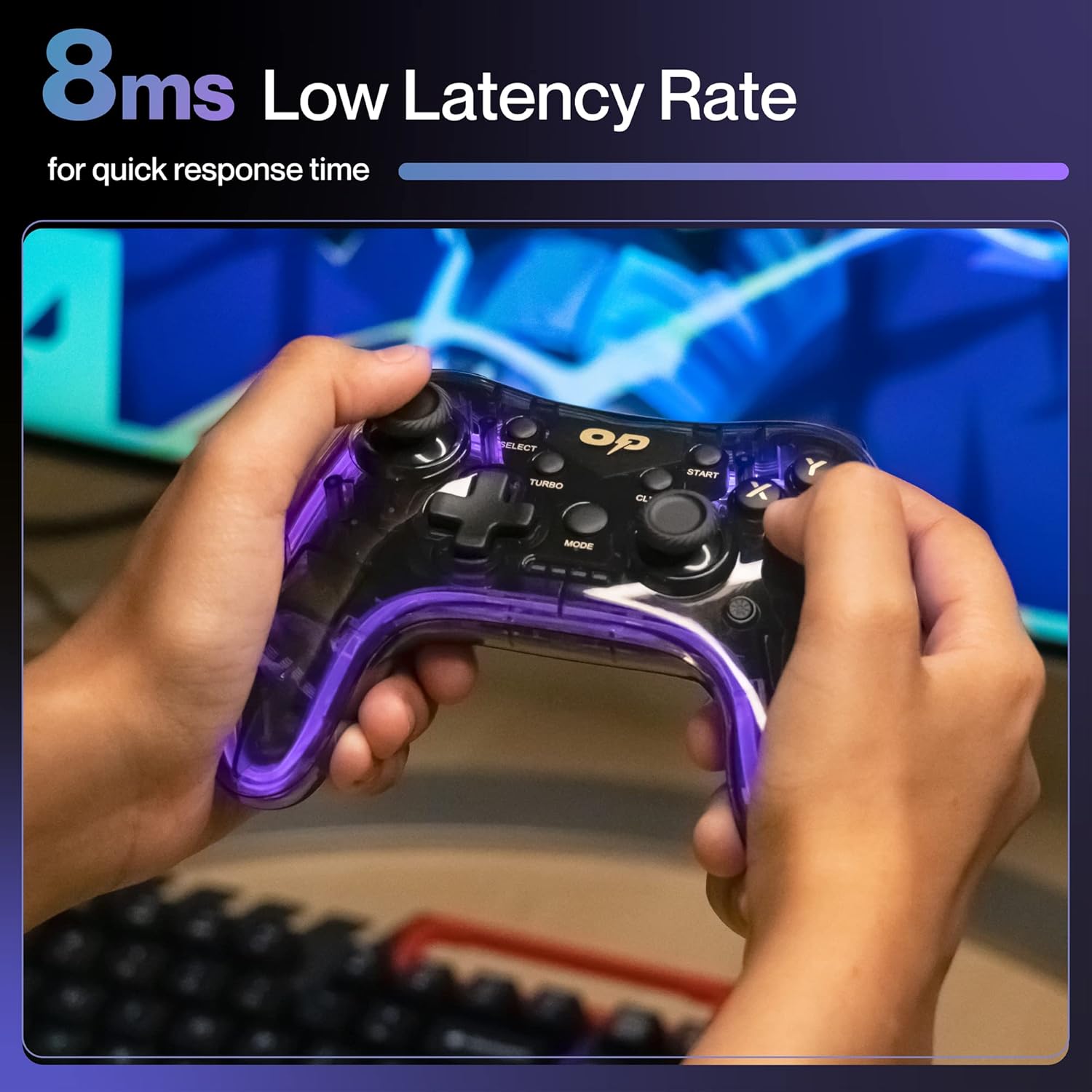
Image 1.1: The Ambrane Wireless Gaming Controller OP-WLGC01, showcasing its transparent design and illuminated elements.
2. Koniec produktuview
The Ambrane OP-WLGC01 controller combines advanced features with a unique aesthetic. Key components and features include:
- Przejrzysty projekt: A visually distinct transparent casing.
- Technologia bezprzewodowa 2.4 GHz: Ensures stable and responsive connectivity.
- Integrated Dual Intensity Motor: Provides haptic feedback for an immersive gaming experience.
- Illuminated Pad (RGB Lighting): Features 16.8 million colors with breathing RGB effects.
- Ergonomiczna konstrukcja: Easy-to-hold body for comfortable extended gaming sessions.
- Specjalne przyciski funkcyjne: Dedicated Turbo and Clear buttons for enhanced gameplay.

Image 2.1: Illustration of the dual vibrating motors providing haptic feedback.

Image 2.2: The controller displaying its dynamic 16.8 million color breathing RGB lighting effect.
3. Konfiguracja
3.1 Ładowanie Kontrolera
Before initial use, fully charge the controller. The integrated 800mAh battery provides up to 12 hours of gameplay on a full charge.
- Connect the provided Type-C charging cable to the charging port on the controller.
- Podłącz drugi koniec kabla do źródła zasilania USB (np. portu USB komputera, zasilacza ściennego USB).
- Kontrolki na kontrolerze pokażą stan ładowania i wyłączą się lub zmienią kolor, gdy urządzenie będzie w pełni naładowane.

Image 3.1: The controller highlighting its Type-C charging port and other features.
3.2 Łączenie się z urządzeniami
The controller utilizes 2.4GHz wireless technology for connection. It is compatible with PC (Windows systems, supporting X-Input & D-Input modes), PS3 consoles, and Android TV devices.
- Insert the 2.4GHz USB receiver (dongle) into an available USB port on your PC, PS3 console, or Android TV.
- Turn on the controller by pressing the MODE button.
- The controller will automatically pair with the receiver. The indicator lights will stabilize once connected.
- For PC, ensure the correct input mode (X-Input or D-Input) is selected if prompted by your game or system.

Image 3.2: The controller demonstrating its compatibility with PS3 Console, Windows System, Android TV, and PC.
4. Instrukcja obsługi
4.1 Układ i funkcje przycisków
Familiarize yourself with the controller's button layout for optimal gameplay.

Image 4.1: Detailed diagram of the controller's buttons, including joysticks, directional pad, action buttons (A, B, X, Y), shoulder buttons (L1, L2, R1, R2), SELECT, START, TURBO, CLEAR, MODE, and RGB Control.
- Joysticki lewy/prawy: For analog movement and camera control.
- Directional Button (D-Pad): Do precyzyjnego wprowadzania kierunku.
- Przyciski akcji (A, B, X, Y): Standard game actions.
- Guziki na ramionach (L1, L2, R1, R2): Do różnych funkcji w grze.
- WYBIERZ/START: Menu and pause functions.
- Przycisk TRYB: Power on/off and mode switching.
- Sterowanie RGB: Button or combination for adjusting RGB lighting effects.
4.2 Tryb Turbo
The Turbo mode allows for rapid and continuous actions by repeatedly pressing a single button. This can be useful for certain in-game scenarios.
- Naciśnij i przytrzymaj wybrany przycisk akcji (np. A, B, X, Y, L1, R1).
- Przytrzymując przycisk akcji, naciśnij TURBINA naciśnij przycisk raz.
- Release both buttons. The selected action button will now perform rapid presses when held down.
Obraz 4.2: Zbliżenie view of the TURBO and CLEAR special function buttons.
4.3 Clearing Turbo Mode
To deactivate Turbo mode for a specific button:
- Press and hold the action button for which Turbo mode is active.
- Przytrzymując przycisk akcji, naciśnij JASNE naciśnij przycisk raz.
- Release both buttons. Turbo mode for that button is now deactivated.
To clear all Turbo settings, press and hold the JASNE Naciśnij przycisk i przytrzymaj przez około 3 sekundy.
5. Konserwacja
Właściwa konserwacja gwarantuje długowieczność i optymalną wydajność kontrolera.
- Czyszczenie: Do wycierania kontrolera użyj miękkiej, suchej ściereczki. W przypadku uporczywych zabrudzeń delikatnie przetrzyjampPrzetrzyj szmatkę wodą. Unikaj silnych środków chemicznych i materiałów ściernych.
- Składowanie: Przechowuj kontroler w chłodnym, suchym miejscu, z dala od bezpośredniego światła słonecznego i ekstremalnych temperatur.
- Pielęgnacja baterii: Avoid fully discharging the battery frequently. If storing for an extended period, charge the controller to about 50% to prolong battery life.
- Unikaj kropli: Protect the controller from physical impact, which can damage internal components.
6. Rozwiązywanie Problemów
| Problem | Możliwa przyczyna | Rozwiązanie |
|---|---|---|
| Kontroler nie włącza się. | Niski poziom naładowania baterii. | Charge the controller using the provided Type-C cable. |
| Kontroler nie łączy się z urządzeniem. | USB receiver not properly inserted or out of range. | Ensure the USB receiver is securely plugged in. Move closer to the receiver (within 10 meters). Re-pair by turning the controller off and on. |
| Przyciski i joysticki nie reagują. | Błąd oprogramowania lub przeszkoda fizyczna. | Restart the controller and the connected device. Check for any physical debris around buttons/joysticks. |
| Funkcja wibracji nie działa. | Game does not support vibration or feature is disabled. | Check in-game settings for vibration options. Ensure the game supports haptic feedback. |
7. Specyfikacje
| Funkcja | Szczegół |
|---|---|
| Numer modelu | OP-WLGC01 |
| Łączność | Bezprzewodowy 2.4GHz |
| Zgodność | PC (Windows X-Input/D-Input), PS3 Console, Android TV |
| Pojemność baterii | Bateria litowa 800mAh |
| Zapasowa bateria | Do 12 godzin |
| Port ładowania | Typ C |
| Wibracja | Dual Intensity Motor |
| Oświetlenie | 16.8M Colours Breathing RGB |
| Zasięg działania | Do 10 metrów |
| Wymiary (dł. x szer. x wys.) | Wymiary 16.9 x 15.9 x 9 cm |
| Waga przedmiotu | 195 gramów |
8. Gwarancja i wsparcie
This Ambrane product comes with a 365-day (1 Year) brand warranty against any manufacturing-related issues.
For warranty claims, technical support, or any inquiries, please contact Ambrane customer service:
- E-mail: Care@ambraneindia.com
Proszę zachować paragon zakupu w celu potwierdzenia gwarancji.
Ask a question about this manual
Ask about setup, troubleshooting, compatibility, parts, safety, or missing instructions. Manuals+ will review the question and use this page’s manual context to help answer it.