
1. Wprowadzenie
Thank you for choosing the GuruNanda Sonic Toothbrush. This rechargeable and portable sonic toothbrush is designed to provide an effective and gentle cleaning experience with its advanced ultrasonic technology and multiple brushing modes. This manual provides essential information for the safe and efficient use of your new toothbrush.
2. Co znajduje się w pudełku
The GuruNanda Sonic Toothbrush package includes the following components:
- 1 GuruNanda Sonic Toothbrush Handle
- 3 główek szczoteczki
- 1 etui podróżne
- 1 USB Charger Stand

Image: All components included in the GuruNanda Sonic Toothbrush package.
3. Konfiguracja i ładowanie początkowe
- Rozpakować: Ostrożnie wyjąć wszystkie elementy z opakowania.
- Zamocuj główkę szczoteczki: Align the brush head with the metal shaft on the toothbrush handle and push it down until it clicks into place.
- Opłata początkowa: Before first use, fully charge the toothbrush.
- Connect the USB charger stand to a compatible USB power source (e.g., wall adapter, computer USB port).
- Place the toothbrush handle onto the charger stand. The battery indicator light will illuminate to show charging status.
- A full charge takes approximately 2 hours and provides up to 360 minutes of brushing time.

Image: The GuruNanda Sonic Toothbrush on its charging stand.
4. Instrukcja obsługi
4.1 Włączanie/wyłączanie i wybór trybu
- Włączanie: Naciśnij przycisk zasilania raz, aby włączyć szczoteczkę. Uruchomi się ona w ostatnio używanym trybie.
- Zmień tryb: While the toothbrush is on, press the power button repeatedly to cycle through the 5 brushing modes: Clean, White, Polish, Sensitive, Gum Care.
- Wyłączone: To turn off the toothbrush, press and hold the power button for 2 seconds, or cycle through all modes until it turns off automatically.

Image: The toothbrush handle displaying the power button and mode indicators.
4.2 Technika szczotkowania
- Zwilż główkę szczoteczki i nałóż niewielką ilość pasty do zębów.
- Przyłóż główkę szczoteczki do zębów pod niewielkim kątem w kierunku linii dziąseł.
- Gently move the brush head across your teeth, allowing the sonic vibrations to do the cleaning. Do not scrub aggressively.
- Szczoteczka do zębów ma 2-minute smart timer i Quad Pacer, which pauses every 30 seconds to remind you to move to a different quadrant of your mouth. This ensures thorough cleaning of all areas.
- An in-built pressure sensor helps ensure proper brushing technique, preventing excessive pressure on teeth and gums.
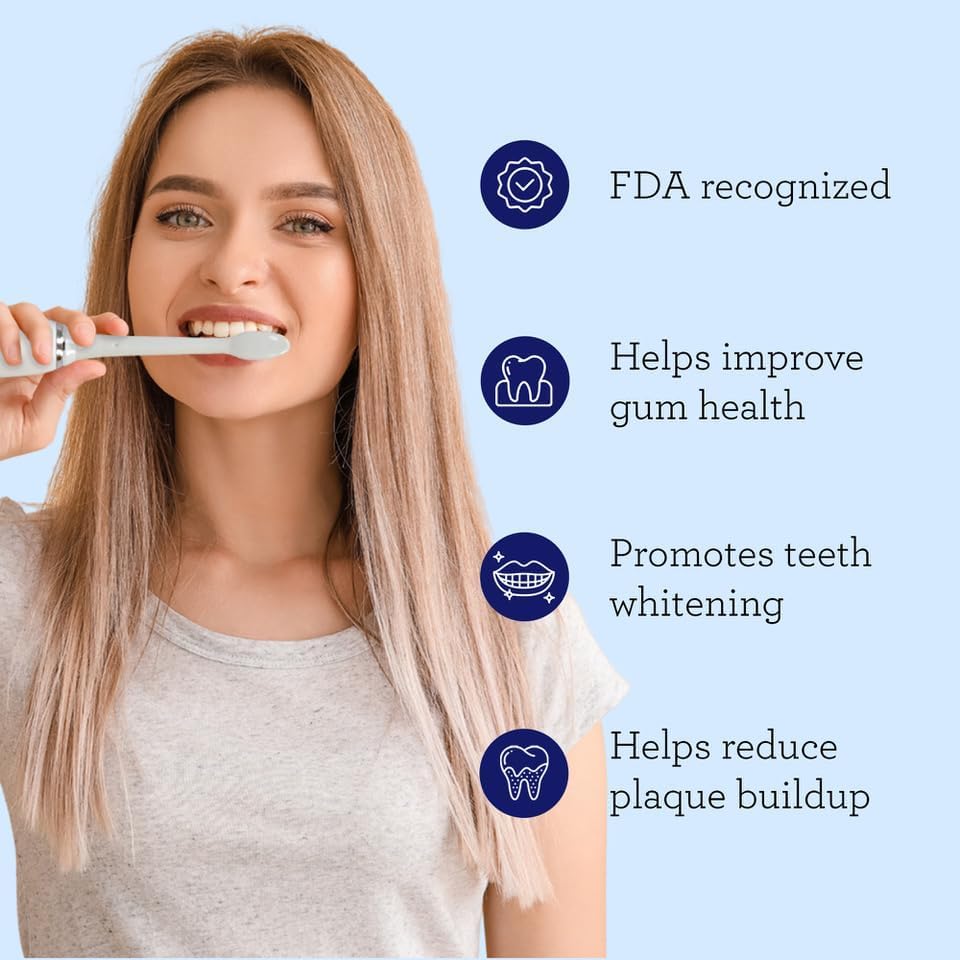
Image: Proper brushing technique with the sonic toothbrush.
5. Tryby szczotkowania
The GuruNanda Sonic Toothbrush offers 5 unique brushing modes to cater to various oral care needs:
- Tryb czyszczenia: Standard mode for effective plaque removal.
- Tryb biały: Zaprojektowany, aby usuwać powierzchniowe przebarwienia i zapewniać bielsze zęby.
- Tryb polski: Combines cleaning and whitening patterns for a comprehensive clean.
- Tryb wrażliwy: Delikatne czyszczenie wrażliwych zębów i dziąseł.
- Tryb pielęgnacji dziąseł: Zapewnia delikatny masaż poprawiający zdrowie dziąseł.

Image: Visual representation of the 5 brushing modes.
Video: This video demonstrates the features of the GuruNanda Sonic Toothbrush, including its various modes and benefits for oral health.
6. Konserwacja
6.1 Czyszczenie szczoteczki do zębów
- Po każdym użyciu dokładnie wypłucz głowicę szczoteczki pod bieżącą wodą.
- Wytrzyj rączkę szczoteczki do zębów reklamąamp szmatka. Nie zanurzaj uchwytu w wodzie.
- Ensure the charging contacts on the handle and stand are clean and dry before charging.

Image: Rinsing the brush head after use.
6.2 Wymiana główek szczoteczki
- Dentists recommend replacing brush heads every 3 months, or sooner if the bristles are frayed.
- To remove, pull the brush head straight off the handle.
- To attach a new brush head, align it with the metal shaft and push down until it clicks.
7. Rozwiązywanie Problemów
| Problem | Możliwa przyczyna | Rozwiązanie |
|---|---|---|
| Szczoteczka do zębów się nie włącza. | Niski poziom naładowania baterii lub bateria nie naładowana. | Charge the toothbrush for at least 2 hours. Ensure the charger is properly connected. |
| Słabe wibracje. | Niski poziom naładowania baterii. | Naładuj szczoteczkę do zębów. |
| Główka szczoteczki wydaje się luźna. | Główka szczoteczki jest nieprawidłowo założona lub zużyta. | Ensure the brush head is pushed down firmly until it clicks. Replace if worn. |
| Szczoteczka do zębów przestaje działać po upływie 2 minut. | This is the smart timer indicating the end of the recommended brushing time. | This is normal operation. You can restart if desired. |
8. Specyfikacje
| Funkcja | Szczegół |
|---|---|
| Numer modelu | 13-26-001-08287-1 |
| Technologia | Modern Ultrasonic Technology |
| Wibracje na minutę | 31,000 - 50,000 micro-vibrations |
| Tryby szczotkowania | 5 (Clean, White, Polish, Sensitive, Gum Care) |
| Regulator czasowy | 2-minute Smart Timer with Quad Pacer (30-second intervals) |
| Bateria | 2000mAH, up to 360 minutes use per charge |
| Czas ładowania | Około 2 godzin |
| Stopień wodoodporności | IPX8 |
| Tomtage | 110-220 V |
| Materiał szczeciny | Nylon |
| Materiał uchwytu | Plastikowy |
9. Informacje dotyczące bezpieczeństwa
- Nie należy używać tego produktu w żadnym innym celu niż higiena jamy ustnej.
- Przechowywać w miejscu niedostępnym dla dzieci.
- Consult your dentist before use if you have severe gum disease, oral surgery, or other oral health concerns.
- Nie próbuj samodzielnie demontować ani naprawiać urządzenia. Skontaktuj się z obsługą klienta, aby uzyskać pomoc.
- Przed podłączeniem ładowarki upewnij się, że port ładowania jest suchy.
10. Gwarancja i wsparcie
For warranty information, technical support, or to purchase replacement parts (such as brush heads), please visit the official GuruNanda webOdwiedź stronę internetową lub skontaktuj się z działem obsługi klienta. Zachowaj paragon jako dowód zakupu.
Informacje kontaktowe:
- Marka: GuruNanda
- Webstrona: GuruNanda Store on Amazon