
Rebluum RB-3PT1-5
Instrukcja obsługi kamery bezpieczeństwa Rebluum Wireless Outdoor Solar Security Camera
Model: RB-3PT1-5
Produkt ponadview
The Rebluum RB-3PT1-5 is a state-of-the-art wireless outdoor security camera designed for comprehensive home surveillance. It features solar power capabilities, a high-capacity built-in battery, and advanced motion detection, ensuring continuous operation and reliable security.
Key features include 2K Full HD resolution, 360-degree pan-tilt-zoom (PTZ) functionality, full-color night vision, two-way audio communication, and smart alarm systems with integrated spotlight and siren. Its robust IP66 waterproof design makes it suitable for various outdoor conditions.

Figure 1: Rebluum Wireless Outdoor Solar Security Camera with included solar panel and a smartphone displaying live feed.
Zawartość opakowania
Sprawdź, czy w przesyłce znajdują się wszystkie elementy:
- 1 x Rebluum 3 MP PTZ Solar Camera
- 1 x Panel słoneczny
- 1 x Instrukcja obsługi
- 1 x Naklejka ostrzegawcza
- 2 x Mounting Brackets (1 for camera, 1 for solar panel)
Konfiguracja i instalacja
1. Montaż kamery i panelu słonecznego
The camera and solar panel are designed for wall-mount installation using the provided screw-in brackets. Choose a location that offers an unobstructed view of the area you wish to monitor and ensures the solar panel receives maximum direct sunlight throughout the day for optimal charging.

Figure 2: The camera and solar panel mounted, highlighting the continuous solar power feature.
2. Instalacja aplikacji i łączność
To operate your Rebluum camera, download the "CloudEdge" application from your smartphone's app store. Follow the in-app instructions to connect the camera to your 2.4GHz Wi-Fi network. The camera features dual high-gain antennas for a stable and strong wireless connection, even through walls.

Figure 3: The camera's dual high-gain antennas for enhanced Wi-Fi connectivity.
Instrukcja obsługi
1. Remote PTZ Control
Utilize the CloudEdge app to remotely control the camera's pan, tilt, and zoom functions. The camera offers a 355° horizontal pan and a 90° vertical tilt, along with 4X digital zoom, allowing you to cover a wide area and focus on specific details.
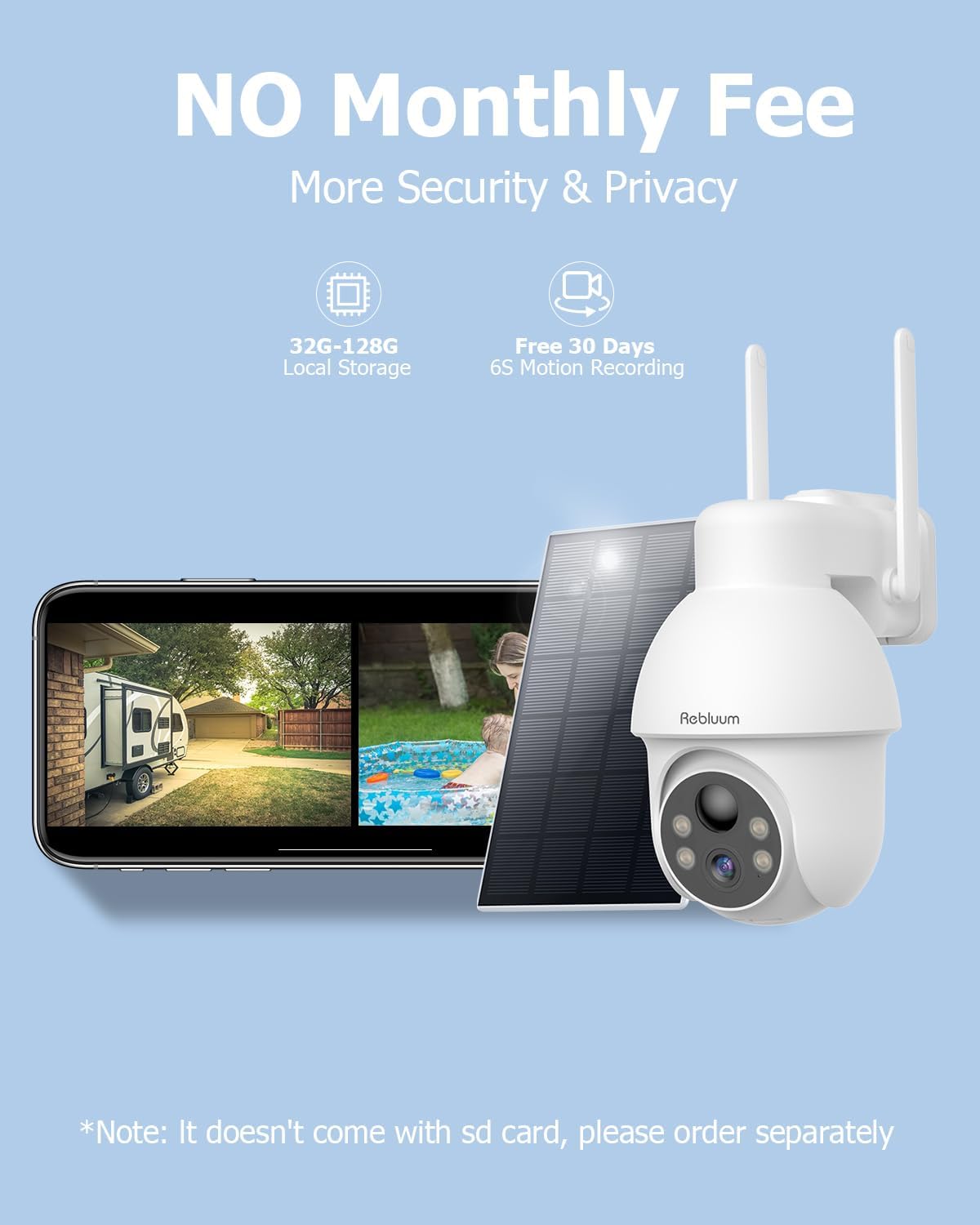
Figure 4: Remote PTZ control via the CloudEdge application.
2. Detekcja ruchu i inteligentne alerty
The camera features advanced AI-powered human motion detection to minimize false alarms. You can customize motion detection zones and schedules within the app. Upon detection, the camera can trigger smart alarms, including an audible warning, a white light spotlight, or a combination of both with a strobe light, to deter intruders.

Figure 5: Smart alarms with spotlight and siren in action.
3. Dwukierunkowa komunikacja audio
With the built-in microphone and speaker, you can listen to what's happening around your camera and speak directly through the camera from your smartphone, enabling real-time two-way communication with visitors or to deter unwanted guests.

Rysunek 6: Funkcja dwukierunkowej komunikacji audio.
4. Możliwości widzenia w nocy
The camera provides 3MP full-color night vision, allowing for clear and detailed images even in low-light conditions. The night vision range extends up to 33 feet, ensuring comprehensive coverage after dark.

Figure 7: 3MP Full-Color Night Vision in operation.
5. Opcje przechowywania wideo
Recordings can be stored locally on a Micro SD card (up to 128GB, not included) or via the optional cloud storage service. A 7-day free trial for cloud storage is typically available upon initial setup.

Figure 8: Available video storage options.
Konserwacja
The Rebluum camera is built with an IP66 waterproof rating, ensuring durability against various weather conditions, including sun, rain, and snow. To maintain optimal performance:
- Regularly check the solar panel for dirt or debris and clean it gently with a soft, damp cloth to ensure efficient charging.
- Periodically inspect the camera lens for smudges or dust and clean it carefully to maintain clear image quality.
- Ensure all mounting screws remain tight to prevent movement or dislodgement due to wind or other environmental factors.

Figure 9: The camera's IP66 waterproof design.
Rozwiązywanie problemów
If you encounter issues with your Rebluum security camera, consider the following common troubleshooting steps:
- Brak zasilania/problemy z ładowaniem: Upewnij się, że panel słoneczny jest czysty i wystawiony na bezpośrednie działanie promieni słonecznych. Sprawdź kabel łączący panel słoneczny z kamerą.
- Problemy z łącznością Wi-Fi: Verify your Wi-Fi network is 2.4GHz. Ensure the camera is within range of your router. Restart your router and the camera.
- Słaba jakość obrazu: Clean the camera lens. Check for any obstructions in the camera's field of view. Ensure sufficient lighting for optimal night vision.
- Wykrywanie ruchu nie działa: Check motion detection settings in the CloudEdge app. Ensure motion zones are correctly configured and sensitivity is appropriate.
- Problemy z aplikacją: Ensure your CloudEdge app is updated to the latest version. Try restarting the app or your smartphone.
Aby uzyskać bardziej szczegółowe informacje dotyczące rozwiązywania problemów lub rozwiązać uporczywe problemy, zapoznaj się z sekcją pomocy technicznej.
Specyfikacje
| Funkcja | Szczegół |
|---|---|
| Numer modelu | RB-3PT1-5 |
| Rezolucja | 2K FHD (3.0 MP Effective Video Resolution) |
| Zakres obrotu/pochylenia | 355° poziome panoramowanie, 90° pionowe pochylenie |
| Zoom cyfrowy | 4X |
| Pojemność baterii | 9700 mAh (Integrated Lithium-ion) |
| Źródło zasilania | Solar-powered and Battery |
| Łączność bezprzewodowa | Wi-Fi (2.4 GHz) |
| Zakres noktowizora | 33 stóp |
| Szybkość klatek | 15 klatek na sekundę |
| Odporność na wodę | IP66 (wodoodporne) |
| Tworzywo | ABS (akrylonitryl-butadien-styren) |
| Wymiary (dł. x szer. x wys.) | 17.78 x 12.7 x 20.32 cm (7 x 5 x 8 cala) |
| Waga | 962 gramów (2.12 funta) |
| Kompatybilne urządzenia | Komputer, laptop, smartfon, tablet |
| Zalecane zastosowanie | Front Door Security, Home Security, Outdoor Security |
Gwarancja i wsparcie
Rebluum offers a 360-dniowa gwarancja for your security camera, along with a 60-day no-reason refund policy. For any technical assistance or inquiries, lifetime technical support is available, including local phone service.
Proszę zachować dowód zakupu na potrzeby roszczeń gwarancyjnych.
Ask a question about this manual
Ask about setup, troubleshooting, compatibility, parts, safety, or missing instructions. Manuals+ will review the question and use this page’s manual context to help answer it.