
Wstęp
The Xiaomi Redmi Smart Band 2 is a versatile activity and fitness tracker designed to monitor various aspects of your health and daily activities. This manual provides essential information for setting up, operating, maintaining, and troubleshooting your device to ensure optimal performance.
Organizować coś
1. Rozpakowanie
Carefully unpack your Xiaomi Redmi Smart Band 2. The package should contain the Smart Band device, a charging cable, and this instruction manual.

Image: The Xiaomi Redmi Smart Band 2 with its ivory band, showing the digital time and various fitness metrics on its display.
2. Ładowanie urządzenia
Before first use, fully charge your Smart Band. Connect the magnetic charging cable to the charging contacts on the back of the device. Plug the USB end of the cable into a compatible USB power adapter (not included) or a computer's USB port. The device display will indicate charging status.
3. Attaching the Band
Align the main body of the Smart Band with the band strap. Gently push the device into the strap until it clicks securely into place. Ensure it is firmly seated to prevent accidental detachment.
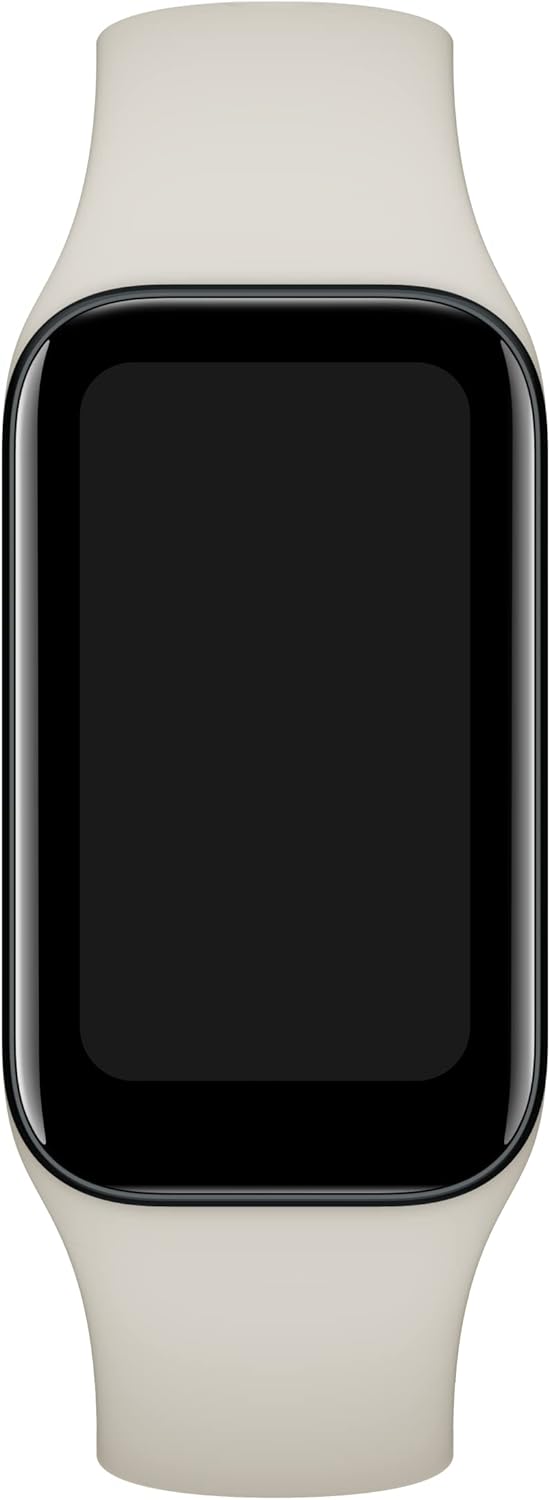
Obraz: Bezpośredni front view of the Xiaomi Redmi Smart Band 2, with its screen off, highlighting the sleek design and ivory strap.
4. Instalacja i parowanie aplikacji
To unlock the full potential of your Smart Band, download the Moja Fitness app from your smartphone's app store (Google Play Store for Android or Apple App Store for iOS). Once installed, open the app, create an account or log in, and follow the on-screen instructions to pair your Smart Band. You may need to scan a QR code displayed on the band's screen during the pairing process.
Instrukcja obsługi
1. Podstawowa nawigacja
- Przesuń w górę/w dół: Przewijaj menu i powiadomienia.
- Przesuń w lewo/w prawo: Uzyskaj szybki dostęp do widżetów i różnych tarcz zegarka.
- Uzyskiwać: Wybierz element lub potwierdź czynność.
2. Główne cechy
- Monitorowanie częstości akcji serca: Stale monitoruje tętno przez cały dzień.
- Monitorowanie tlenu we krwi (SpO2): Mierzy poziom nasycenia krwi tlenem.
- Monitorowanie snu: Monitoruje wzorce snu, w tym sen głęboki, sen płytki i godziny czuwania.
- Monitorowanie stresu: Daje wgląd w poziom stresu.
- Śledzenie aktywności: Records steps, distance, calories burned, and active minutes.
- Tryby treningu: Supports over 30 fitness modes, including running, cycling, and swimming.
- Powiadomienia: Receives call, message, and app notifications from your paired smartphone.
- Sterowanie muzyką: Control music playback on your smartphone directly from the band.
- Znajdź telefon: Helps locate your misplaced smartphone by making it ring.
- Timer i stoper: Wbudowane narzędzia do pomiaru czasu działań.
- Flesz: Turns the screen bright white to act as a temporary flashlight.
- Pilot do aparatu: Remotely control your smartphone's camera shutter.
3. Personalizacja
Customize your Smart Band's appearance and functions through the Mi Fitness app. Choose from a variety of watch faces, rearrange app icons, and set personalized alerts and reminders.
Konserwacja
1. Czyszczenie
Regularly clean your Smart Band and strap to prevent skin irritation and maintain hygiene. Use a soft, damp cloth to wipe the device and strap. Avoid harsh chemicals or abrasive materials.
2. Wodoodporność
The Xiaomi Redmi Smart Band 2 features 5ATM water resistance, meaning it can withstand pressures equivalent to a depth of 50 meters. It is suitable for showering and swimming in shallow water, but not for diving or high-pressure water activities.
3. Pielęgnacja baterii
To prolong battery life, avoid exposing the device to extreme temperatures. Charge the device fully when the battery is low. If storing the device for an extended period, ensure it has at least a 50% charge.
Rozwiązywanie problemów
- Urządzenie nie włącza się: Upewnij się, że urządzenie jest w pełni naładowane.
- Problemy z parowaniem: Make sure Bluetooth is enabled on your phone and the band is within range. Restart both devices and try pairing again.
- Niedokładne dane: Ensure the band is worn snugly on your wrist, not too tight or too loose. Keep the sensors clean.
- Powiadomienia nie zostały odebrane: Check app permissions on your phone and ensure notifications are enabled in the Mi Fitness app.
- Bateria szybko się rozładowuje: Reduce screen brightness, disable continuous heart rate monitoring, or turn off unnecessary features.
Specyfikacje
| Funkcja | Szczegół |
|---|---|
| Marka | XIAOMI |
| Numer modelu | BHR6923GL |
| Rozmiar wyświetlacza | 1.47 cali |
| Technologia łączności | Bluetooth, WiFi |
| Standard komunikacji bezprzewodowej | Bluetooth |
| Funkcja specjalna | Monitor pracy serca |
| Pojemność baterii | 210 mlnamp Godziny |
| Waga przedmiotu | 26.4 gramów (0.931 uncji) |
| Wymiary produktu | 3.94 x 3.94 x 1.46 cala |
| Odporność na wodę | 5ATM |

Obraz: Profesjonalna stronafile of the Xiaomi Redmi Smart Band 2, emphasizing its thin design and the texture of the ivory strap.
Gwarancja i wsparcie
For warranty information and customer support, please refer to the official XIAOMI webOdwiedź witrynę lub skontaktuj się z lokalnym sprzedawcą. Zachowaj dowód zakupu na wypadek reklamacji.