
1. Wprowadzenie
UMBVIEW Indoor Security Camera 2K, Model PK320, is designed to provide reliable and high-quality surveillance for your home. Featuring 2K Full HD video, two-way audio, human detection, and motion tracking, this camera allows you to monitor your indoor spaces with ease and peace of mind. It supports both 2.4GHz and 5GHz Wi-Fi networks for stable connectivity and offers flexible storage options.

Rysunek 1: MUBVIEW Indoor Security Camera 2K (Model PK320)
2. Co znajduje się w pudełku
Przed przystąpieniem do instalacji należy sprawdzić, czy wszystkie komponenty są obecne:
- Kamera wewnętrzna z kablem zasilającym 1.7M
- Pet Camera Mounting Bracket
- Dog Camera Screw Kit
- Security Camera Indoor User Manual
- Pet Camera Indoor With Phone App Charger
3. Przewodnik konfiguracji
3.1 Konfiguracja początkowa
Aby przeprowadzić szybką i łatwą konfigurację, wykonaj poniższe kroki:
- Pobierz UMBVIEW APLIKACJA: Szukaj "MUBVIEW„w sklepie z aplikacjami na Twoim urządzeniu mobilnym (iOS lub Android) i pobierz oficjalną aplikację.
- Włącz zasilanie i połącz się z siecią Wi-Fi: Plug the camera into a power outlet using the provided charger. The camera will power on. Open the MUBVIEW app and follow the on-screen instructions to connect the camera to your 2.4GHz or 5GHz Wi-Fi network. Ensure your Wi-Fi password is correct.
- Enjoy Monitoring: Once connected, you can begin monitoring your space, adjust settings, and utilize all camera features through the app.

Rysunek 2: Szybki i łatwy proces konfiguracji
3.2 Połączenie sieciowe
UMBVIEW PK320 supports both 2.4GHz and 5GHz dual-band Wi-Fi for fast and stable connectivity. Ensure your router is configured to allow connections on these frequencies. For optimal performance, place the camera within a reasonable range of your Wi-Fi router.
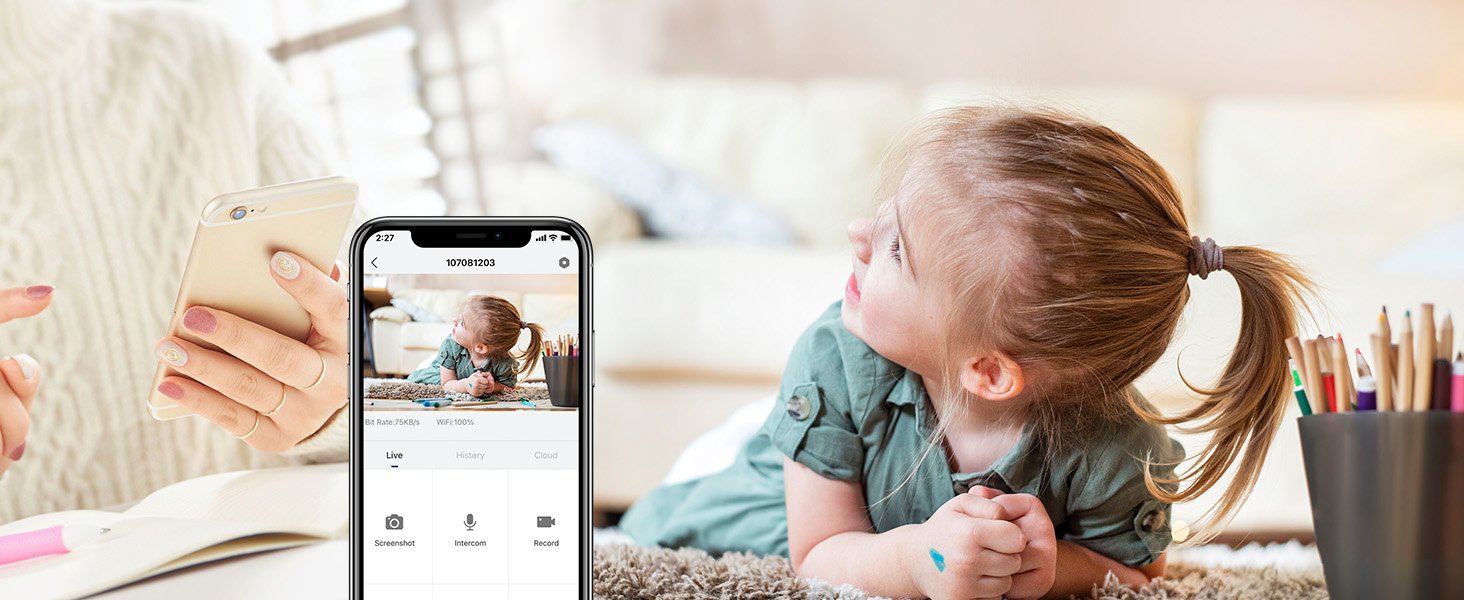
Figure 3: Dual-band Wi-Fi Support
3.3 Instalacja karty SD (opcjonalnie)
For local storage of recordings, you can install a Micro SD card (up to 128GB, not included). The SD card slot is typically located near the camera lens or on the side. Gently insert the card until it clicks into place. Format the SD card through the MUBVIEW app settings after insertion.
Figure 4: Location of SD Card Slot and Reset Button
4. Obsługa aparatu
4.1 Na żywo View and 2K FHD Quality
Uzyskaj dostęp do transmisji na żywo z kamery w dowolnym czasie i miejscu za pośrednictwem MUBVIEW app. The 2K Full HD resolution provides clear and detailed video, allowing you to see every important moment.

Figure 5: Key Features of PK320 Smart Camera
4.2 Pan, Tilt i Zoom (PTZ)
Kontroluj kamerę viewing angle directly from your phone. Swipe on the live view screen to pan (355 degrees horizontally) and tilt (80 degrees vertically) the camera, ensuring comprehensive coverage of your room. The digital zoom allows you to focus on specific details.

Rysunek 6: Możliwości panoramowania i pochylania kamery
4.3 Dźwięk dwukierunkowy
The built-in microphone and speaker enable clear two-way communication. You can listen to what's happening in the room and speak through the camera to comfort a pet, soothe a baby, or communicate with family members.

Rysunek 7: Dwukierunkowa transmisja dźwięku w użyciu
4.4 Detekcja ruchu i śledzenie
The camera features smart human detection and motion tracking. When motion is detected, the camera can automatically track the moving object and send instant alerts to your phone. This ensures you are always informed of activity in your monitored area.

Rysunek 8: Automatyczne śledzenie w akcji

Figure 9: Human Detection Capability
4.5 Widzenie nocne
Equipped with 4 IR lights, the camera provides clear night vision, allowing you to monitor your space even in low-light or complete darkness. You can see every movement of your baby or pet at night.
4.6 Opcje przechowywania
Kamera oferuje elastyczne rozwiązania w zakresie przechowywania nagrań:
- Przechowywanie w chmurze: Securely save your footage to the cloud. MUBVIEW offers a free 7-day cloud service, with options for extended plans.
- Pamięć lokalna: Store recordings directly on a Micro SD card (up to 128GB, not included).

Rysunek 10: Opcje przechowywania w chmurze i na karcie SD
4.7 Wiele urządzeń Viewing i dzielenie się
UMBVIEW app allows simultaneous viewing of up to four cameras. You can also easily share camera access with trusted individuals, granting them either 'view only' or 'allow control' permissions. This is ideal for family members or security personnel.

Figure 11: Sharing Camera Access with Multiple Users

Figure 12: Multi-Device Sharing Options in App
4.8 Ochrona prywatności
UMBVIEW app includes privacy protection features, allowing you to set schedules for when the camera's lens should be off or to manually turn off the lens for privacy. This ensures your personal moments remain private.
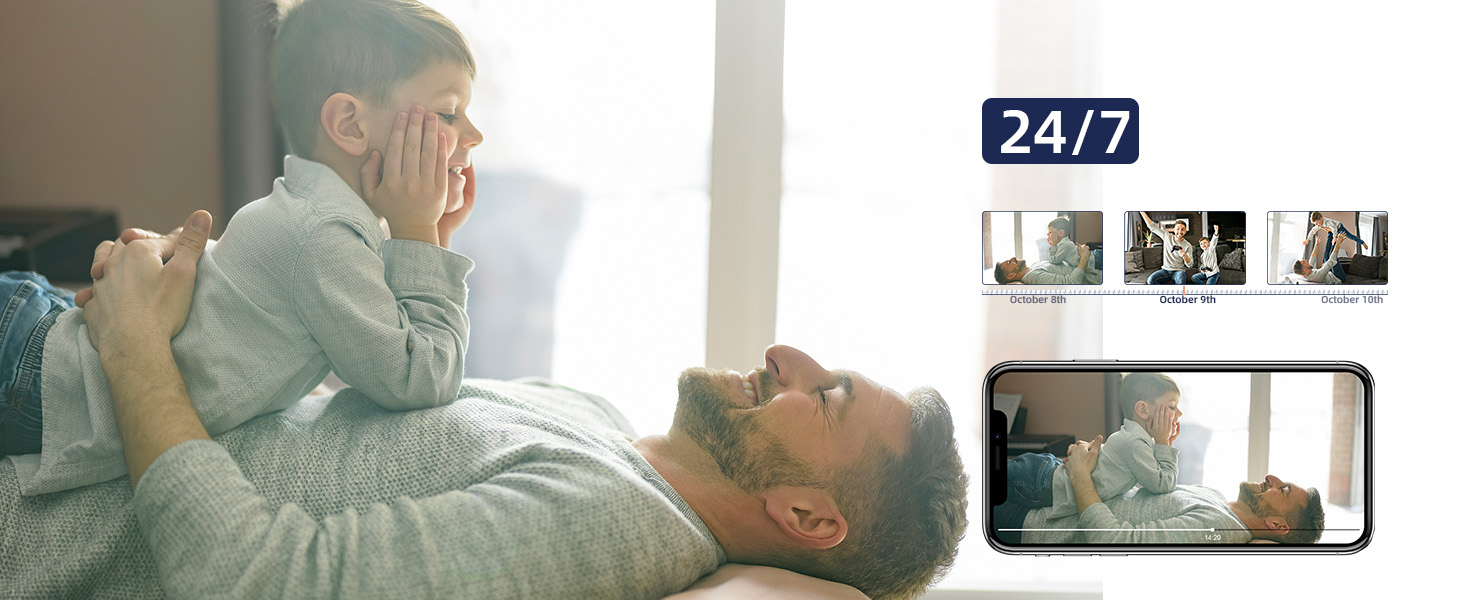
Rysunek 13: Funkcje ochrony prywatności
5. Konserwacja
Aby zapewnić optymalną wydajność i długowieczność Twojego MUBVIEW camera, consider the following maintenance tips:
- Czyszczenie: Gently wipe the camera lens and body with a soft, dry cloth. Avoid using harsh chemicals or abrasive materials that could scratch the surface.
- Aktualizacje oprogramowania układowego: Regularnie sprawdzaj MUBVIEW app for available firmware updates. Updates often include performance improvements, new features, and security enhancements.
- Zasilanie: Aby uniknąć uszkodzeń, należy używać wyłącznie oryginalnego zasilacza dołączonego do aparatu.
- Umieszczenie: Upewnij się, że kamera jest umieszczona w stabilnym, suchym pomieszczeniu, z dala od bezpośredniego światła słonecznego, ekstremalnych temperatur i wysokiej wilgotności.
6. Rozwiązywanie Problemów
Jeśli masz problemy z MUBVIEW camera, try the following solutions:
- Kamera nie łączy się z Wi-Fi:
- Upewnij się, że Twoja sieć Wi-Fi obsługuje częstotliwość 2.4 GHz lub 5 GHz.
- Sprawdź poprawność swojego hasła Wi-Fi.
- Przesuń kamerę bliżej routera Wi-Fi.
- Uruchom ponownie router i kamerę.
- Perform a factory reset on the camera using the reset button (refer to Figure 4 for location) and try connecting again.
- Słaba jakość wideo:
- Sprawdź prędkość swojego połączenia internetowego. Stabilne i szybkie połączenie jest kluczowe do streamingu 2K.
- Upewnij się, że obiektyw aparatu jest czysty i nie ma na nim kurzu ani smug.
- Adjust the camera's position to avoid glare or backlighting.
- Brak dźwięku lub problemy z rozmową dwukierunkową:
- Check the volume settings in the MUBVIEW app and on your phone.
- Upewnij się, że mikrofon i głośnik kamery nie są zasłonięte.
- Verify app permissions for microphone access on your mobile device.
- Wykrywanie ruchu nie działa:
- Ensure motion detection is enabled in the MUBVIEW ustawienia aplikacji.
- Dostosuj czułość wykrywania ruchu.
- Check the camera's field of view for any obstructions.
- Karta SD nie nagrywa:
- Sprawdź, czy karta SD jest prawidłowo włożona.
- Format the SD card through the MUBVIEW aplikacja.
- Sprawdź, czy karta SD nie jest pełna lub uszkodzona.
- Ensure continuous recording or event recording is enabled in app settings.
7. Specyfikacje
| Funkcja | Szczegół |
|---|---|
| Nazwa modelu | PK320 |
| Zastosowanie wewnątrz/na zewnątrz | Wnętrz |
| Rozdzielczość przechwytywania wideo | 3MP (2K FHD) |
| Protokół łączności | Wi-Fi (2.4 GHz i 5 GHz) |
| Źródło zasilania | Corded Electric (5V AC, 5 watts) |
| Typ kontrolera | CloudEdge, iOS, Mubview, Android App |
| Typ montażu | Surface Mount, Ceiling Mount, Wall Mount |
| Viewing kąt | 355 stopni (obrót), 80 stopni (pochylenie) |
| Zakres noktowizora | 8 metrów |
| Szybkość klatek | 15-20fps |
| Tworzywo | Akrylonitryl-butadien-styren (ABS) |
| Pozycja Wymiary (dł. x szer. x wys.) | 3 x 5 x 3 cala |
| Waga przedmiotu | 10.88 uncji |
| Max Flash Memory Supported Size | 128 GB |
| Cechy specjalne | Smart Tracking, Human Detection, 2-Way Audio, Night Vision, Privacy Protection |
8. Gwarancja i wsparcie
MUBVIEW is committed to providing excellent customer service and product reliability:
- Lifetime Service/Warranty: Your MUBVIEW camera comes with a lifetime service and warranty, ensuring long-term support and confidence in your purchase.
- Szybka odpowiedź: MUBVIEW aims for quick responses to all customer inquiries.
- Profesjonalne wsparcie techniczne 24/7: Access professional technical support around the clock for any assistance you may need.
For further assistance, please refer to the MUBVIEW app's support section or visit the official MUBVIEW webstrona.