
Wstęp
Thank you for choosing the MAJORITY Tru 1 Wireless Bluetooth Earbuds. This manual provides essential information for setting up, operating, and maintaining your new earbuds. Please read these instructions carefully before use and retain them for future reference.
For optimal performance and safety, always follow the guidelines provided in this manual.
Zawartość opakowania

Image: The retail packaging for the MAJORITY Tru 1 earbuds, displaying the earbuds, charging case, USB-C cable, and three pairs of silicone ear tips.
Sprawdź, czy w przesyłce znajdują się wszystkie elementy:
- 1x Set of MAJORITY Tru 1 Wireless Earbuds
- 1x etui z funkcją ładowania bezprzewodowego
- 1x kabel ładujący USB-C
- 3x Pairs of Silicone Ear Tips (various sizes)
- 1x Instrukcja obsługi (ten dokument)
Produkt ponadview

Image: The MAJORITY Tru 1 wireless earbuds standing upright next to their open charging case, all in white.
The MAJORITY Tru 1 earbuds are designed for comfortable wear and high-quality audio. Each earbud features a touch-sensitive control area and an integrated microphone. The compact charging case protects the earbuds and provides additional battery life.

Image: An exploded diagram showing the internal components of a MAJORITY Tru 1 earbud, highlighting the 13mm driver and other acoustic elements.
The earbuds are equipped with 13mm drivers for clear sound reproduction and a built-in microphone for calls.
Organizować coś
1. Ładowanie słuchawek i etui

Image: The MAJORITY Tru 1 earbuds placed inside their open charging case, illustrating the Type-C fast charge capability and long playtime.
- Opłata początkowa: Przed pierwszym użyciem należy w pełni naładować słuchawki douszne i etui ładujące.
- Ładowanie obudowy: Connect the supplied USB-C cable to the charging port on the case and to a compatible USB power source. The LED indicator on the case will show charging status.
- Ładowanie słuchawek: Place the earbuds into their respective slots in the charging case. Ensure they are correctly seated. The earbuds will begin charging automatically.
A full charge of the earbuds provides approximately 7.5 hours of playtime. The charging case provides an additional 3 full charges, extending total playtime up to 30 hours. A quick 30-minute charge can provide up to 2 hours of playtime.
2. Parowanie z urządzeniem Bluetooth
- Aktywuj Bluetooth: Ensure Bluetooth is enabled on your audio device (smartphone, tablet, laptop, etc.).
- Wejdź w tryb parowania: Otwórz etui ładujące i wyjmij obie słuchawki. Automatycznie przejdą w tryb parowania.
- Wybierz urządzenie: On your audio device, search for new Bluetooth devices. Select "MAJORITY Tru 1" from the list of available devices.
- Potwierdź połączenie: Po nawiązaniu połączenia usłyszysz komunikat dźwiękowy, a kontrolki na słuchawkach zaczną się świecić.
The earbuds use Bluetooth 5.3 for a stable and efficient wireless connection. They will automatically reconnect to the last paired device when removed from the case, if Bluetooth is active on the device.
Instrukcja obsługi
Sterowanie dotykowe
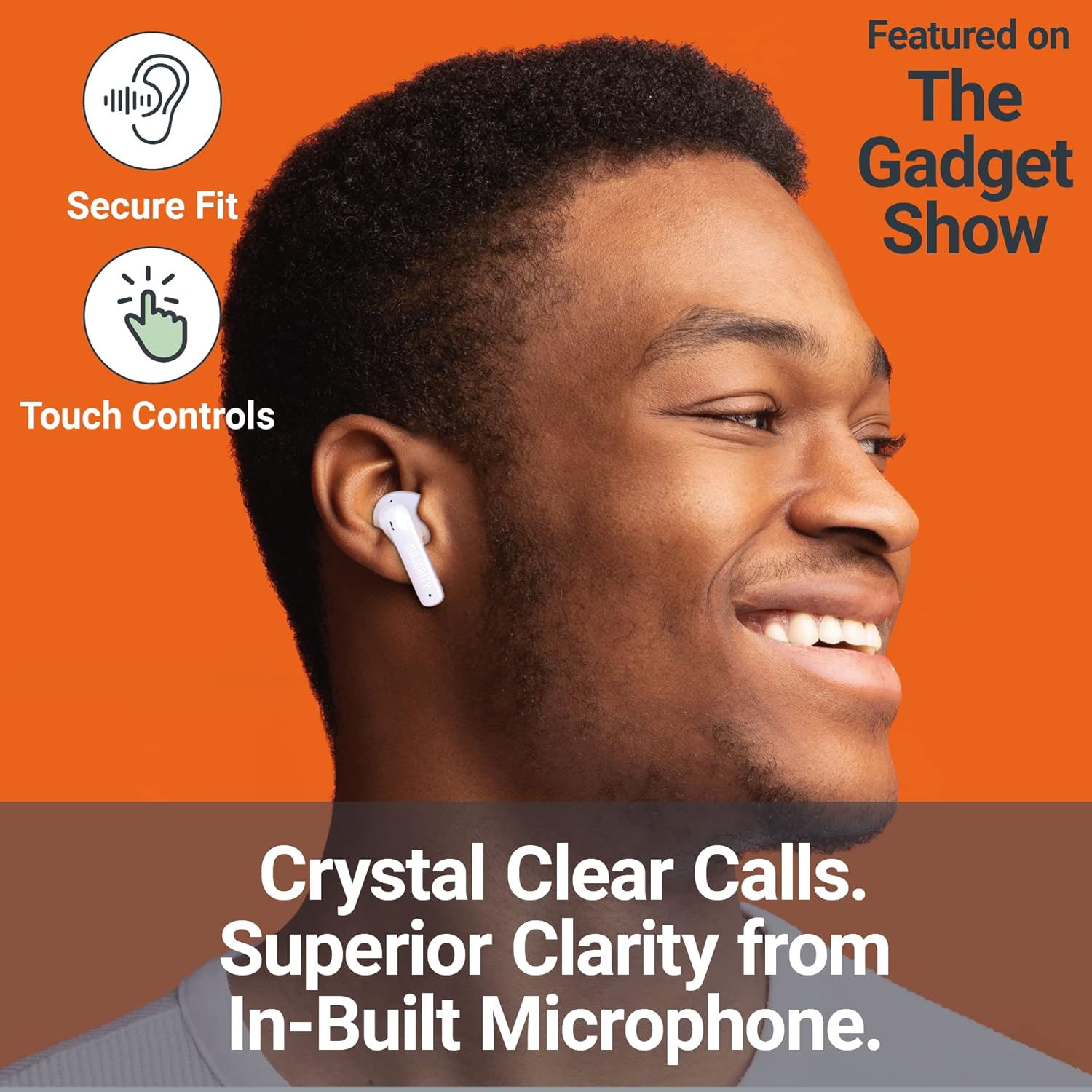
Image: A person smiling while wearing a MAJORITY Tru 1 earbud, emphasizing the secure fit, touch controls, and clear call quality from the built-in microphone.
The MAJORITY Tru 1 earbuds feature intuitive touch controls on each earbud. Specific functions may vary slightly depending on your device and operating system.
- Odtwórz/Pauza: Pojedyncze dotknięcie dowolnej słuchawki.
- Następny utwór: Kliknij dwukrotnie prawą słuchawkę.
- Poprzedni utwór: Kliknij dwukrotnie lewą słuchawkę.
- Odbieranie/kończenie połączeń: Pojedyncze dotknięcie dowolnej słuchawki podczas połączenia przychodzącego lub aktywnego połączenia.
- Odrzuć połączenie: Naciśnij i przytrzymaj jedną ze słuchawek przez 2 sekundy podczas połączenia przychodzącego.
- Aktywuj asystenta głosowego: Naciśnij trzykrotnie jedną ze słuchawek (np. Siri, Asystent Google).
- Zwiększenie głośności: Naciśnij i przytrzymaj prawą słuchawkę.
- Ściszanie: Naciśnij i przytrzymaj lewą słuchawkę.
Wykonywanie i odbieranie połączeń
The built-in microphone ensures clear communication during phone calls. Use the touch controls as described above to manage your calls.
Noszenie słuchawek dousznych
Select the ear tips that provide the most comfortable and secure fit for optimal sound quality and noise isolation. Gently insert each earbud into your ear canal and twist slightly to secure it.
Konserwacja
- Czyszczenie: Regularnie czyść słuchawki douszne i etui ładujące miękką, suchą i niepozostawiającą włókien ściereczką. Nie używaj silnych środków chemicznych ani materiałów ściernych.
- Wodoodporność: The earbuds are IPX7 waterproof, meaning they can withstand immersion in water up to 1 meter for 30 minutes. However, the charging case is not waterproof. Ensure earbuds are completely dry before placing them back in the charging case to prevent damage.
- Składowanie: Gdy nie używasz słuchawek, przechowuj je w etui ładującym, aby je chronić i utrzymać naładowanie. Przechowuj w chłodnym, suchym miejscu, z dala od ekstremalnych temperatur.
- Pielęgnacja baterii: Aby przedłużyć żywotność baterii, unikaj częstego całkowitego rozładowywania słuchawek i etui. Ładuj je regularnie, nawet jeśli nie są używane regularnie.
Rozwiązywanie problemów
| Problem | Rozwiązanie |
|---|---|
| Słuchawki douszne nie parują się |
|
| Brak dźwięku z jednej słuchawki |
|
| Etui ładujące nie ładuje się |
|
| Słaba jakość dźwięku |
|
Specyfikacje
| Funkcja | Szczegół |
|---|---|
| Nazwa modelu | PRAWDA 1 |
| Łączność | Bluetooth 5.3 |
| Odporność na wodę | IPX7 (tylko słuchawki douszne) |
| Rozmiar kierowcy | 13mm |
| Czas odtwarzania w słuchawkach | Do 7.5 godzin |
| Całkowity czas odtwarzania (z etui) | Do 30 godzin |
| Szybkie ładowanie | 30 minut ładowania zapewnia 2 godziny odtwarzania |
| Typ baterii | Litowo-jonowy (w zestawie) |
| Port ładowania | USB-C |
| Tworzywo | Plastikowy |
| Wymiary opakowania | Wymiary 11.3 x 9.9 x 3.2 cm |
| Waga | 100 g (opakowanie) |
Gwarancja i wsparcie
MAJORITY offers an extended 3-year warranty for the Tru 1 Wireless Bluetooth Earbuds upon registration. To register your product and activate the extended warranty, please visit the official MAJORITY webstrona:
Zarejestruj swój produkt tutaj
For any support inquiries, troubleshooting assistance, or to learn more about MAJORITY products, please refer to the contact information provided on the official MAJORITY website. MAJORITY is a Cambridge, UK-based audio brand committed to providing reliable products and customer service.

Image: The side of the MAJORITY product box, showing details about the extended warranty and a QR code for registration.