
1. Wprowadzenie
Thank you for choosing the Sameo ULTRAZONE Wireless 8-Bit Game Console. This console offers a classic gaming experience with 362 built-in games and supports 8-bit cartridges. Enjoy wireless gameplay with the included cordless joysticks. This manual provides essential information for setup, operation, and troubleshooting to ensure you get the most out of your gaming experience.

Image 1.1: Sameo ULTRAZONE Wireless 8-Bit Game Console with two wireless joysticks.
2. Co znajduje się w pudełku
Sprawdź zawartość paczki, aby upewnić się, że znajdują się w niej wszystkie elementy:
- 1 x Sameo ULTRAZONE Game Console
- 2 x Wireless Joysticks
- 1 x Power Adapter (5.0V DC ~ 500mA)
- 1 x AV Cable (1.5 meter length)
- 1 x Karta gwarancyjna
- 1 x Instrukcja obsługi (ten dokument)
- Note: 2 x AAA batteries are required for each controller (total 4 AAA batteries), not included.
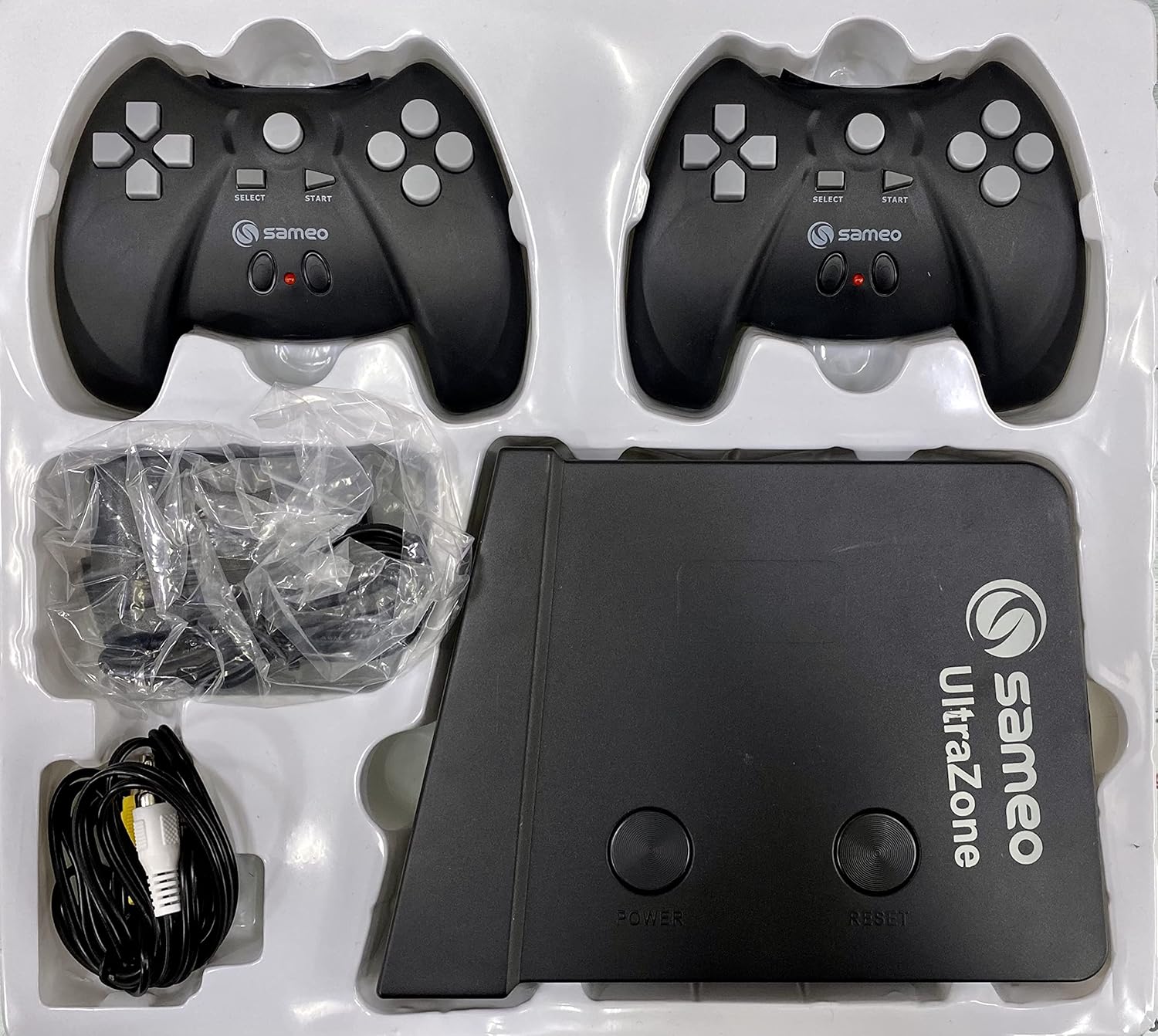
Image 2.1: Retail packaging of the Sameo ULTRAZONE Game Console.
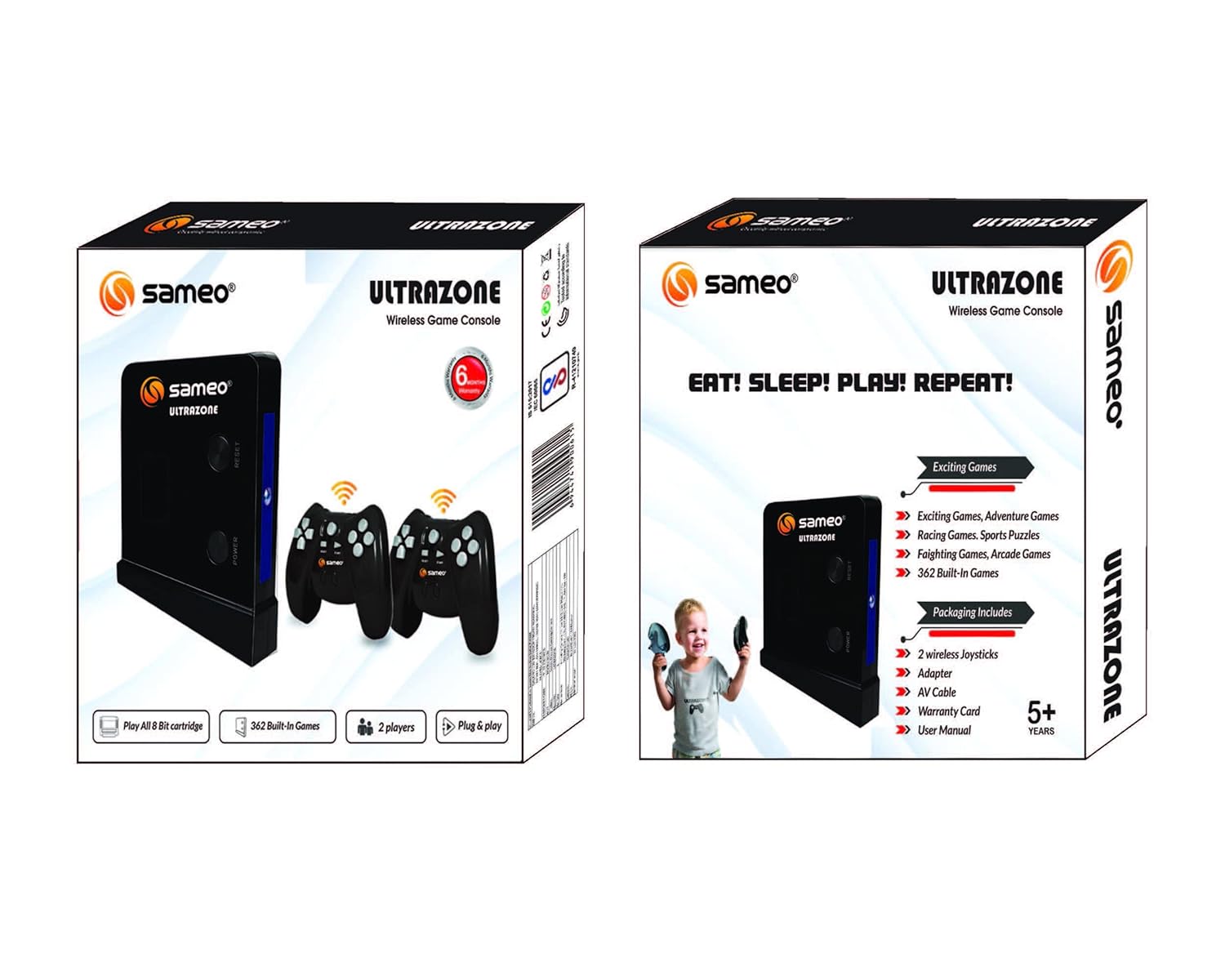
Image 2.2: Back of the retail packaging, listing contents and features.
3. Instrukcje konfiguracji
Follow these steps to set up your Sameo ULTRAZONE Game Console:
- Podłącz zasilacz: Insert the power adapter into a wall outlet and the other end into the designated power slot on the UltraZone machine.
- Podłącz kabel AV: Insert the AV cable's yellow plug into the yellow video input port on your TV and the white plug into the white audio input port. Connect the 3.5mm jack end of the AV cable into the UltraZone machine's AV output port.
- TV Compatibility Note: If your TV does not have AV input slots, an AV to HDMI converter (sold separately) may be required.
- Wkładanie baterii do kontrolerów: Open the battery compartment on each wireless joystick and insert 2 AAA batteries (not included), ensuring correct polarity.
- Włącz konsolę: After completing the connections, press the power button located on the left side of the UltraZone machine to turn it on.

Image 3.1: Visual guide for console installation.
4. Instrukcja obsługi
Once the console is set up and powered on, follow these steps to start playing:
- Start Wireless Play: Press the round button in the center of your wireless joystick to activate it and begin playing.
- Wybór gry: The console comes with 362 built-in games. Navigate through the game menu using the joystick's directional pad and action buttons.
- Korzystanie z wkładów: The console supports 8-bit game cartridges. Insert a compatible cartridge into the designated slot on the console before powering on, or reset the console after insertion if already on.
- Quit or Reset Game: To exit a game or reset the console, press the center button on the controller or the 'RESET' button on the UltraZone machine.
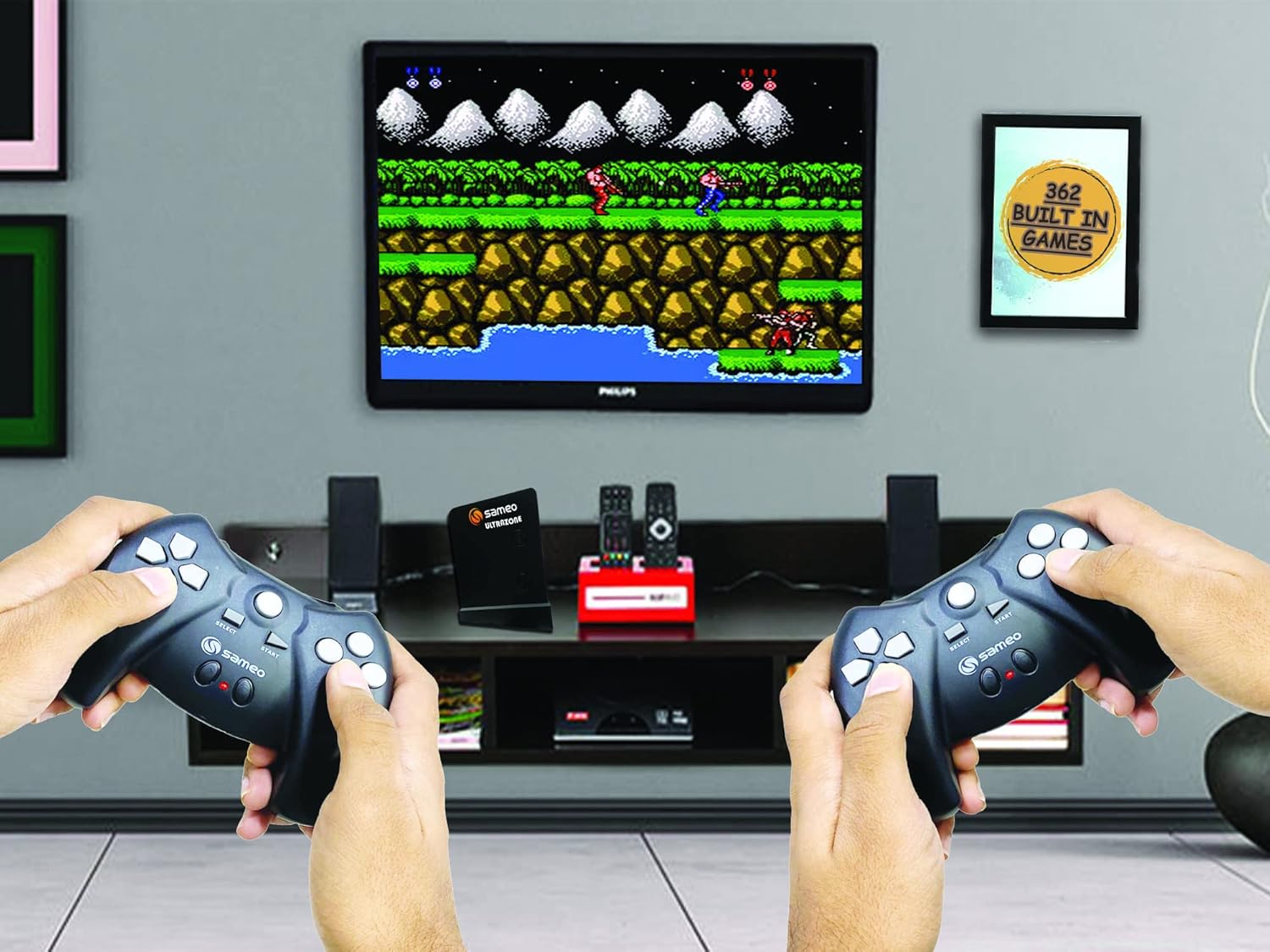
Image 4.1: Sameo ULTRAZONE console in use, displaying gameplay on a television.
A video demonstrating gameplay would be embedded here if available.
5. Rozwiązywanie Problemów
If you encounter any issues, please refer to the following troubleshooting tips:
- Brak zasilania:
- Upewnij się, że zasilacz jest prawidłowo podłączony do konsoli i do działającego gniazdka elektrycznego.
- Verify the power button on the console is pressed.
- No Signal on TV / Black Screen:
- Check that the AV cable is firmly connected to both the console and the correct input ports (yellow for video, white for audio) on your TV.
- Ensure your TV is set to the correct AV input source (e.g., AV1, Video, Input).
- If your TV lacks AV input, confirm you are using a compatible AV to HDMI converter (sold separately) and it is correctly installed.
- Wireless Controller Not Responding:
- Check and replace the AAA batteries in the controller, ensuring correct polarity.
- Press the center round button on the controller to ensure it is powered on and attempting to connect.
- Ensure there are no obstructions between the controller and the console.
- Zawieszanie się lub opóźnianie gry:
- Try pressing the 'RESET' button on the console or the center button on the controller to restart the game.
- If using a cartridge, ensure it is clean and properly seated in the slot.
- Poor Graphics Quality:
- The Sameo ULTRAZONE is an 8-bit game console, designed to deliver a classic retro gaming experience. The graphics are characteristic of this era and are not comparable to modern high-definition systems.
6. Specyfikacje
| Platforma | TV Plug & Play |
| Urządzenie wejściowe | Drążek sterowy |
| Marka | Sameo |
| Numer modelu | SE/7349 |
| Kolor | CZARNY |
| Technologia łączności | Cartridge slot (AV output) |
| Komunikacja bezprzewodowa | Wireless (for joysticks) |
| Wbudowane gry | 362 |
| Cartridge Support | 8-bit cartridges |
| Zasilacz | 5.0V DC ~ 500mA |
| AV Cable Length | 1.5 metr |
| Waga przedmiotu | 400 gram |
| Kraj pochodzenia | Chiny |
7. Gwarancja i wsparcie
The Sameo ULTRAZONE Wireless 8-Bit Game Console comes with a 6-miesięczna gwarancja producenta od daty zakupu. Niniejsza gwarancja obejmuje wady produkcyjne powstałe w wyniku normalnego użytkowania.
W przypadku roszczeń gwarancyjnych, potrzeby wsparcia technicznego lub jakichkolwiek pytań prosimy o kontakt:
Producent: Sameo Distribution (India) Pvt Ltd.
Adres: Lower Parel, Mumbai-400011, India
Proszę zachować paragon jako dowód zakupu w celach gwarancyjnych.