
ASWEE P6
ASWEE Smart Watch User Manual
Model: P6 | Brand: ASWEE
1. Wprowadzenie
Thank you for choosing the ASWEE Smart Watch. This device is designed to enhance your daily life by providing convenient access to communications, health monitoring, and fitness tracking. Featuring a 1.83-inch HD touchscreen, Bluetooth calling capabilities, and a wide array of sports modes, your ASWEE Smart Watch is a versatile companion for both men and women. This manual will guide you through the setup, operation, and maintenance of your new smartwatch.

Figure 1: ASWEE Smart Watch Overview
The ASWEE Smart Watch is equipped with advanced sensors for 24/7 heart rate and sleep monitoring, a step counter, and support for over 123 sports activities. Its IP67 waterproof rating ensures durability for various environments, including workouts and outdoor adventures. Enjoy seamless connectivity with your Android or iOS smartphone for notifications, music control, and weather updates.
2. Co znajduje się w pudełku
Sprawdź zawartość paczki, aby upewnić się, że znajdują się w niej wszystkie elementy:
- ASWEE Smart Watch (P6)
- Kabel ładujący
- Instrukcja obsługi
- Watch Band
3. Konfiguracja
3.1 Pierwsze ładowanie
Before first use, fully charge your ASWEE Smart Watch. Connect the magnetic charging cable to the charging points on the back of the watch and plug the USB end into a standard USB power adapter (not included). A full charge typically takes approximately 2 hours.
3.2 Instalacja i parowanie aplikacji
To unlock the full functionality of your smartwatch, download and install the 'Keep Health' app on your smartphone.
- Scan the QR code provided in the quick start guide or search for 'Keep Health' in your phone's app store (App Store for iOS, Google Play Store for Android).
- Install the 'Keep Health' app.
- Otwórz aplikację i załóż konto lub zaloguj się.
- Upewnij się, że Bluetooth jest włączony w Twoim smartfonie.
- In the 'Keep Health' app, navigate to the 'Device' section and select 'Add Device'.
- The app will search for nearby devices. Select 'ASWEE P6' from the list of found devices.
- Postępuj zgodnie z instrukcjami wyświetlanymi na ekranie, aby zakończyć proces parowania. Może być konieczne potwierdzenie prośby o parowanie zarówno na telefonie, jak i na zegarku.

Figure 2: Keep Health App Interface
4. Obsługa
4.1 Podstawowa nawigacja
The ASWEE Smart Watch features a full touch screen for easy navigation:
- Przesuń w górę/w dół: Przewijaj menu i powiadomienia.
- Przesuń w lewo/w prawo: Access quick functions or different data screens (e.g., heart rate, steps, weather).
- Uzyskiwać: Wybierz element lub potwierdź czynność.
- Naciśnij i przytrzymaj: On the watch face, press and hold to change watch faces.
Połączenia Bluetooth 4.2
Once paired with your smartphone, you can make and answer calls directly from your watch:
- Odbieranie połączeń: When a call comes in, the watch will vibrate and display the caller ID. Tap the green phone icon to answer.
- Dzwonić: Access the 'Call' function on your watch to dial numbers or select contacts from your synced phonebook.
4.3 Inteligentne powiadomienia
Receive real-time alerts for calls, messages, and app notifications directly on your wrist. Ensure notification permissions are enabled in the 'Keep Health' app and your phone settings.
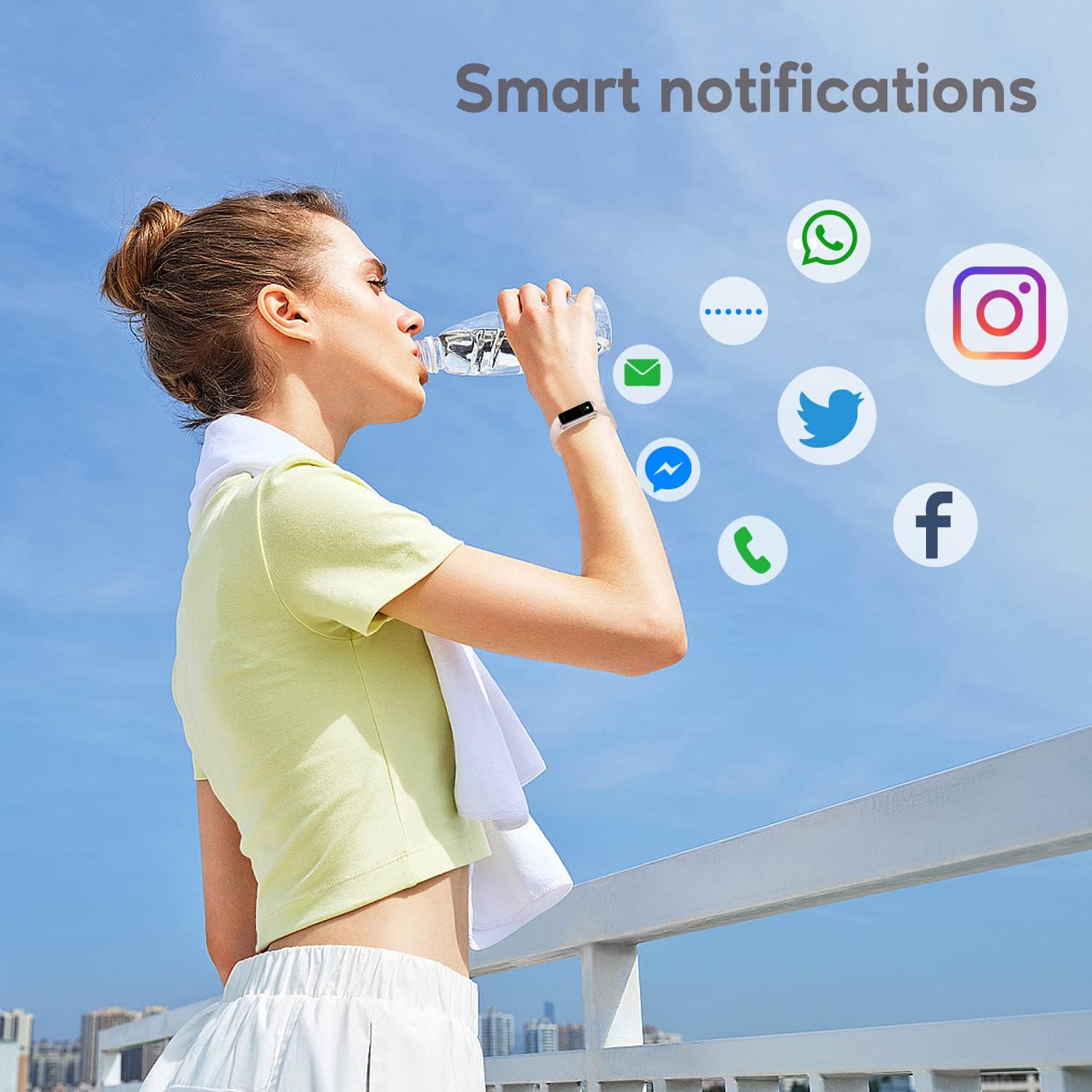
Rysunek 3: Inteligentne powiadomienia
4.4 trybów sportowych
The watch supports over 123 sports modes to track your workouts. Select your desired activity from the 'Sports' menu to record data such as heart rate, calories burned, and distance.

Rysunek 4: Najważniejsze cechyview
4.5 Monitorowanie stanu zdrowia
Your ASWEE Smart Watch continuously monitors key health metrics:
- Tętno: Zapewnia całodobowy monitoring tętna. View dane w czasie rzeczywistym na zegarku lub szczegółowe trendy w aplikacji.
- Monitorowanie snu: Tracks your sleep patterns, including deep, light, and REM sleep stages. Review your sleep quality score and duration in the 'Keep Health' app.
- Licznik kroków: Automatically tracks your daily steps, distance, and calories burned.
- Śledzenie cyklu żeńskiego: For women, the watch can help track menstrual cycles and log symptoms through the app.

Figure 5: Heart Rate Monitor in Use

Rysunek 6: Funkcja monitorowania snu
4.6 Niestandardowe tarcze zegarka
Personalize your watch by choosing from a variety of pre-installed watch faces or uploading your own photos and designs via the 'Keep Health' app.

Rysunek 7: Możliwość personalizacji tarcz zegarka
4.7 Sterowanie kamerą
Use your smartwatch as a remote shutter for your phone's camera. Open the camera function in the 'Keep Health' app and tap the camera icon on your watch to take a photo.

Figure 8: Camera Remote Control
5. Konserwacja
5.1 Wodoodporność
The ASWEE Smart Watch is IP67 waterproof, meaning it is resistant to splashes, rain, and brief immersion in water. It is suitable for daily use, hand washing, and light rain. However, it is not recommended for hot showers, saunas, or diving, as steam and hot water can damage the seals.

Rysunek 9: Wodoodporność
5.2 Czyszczenie i pielęgnacja
Aby zachować wygląd i funkcjonalność zegarka:
- Regularnie przecieraj zegarek i pasek miękką, suchą ściereczką.
- Jeśli to konieczne, użyj lekko damp ściereczkę do czyszczenia, a następnie dokładnie wysuszyć.
- Unikaj stosowania silnych środków chemicznych, ściernych środków czyszczących i rozpuszczalników.
- Aby zapewnić prawidłowe ładowanie, utrzymuj styki ładowania w czystości i suchości.
6. Rozwiązywanie Problemów
6.1 Watch Won't Connect or Keeps Disconnecting
Jeśli występują problemy z łącznością:
- Sprawdź, czy Bluetooth w Twoim telefonie jest włączony.
- Verify the watch and phone are within the maximum Bluetooth range (8-10 meters). Obstacles can affect connection.
- If issues persist, delete the watch's Bluetooth serial number from the 'Keep Health' app, then uninstall and reinstall the app. Repeat the pairing process.
6.2 Watch Not Receiving Message Notifications
If notifications are not appearing on your watch:
- Confirm your phone is successfully connected to the watch in the 'Keep Health' app.
- Check your phone's settings: Go to phone settings > find the 'Keep Health' app > turn on 'Notifications' permission.
- Within the 'Keep Health' app, ensure the 'notification' function is enabled for the specific apps you wish to receive alerts from.
- If the problem continues, delete the watch's Bluetooth serial number from the 'Keep Health' app, then uninstall and reinstall the app.
7. Specyfikacje
| Funkcja | Szczegół |
|---|---|
| Marka | ASWEE |
| Numer modelu | P6 |
| Rozmiar ekranu | 1.83 Inches (HD Touch Screen) |
| System operacyjny | Noś OS 3.0 |
| Technologia łączności | Bluetooth |
| Pojemność baterii | 240 mlnamp Hours (up to 7 days heavy use, 25 days standby) |
| Odporność na wodę | IP67 |
| Cechy specjalne | Touchscreen, Lightweight, Activity Tracker, Daily Workout Memory, Phone Call |
| Wymiary produktu | 1.2 x 1.5 x 25 cm; 80 g |
8. Gwarancja i wsparcie
ASWEE products are manufactured to high quality standards. For any issues or inquiries regarding your ASWEE Smart Watch, please refer to the warranty information provided at the time of purchase or contact ASWEE customer support through the official website or your retailer. Please have your model number (P6) and purchase details ready when contacting support.