
Wstęp
This manual provides comprehensive instructions for the installation, operation, and maintenance of your Byron DBY-22311NP Wireless Doorbell Kit. Please read this manual carefully before using the product to ensure safe and efficient operation. Keep this manual for future reference.
The Byron DBY-22311NP wireless doorbell kit offers a maximum range of 150 meters and features 16 melodies with adjustable volume. Both the outdoor push button and the indoor chime unit are battery-operated, allowing for flexible placement anywhere in your home or garden.
Informacje dotyczące bezpieczeństwa
- Ensure all components are handled with care to prevent damage.
- Do not expose the push button or chime unit to extreme temperatures, direct sunlight for prolonged periods, or corrosive substances.
- Baterie należy przechowywać poza zasięgiem dzieci. W przypadku połknięcia natychmiast zasięgnij porady lekarza.
- Zużyte baterie należy utylizować zgodnie z lokalnymi przepisami.
- Do not attempt to open or repair the units yourself. Refer to qualified personnel for service.
Zawartość opakowania
Sprawdź, czy w przesyłce znajdują się wszystkie elementy:
- 1 x jednostka dzwonka wewnętrznego
- 1 x Outdoor Push Button
- 1 x CR2032 Battery (for outdoor push button)
- Taśma klejąca dwustronna
- Śruby montażowe i kołki ścienne
- Instrukcja obsługi
Produkt ponadview

Figure 1: Byron DBY-22311NP Wireless Doorbell Kit, showing the indoor chime unit and outdoor push button.

Figure 2: Detailed dimensions of the indoor chime unit and outdoor push button for installation planning.

Rysunek 3: Tył view of the indoor chime unit and outdoor push button, showing battery compartments and mounting points.
Konfiguracja i instalacja
1. Instalowanie baterii
- Outdoor Push Button: Open the battery compartment on the back of the push button. Insert the included CR2032 battery, ensuring correct polarity (+/-). Close the compartment securely.
- Indoor Chime Unit: Open the battery compartment on the back of the chime unit. Insert 3 x AA alkaline batteries (not included), ensuring correct polarity (+/-). Close the compartment securely.
2. Mounting the Outdoor Push Button
The outdoor push button can be mounted using either the double-sided adhesive tape or screws.
- Montaż klejony: Clean the desired mounting surface thoroughly. Peel off the protective film from one side of the double-sided adhesive tape and apply it to the back of the push button. Peel off the remaining film and firmly press the push button onto the wall or door frame.
- Montaż śrubowy: Mark the desired position for the push button. Drill two small pilot holes. Insert the wall plugs (if necessary) and secure the push button with the provided screws.

Figure 4: The outdoor push button is designed to be weather-resistant and includes a nameplate for personalization.
3. Placing the Indoor Chime Unit
The indoor chime unit is portable and can be placed anywhere within the 150-meter wireless range of the push button. Consider placing it in a central location or where you are most likely to hear it.

Figure 5: The indoor chime unit can be easily placed on a wall or flat surface.
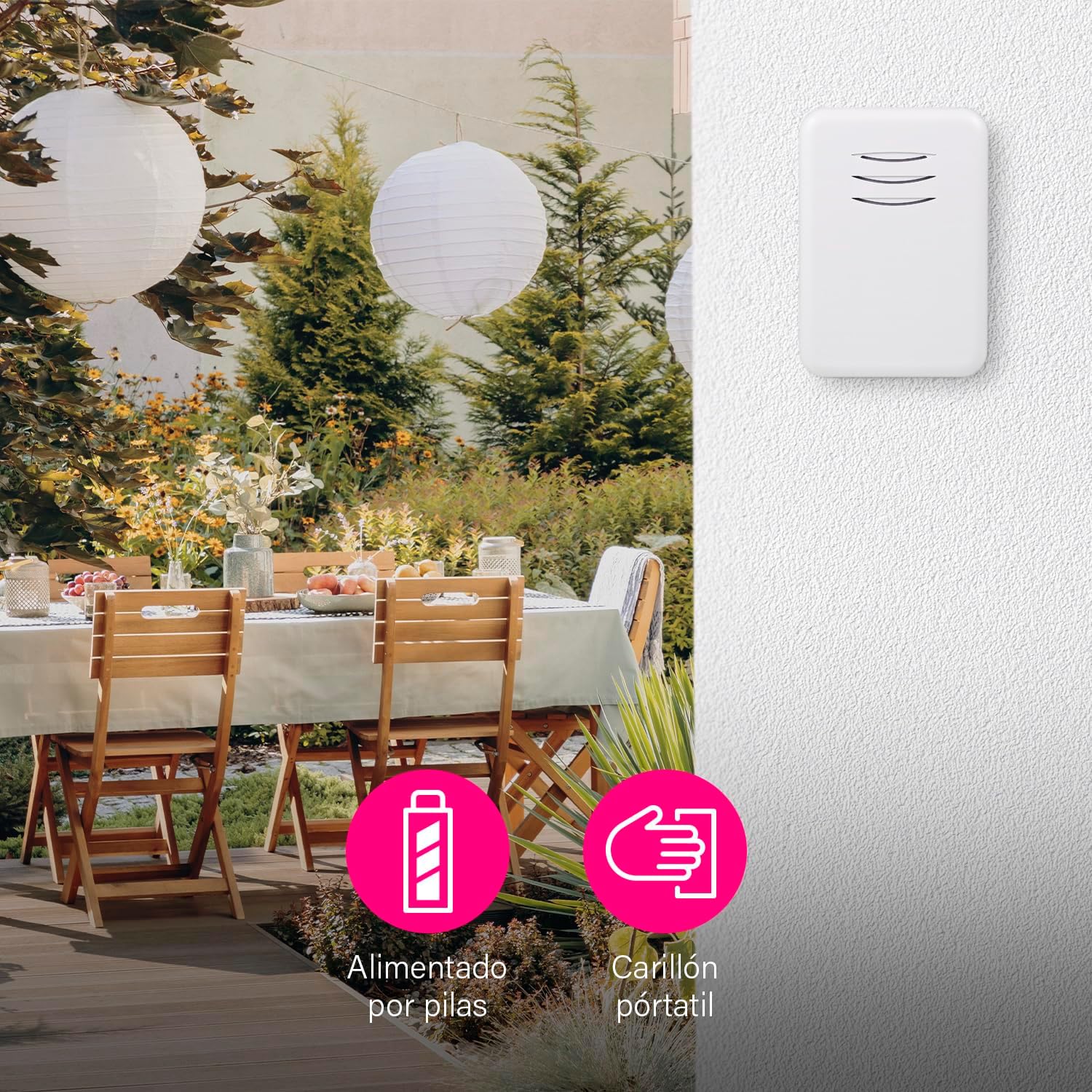
Figure 6: The portable chime unit allows for flexible placement, even in outdoor areas like a garden patio.
4. Pairing (Synchronization)
The units are typically pre-paired at the factory. If they do not work immediately, follow these steps to re-pair them:
- Press and hold the pairing button on the indoor chime unit for approximately 5 seconds until it emits a short beep or flashes.
- Within 10 seconds, press the outdoor push button. The chime unit should ring, indicating successful pairing.
- Test the doorbell by pressing the push button.
You can pair multiple chimes with one push button or multiple push buttons with one chime. This is ideal if you want a chime in several rooms or an additional push button in the garden or at the back door.
Instrukcja obsługi
1. Zmiana melodii
The chime unit offers 16 selectable melodies. To change the melody:
- Locate the melody selection button on the indoor chime unit.
- Naciskaj przycisk wielokrotnie, aby przełączać się między dostępnymi melodiami. Dzwonek będzie odtwarzał każdą wybraną melodię.
- Stop pressing when you hear your desired melody.
2. Regulacja głośności
The volume of the chime can be adjusted up to 80 dB, with multiple levels available.
- Locate the volume control button on the indoor chime unit.
- Press the button to cycle through the volume levels.
- You can also set the chime to silent mode if you do not wish to be disturbed, for example, when a baby is sleeping.
Figure 7: The chime unit features controls for selecting from 16 melodies and adjusting between 5 volume levels.
Konserwacja
1. Wymiana baterii
- Outdoor Push Button: When the push button's LED indicator no longer lights up or the range decreases significantly, replace the CR2032 battery.
- Indoor Chime Unit: If the chime unit's sound becomes weak or it stops working, replace the 3 x AA alkaline batteries.
2. Czyszczenie
Przetrzyj urządzenia miękką, suchą ściereczką. Nie używaj środków czyszczących o właściwościach ściernych ani rozpuszczalników.
Rozwiązywanie problemów
| Problem | Możliwa przyczyna | Rozwiązanie |
|---|---|---|
| Dzwonek nie dzwoni. | Baterie są rozładowane lub nieprawidłowo włożone. | Wymień baterie w obu urządzeniach, zwracając uwagę na prawidłową biegunowość. |
| Doorbell range is poor. | Obstructions or interference. | Ensure no large metal objects or thick walls are between the units. Replace batteries if low. |
| Chime unit not responding to push button. | Jednostki nie są parowane. | Follow the pairing instructions in the Setup section. |
| Chime unit rings unexpectedly. | Zakłócenia ze strony innych urządzeń bezprzewodowych. | Re-pair the units to reset the wireless code. |
Specyfikacje
| Funkcja | Szczegół |
|---|---|
| Numer modelu | DBY-22311NP |
| Wymiary (produkt) | Wymiary 15 x 9.5 x 4.5 cm |
| Waga (produktu) | 90 gramów |
| Kolor | Biały |
| Tworzywo | Plastikowy |
| Źródło zasilania | Bateria |
| Tomtage | 4.5 Volts (Indoor Chime) |
| Outdoor Push Button Battery | 1 x CR2032 (w zestawie) |
| Indoor Chime Unit Battery | 3 x AA Alkaline (not included) |
| Zasięg bezprzewodowej | Do 150 m (na otwartej przestrzeni) |
| Melodie | 16 |
| Poziomy głośności | Regulowany do 80 dB |
| Weather Resistance (Push Button) | Tak (nadaje się do użytku na zewnątrz) |
Wideo produktu
Wideo 1: Ponadview of the Byron DBY-22311 Wireless Doorbell, demonstrating its features and ease of use. Note: This video is for a similar model (DBY-22311) and provides a general product demonstration.
Gwarancja i wsparcie
For warranty information and customer support, please refer to the contact details provided on the product packaging or the official Byron webZachowaj dowód zakupu na wypadek roszczeń gwarancyjnych.