
Wstęp
Dziękujemy za zakupasing the Silverlit FLYBOTIC Mini Drone UFO. This drone is designed for easy, gesture-controlled indoor flight, offering interactive fun with obstacle detection and 360-degree looping capabilities. Please read this manual carefully before use to ensure safe and optimal operation.
Ostrzeżenie: Not suitable for children under 5 years. Use under adult supervision. This drone is recommended for indoor use only.
Zawartość opakowania
- FLYBOTIC Mini Drone UFO (Model 60113)
- 1 x 3.7V, 150mAh Li-Po Battery (integrated)
- Kabel ładujący USB
- Instrukcja obsługi (ten dokument)

Image: The product packaging for the FLYBOTIC Mini Drone UFO, showing the drone and its features.
Organizować coś
1. Charging the Drone
- Znajdź port ładowania na dronie.
- Connect the supplied USB charging cable to the drone's charging port.
- Podłącz drugi koniec kabla USB do zasilanego portu USB (np. w komputerze, zasilaczu ściennym USB).
- The drone's indicator light will show charging status (refer to drone's specific light behavior for full/charging).
- Czas ładowania wynosi około 40 minut. Nie przeładowuj.
2. Włączanie/wyłączanie zasilania
- To power on, locate the power switch on the drone and slide it to the 'ON' position. The drone's lights will illuminate.
- Aby wyłączyć urządzenie, przesuń wyłącznik zasilania do pozycji „WYŁ.”.
Instrukcja obsługi
The FLYBOTIC Mini Drone UFO is controlled by hand gestures and is designed for indoor use only. Ensure you have sufficient clear space before operating.
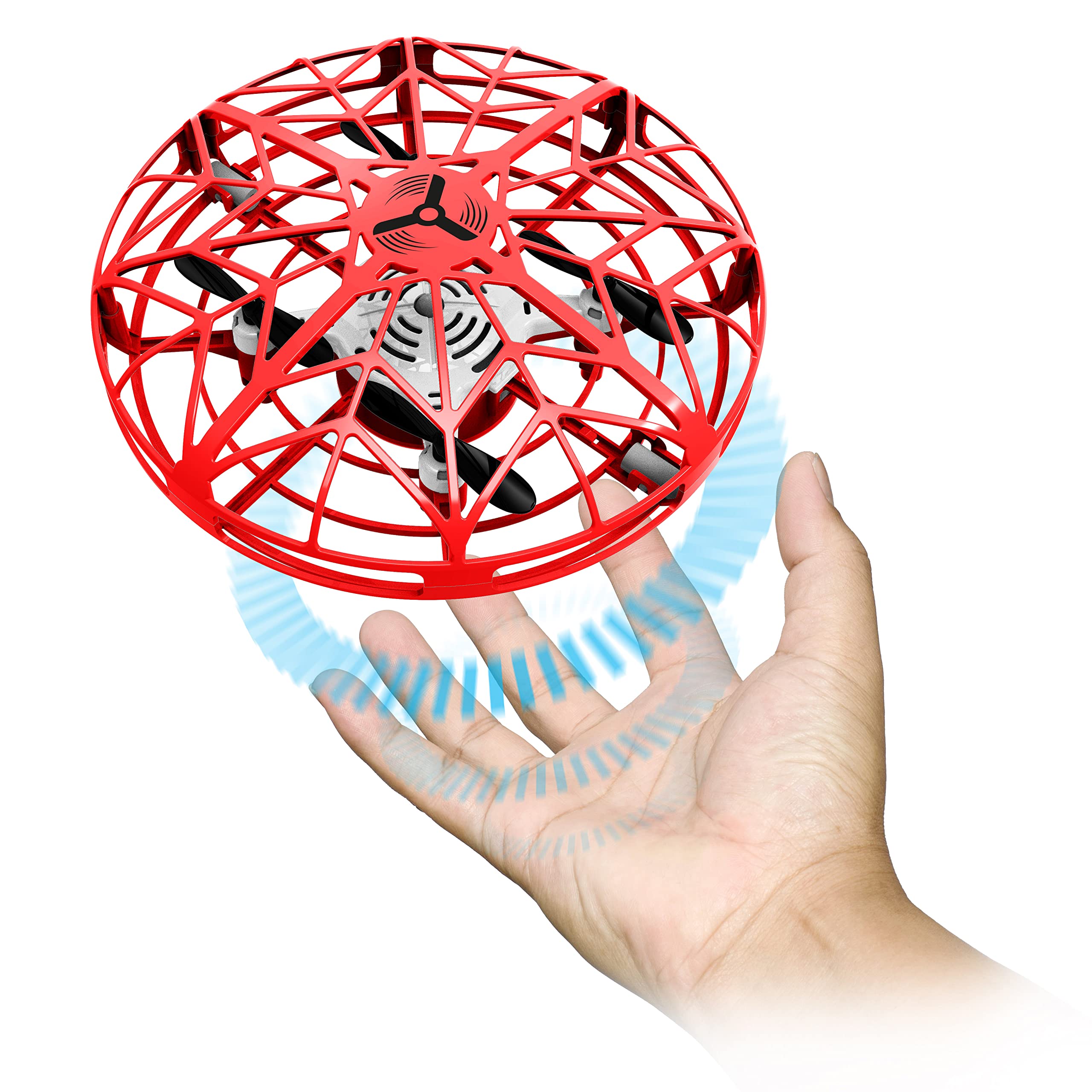
Image: The red FLYBOTIC Mini Drone UFO, showcasing its protective cage design.
1. Initial Launch and Hover Mode
- With the drone powered on, hold it gently in your hand.
- Release the drone into the air. It will automatically stabilize and enter hover mode, maintaining a steady altitude.
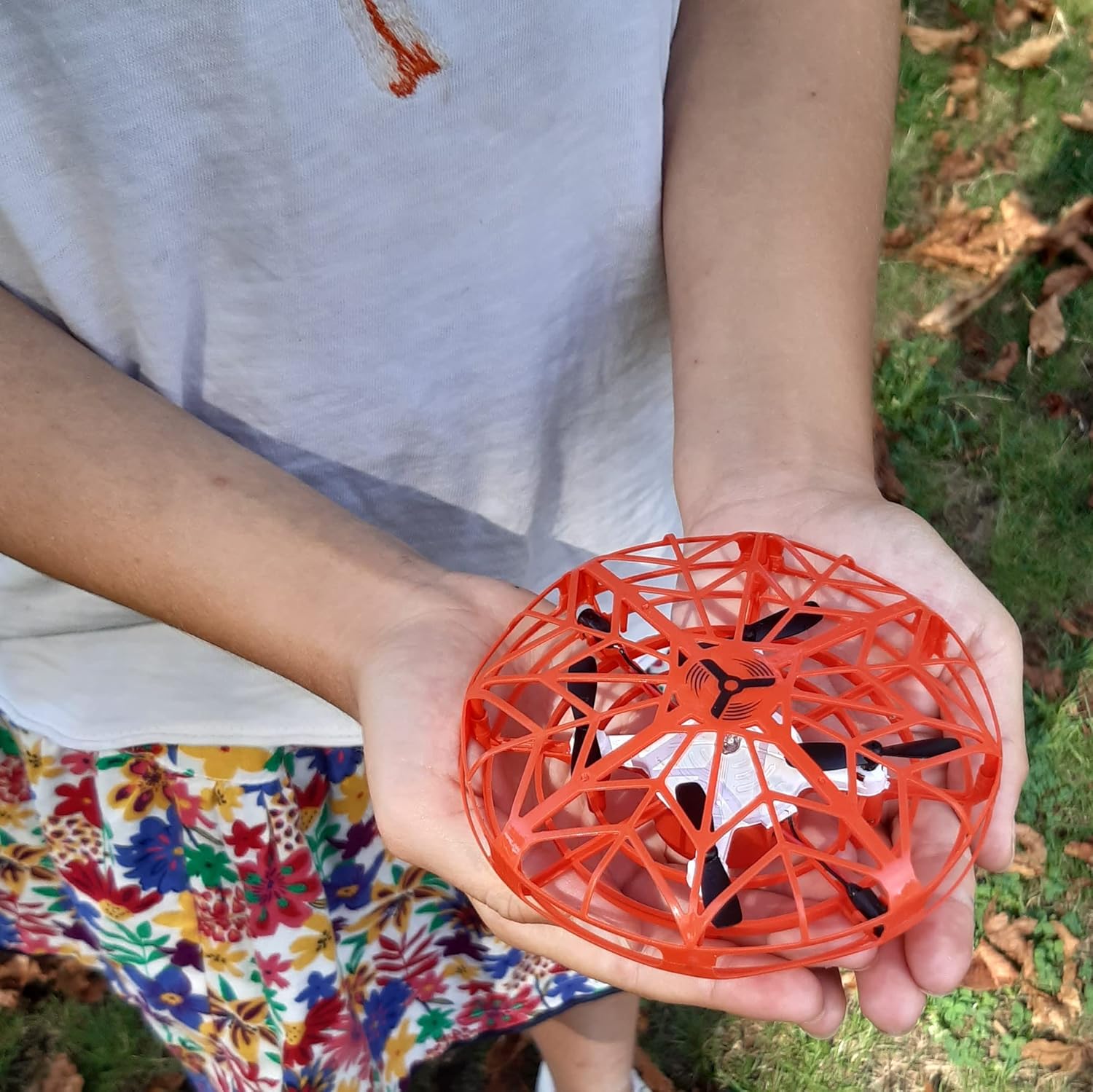
Image: A person's hands gently holding the FLYBOTIC Mini Drone UFO, ready for launch.
2. Sterowanie gestami
- To make the drone ascend: Position your hand or an object a few centimeters directly below the drone. The drone will rise and then return to hover mode.
- To make the drone move forward: Position your hand on the side of the drone. It will move in the opposite direction of your hand.
- Experiment with hand positions around the drone to guide its flight path.
3. Wykrywanie przeszkód
The drone is equipped with sensors that detect obstacles. If it approaches an obstacle, it will automatically move in the opposite direction to avoid collision. This feature helps protect the drone and surrounding objects during flight.
4. 360° Looping Mode
- While the drone is in flight, quickly pass both hands on either side of the drone.
- The drone's lights will begin to flash in multiple colors, indicating that looping mode is activated.
- Place your hand or an object directly under the drone, and it will perform a 360-degree loop.

Image: A child interacting with the FLYBOTIC Mini Drone UFO. Note: This drone is recommended for indoor use only.
Konserwacja
- Czyszczenie: Gently wipe the drone with a clean, dry cloth. Do not use water or chemical cleaners.
- Składowanie: Store the drone in a cool, dry place away from direct sunlight when not in use.
- Pielęgnacja baterii: To prolong battery life, avoid completely draining the battery and recharge it regularly. Do not store with a fully depleted battery for extended periods.
- Śmigła: Check propellers for any damage or debris before each flight. Replace if necessary.
Rozwiązywanie problemów
| Problem | Możliwa przyczyna | Rozwiązanie |
|---|---|---|
| Dron się nie włącza. | Bateria jest rozładowana. | Charge the drone's battery using the supplied USB cable. |
| Drone does not fly or flies erratically. | Low battery; Damaged propellers; Obstruction in propellers; Incorrect launch technique. | Ensure battery is fully charged. Check propellers for damage or debris and clear if necessary. Ensure drone is released gently into the air for initial hover. |
| Drone does not respond to gestures. | Sensors are obstructed; Insufficient light; Gesture not recognized. | Ensure sensors are clean and unobstructed. Operate in a well-lit area. Practice gestures to ensure proper recognition. |
| Drone flies too high or hits the ceiling. | Over-sensitive to upward gesture; Operating in a small space. | Adjust hand position for upward gesture to be less direct. Ensure adequate indoor space for flight. |
Specyfikacje
- Model: 60113 (UFO)
- Marka: Silverlit
- Wymiary (dł. x szer. x wys.): Wymiary 11.5 x 11.5 x 5 cm
- Waga: 100 gramów
- Bateria: 1 x 3.7V, 150mAh Li-Po (integrated)
- Czas ładowania: Około 40 minut
- Czas gry: Około 5 minut
- Zakres: Około 8 metrów
- Łączność: USB (do ładowania)
- Cechy szczególne: Gesture Control, Obstacle Avoidance, 360° Looping, Hover Mode
- Zalecany wiek: 5 lata i więcej
- Środowisko użytkowania: Tylko wewnątrz
Gwarancja i wsparcie
For warranty information or technical support, please refer to the documentation included with your purchase or contact Silverlit customer service directly. Contact details can typically be found on the product packaging or the official Silverlit webstrona.
Visit the official Silverlit webstrona Aby uzyskać więcej informacji.