
Wstęp
Thank you for choosing the HyperGear Vibe Wireless Headphones. These headphones are designed to provide a premium audio experience with comfort and convenience. This manual will guide you through the setup, operation, and maintenance of your new headphones.
Co jest w pudełku
- HyperGear Vibe Wireless Headphones
- Kabel ładujący USB-C
Produkt ponadview
Familiarize yourself with the components and controls of your HyperGear Vibe Wireless Headphones.

Obraz 1: HyperGear Vibe Wireless Headphones. This image shows the overall design of the red over-ear headphones, highlighting their sleek appearance.

Obraz 2: Easy Access Controls. This close-up view details the control buttons and ports on the earcup, including Volume Up/Seek, Power On/Off, Play/Pause, Volume Down/Seek, USB-C Port, and Aux In.

Obraz 3: Long-Lasting Power. This image illustrates the 10 hours of playtime and 2 hours of charge time for the headphones.

Obraz 4: Innovation in Comfort. A person wearing the headphones demonstrates the snug, comfortable fit that provides noise isolation.
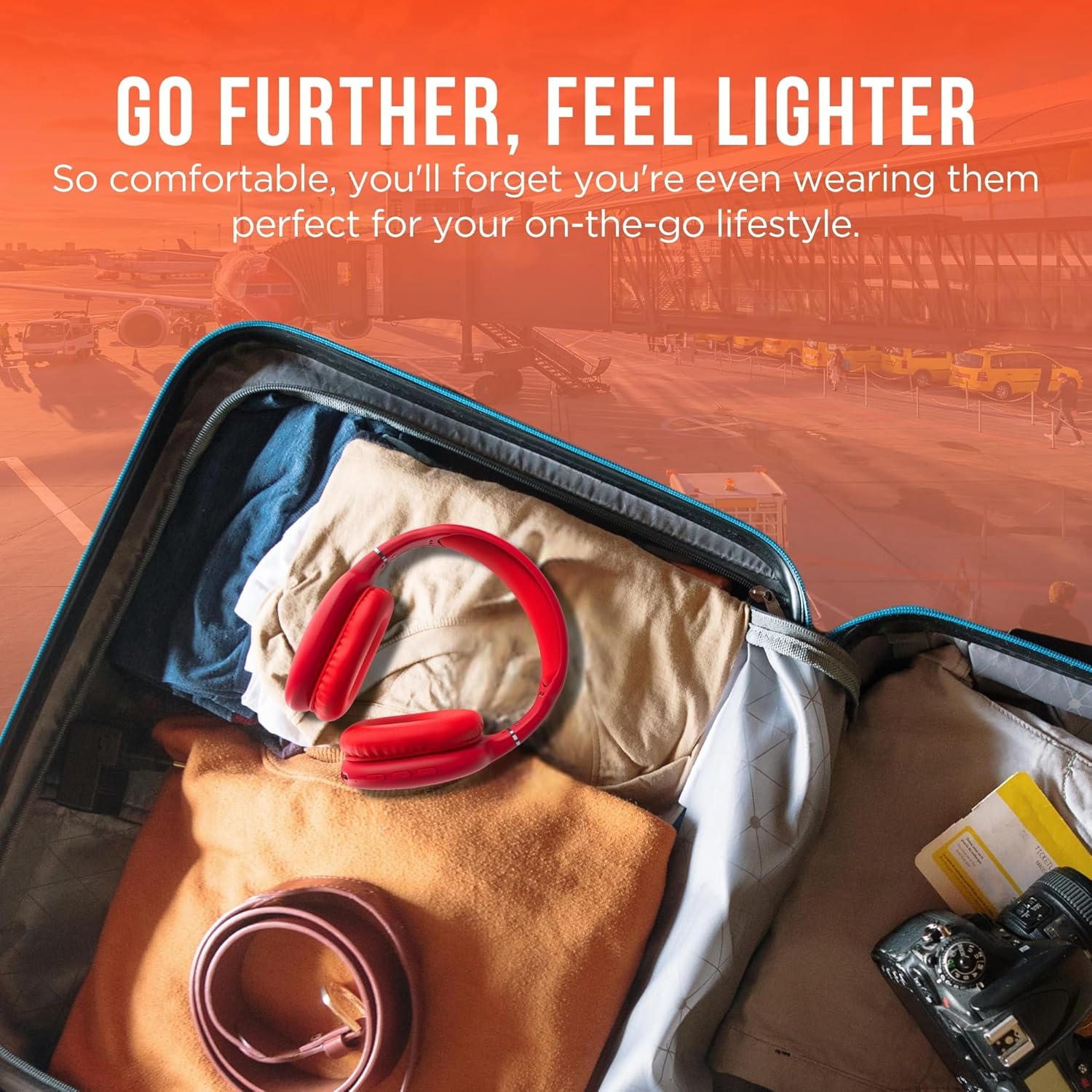
Obraz 5: Go Further, Feel Lighter. This image shows the headphones folded and packed in a suitcase, emphasizing their portability.
Wideo 1: HyperGear Vibe Bluetooth Wireless Headphones. This video provides a visual overview of the headphones' features and design.
Organizować coś
Ładowanie słuchawek
Before first use, fully charge your headphones. Connect the included USB-C charging cable to the USB-C port on the headphone earcup and the other end to a compatible USB power source. The LED indicator will show charging status.
Parowanie Bluetooth
- Upewnij się, że słuchawki są wyłączone.
- Press and hold the Power On/Off button for approximately 3 seconds until the LED indicator flashes red and blue alternately. This indicates the headphones are in pairing mode.
- Na swoim urządzeniu (smartfonie, tablecie, laptopie) włącz Bluetooth i wyszukaj dostępne urządzenia.
- Select "HyperGear Vibe" (or similar name) from the list of devices to connect.
- Po nawiązaniu połączenia dioda LED zacznie świecić ciągłym niebieskim światłem lub będzie powoli migać na niebiesko.
Wideo 2: Wireless Headphones Pairing Guide. This video demonstrates the process of powering on the headphones and connecting them via Bluetooth to a mobile device.
Instrukcja obsługi
Włączanie/wyłączanie zasilania
- Włączanie: Naciśnij i przytrzymaj przycisk włączania/wyłączania przez 3 sekundy.
- Wyłączone: Naciśnij i przytrzymaj przycisk włączania/wyłączania przez 3 sekundy.
Odtwarzanie muzyki
- Odtwórz/Pauza: Naciśnij raz przycisk Odtwórz/Pauza.
- Następny utwór: Press and hold the Volume Up/Seek button.
- Poprzedni utwór: Press and hold the Volume Down/Seek button.
- Zwiększenie głośności: Press the Volume Up/Seek button once.
- Ściszanie: Press the Volume Down/Seek button once.
Zarządzanie połączeniami
- Odbieranie/kończenie połączeń: Naciśnij raz przycisk Odtwórz/Pauza.
- Odrzuć połączenie: Naciśnij i przytrzymaj przycisk Play/Pause przez 2 sekundy.
Active Noise Cancellation (ANC) / Transparency Mode
The headphones feature noise isolation. Specific controls for ANC/Transparency mode are integrated with the main control buttons. Refer to the product diagram for exact button location.
Konserwacja
- Słuchawki należy czyścić miękką, suchą ściereczką.
- Nie należy używać środków czyszczących o właściwościach ściernych ani rozpuszczalników.
- Unikaj wystawiania słuchawek na działanie ekstremalnych temperatur i wilgoci.
- Przechowywać w chłodnym i suchym miejscu, gdy nie jest używany.
Rozwiązywanie problemów
Brak zasilania
- Sprawdź, czy słuchawki są całkowicie naładowane.
- Sprawdź kabel ładujący i źródło zasilania.
Brak dźwięku
- Ensure the headphones are paired correctly with your device.
- Sprawdź poziom głośności zarówno na słuchawkach, jak i na podłączonym urządzeniu.
- Ensure the headphones are not connected to another device.
Problemy z parowaniem
- Sprawdź, czy Bluetooth jest włączony w Twoim urządzeniu.
- Place the headphones and your device close to each other.
- Turn off and restart both the headphones and your device, then attempt pairing again.
- W razie potrzeby wyczyść poprzednie połączenia Bluetooth na swoim urządzeniu.
Specyfikacje
| Nazwa modelu | Wibracja |
| Numer modelu przedmiotu | 15610 |
| Technologia łączności | Bezprzewodowy (Bluetooth) |
| Wersja Bluetooth | 5.0 |
| Zasięg Bluetooth | 10 metrów (33 stopy) |
| Rozmiar sterownika audio | 40 milimetrów |
| Żywotność baterii | 10 godzin |
| Czas ładowania | 2 godzin |
| Kontrola hałasu | Izolacja akustyczna |
| Tworzywo | Pianka Memory |
| Waga przedmiotu | 10.8 uncji (0.31 kilograma) |
| Wymiary produktu | 7.17 x 3.43 x 9.85 cala |
Gwarancja i wsparcie
For warranty information or technical support, please visit the official HyperGear webOdwiedź witrynę lub skontaktuj się z działem obsługi klienta. Zachowaj dowód zakupu na wypadek roszczeń gwarancyjnych.
Odwiedź Sklep HyperGear na Amazon Aby uzyskać więcej informacji.