
Wstęp
Dziękujemy za zakupasing the Cuifati A100 Mini Cartoon Kids Camera. This camera is designed for children aged 3-12, offering a fun and safe way to explore photography and videography. Its compact, lightweight, and durable design, made from food-grade ABS material, ensures a comfortable and secure grip for small hands. This manual provides essential information for setting up, operating, and maintaining your camera.
The camera features a 2.0-inch color display, 20MP photo resolution, 720P video recording, and includes various photo frames and filters to enhance creativity. It is equipped with a built-in 400mAh rechargeable battery for extended use.
Informacje dotyczące bezpieczeństwa
- This product is intended for children aged 3-12. Adult supervision is recommended during use.
- The camera is made from food-grade ABS material, ensuring it is safe for children.
- Do not expose the camera to extreme temperatures, direct sunlight for prolonged periods, or moisture.
- Unikaj upuszczania aparatu i narażania go na silne uderzenia.
- Małe elementy, takie jak karty pamięci, należy przechowywać poza zasięgiem małych dzieci, aby uniknąć ryzyka zadławienia.
- Use only the provided charging cable or a compatible DC5V 1A charger.
- The battery is built-in and non-detachable. Do not attempt to replace it.
Zawartość opakowania
Sprawdź przesyłkę, aby upewnić się, że znajdują się w niej wszystkie elementy:
- 1 x Cuifati A100 Children Camera
- 1 x Pasek mocujący
- 1 x Anti-lost Rope
- 1 x kabel ładujący USB

Rysunek 1: Package contents including the camera, straps, and charging cable.
Produkt ponadview
The Cuifati A100 camera features a user-friendly design with a durable, rounded body for comfortable handling.

Rysunek 2: The camera's light and round design.
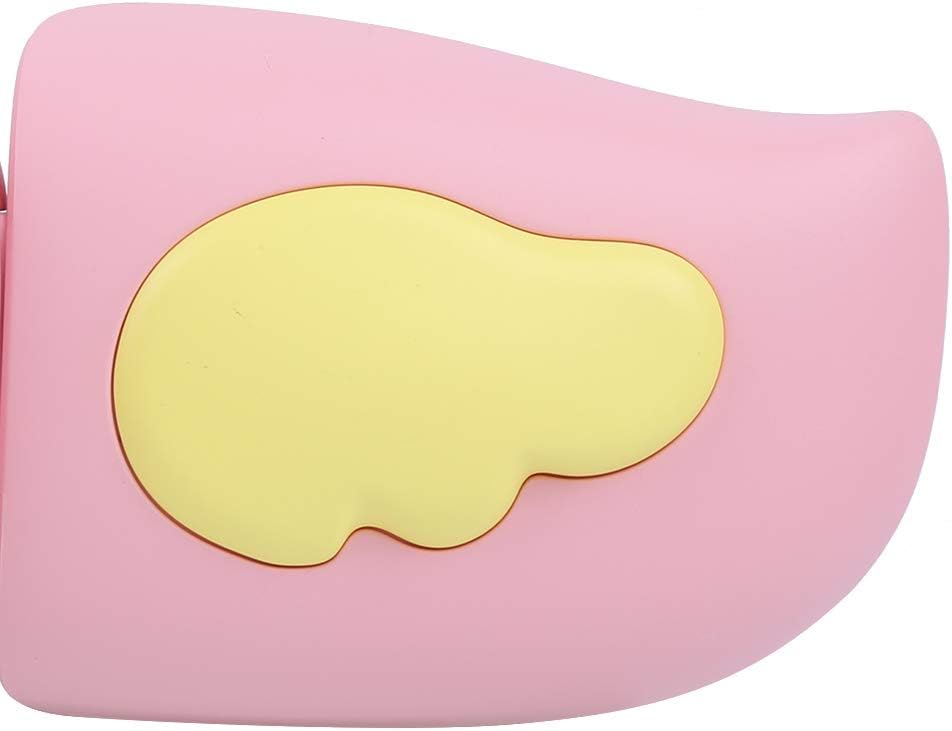
Rysunek 3: Detail of the camera's ergonomic design.
Główne cechy:
- Kolorowy wyświetlacz o przekątnej 2.0 cala: Dla viewprzeglądanie zdjęć, filmów i nawigowanie po menu.
- Naprawiono obiektyw: 100° viewing angle for capturing wide scenes.
- Przyjazne dla użytkownika przyciski: Intuicyjne sterowanie zapewniające łatwą obsługę.
- Interfejs USB: Do ładowania i przesyłania danych.
- Gniazdo karty pamięci: Obsługuje do 32 GB (karta nie jest dołączona).
Organizować coś
1. Ładowanie aparatu
Before first use, fully charge the camera's built-in 400mAh battery. The camera features a large capacity battery for strong endurance.
- Podłącz dołączony kabel ładujący USB do portu USB aparatu.
- Connect the other end of the USB cable to a DC5V 1A USB power adapter (not included) or a computer's USB port.
- Zaświeci się kontrolka ładowania. Po zakończeniu ładowania kontrolka może zmienić kolor lub zgasnąć.
2. Wkładanie karty pamięci
A memory card (MicroSD card, up to 32GB) is required to save photos and videos. It is not included in the package.
- Znajdź gniazdo karty pamięci z boku aparatu.
- Gently insert a MicroSD card into the slot with the metal contacts facing the front of the camera until it clicks into place.
- Aby wyjąć kartę, delikatnie wciśnij ją ponownie, aż wysunie się.
Instrukcja obsługi
1. Włączanie/wyłączanie zasilania
- Włączanie: Naciśnij i przytrzymaj przycisk zasilania (zwykle oznaczony symbolem Ⓜ or a similar icon) for a few seconds until the screen lights up.
- Aby wyłączyć: Naciśnij i przytrzymaj przycisk zasilania, aż ekran się wyłączy.

Rysunek 4: Camera in hand, showing the display and control buttons.
2. Robienie zdjęć
- Turn on the camera. It will typically default to photo mode.
- Frame your shot using the 2.0-inch color display.
- Press the Shutter button (often a prominent button on top or side) to take a picture.
- The camera supports 20MP photo resolution.
- Utilize the 4 types of photo stickers and 9 kinds of filters for creative effects.
- Time-lapse shooting for selfies can be set for 3 or 5 seconds.
3. Nagrywanie filmów
- From photo mode, navigate to video mode using the mode button (usually marked 'M' or a video camera icon).
- Press the Shutter button to start recording. A recording indicator will appear on the screen.
- Naciśnij ponownie przycisk migawki, aby zatrzymać nagrywanie.
- The camera records videos in 720P (1080x720) resolution.
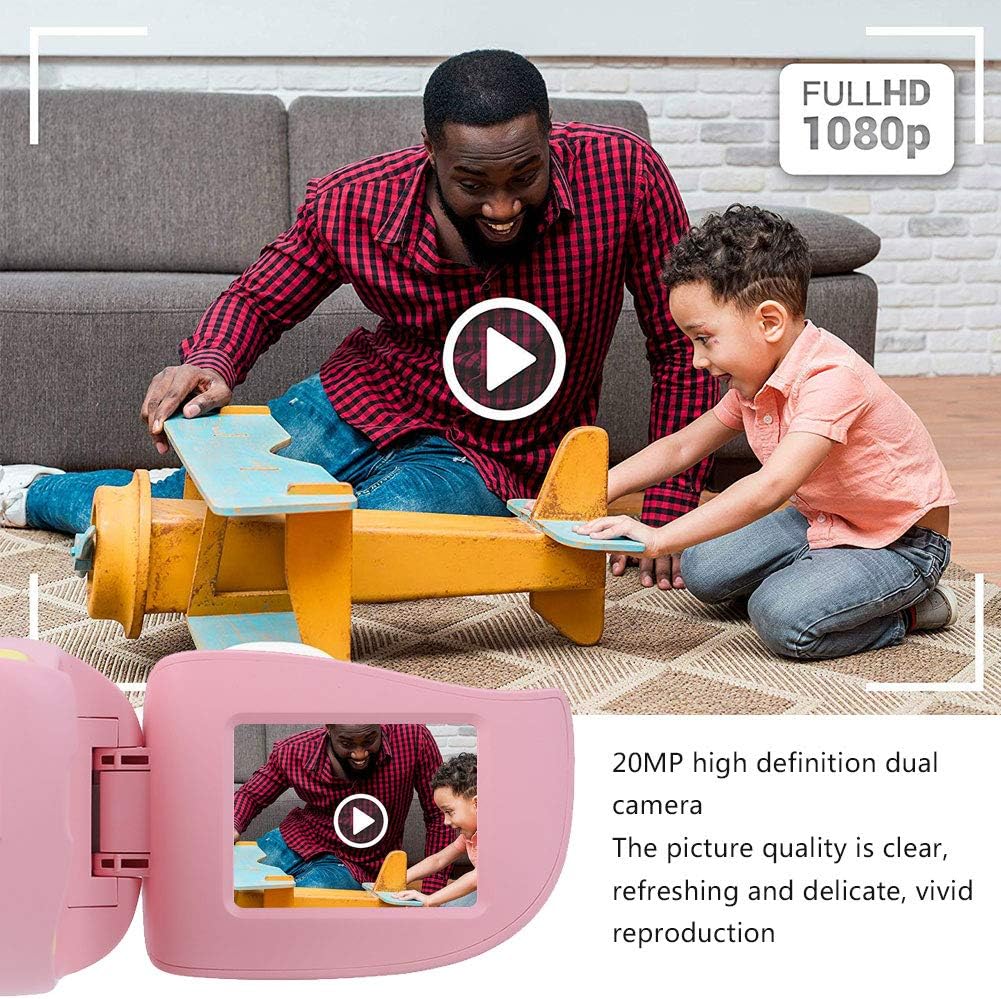
Rysunek 5: Illustrating the camera's 20MP photo and 720P video capabilities.
4. Tryb odtwarzania
- Aby wejść w tryb odtwarzania, należy nacisnąć przycisk trybu.
- Use the navigation buttons (up/down or left/right arrows) to browse through your photos and videos.
- Press the OK/Shutter button to view zdjęcie lub odtwórz film.
5. Settings and Games
- Access the settings menu via the mode button or a dedicated menu button. Here you can adjust language (Chinese, English, Russian, Korean, Japanese), date/time, and other camera parameters.
- The camera supports a variety of built-in games for entertainment. Navigate to the game section through the menu.
Konserwacja
- Czyszczenie: Do czyszczenia korpusu aparatu używaj miękkiej, suchej ściereczki. Do czyszczenia obiektywu użyj specjalnej ściereczki. Nie używaj płynnych środków czyszczących ani materiałów ściernych.
- Składowanie: Przechowuj kamerę w chłodnym i suchym miejscu, z dala od bezpośredniego światła słonecznego i wilgoci, gdy nie jest używana.
- Pielęgnacja baterii: Aby przedłużyć żywotność baterii, unikaj częstego całkowitego rozładowywania baterii. Regularnie ładuj aparat, nawet jeśli nie jest używany przez dłuższy czas.
Rozwiązywanie problemów
| Problem | Możliwa przyczyna | Rozwiązanie |
|---|---|---|
| Kamera się nie włącza. | Bateria jest słaba lub rozładowana. | Charge the camera using the USB charging cable. |
| Nie można robić zdjęć/nagrywać filmów. | Nie włożono karty pamięci lub karta jest pełna/uszkodzona. | Insert a compatible MicroSD card (up to 32GB). Check if the card has sufficient space or try formatting it (this will erase all data). |
| Zdjęcia/filmy są niewyraźne. | Obiektyw jest brudny lub oświetlenie jest słabe. | Clean the lens with a soft cloth. Ensure adequate lighting for your shots. |
| Kamera zawiesza się lub przestaje reagować. | Błąd oprogramowania. | Press and hold the Power button for an extended period (e.g., 10-15 seconds) to force a restart. If the issue persists, ensure the battery is charged. |
Specyfikacje
| Model | A100 |
| Tworzywo | ABS dopuszczony do kontaktu z żywnością |
| Ekran | 2.0 Inch Color Display Screen (LCD) |
| Obiektyw | Fixed Lens, 100° Viewing kąt |
| Nośnik danych | Memory Card (MicroSD), Maximum Support 32GB (Not Included) |
| Format obrazu | Plik JPG |
| Format wideo | Plik JPEG |
| Rozdzielczość wideo | 720P (1080x720) |
| Piksele zdjęć | Rozdzielczość zdjęć 20 MP |
| Photo Frames | 4 typów |
| Efekty filtrów | Rodzaje 9 |
| Wejście Voltage | Prąd stały 5 V 1 A |
| Funkcje | Taking Pictures, Video Recording, Games |
| Obsługiwane języki | Chinese, English, Russian, Korean, Japanese |
| Bateria | Built-in, Non-Detachable 400mAh Lithium Battery |
| Waga | Około 220g |
| Wymiary (w przybliżeniu) | 13 x 11 x 7 cm (wymiary paczki) |
| Łączność | USB, Wi-Fi |
| Technologia czujnika fotograficznego | CMOS |
| Kontrola ekspozycji | Podręcznik |
| Tryby fotografowania | Lekkoatletyka |
| Ciągłe fotografowanie | 30 klatek na sekundę |
| Przedział wiekowy | Dziecko (3-12 lat) |
Gwarancja i wsparcie
Specific warranty information is not provided in this manual. For details regarding warranty coverage, technical support, or service, please refer to the documentation included with your purchase or contact the retailer where the product was acquired. You may also visit the official Cuifati brand store for additional information.
Cuifati Brand Store: Odwiedź sklep