
1. Wprowadzenie
Thank you for choosing the ACT AC5105 Wireless Optical Mouse. This device is designed for comfortable and efficient use at home, in the office, or while traveling. It features a compact Nano USB receiver and an intelligent power-saving mode to extend battery life. This manual provides detailed instructions for setup, operation, and maintenance of your new wireless mouse.
2. Zawartość opakowania
- ACT AC5105 Wireless Optical Mouse
- Odbiornik Nano USB
- 1 bateria AA (w zestawie)
3. Przewodnik konfiguracji
- Włóż baterię:
Open the battery compartment cover located on the underside of the mouse. Insert the included AA battery, ensuring correct polarity (+/-). Close the battery compartment cover securely.

Figure 3.1: Battery and Nano Receiver Storage
This image illustrates the underside of the mouse with the battery compartment open, showing where to insert the AA battery and store the Nano USB receiver. The on/off switch is also visible.
- Connect the Nano USB Receiver:
Remove the Nano USB receiver from its storage slot inside the battery compartment. Plug the receiver into an available USB-A port on your computer. Your operating system will automatically detect and install the necessary drivers.
- Włącz mysz:
Locate the On/Off switch on the underside of the mouse and slide it to the "ON" position. The mouse is now ready for use.
4. Instrukcja obsługi
4.1 Podstawowe funkcje
- Lewy przycisk myszy: Primary function, typically for selecting items or opening links.
- Kliknij prawym przyciskiem myszy: Funkcja drugorzędna, zwykle służąca do otwierania menu kontekstowych.
- Kółko przewijania: Przewijaj dokumenty w górę lub w dół i web stron. Kółko przewijania można również nacisnąć, aby skorzystać z funkcji kliknięcia środkowym przyciskiem.

Figure 4.1: Mouse Features Overview
This diagram highlights key features such as silent click buttons, the scroll wheel, the USB-A wireless receiver, the 1600 DPI optical sensor, and the use of recycled materials in its construction.
4.2 Regulacja DPI
The ACT AC5105 mouse features an adjustable DPI (Dots Per Inch) setting, allowing you to change the cursor speed and sensitivity. You can cycle through 800, 1200, and 1600 DPI settings by pressing the DPI switch button located behind the scroll wheel.
- 800 DPI: Slower cursor movement, suitable for precise tasks.
- 1200 DPI: Standard cursor movement, suitable for general use.
- 1600 DPI: Faster cursor movement, suitable for quick navigation across large screens.
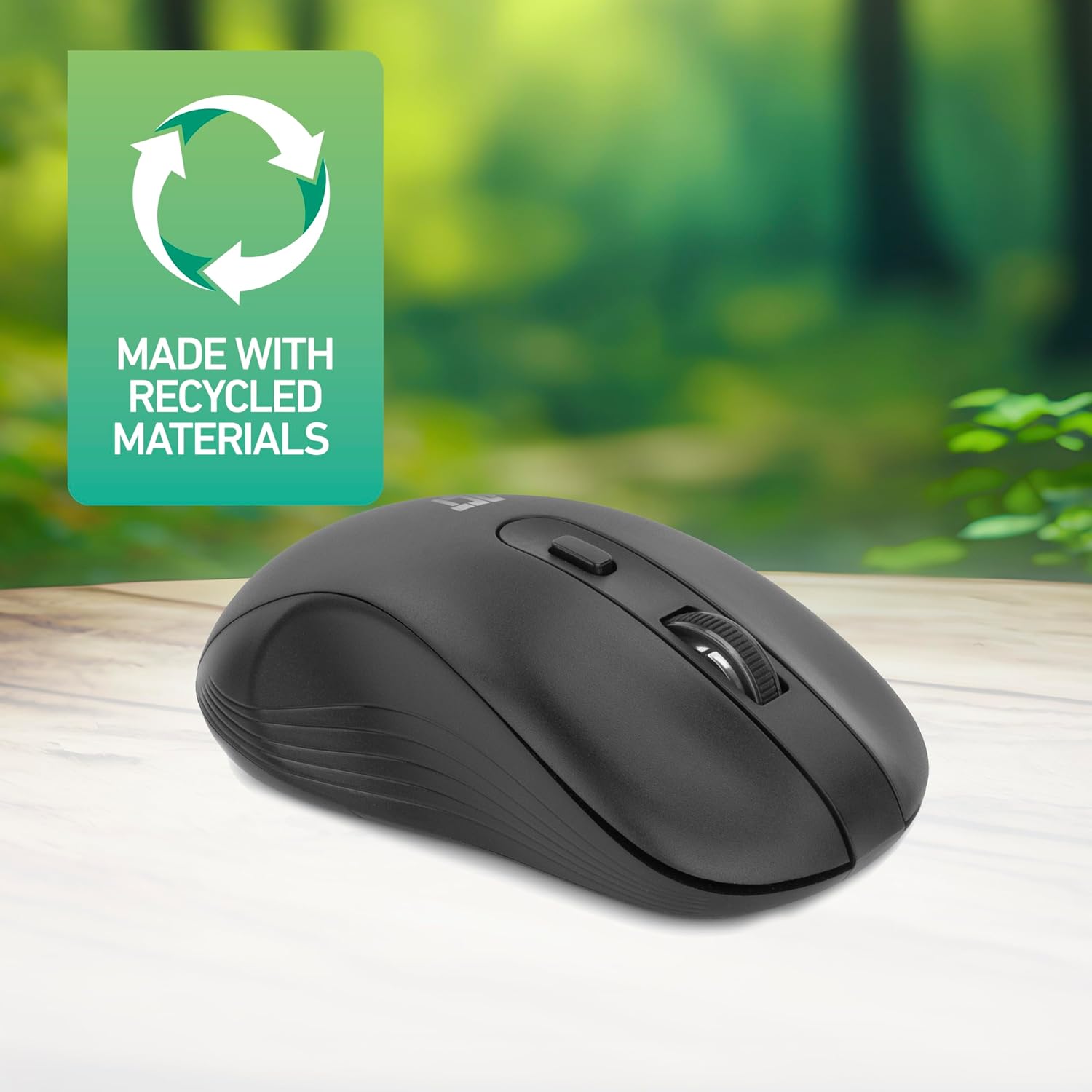
Figure 4.2: DPI Switch Location
This image shows the mouse in use on a desk, highlighting the DPI switch button for adjusting sensitivity between 800, 1200, and 1600 DPI.
4.3 Tryb oszczędzania energii
The mouse is equipped with an intelligent power-saving feature. If the mouse is inactive for a period, it will automatically enter standby mode to conserve battery power. To wake the mouse, simply move it or click any button.
For extended periods of non-use, it is recommended to switch the mouse off using the On/Off switch on the underside of the device.
5. Konserwacja
- Czyszczenie: Do czyszczenia myszy używaj miękkiej, suchej ściereczki. Unikaj stosowania silnych środków chemicznych i materiałów ściernych.
- Wymiana baterii: When the mouse performance degrades or it stops responding, replace the AA battery with a new one. Follow the steps in Section 3.1.
- Składowanie: When not in use, especially during travel, you can store the Nano USB receiver inside the mouse's battery compartment to prevent loss.
6. Rozwiązywanie Problemów
| Problem | Rozwiązanie |
|---|---|
| Mysz nie reaguje |
|
| Ruch kursora jest nieregularny lub powolny |
|
| Problemy z połączeniem bezprzewodowym |
|
7. Specyfikacje
| Funkcja | Szczegół |
|---|---|
| Numer modelu | AC5105 |
| Technologia łączności | 2.4GHz Radio Frequency Wireless |
| Zasięg bezprzewodowej | Do 10 metrów |
| Technologia wykrywania ruchu | Optyczny |
| Ustawienia DPI | 800 / 1200 / 1600 DPI (regulowana) |
| Liczba przycisków | 4 (Left, Right, Scroll Wheel Click, DPI Switch) |
| Orientacja dłoni | Oburęczny (odpowiedni dla użytkowników lewo- i praworęcznych) |
| Źródło zasilania | 1x bateria AA |
| Wymiary produktu (dł. x szer. x wys.) | Wymiary 10.5 x 6.5 x 3.5 cm |
| Waga | 60 gramów |
| Kompatybilne urządzenia | PC |
| System operacyjny | ChromeOS, Linux Mint 22 (minimum required version) |
| Cechy specjalne | Wireless, Intelligent Power Saving, Silent Click |

Rysunek 7.1: Wymiary myszy
This image provides a top-down and side view of the mouse, clearly indicating its physical dimensions: 105mm in length, 65mm in width, and 35mm in height.
8. Gwarancja i wsparcie
ACT products are manufactured to high quality standards. This product comes with a 2-year warranty from the date of purchase against defects in materials and workmanship.
For technical support, warranty claims, or further assistance, please refer to the official ACT webodwiedź witrynę lub skontaktuj się z lokalnym sprzedawcą.
Prosimy zachować dowód zakupu w celach gwarancyjnych.


