
1. Wprowadzenie
This manual provides essential information for the installation, operation, and maintenance of your WiZ Smart LED Imageo Spotlight. Please read these instructions carefully before use and retain them for future reference.

Image 1.1: WiZ Smart LED Imageo Spotlight and its packaging.
2. Koniec produktuview
The WiZ Smart LED Imageo Spotlight is a versatile lighting solution designed to enhance your home environment. It features adjustable white and colored light, dimming capabilities, and smart control options.
Główne cechy:
- Adjustable white light (warm to cool) and millions of colors.
- Dimmable light output.
- SpaceSense Technology for motion detection without additional sensors.
- Voice control compatibility with Alexa, Apple HomeKit, and Google Home.
- Łatwa instalacja typu plug-and-play.

Image 2.1: Product dimensions of the WiZ Smart LED Imageo Spotlight.
3. Konfiguracja
3.1 Rozpakowanie
Carefully remove all components from the packaging. Ensure all parts listed in the 'Included Components' section are present and undamaged.
3.2 Instalacja
- Montowanie: Install the spotlight fixture in your desired location. This product is designed for easy DIY installation.
- Podłączenie zasilania: Connect the spotlight to a power source.
3.3 Connecting to WiZ App
To unlock the full smart features of your Imageo Spotlight, connect it to the WiZ app.
- Pobierz aplikację WiZ: Download the WiZ app from your device's app store (available for iOS and Android).
- Utwórz konto: Open the app and follow the on-screen instructions to create a WiZ account or log in if you already have one.
- Dodaj urządzenie: In the app, select 'Add Device' and follow the prompts to connect your Imageo Spotlight to your home Wi-Fi network. Ensure your Wi-Fi network is 2.4GHz.

Image 3.1: The WiZ app allows for easy control and configuration of your smart lights.
4. Instrukcja obsługi
4.1 Basic Light Control
Once connected to the WiZ app, you can control your spotlight:
- Włącz/Wyłącz: Włącz lub wyłącz światło.
- Jasność: Adjust the light intensity using the dimmer slider.
- Białe światło: Select from a range of warm to cool white tones.
- Kolor: Choose from millions of colors to create your desired ambiance.

Image 4.1: The spotlight can display a wide spectrum of colors.
4.2 SpaceSense Technology
The Imageo Spotlight features SpaceSense technology, which detects movement within the room without requiring additional external motion sensors. This allows the lights to turn on automatically when you enter a room and off when you leave.
- Aktywacja: Enable SpaceSense in the WiZ app settings for your spotlight.
- Regulacja czułości: Adjust the sensitivity of motion detection to suit your environment and preferences.

Image 4.2: SpaceSense technology automatically illuminates the room upon detecting movement.
4.3 Sterowanie głosowe
Integrate your WiZ Smart LED Imageo Spotlight with popular voice assistants for hands-free control.
- Obsługiwane platformy: Alexa, Apple HomeKit, Google Home.
- Organizować coś: Follow the instructions within the respective voice assistant app to link your WiZ account.
- Polecenia: Use voice commands such as "Alexa, turn on the living room light" or "Hey Google, set the spotlight to blue."
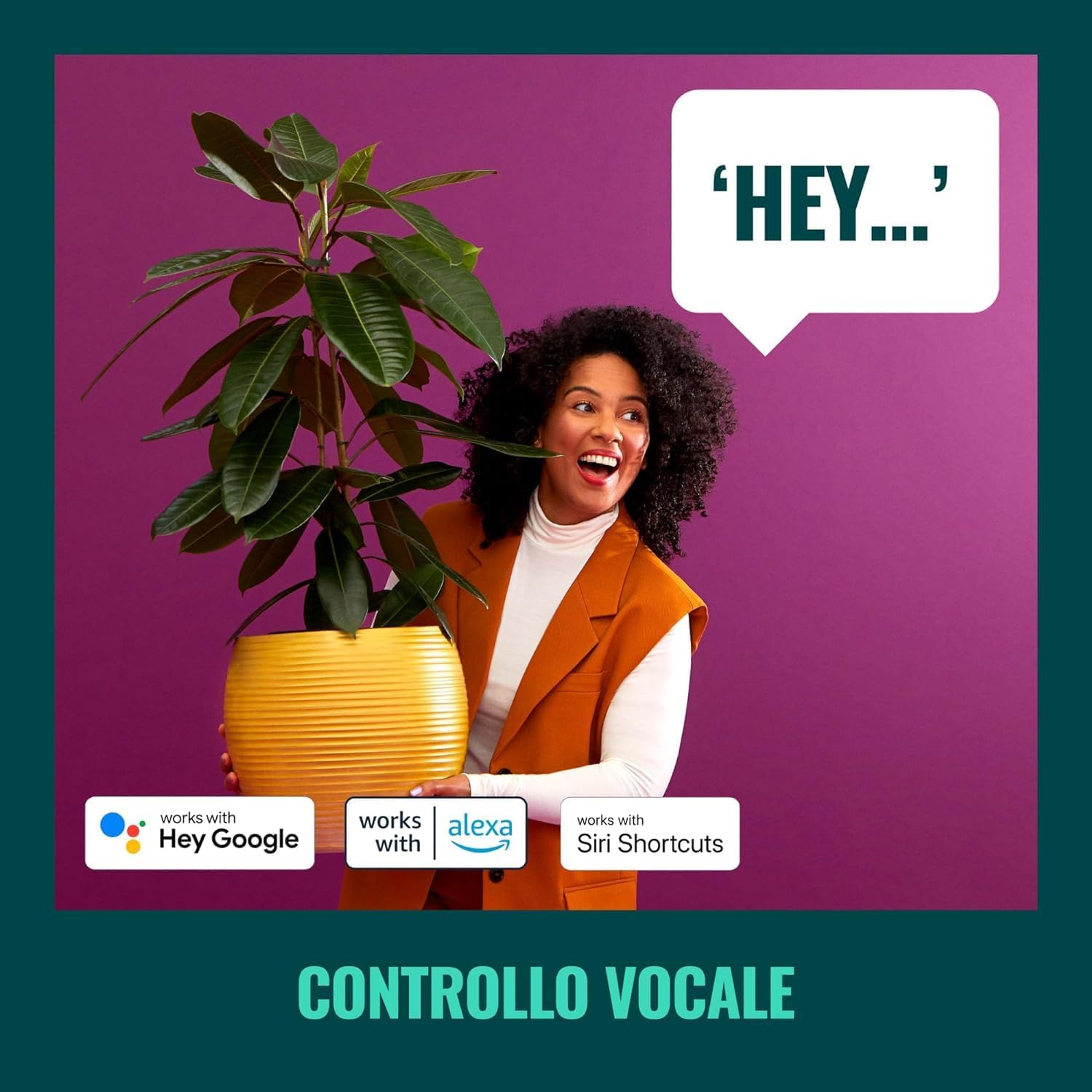
Image 4.3: Voice control allows for convenient operation of your smart spotlight.
4.4 Pre-set Modes and Scenes
The WiZ app offers various pre-set modes and allows you to create custom scenes for different activities or moods.
- Tryby dynamiczne: Explore pre-programmed light effects like 'Ocean', 'Fireplace', or 'Party'.
- Sceny niestandardowe: Create and save your own combinations of colors, brightness, and white tones.

Obraz 4.4: Examples of pre-set lighting scenes for various ambiances.
5. Konserwacja
5.1 Czyszczenie
To clean your WiZ Smart LED Imageo Spotlight, ensure it is powered off and disconnected from the power source. Use a soft, dry cloth to wipe the surface. Do not use abrasive cleaners or solvents, as these may damage the finish.
5.2 Źródło światła
The LED light source in this product is integrated and not user-replaceable. If the light source fails, the entire fixture should be replaced.
6. Rozwiązywanie Problemów
If you encounter issues with your WiZ Smart LED Imageo Spotlight, refer to the following common problems and solutions:
| Problem | Możliwa przyczyna | Rozwiązanie |
|---|---|---|
| Światło się nie włącza. | No power, loose connection, or light source failure. | Check power supply. Ensure connections are secure. If the light source is integrated, contact support if the unit is under warranty. |
| Nie można połączyć się z siecią Wi-Fi. | Nieprawidłowe hasło Wi-Fi, sieć 5 GHz lub zbyt duża odległość od routera. | Verify Wi-Fi password. Ensure you are connecting to a 2.4GHz network. Move the spotlight closer to the router. |
| Sterowanie głosowe nie działa. | Voice assistant not linked, or incorrect commands. | Check WiZ app and voice assistant app for proper linking. Use correct voice commands. |
| SpaceSense not detecting movement. | Sensitivity too low, or obstruction. | Increase SpaceSense sensitivity in the WiZ app. Ensure no objects are blocking the detection area. |
7. Specyfikacje
| Funkcja | Szczegół |
|---|---|
| Marka | Czarodziej |
| Numer modelu | 929002659101 |
| Wymiary produktu | Wymiary 25 x 25 x 12.3 cm |
| Waga | 620 gramów |
| Kolor | Czarny |
| Tworzywo | Plastikowy |
| Źródło światła | Integrated LED (2x5W RGB 690 LM) |
| Łączność | Wi-Fi (2.4 GHz) |
| Sterowanie głosowe | Alexa, Apple HomeKit, Google Home |
| Wymagane baterie | NIE |
| Zawarte komponenty | LED track light with 2 elements WiZ 2x5W RGB 690 LM black color |
8. Gwarancja
This WiZ Smart LED Imageo Spotlight comes with a 2-letnia gwarancja producentaProsimy zachować dowód zakupu na wypadek roszczeń gwarancyjnych. Gwarancja obejmuje wady materiałowe i wykonawcze powstałe w wyniku normalnego użytkowania.
9. Wsparcie
For further assistance, technical support, or warranty inquiries, please visit the official WiZ website or contact their customer service. You can find contact information on the WiZ product packaging or their official webstrona.