
1. Wprowadzenie
This user manual provides detailed instructions for the Yimaut Universal Remote Control, designed for seamless compatibility with various Hisense Roku TV models. This remote offers a straightforward, plug-and-play experience, eliminating the need for complex setup or programming. It includes a protective glow-in-the-dark cover and a wrist strap for enhanced usability and loss prevention.
2. Zawartość opakowania
Po otwarciu opakowania należy sprawdzić, czy zawiera ono wszystkie poniższe elementy:
- 1 x Yimaut Remote Control for Hisense Roku TV
- 1 x Remote Control Case (Glow Pink)
- 1 x pasek na nadgarstek
Uwaga: baterie AAA nie są dołączone do zestawu i należy je zakupić osobno.
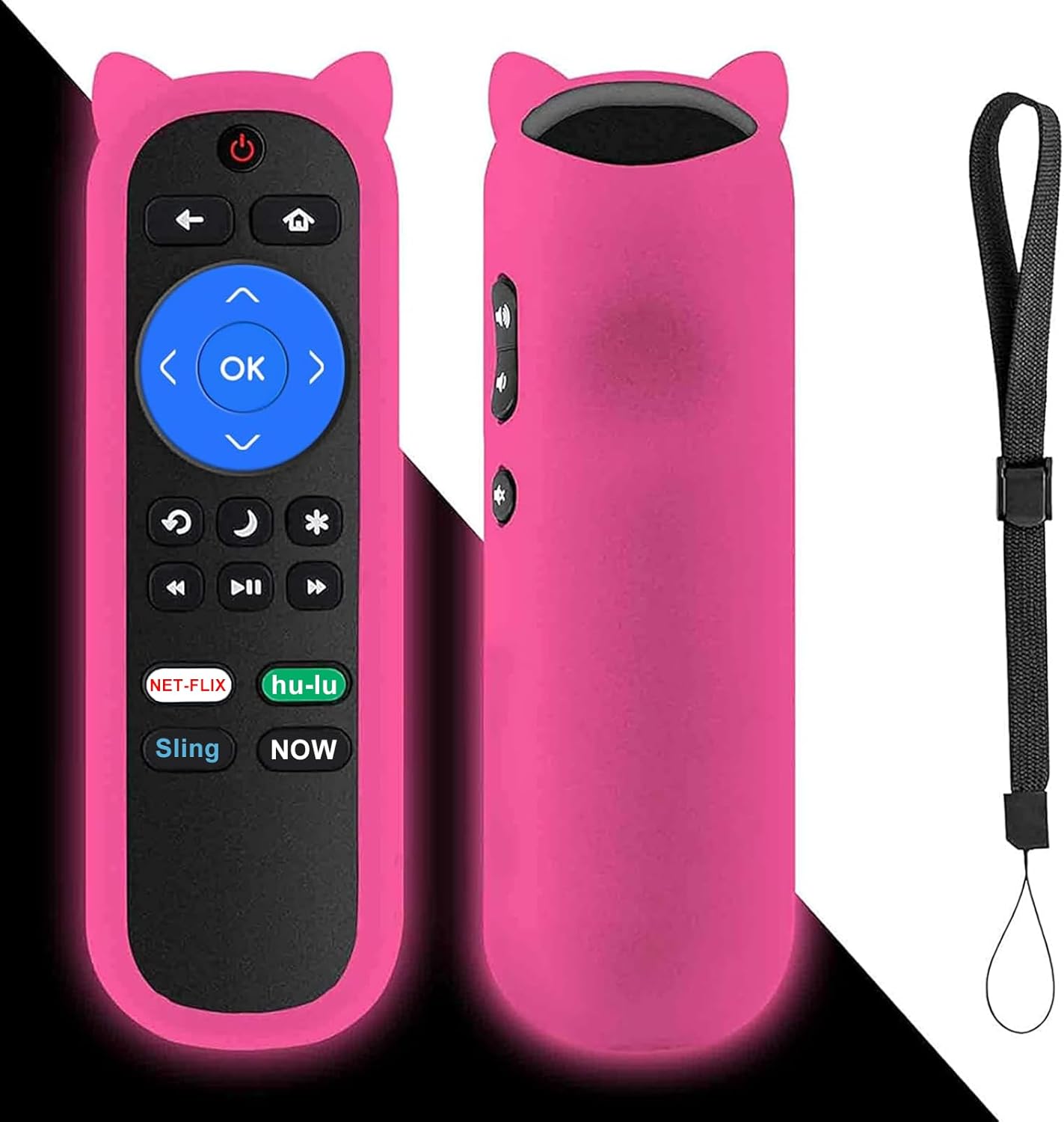
Image: The Yimaut remote control, shown with its glow pink silicone protective cover and an attached wrist strap. The remote features standard Roku TV buttons including navigation, playback, and dedicated streaming service shortcuts.
3. Przewodnik konfiguracji
The Yimaut Remote Control is designed for immediate use without any programming. Follow these simple steps to begin using your new remote:
- Włóż baterie: Locate the battery compartment on the back of the remote control. Open the cover and insert two AAA batteries (not included), ensuring correct polarity (+/-).
- Zamknij komorę baterii: Dokładnie zamknij pokrywę komory baterii.
- Załóż osłonę silikonową: Carefully slide the glow pink silicone cover onto the remote control. Ensure all buttons are properly aligned and accessible.
- Zamocuj pasek na nadgarstek: Thread the wrist strap through the designated loop on the silicone cover. This helps prevent accidental drops and makes the remote easier to carry.
- Gotowy do użycia: Your remote control is now ready to operate your Hisense Roku TV. Point the remote towards your TV and begin using it.
No additional setup or pairing is required for this standard IR remote.
4. Instrukcja obsługi
The Yimaut Remote Control provides intuitive access to your Hisense Roku TV's functions. Below is a guide to its key features and buttons:
Funkcje przycisków:
- Przycisk zasilania: Włącza lub wyłącza telewizor.
- Panel nawigacyjny (góra, dół, lewo, prawo, OK): Used to navigate menus, select items, and confirm choices.
- Przycisk Wstecz: Powrót do poprzedniego ekranu lub menu.
- Przycisk Home: Powrót do ekranu głównego telewizora Roku.
- Zwiększanie/zmniejszanie głośności: Adjusts the TV's volume.
- Przycisk wyciszenia: Wycisza lub wyłącza wyciszenie dźwięku telewizora.
- Sterowanie odtwarzaniem (przewijanie do tyłu, odtwarzanie/pauza, szybkie przewijanie do przodu): Steruje odtwarzaniem multimediów.
- Przycisk gwiazdki (*): Accesses options or settings within certain apps or menus.
- Sleep/Moon Button: May activate sleep timer or other power-saving features depending on TV model.
Dedykowane przyciski skrótów:
The remote features four dedicated shortcut buttons for quick access to popular streaming channels:
- Netflix
- Hulu
- Temblak
- Teraz
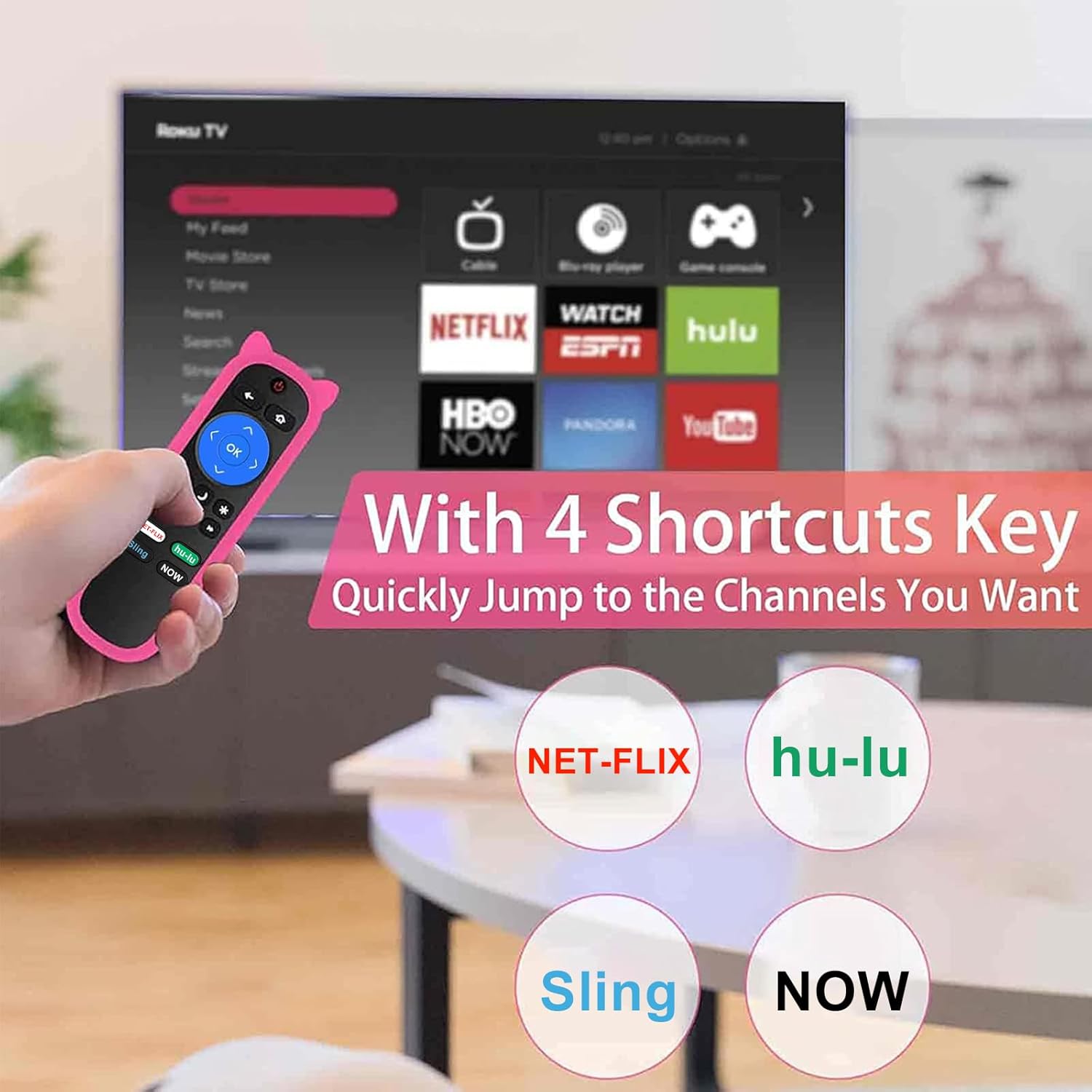
Image: A hand holding the Yimaut remote control, pointing towards a TV screen displaying the Roku interface. The image highlights the four dedicated shortcut buttons for Netflix, Hulu, Sling, and Now, indicating quick access to these streaming services.
The remote offers a quick transmission response time of 0.2 seconds and an effective operating distance of over 40 feet.
5. Zgodność
This Yimaut remote control is universally compatible with all Hisense Roku TV models, including various screen sizes and series. It is a direct replacement for the HU-RCRUS-20 remote.
Compatible Hisense Roku TV Sizes:
- 32 cala
- 40 cala
- 43 cala
- 50 cala
- 55 cala
- 58 cala
- 65 cala
- 70 cala
- 75 cala
- 85 cala
Examples of Compatible Series and Models:
- H4 Series: 32H4D, 40H4D, 43H4D, 50H4D, 55H4D, 40H4E, 43H4E, 32H4E1, 32H4F, 40H4F, 43H4F
- Seria R6: 65R6D, 43R6E, 50R6E, 55R6E, 65R6E, 65R6E1, 75R6E1, 60R5800E, 50R6090G, 55R6000E
- Seria R6070: 65R6070E, 55R6070E3, 65R7050E1
- Seria R7: 43R7E, 50R7E, 55R7E, 65R7E
- R7E Series: 75R7070E2
- Seria R8: 55R8F, 55H8G, 65H8F, 65H8G, 32H4E, 60R6E, 50R7F, 55R7F, 65R8F, 43R6E1, 50R6E1
- H4030 Series: 32H4030F, 40H4030F, 43H4030F, 43H4080F
- R6090G Series: 43R6090G, 50R6090G, 55R6090G, 65R6090G
- Other Series: 43R61G, 50R61G, 55R61G, 58R61G, 65R61G, 70R6209, 75R61G, 32H4030F, 40H4030F, 70R6209, 32H4020E, 32H4020E1, 32H4040E, 32H4050E, 32H4050E1, 32H4060E, 32H4060E
Ważna uwaga:
- Ten pilot jest Nie kompatybilne with Roku Stick or Roku Streaming Player devices.
- Tak, to prawda. NOT support voice control funkcjonalność.
- Tak, to prawda. NOT include a headphone jack.

Image: The Yimaut remote control positioned next to two Hisense Roku TVs, illustrating its broad compatibility. A text overlay lists various TV types and resolutions it supports.
6. Pielęgnacja i konserwacja
To ensure the longevity and optimal performance of your Yimaut Remote Control, please follow these maintenance guidelines:
- Czyszczenie: Wipe the remote and its silicone cover with a soft, dry cloth. For stubborn dirt, a slightly damp cloth can be used, but ensure no moisture enters the remote.
- Wymiana baterii: Replace batteries when the remote's response becomes sluggish or it stops functioning. Always use new AAA batteries and dispose of old ones responsibly.
- Funkcja świecenia w ciemności: The glow pink cover's luminescence is activated by light exposure. To maximize its glow at night, ensure it is charged under daylight or natural UV light.
- Ochrona: The included silicone cover provides protection against drops, scratches, and minor spills. The wrist strap helps prevent accidental drops and makes it easy to hang the remote when not in use.
- Składowanie: Przechowuj pilota w chłodnym, suchym miejscu, z dala od bezpośredniego światła słonecznego i ekstremalnych temperatur.
- Bezpieczeństwo zwierząt domowych: Keep the remote control away from pets to prevent chewing or damage.
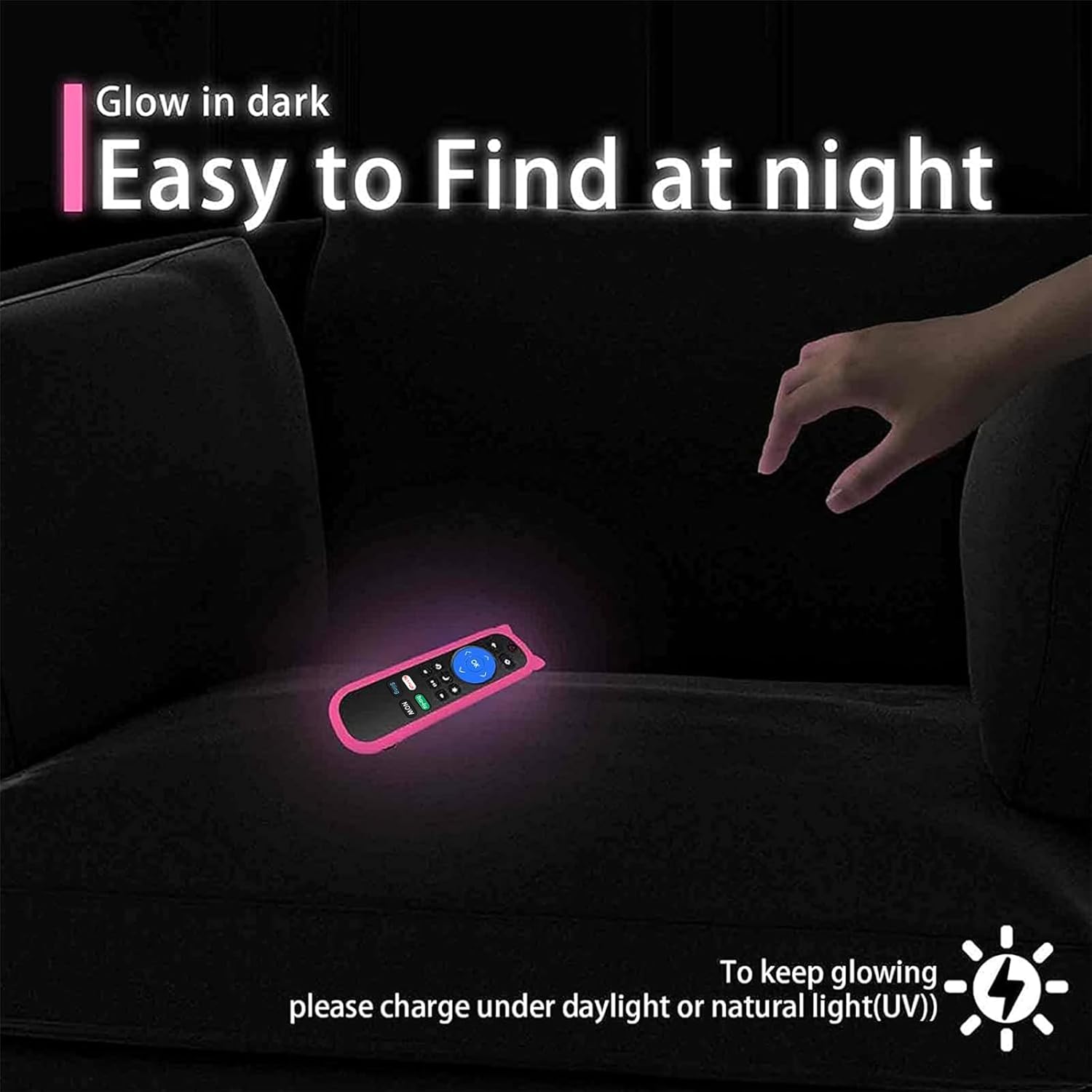
Image: The Yimaut remote control glowing in the dark on a couch, demonstrating its easy-to-find feature at night. A note advises charging it under daylight or natural UV light for optimal glow.

Image: A composite image showing the remote control hanging on a hook by its wrist strap and a "no pets" symbol over a dog, emphasizing the remote's portability and the importance of keeping it safe from pets.
7. Rozwiązywanie Problemów
If you encounter issues with your Yimaut Remote Control, please refer to the following common solutions:
| Problem | Możliwa przyczyna | Rozwiązanie |
|---|---|---|
| Pilot nie odpowiada. |
|
|
| Niektóre przyciski nie działają. |
|
|
| Praca zdalna odbywa się okresowo. |
|
|
If the problem persists after trying these solutions, please contact Yimaut customer support for further assistance.
8. Specyfikacje produktu
| Funkcja | Szczegół |
|---|---|
| Marka | Yimaut |
| Model | HU-RCRUS-20 (Replacement) |
| Wymiary produktu | 5 x 4 x 0.1 cala |
| Waga przedmiotu | 0.353 uncji |
| Technologia komunikacji bezprzewodowej | Podczerwieni (IR) |
| Cechy specjalne | Universal compatibility, 4 shortcut buttons, Glow-in-the-dark cover, Wrist strap |
| Współczynnik kształtu | Okładka |
| Kolor | Pink (Glow Pink Cover) |
| Kompatybilne urządzenia | Hisense Roku TV (various models and sizes) |
| Typ powłoki | Miękki silikon |
| Kraj pochodzenia | Chiny |
| Pierwsza dostępna data | 28 lipca 2021 r. |
9. Gwarancja i obsługa klienta
Yimaut is committed to providing high-quality products. For any questions, concerns, or technical assistance regarding your Yimaut Remote Control, please contact our customer support team.
While specific warranty details are not provided in this manual, please refer to the product packaging or the retailer's website for information on warranty coverage and return policies.
For direct support, please visit the official Yimaut store or contact the seller through your purchase platform.
We aim to ensure your satisfaction with our products.