
1. Wprowadzenie i koniecview
The usogood DL502 Trail Camera is a reliable and feature-rich device designed for observing wildlife, monitoring property, and various outdoor surveillance applications. It captures high-resolution photos and videos with sound, both day and night, utilizing advanced technologies like infrared night vision and motion detection. This manual provides essential information for setting up, operating, and maintaining your camera.
2. Funkcje produktu
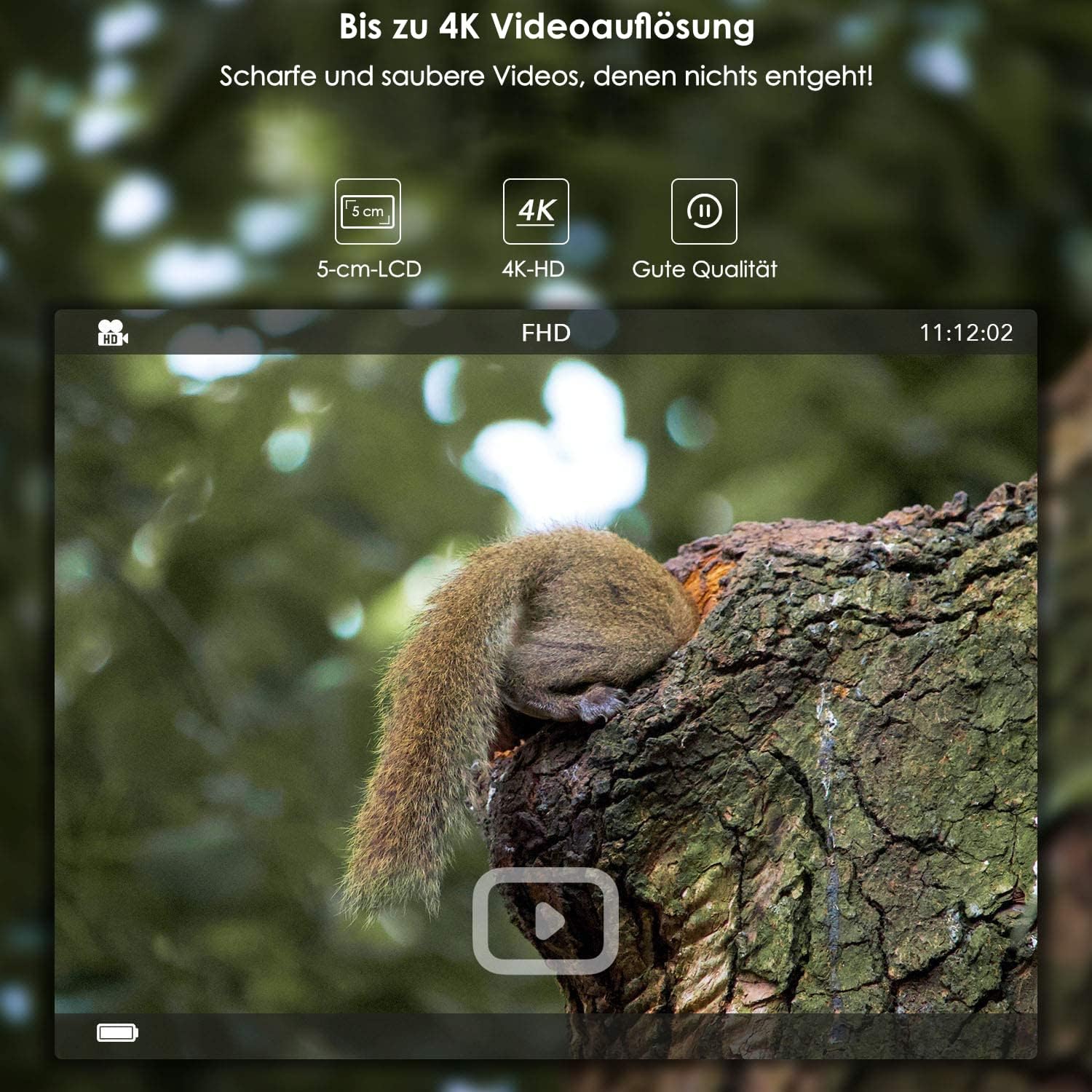
- Obrazowanie o wysokiej rozdzielczości: Captures photos up to 24 MP (interpolated) and videos up to 4K (3840 x 2160).
- Zintegrowane WiFi i Bluetooth: Allows for wireless settings adjustment, control, and image transfer via a smartphone application (Android and iOS). Bluetooth activates WiFi for energy efficiency.
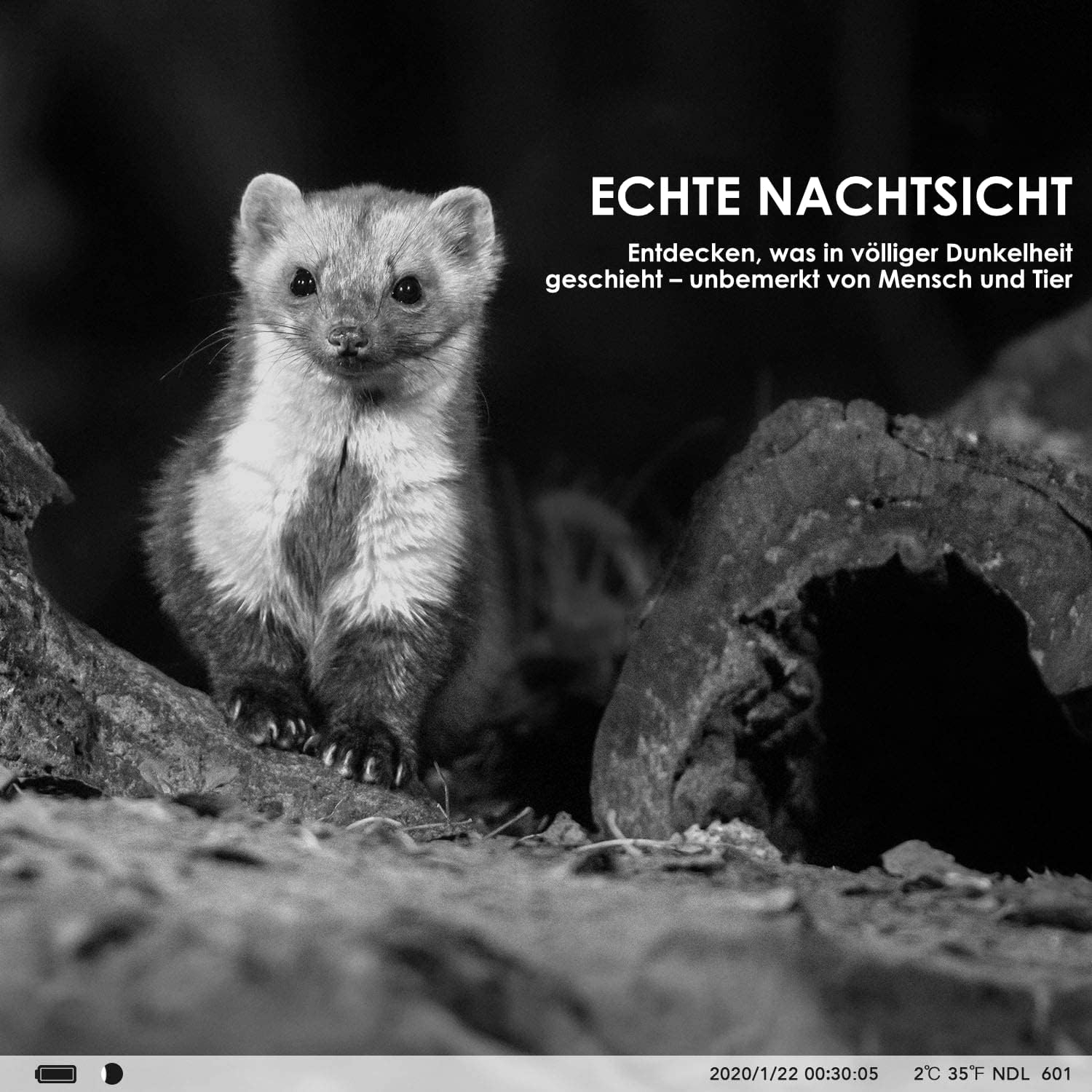
- Zaawansowane widzenie w nocy: Features invisible 940nm IR LEDs for illumination up to 20 meters, ensuring clear black and white images in complete darkness without disturbing animals.
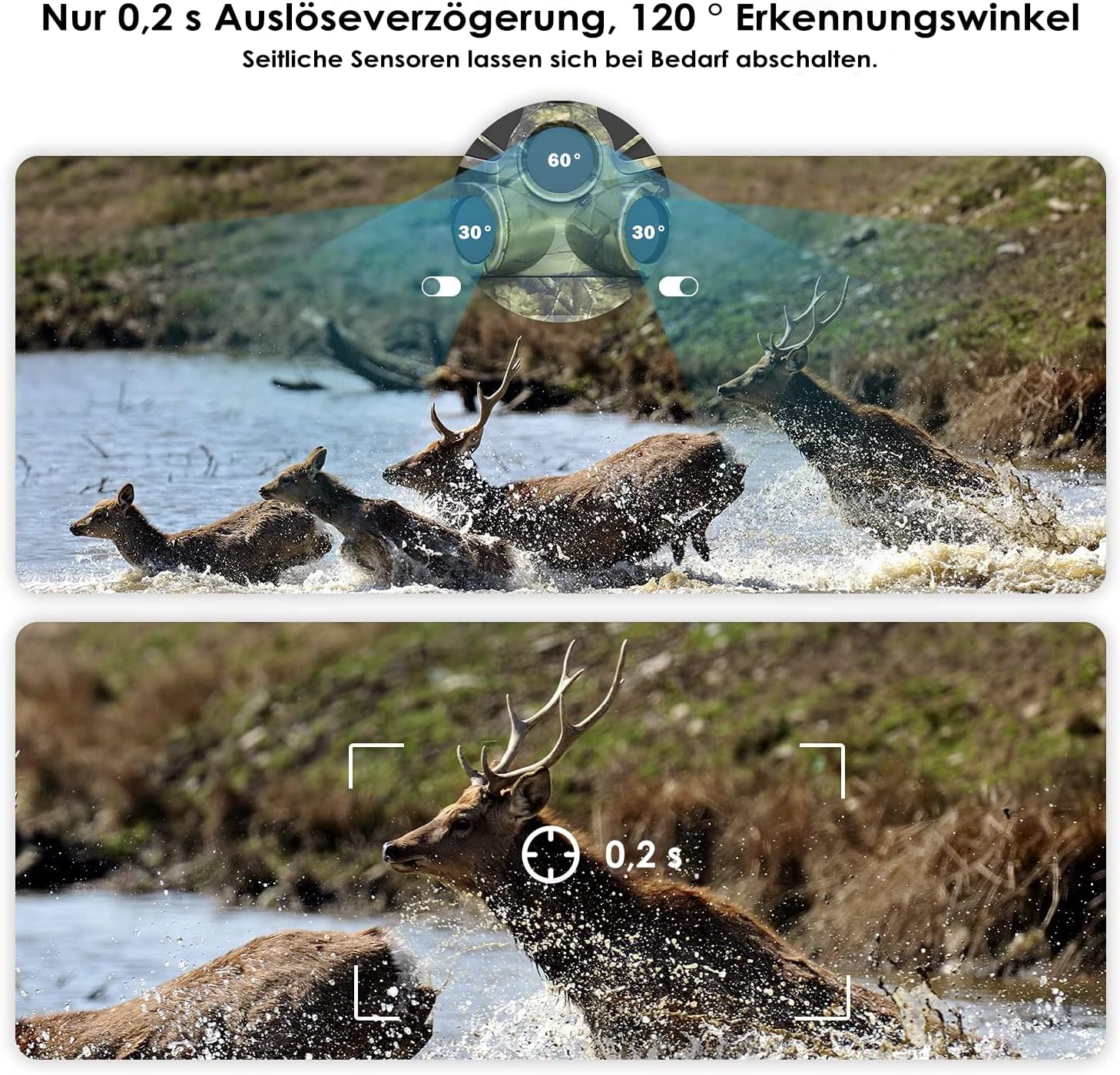
- Wykrywanie szybkiego ruchu: Equipped with three separate PIR motion detectors, offering a rapid 0.2-second trigger delay and a wide 120° detection angle.
- Trwała konstrukcja: IP66 dust and water-resistant, suitable for various weather conditions.
- Zintegrowany ekran LCD: A protected 5 cm (2-inch) LCD screen for easy menu navigation and playback.
- Elastyczne opcje zasilania: Operates on 8 standard AA batteries or can be connected to an external power supply (3.5 x 1.35 mm).
- Funkcja poklatkowa: Ideal for monitoring plant growth, construction progress, or other long-term events.
- Czasamp: Photos and videos include a timestamp with time, date, temperature, and moon phase.
- Składowanie: Supports SD memory cards up to 128 GB (card sold separately).
3. Zawartość opakowania
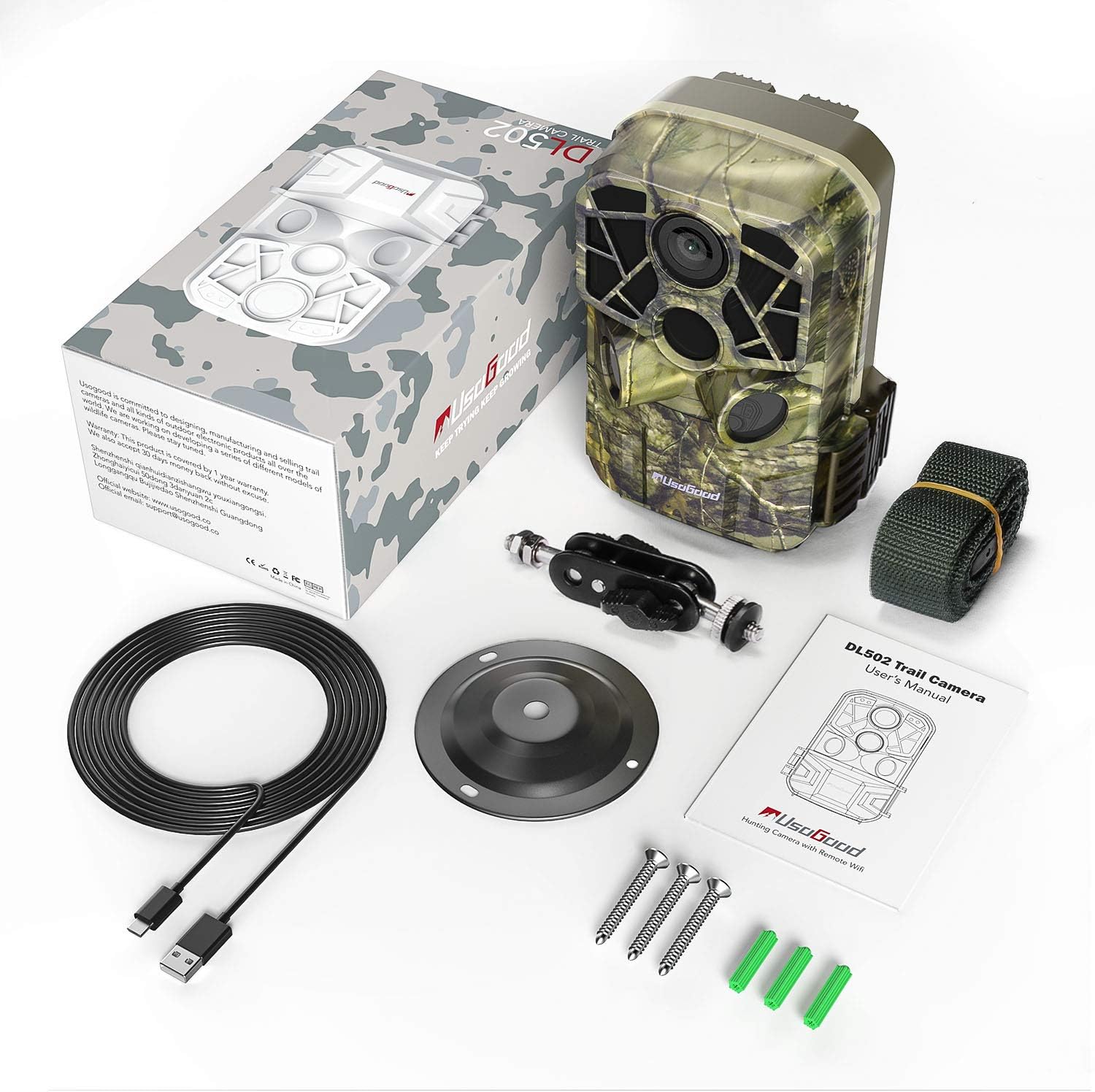
Sprawdź, czy w przesyłce znajdują się wszystkie elementy:
- usogood DL502 Trail Camera
- Pasek montażowy
- Wall/Tree Mount
- Wkręty i kołki rozporowe
- Kabel USB
- Instrukcja obsługi

4. Konfiguracja
4.1 Instalacja baterii
- Open the camera housing and locate the battery compartment.
- Włóż 8 nowych baterii AA, zwracając uwagę na prawidłową biegunowość (+/-).
- Close the battery compartment securely to maintain the camera's waterproof rating.
4.2 Instalacja karty SD
- Znajdź gniazdo karty SD wewnątrz obudowy aparatu.
- Insert a formatted SD card (up to 128 GB) into the slot until it clicks into place.
- Aby uniknąć uszkodzenia, należy upewnić się, że karta została włożona prawidłowo.
4.3 Montaż kamery
The camera can be mounted using the provided strap or wall/tree mount.
- Mocowanie paska: Przeciągnij pasek montażowy przez otwory z tyłu kamery i zamocuj go na drzewie lub słupie.
- Wall/Tree Mount: Use the included screws and wall plugs to attach the mount to a desired surface. Then, attach the camera to the mount using the adjustable screw.

5. Instrukcja obsługi
5.1 Włączanie/wyłączanie zasilania
Locate the power switch inside the camera housing. Slide it to the 'ON' position to power on the camera. To turn off, slide the switch to 'OFF'.
5.2 Nawigacja po menu
Use the buttons next to the 5 cm LCD screen to navigate through the camera's menu. The screen allows you to adjust settings, review captured media, and select operating modes.
5.3 Tryby zdjęć i wideo
Select your desired capture mode (photo, video, or photo+video) from the menu. Adjust resolution settings for photos (up to 24MP) and videos (up to 4K) as needed.

5.4 WiFi and Bluetooth Connection (App)
Aby podłączyć kamerę do smartfona:
- Download the dedicated usogood app from your smartphone's app store (Android or iOS).
- Upewnij się, że Bluetooth jest włączony w Twoim smartfonie.
- On the camera, activate Bluetooth. This will then enable the camera's WiFi.
- Open the app on your smartphone and follow the instructions to connect to the camera's WiFi network.
- Po nawiązaniu połączenia możesz dostosować ustawienia, view live feed, and transfer images/videos wirelessly.

5.5 Ustawienia czujnika PIR
The camera features three PIR sensors with an adjustable detection angle from 60° to 120°. You can configure the sensitivity and detection range in the camera's menu to optimize for your specific monitoring area.
5.6 Widzenie nocne
The camera automatically activates its infrared filter and 940nm invisible IR LEDs in low-light conditions, providing clear black and white images and videos at night without emitting a visible red glow that could alert animals.
5.7 Funkcja poklatkowa
Enable the time-lapse function in the settings to capture images at set intervals over an extended period. This is useful for observing slow processes like plant growth or construction projects.
6. Konserwacja
- Czyszczenie: Regularly clean the camera lens and PIR sensors with a soft, dry cloth to ensure optimal performance. Avoid abrasive materials or harsh chemicals.
- Wymiana baterii: Wymień wszystkie 8 baterii AA, gdy pojawi się wskaźnik niskiego poziomu naładowania baterii lub gdy wydajność urządzenia ulegnie pogorszeniu.
- Zarządzanie kartami SD: Periodically format your SD card to prevent data corruption and ensure sufficient storage space. Back up important files przed formatowaniem.
- Składowanie: When not in use for extended periods, remove the batteries and store the camera in a cool, dry place away from direct sunlight.
7. Rozwiązywanie Problemów
- Kamera nie włącza się: Ensure batteries are inserted correctly with proper polarity and are fully charged. Check for any corrosion in the battery compartment.
- Słaba jakość obrazu/wideo: Clean the camera lens. Ensure the camera is stable and not vibrating. Check resolution settings. For night images, ensure IR LEDs are not obstructed and the subject is within range.
- Brak detekcji ruchu: Adjust PIR sensor sensitivity in the settings. Ensure the detection angle covers the desired area. Clear any obstructions in front of the sensors.
- Problemy z łącznością WiFi/Bluetooth: Ensure Bluetooth is enabled on your smartphone and the camera. Follow the app's connection steps carefully. Try restarting both the camera and your smartphone. Ensure you are within range of the camera's WiFi signal.
- Błędy karty SD: Ensure the SD card is properly inserted and formatted. Try using a different, compatible SD card.
8. Specyfikacje
| Funkcja | Specyfikacja |
|---|---|
| Rozdzielczość zdjęcia | Do 24 MP |
| Rozdzielczość wideo | Do 4K (3840 x 2160) |
| Łączność | Wi-Fi, Bluetooth |
| Wizja nocna | 940nm Invisible IR LEDs, 20m Range |
| Szybkość wyzwalania | 0.2 sekund |
| Kąt wykrywania PIR | 120 degrees (Adjustable) |
| Wyświetlacz | 5 cm (2-inch) LCD Screen |
| Składowanie | SD Card up to 128 GB |
| Źródło zasilania | 8x AA Batteries or External 3.5 x 1.35 mm Power Supply |
| Stopień wodoodporności | IP66 |
| Zalecane zastosowanie | Motion Detection, Hunting, Night Vision, Wildlife Monitoring |
9. Informacje o gwarancji
For detailed warranty information regarding your usogood DL502 Trail Camera, please refer to the warranty card included in your product packaging or visit the official usogood webZachowaj dowód zakupu na wypadek roszczeń gwarancyjnych.
10. Wsparcie
If you encounter any issues or require further assistance with your usogood DL502 Trail Camera, please contact usogood customer support. You can typically find contact information on the official usogood webstronie lub w dokumentacji produktu.