
1. Wprowadzenie
Dziękujemy za zakupasing the AUKEY PC-LM3 Webkamera. Niniejsza instrukcja zawiera szczegółowe instrukcje dotyczące konfiguracji, obsługi i konserwacji kamery. webcam. Please read this manual thoroughly before use and retain it for future reference.
2. Informacje dotyczące bezpieczeństwa
- Zachowaj webcam away from water, moisture, and extreme temperatures.
- Nie próbuj samodzielnie demontować ani naprawiać urządzenia. Wszelkie czynności serwisowe zlecaj wykwalifikowanemu personelowi.
- Unikaj upuszczania i narażania webpod wpływem silnych uderzeń.
- Clean the lens with a soft, dry cloth. Do not use liquid cleaners.
3. Zawartość opakowania
Sprawdź, czy w przesyłce znajdują się wszystkie elementy:
- AUKEY PC-LM3 Webkrzywka
- Instrukcja obsługi
- Kabel USB (zintegrowany)
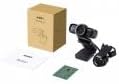
Image 1: Contents of the AUKEY PC-LM3 Webcam package, showing the webcam, manual, and packaging.
4. Koniec produktuview
The AUKEY PC-LM3 is a 1080p USB 2.0 webcam designed for high-quality video communication and recording. It features a CMOS sensor and 5x optical zoom capability, providing clear and detailed visuals.
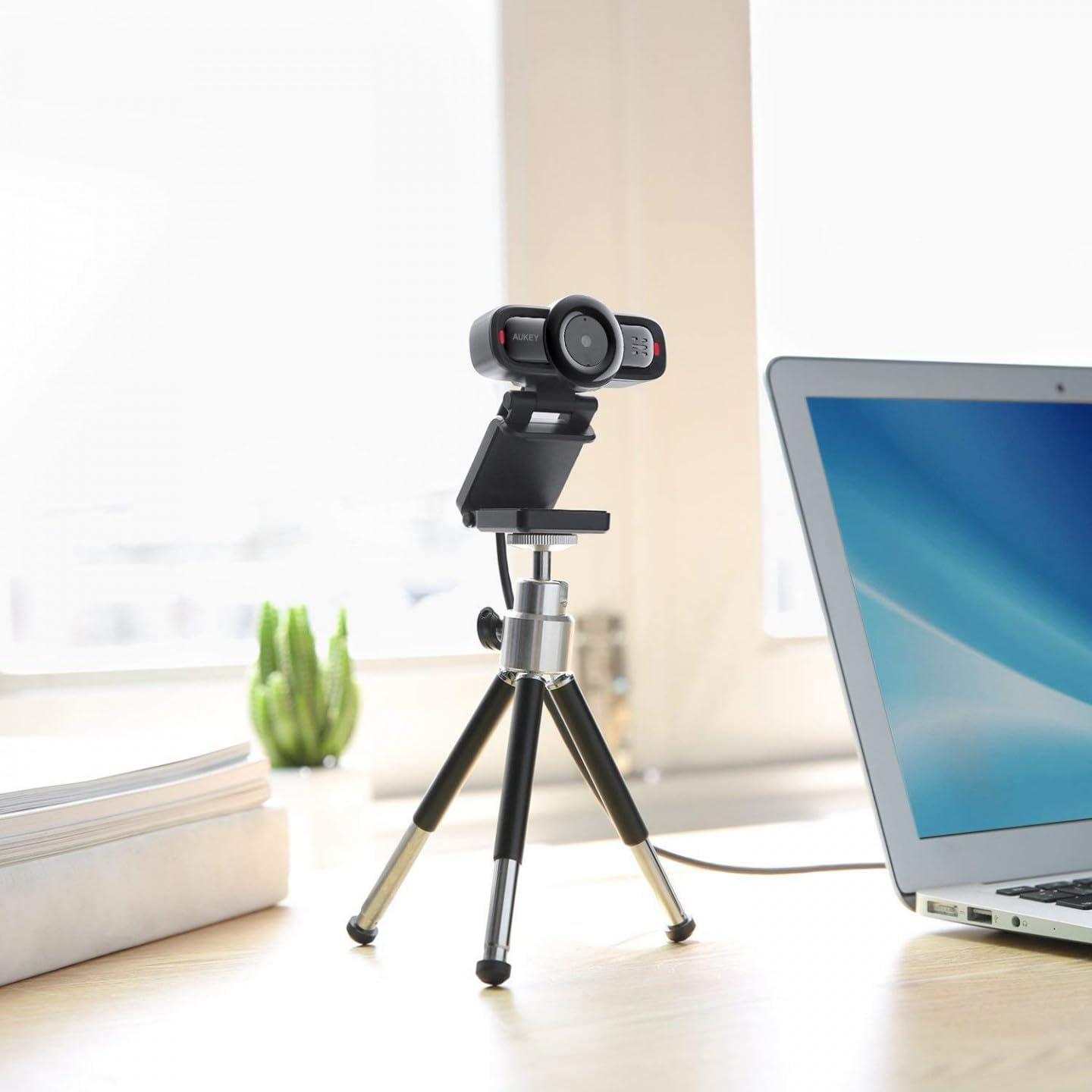
Image 2: AUKEY PC-LM3 Webcam in use, demonstrating its compact design and mounting flexibility on a tripod.
Główne cechy:
- Full HD 1080p video recording
- CMOS sensor for clear images
- USB 2.0 connectivity for universal compatibility
- 5x optical zoom for detailed framing
- Integrated microphone for audio capture
- Adjustable clip for versatile mounting options
5. Konfiguracja
5.1 Placing the Webkrzywka
- Na monitorze: Unfold the clip and place the webcam on top of your monitor or laptop screen. Adjust the clip to secure it firmly.
- Na statywie: Ten webcam features a standard tripod thread. Mount it onto a compatible tripod for more flexible positioning.
- Na płaskiej powierzchni: Złóż klips tak, aby utworzyć stabilną podstawkę i umieść ją webcam on a desk or other flat surface.
5.2 Podłączanie do komputera
- Podłącz złącze USB webcam into an available USB 2.0 or 3.0 port on your computer.
- Twój komputer powinien automatycznie wykryć i zainstalować niezbędne sterowniki. Ten proces może potrwać chwilę.
- Po zainstalowaniu plik webcam will be ready for use with video conferencing software or recording applications.
Notatka: No additional software or drivers are typically required for Windows, macOS, or Linux operating systems.
6. Obsługa Webkrzywka
6.1 Using with Video Conferencing Software
To use the AUKEY PC-LM3 webcam with applications like Zoom, Skype, Microsoft Teams, or Google Meet:
- Otwórz preferowaną aplikację do wideokonferencji.
- Navigate to the application's settings or preferences (usually found under "Audio & Video" or "Devices").
- Select "AUKEY PC-LM3" as your video input device.
- Select "AUKEY PC-LM3 Microphone" (or similar) as your audio input device, if applicable.
- Adjust any video settings such as resolution or brightness within the application if available.
6.2 Nagrywanie wideo
To record video using the webcam, use your computer's built-in camera application (e.g., Camera app on Windows, Photo Booth on macOS) or third-party recording software. Ensure the AUKEY PC-LM3 is selected as the video source.
6.3 Zoom optyczny
Ten webcam features 5x optical zoom. This function is typically controlled via software. Check your video conferencing or recording application for zoom controls. If not available, third-party webcam control software may offer this functionality.
7. Konserwacja
7.1 Czyszczenie Webkrzywka
- Zapewnij webPrzed czyszczeniem odłącz kamerę od komputera.
- Use a soft, lint-free cloth to gently wipe the lens and body of the webkamera
- For stubborn smudges on the lens, slightly dampen the cloth with water or a lens cleaning solution, then wipe gently. Avoid excessive moisture.
- Nie należy używać silnych środków chemicznych, ściernych środków czyszczących ani rozpuszczalników.
7.2 Przechowywanie
Gdy nie jest używany, przechowuj webcam in a cool, dry place, away from direct sunlight and dust. Consider using a privacy cover (if included or purchased separately) to protect the lens and ensure privacy.
8. Rozwiązywanie Problemów
| Problem | Rozwiązanie |
|---|---|
| Webkamera nie została wykryta przez komputer. |
|
| Brak wyjścia wideo. |
|
| Słaba jakość wideo. |
|
9. Specyfikacje
| Funkcja | Szczegół |
|---|---|
| Model | PC-LM3 |
| Rozdzielczość wideo | 1920x1080 pikseli (1080p) |
| Technologia czujników | CMOS |
| Łączność | USB 2.0 |
| Zoom optyczny | 5x |
| Format przechwytywania wideo | MP4, AVI |
| Obsługiwany format audio | AAC, MP3 |
| Wymiary (dł. x szer. x wys.) | Wymiary 7.7 x 7.2 x 4.6 cm |
| Waga | 130 gramów |
| Kolor | Czarny |
10. Gwarancja i obsługa klienta
AUKEY products are covered by a limited warranty from the date of purchase. For specific warranty terms and conditions, please refer to the warranty card included with your product or visit the official AUKEY webstrona.
If you encounter any issues or have questions regarding your AUKEY PC-LM3 Webcam, please contact AUKEY customer support for assistance. Contact information can typically be found on the official AUKEY webmiejscu lub na karcie gwarancyjnej.