
DoHonest S02
DoHonest S02 Security Camera User Manual
HD 1080P WiFi IP Cam Pan Tilt 360° Surveillance System
1. Wprowadzenie
Thank you for choosing the DoHonest S02 Security Camera. This manual will guide you through the installation, operation, and maintenance of your new surveillance system. The S02 camera is designed for both indoor and outdoor use, offering high-definition video, flexible pan and tilt control, advanced motion detection, and two-way audio communication to enhance your home security.

Figure 1.1: DoHonest S02 Security Camera with key features highlighted.
2. Zawartość opakowania
Proszę dokładnie sprawdzić przesyłkę i upewnić się, że znajdują się w niej wszystkie elementy:
- 1 x DoHonest S02 Security Camera
- 1 x 5ft Power Cable
- 1 x 5ft Power Extension Cord
- 1 x uchwyt na aparat
- 1 x wkręcone opakowanie
- 1 x Instrukcja obsługi (ten dokument)
3. Koniec produktuview
The DoHonest S02 camera features a 1080P HD lens for clear visual experience. It supports 5X digital zoom, which means the image will blur when zoomed in, as it is not an optical zoom. The camera is equipped with four infrared lights and four floodlights, enabling both black and white and full-color night vision modes. Its robust design is IP66 waterproof, allowing it to withstand various weather conditions.
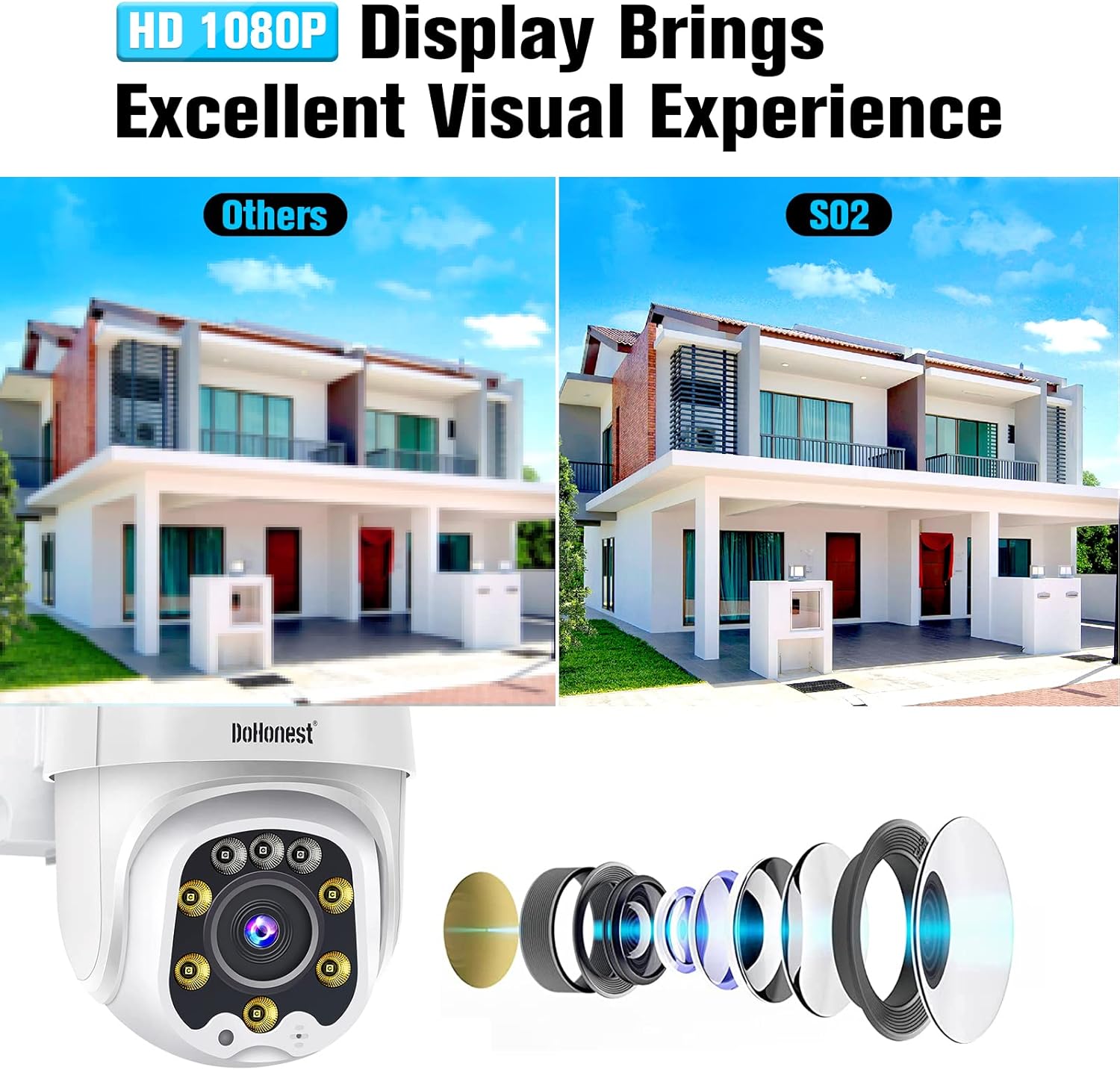
Figure 3.1: The S02 camera provides a sharp 1080P HD display for an excellent visual experience.

Figure 3.2: The IP66 waterproof rating ensures reliable operation in various weather conditions.
4. Konfiguracja i instalacja
4.1 Włączanie kamery
The S02 security camera requires a continuous power supply. Connect the provided 5ft power cable and, if needed, the 5ft power extension cord to the camera and a suitable power outlet. Ensure the power adapter is securely connected.
4.2 Instalacja karty TF (opcjonalnie)
The camera has a built-in micro TF card slot for local storage. A TF card (8GB to 128GB) is not included in the package. Before inserting or removing the TF card, it is recommended to disconnect the power to the camera to prevent data corruption or damage.
4.3 Połączenie sieciowe
The S02 camera can be connected to your network via Wi-Fi or a network cable. For Wi-Fi connection, ensure your Wi-Fi signal is strong enough at the camera's intended location. The camera supports 2.4GHz Wi-Fi networks.
4.4 Instalacja i konfiguracja aplikacji
Aby kontrolować i view swój aparat, pobierz bezpłatnie Aplikacja Yi IoT. You can find the app by searching in your device's app store or by visiting the official download page: http://www.yunyiiot.com/yunyiapp. Follow the in-app instructions to add your camera and complete the initial setup.

Figure 4.1: Simplified three-step installation process for the DoHonest S02 camera.
4.5 Montaż kamery
Use the provided camera bracket and screws to securely mount the camera to a wall or other suitable surface. Ensure the mounting location provides a clear view of the area you wish to monitor and is within range of your Wi-Fi signal or network cable connection.

Rysunek 4.2: Example of the camera mounted on an exterior wall for surveillance.
5. Instrukcja obsługi
5.1 Sterowanie panoramowaniem, pochyleniem i powiększeniem
The DoHonest S02 camera offers remote rotation control with a 360° horizontal rotation and 120° vertical tilt. You can control the camera's viewing angle directly from the Yi IoT App, allowing you to monitor your property without blind spots. The 5X digital zoom can be activated via the app, but be aware it may reduce image clarity.

Figure 5.1: Pan, Tilt, and Zoom functionality provides comprehensive coverage.
5.2 Detekcja ruchu i alerty
The camera features intelligent motion detection and auto-tracking capabilities. When motion is detected, the camera can automatically track the subject and send instant alerts to your phone via the Yi IoT App. It also supports sound-light alarms to deter intruders.

Figure 5.2: Motion detection with sound-light alarm and app notifications for enhanced security.
5.3 Tryby widzenia nocnego
The S02 camera offers three distinct night vision modes:
- Nocna Nocna Wizja: Zapewnia wyraźne czarno-białe obrazy w warunkach słabego oświetlenia.
- Pełnokolorowa wizja nocna: Utilizes floodlights to capture full-color images even in the dark.
- Inteligentne widzenie w nocy: Automatycznie przełącza się między trybem podczerwieni a trybem pełnokolorowym na podstawie wykrycia ruchu lub warunków oświetlenia.

Figure 5.3: Choose between infrared, full-color, or smart night vision for optimal visibility.
5.4 Dźwięk dwukierunkowy
Equipped with a built-in microphone and speaker, the camera supports two-way audio communication. This allows you to listen to what's happening around the camera and speak through the camera using the Yi IoT App, enabling interaction with visitors or deterring unwanted guests.

Rysunek 5.4: Dwukierunkowa transmisja dźwięku umożliwia komunikację w czasie rzeczywistym za pośrednictwem kamery.
5.5 Rejestrowanie i przechowywanie
The S02 camera supports 24/7 continuous recording or event-based recording. Recorded videos can be stored on a micro TF card (not included) or securely in the cloud (cloud service requires separate purchase). All videos can be easily played back through the Yi IoT App.

Figure 5.5: Continuous recording and easy playback ensure you don't miss important details.
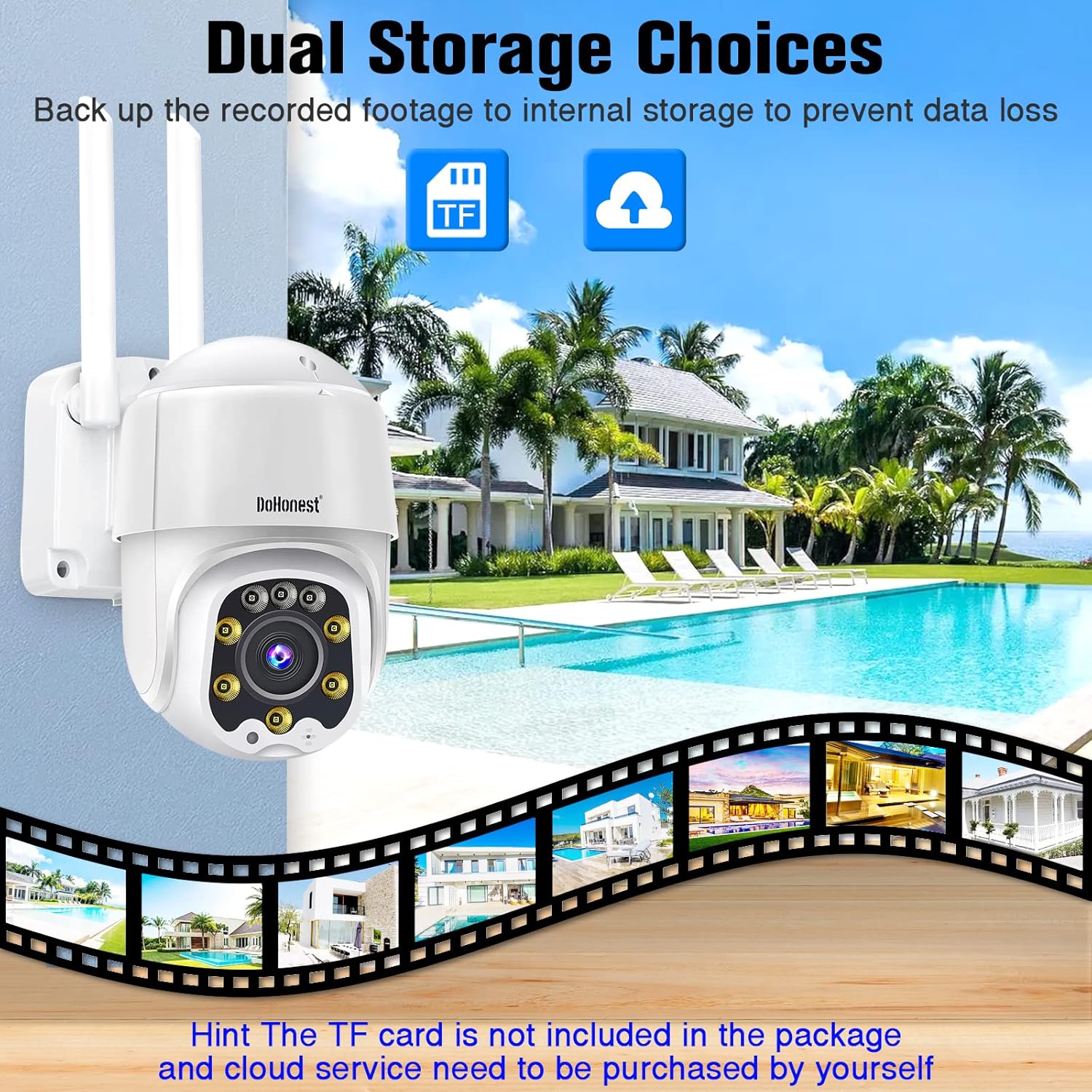
Figure 5.6: Flexible storage options with local TF card and secure cloud storage.
5.6 Zgodność z Alexą
The DoHonest S02 camera is compatible with Amazon Alexa, allowing for voice control and integration into your smart home ecosystem. Refer to the Yi IoT App or Alexa app for specific setup instructions.
6. Konserwacja
To ensure optimal performance and longevity of your DoHonest S02 camera, regular maintenance is recommended:
- Czyszczenie: Okresowo przecieraj obiektyw i korpus aparatu miękką, miękką szmatką.amp szmatką do usunięcia kurzu i brudu. Unikaj stosowania agresywnych środków chemicznych i materiałów ściernych.
- Aktualizacje oprogramowania układowego: Check the Yi IoT App regularly for available firmware updates. Keeping your camera's firmware up-to-date ensures you have the latest features and security enhancements.
- Warunki środowiskowe: While the camera is IP66 waterproof, extreme temperatures (outside -13°F to 122°F) or prolonged exposure to direct sunlight may affect performance.
7. Rozwiązywanie Problemów
If you encounter issues with your DoHonest S02 camera, please refer to the following common solutions:
- Kamera nie łączy się z Wi-Fi: Ensure the camera is within range of your 2.4GHz Wi-Fi router. Check your Wi-Fi password and network settings. Try restarting both the camera and your router.
- Obraz jest rozmazany: Confirm the lens is clean. If using digital zoom, note that 5X digital zoom may result in reduced image clarity compared to optical zoom.
- No Recording to TF Card: Ensure the TF card is correctly inserted and formatted. Disconnect power before inserting the card. Check if the card capacity is within the supported 8-128GB range.
- App Alerts Not Received: Check your phone's notification settings for the Yi IoT App. Ensure motion detection is enabled in the app.
- Missing Power Adapter: If your package was missing the power adapter, please contact DoHonest customer support for a replacement.
- Kamera nie odpowiada: Try unplugging the camera from power for a few seconds and then plugging it back in to perform a soft reset. If issues persist, locate the reset button (often near the TF card slot) and press it for several seconds to factory reset the camera.
8. Specyfikacje
| Funkcja | Specyfikacja |
|---|---|
| Marka | Uczciwy |
| Model | S02 |
| Rozdzielczość przechwytywania wideo | 1080p |
| Pole View | 360 stopni (obrót/pochylenie) |
| Technologia łączności | Bezprzewodowy (Wi-Fi) |
| Technologia komunikacji bezprzewodowej | Wi-Fi (2.4 GHz) |
| Źródło zasilania | Zasilacz |
| Cechy specjalne | Motion Sensor, Night Vision, Waterproof, 2 Way Audio |
| Zastosowanie wewnątrz/na zewnątrz | Wewnątrz, Na zewnątrz |
| Międzynarodowa Ocena Ochrony | IP66 |
| Kompatybilne urządzenia | Aleksa |
| Waga przedmiotu | 1.81 funta |
| UPC | 727370484413 |
9. Gwarancja i wsparcie
The DoHonest S02 Security Camera typically comes with a 2-year warranty. For detailed warranty information, please refer to the product packaging or contact DoHonest customer support directly. If you require technical assistance, have questions about your product, or need to report a missing part, please reach out to DoHonest customer service through their official channels. Contact information can usually be found on the product packaging or their official webstrona.
Ask a question about this manual
Ask about setup, troubleshooting, compatibility, parts, safety, or missing instructions. Manuals+ will review the question and use this page’s manual context to help answer it.