
1. Koniec produktuview
The ELRO DV477W-M is an additional indoor monitor designed to expand your existing ELRO DV477W or DV477IP series video intercom system. This 7-inch color monitor allows for clear two-way communication with visitors at your door and provides convenient door opening functionality.
Główne cechy:
- 7-inch (18 cm) color display for clear video.
- High-quality microphone and speaker for two-way audio communication.
- Door opening function for convenient access control.
- Modern design with brushed aluminum finish.
- Compatible with ELRO DV477W and DV477IP series video intercoms.
Zawartość opakowania:
- ELRO DV477W-M 7-inch Indoor Monitor
- Uchwyt montażowy
- 15m 4-wire Electrical Cable
- Zasilacz
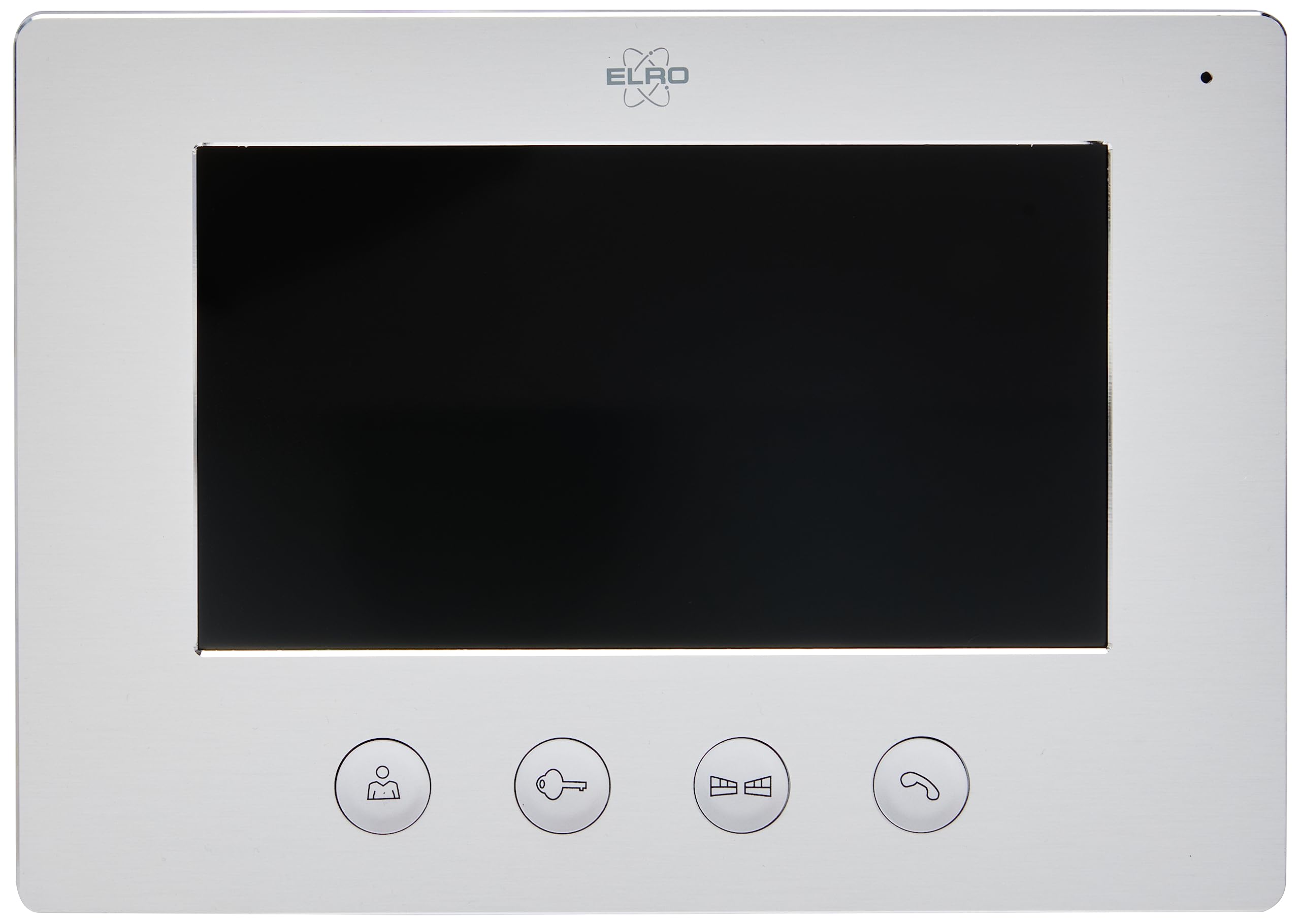
Image 1.1: The ELRO DV477W-M 7-inch indoor monitor, featuring a sleek design and control buttons.
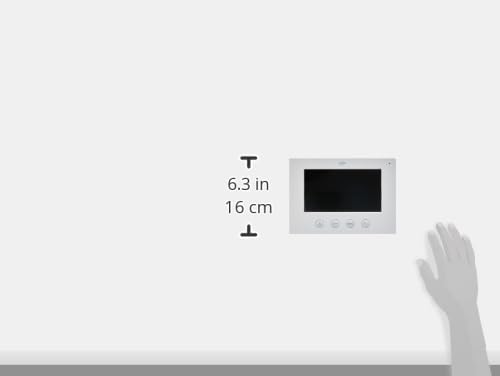
Image 1.2: Diagram showing the dimensions of the ELRO DV477W-M monitor, approximately 6.3 inches (16 cm) in height.
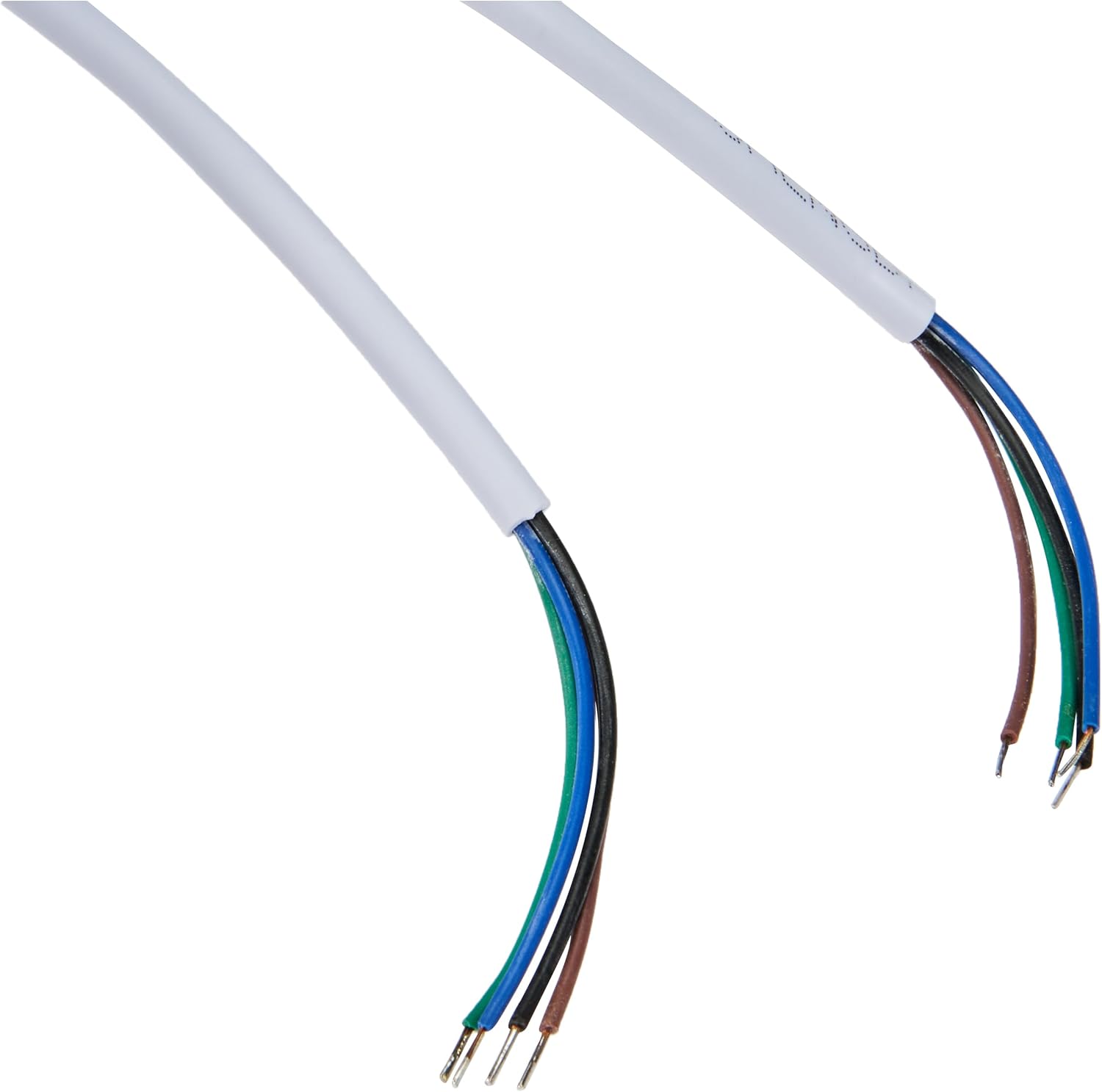
Image 1.3: The included 15-meter 4-wire electrical cable for connecting the monitor to the intercom system.
2. Konfiguracja i instalacja
This section provides instructions for installing your ELRO DV477W-M additional indoor monitor. Ensure all power is disconnected from your existing intercom system before beginning installation.
2.1 Środki ostrożności:
- Zawsze odłączaj zasilanie przed instalacją lub konserwacją.
- Jeśli nie jesteś pewien co do procedur związanych z okablowaniem, skonsultuj się z wykwalifikowanym elektrykiem.
- Do not expose the monitor to moisture or extreme temperatures.
2.2 Mounting the Monitor:
- Choose a suitable indoor location for the monitor, ensuring it is within reach of the 15m cable and a power outlet.
- Użyj dołączonego uchwytu montażowego jako szablonu do zaznaczenia punktów wiercenia na ścianie.
- W razie potrzeby wywierć otwory i włóż kołki rozporowe.
- Przymocuj uchwyt montażowy do ściany za pomocą odpowiednich śrub.
2.3 Połączenia okablowania:
- Connect the 4-wire electrical cable from your existing ELRO DV477W or DV477IP outdoor unit/main monitor to the corresponding terminals on the back of the DV477W-M additional monitor. Ensure correct polarity for each wire (e.g., power, ground, audio, video). Refer to your main intercom system's manual for specific wiring diagrams.
- Podłącz zasilacz do wejścia zasilania monitora, a następnie do gniazdka ściennego.
- Ostrożnie zamontuj monitor w zamontowanym uchwycie.
Notatka: The 4-wire cable typically carries power, ground, audio, and video signals. Incorrect wiring can damage the device or prevent proper operation.
3. Instrukcja obsługi
Once installed and powered on, the ELRO DV477W-M monitor is ready for use. It functions as an extension of your main intercom system.
3.1 Receiving a Call:
- When a visitor presses the doorbell button on the outdoor unit, the monitor will ring and display the visitor's image.
- Naciśnij Odpowiedź button (usually indicated by a telephone icon) to initiate two-way audio communication.
- Aby zakończyć rozmowę, naciśnij Zakończ połączenie przycisk.
3.2 Opening the Door:
- Podczas rozmowy telefonicznej lub gdy viewing the visitor, press the Odblokowanie drzwi button (often depicted as a key or unlock icon) to activate the electronic door lock connected to your main intercom system.
- Drzwi zostaną na chwilę odblokowane, umożliwiając zwiedzającym wejście.
3.3 Monitorowanie:
- Some systems allow you to manually activate the camera on the outdoor unit to view the entrance area without a visitor pressing the doorbell. Refer to your main intercom system's manual for this feature.
4. Konserwacja
Proper maintenance ensures the longevity and optimal performance of your ELRO DV477W-M monitor.
4.1 Czyszczenie:
- Wipe the monitor screen and casing with a soft, dry, lint-free cloth.
- W przypadku uporczywych plam, delikatnieampPrzetrzyj szmatkę wodą. Unikaj stosowania silnych środków chemicznych, ściernych środków czyszczących i rozpuszczalników, ponieważ mogą one uszkodzić wykończenie.
- Do not spray cleaning liquids directly onto the monitor.
4.2 Opieka ogólna:
- Keep the monitor away from direct sunlight, heat sources, and areas with high humidity.
- Ensure ventilation openings (if any) are not blocked.
- Unikaj upuszczania monitora i narażania go na silne uderzenia.
5. Rozwiązywanie Problemów
If you encounter issues with your ELRO DV477W-M monitor, refer to the following common problems and solutions.
| Problem | Możliwa przyczyna | Rozwiązanie |
|---|---|---|
| No image or sound on the monitor. |
|
|
| Image is distorted or unclear. |
|
|
| Brak dźwięku podczas komunikacji. |
|
|
| Door unlock function does not work. |
|
|
If these solutions do not resolve the issue, please contact ELRO customer support.
6. Specyfikacje
| Funkcja | Szczegół |
|---|---|
| Numer modelu | DV477W-M |
| Producent | ELRO |
| Rozmiar wyświetlacza | 7 cali (18 cm) |
| Wymiary produktu (dł. x szer. x wys.) | Wymiary 21.5 x 2.5 x 15 cm |
| Waga | 386 gramów |
| Tworzywo | Aluminium |
| Zawarte komponenty | Monitor, Mounting Bracket, 15m 4-wire Electrical Cable, Power Adapter |
| Wymagane baterie | NIE |
| Zgodność | ELRO DV477W and DV477IP series video intercom systems |
7. Gwarancja i wsparcie
ELRO products are designed for reliability and performance. For specific warranty information, please refer to the documentation included with your original ELRO video intercom system or visit the official ELRO webstrona.
If you require technical assistance, have questions about installation, or need to report a fault, please contact ELRO customer support. Contact details can typically be found on the ELRO webmiejscu lub w opakowaniu produktu.
Notatka: Informacje dotyczące dostępności części zamiennych są obecnie niedostępne.