
Wstęp
Thank you for choosing the MEDION MD 10319 Tower Fan. This manual provides essential information for the safe and efficient operation of your new fan. Please read these instructions carefully before use and keep them for future reference.
Ważne instrukcje bezpieczeństwa
Aby zminimalizować ryzyko pożaru, porażenia prądem i obrażeń ciała, należy zawsze przestrzegać podstawowych zasad bezpieczeństwa podczas korzystania z urządzeń elektrycznych.
- Upewnij się, że napięcie zasilaniatagodpowiada wartościom podanym na etykiecie znamionowej wentylatora.
- Nie używaj wentylatora z uszkodzonym przewodem lub wtyczką. Jeśli przewód jest uszkodzony, musi zostać wymieniony przez producenta, serwisanta lub osobę o podobnych kwalifikacjach, aby uniknąć zagrożenia.
- Trzymaj wentylator z dala od wody i innych płynów. Nie zanurzaj wentylatora w wodzie.
- Nie wkładaj palców ani obcych przedmiotów do kratki, gdy wentylator pracuje.
- Odłączaj wentylator od gniazdka elektrycznego, gdy nie jest używany, gdy przenosisz go z jednego miejsca do drugiego i przed czyszczeniem.
- Urządzenie to nie jest przeznaczone do użytku przez osoby (w tym dzieci) o ograniczonej sprawności fizycznej, sensorycznej lub umysłowej, a także osoby nieposiadające odpowiedniego doświadczenia lub wiedzy, chyba że znajdują się one pod nadzorem osoby odpowiedzialnej za ich bezpieczeństwo lub otrzymały od niej instrukcje dotyczące korzystania z urządzenia.
- Dzieci powinny znajdować się pod nadzorem, aby mieć pewność, że nie bawią się urządzeniem.
- Ustaw wentylator na stabilnej, płaskiej powierzchni, aby zapobiec jego przewróceniu.
Zawartość opakowania
Proszę sprawdzić, czy w opakowaniu znajdują się następujące elementy:
- MEDION MD 10319 Tower Fan
- Podstawa (dwie połówki)
- Nakrętka zabezpieczająca
- 4 Mounting Screws for Base
- Remote Control (with 2 x AAA batteries)
- Instrukcja obsługi
Montaż i konfiguracja
Aby złożyć wentylator wieżowy, wykonaj następujące czynności:
- Ostrożnie wyjąć wszystkie elementy z opakowania.
- Assemble the two halves of the base by interlocking them.
- Align the assembled base with the bottom of the fan unit. Ensure the power cord passes through the designated slot in the base.
- Secure the base to the fan unit using the 4 mounting screws provided.
- Tighten the securing nut from underneath the base to firmly attach it to the fan body.
- Włóż 2 baterie AAA do pilota, zwracając uwagę na biegunowość.
- Ustaw wentylator na stabilnej i równej powierzchni.
- Podłącz przewód zasilający do odpowiedniego gniazdka elektrycznego (220 V).
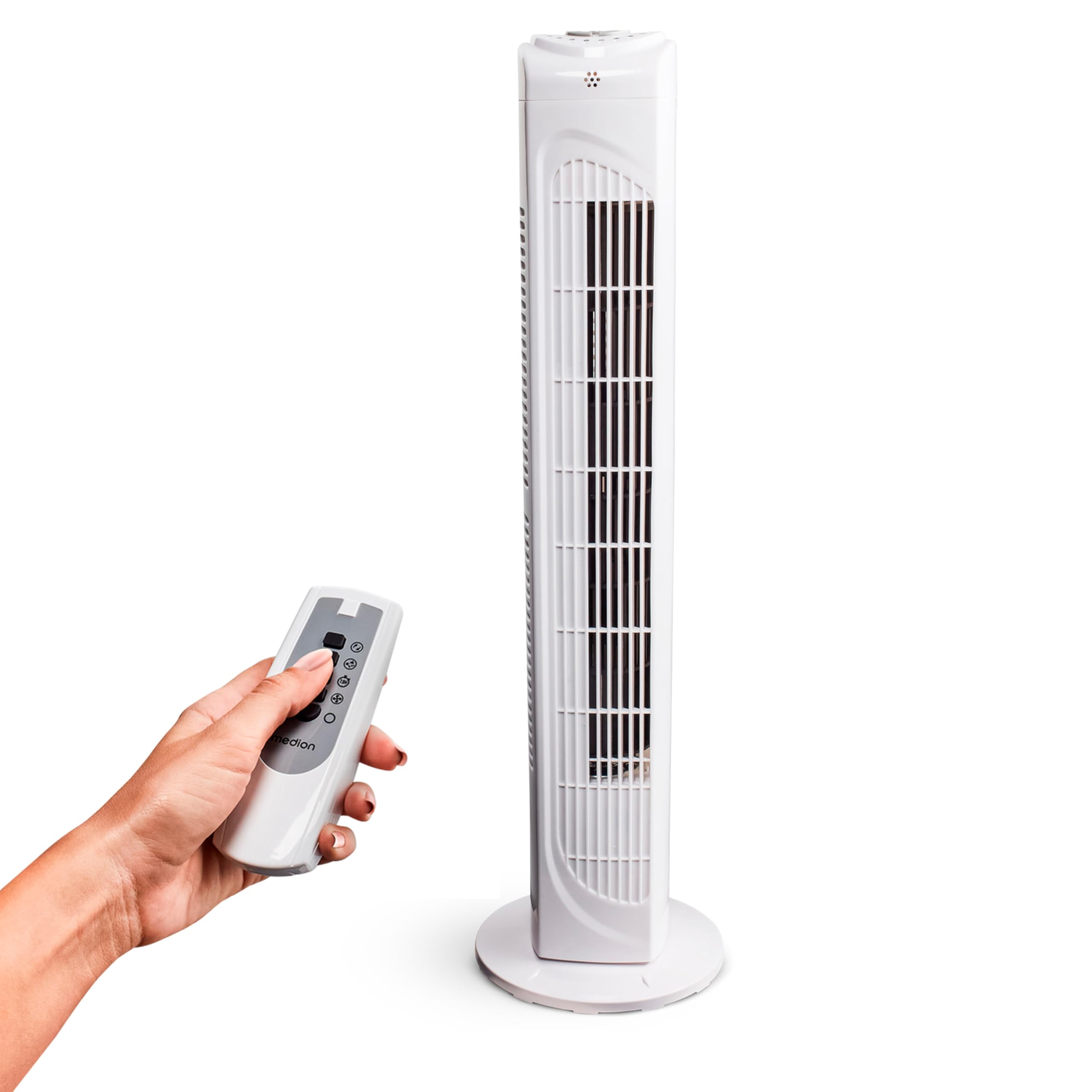
Image: The MEDION MD 10319 Tower Fan, fully assembled with its base, ready for use.

Image: A hand demonstrating the integrated carrying handle on top of the fan for easy portability.
Produkt ponadview
Panel sterowania
The control panel is located on the top of the fan unit. It features buttons for power, speed, oscillation, and timer functions.

Obraz: Szczegółowy view of the fan's top control panel, showing buttons for power, speed settings (3 levels), timer, and oscillation.
Zdalne sterowanie
The included remote control allows you to operate all fan functions from a distance.
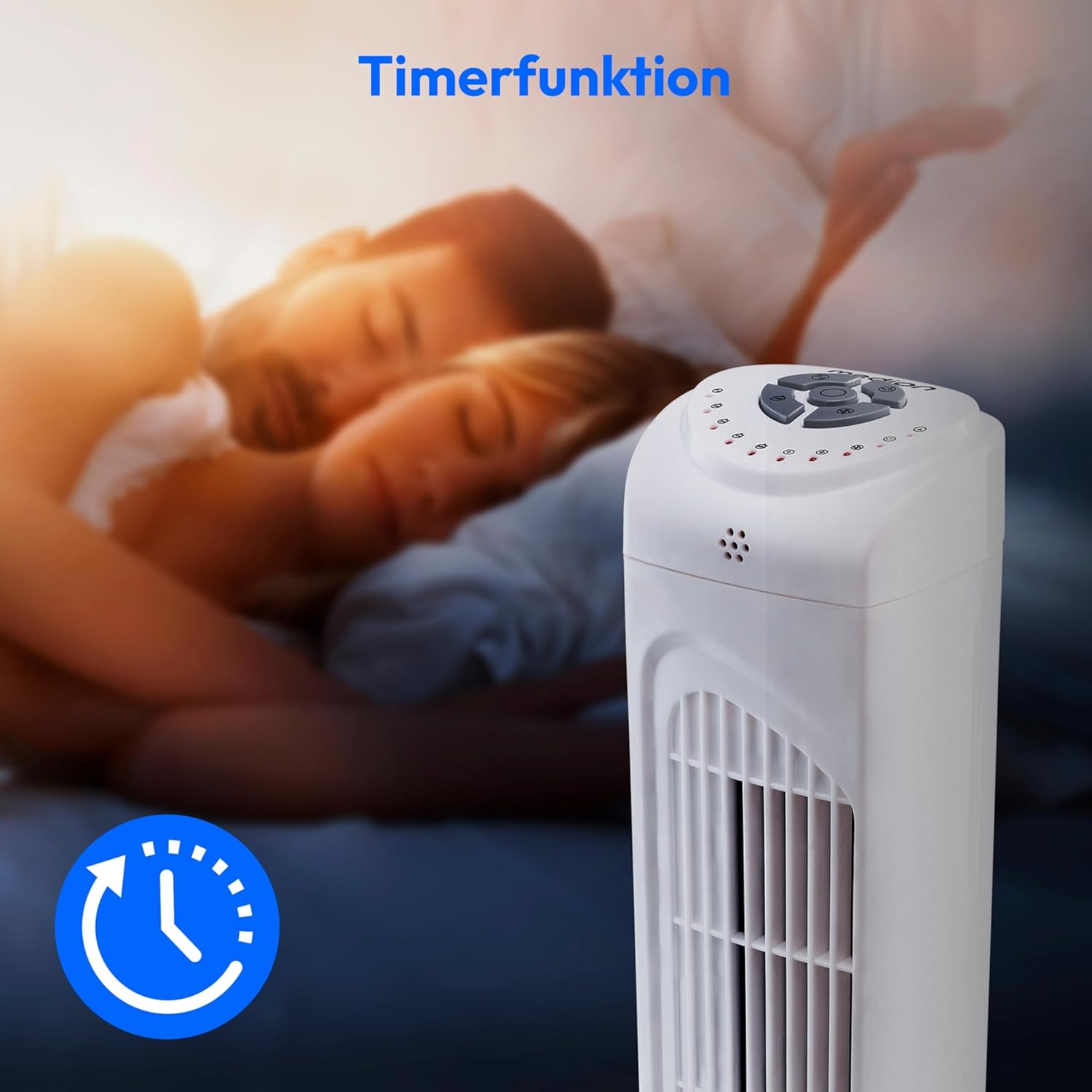
Image: A hand holding the remote control, which features buttons for power, speed, oscillation, and timer, mirroring the main control panel.
Instrukcja obsługi
Włączanie/wyłączanie zasilania
- Naciśnij MOC button on the control panel or remote control to turn the fan ON.
- Naciśnij MOC button again to turn the fan OFF.
Regulacja prędkości wentylatora
The fan has 3 speed settings: Low, Medium, and High.
- Naciśnij PRĘDKOŚĆ button repeatedly to cycle through the speed settings.
- The current speed level will be indicated by LED lights on the control panel.
Funkcja oscylacji
The oscillation function allows the fan to rotate horizontally, distributing air over a wider area.
- Naciśnij OSC button on the control panel or remote control to activate oscillation. The fan will rotate approximately 60 degrees.
- Naciśnij OSC button again to stop oscillation. The fan will stop in its current position.

Image: The tower fan oscillating, indicated by blue arrows showing a 60-degree rotation for wider air distribution.
Funkcja timera
The timer function allows you to set the fan to automatically turn off after a specified period, up to 7.5 hours.
- Naciśnij REGULATOR CZASOWY button repeatedly to set the desired operating time (e.g., 0.5h, 1h, 2h, 4h, up to 7.5h).
- The selected timer duration will be indicated by LED lights on the control panel.
- To cancel the timer, cycle through the settings until no timer LEDs are illuminated, or turn the fan off.

Image: The fan with a timer icon, illustrating its use for setting automatic shut-off, ideal for use during sleep.
Konserwacja
Regular cleaning will help maintain the performance and extend the lifespan of your fan.
- Przed czyszczeniem należy zawsze odłączyć wentylator od gniazdka elektrycznego.
- Użyj miękkiego, damp Do przecierania zewnętrznych powierzchni wentylatora należy używać ściereczki. Nie należy używać środków czyszczących o właściwościach ściernych ani rozpuszczalników.
- Za pomocą odkurzacza wyposażonego w końcówkę szczotkową delikatnie usuń kurz z kratek wlotowych i wylotowych powietrza.
- Nie dopuść do przedostania się wody do wnętrza wentylatora.
- Jeśli wentylator nie będzie używany przez dłuższy czas, należy go przechowywać w chłodnym i suchym miejscu.
Rozwiązywanie problemów
If you encounter any issues with your MEDION MD 10319 Tower Fan, please refer to the following common problems and solutions:
| Problem | Możliwa przyczyna | Rozwiązanie |
|---|---|---|
| Wentylator się nie włącza. | Brak zasilania. Przycisk zasilania nie został naciśnięty. | Sprawdź, czy przewód zasilający jest prawidłowo podłączony do sprawnego gniazdka. Press the POWER button on the fan or remote. |
| Pilot zdalnego sterowania nie działa. | Baterie są rozładowane lub nieprawidłowo włożone. Przeszkoda pomiędzy pilotem a wentylatorem. | Replace batteries (2 x AAA) and ensure correct polarity. Remove any objects blocking the signal path. Ensure you are within range. |
| Wentylator wydaje nietypowy hałas. | Wentylator nie znajduje się na równej powierzchni. Obstruction in the fan grille. | Umieść wentylator na stabilnej, płaskiej powierzchni. Unplug the fan and carefully check for any foreign objects in the grilles. |
| Oscillation function is not working. | Przycisk oscylacji nie został aktywowany. | Press the OSC button on the control panel or remote control. |
Specyfikacje
| Funkcja | Szczegół |
|---|---|
| Marka | MEDION |
| Nazwa modelu | MD 10319 |
| Typ | Tower Fan / Floor Fan |
| Kolor | Biały |
| Źródło zasilania | Elektryczny przewodowy |
| Cotage | 45 W |
| Tomtage | 220 wolty |
| Liczba prędkości | 3 |
| Cechy specjalne | Oscillating, Timer Function |
| Kąt oscylacji | 60° |
| Funkcja timera | Do 7.5 godzin |
| Metoda kontroli | Przyciski pilota i urządzenia |
| Poziom hałasu | 50 decybeli |
| Wymiary produktu (Gł. x Szer. x Wys.) | Wymiary: 28 cm x 28 cm x 79 cm |
| Waga przedmiotu | 2.5 kilograma |
| Tworzywo | Plastikowy |
| Typ głównego złącza zasilania | CEE 7/7 (Schuko) |

Image: The MEDION MD 10319 Tower Fan with its height (79 cm) and base width (28 cm) clearly indicated.
Gwarancja i wsparcie
Your MEDION MD 10319 Tower Fan comes with a manufacturer's warranty. Please refer to the warranty card included in your package for detailed terms and conditions, including the warranty period and coverage.
For technical support, service, or spare parts, please contact MEDION customer service. Contact information can typically be found on the MEDION official webmiejscu lub w dokumentacji gwarancyjnej.