
1. Wprowadzenie
The CUBOT King Kong 5 Pro is a rugged smartphone designed for durability and performance in challenging environments. It features a robust build, a large battery, and a versatile camera system, running on the Android 11 operating system.
2. Co znajduje się w pudełku
- CUBOT King Kong 5 Pro Rugged Cell Phone
- Rumak
- Podręcznik
- Type-C Original Headphones
- Kabel USB

Image: Contents of the CUBOT King Kong 5 Pro retail box.
3. Cechy fizyczne i komponenty
Familiarize yourself with the key physical features of your CUBOT King Kong 5 Pro.
- Wyświetlacz: 6.1-inch HD+ Water-drop screen (720x1560 resolution).
- Przednia kamera: 25MP, located at the top of the display.
- Kamery tylne: Sony 48MP Main Lens, 5MP Macro Lens, 0.3MP Photosensitive Lens, Dual Flash.
- Prelegenci: Dual loud stereo speakers for enhanced audio output.
- Pikolak: Volume Up/Down, Power Key, Customizable Button.
- Porty: USB Type-C charging port (covered by a rubber flap), TF/SIM Card slot.
- Czujniki: Side-mounted Fingerprint Sensor, Face ID, Accelerometer, Gyroscope, Magnetic, Proximity.
Obraz: Szczegółowy view of the CUBOT King Kong 5 Pro's physical features, including camera setup, ports, and buttons.
4. Konfiguracja
4.1. Wkładanie kart SIM i karty SD
- Znajdź gniazdo karty SIM po lewej stronie telefonu.
- Carefully open the protective rubber flap covering the SIM tray.
- Insert up to two Nano-SIM cards or one Nano-SIM card and one microSD card (for expandable storage up to 256GB) into the tray. Ensure correct orientation.
- Gently push the tray back into the slot and securely close the rubber flap to maintain water and dust resistance.
4.2. Pierwsze włączenie i konfiguracja
- Press and hold the Power Key (located on the right side) until the CUBOT logo appears.
- Postępuj zgodnie z instrukcjami wyświetlanymi na ekranie, aby wybrać swój język, połączyć się z siecią Wi-Fi i skonfigurować konto Google.
- Configure security features such as Face ID and the side-mounted Fingerprint Sensor for quick and secure access.
5. Obsługa urządzenia
5.1. System operacyjny Android 11
The King Kong 5 Pro runs on Android 11, offering enhanced privacy controls, improved message management, and intuitive device connectivity. Navigate through the interface using gestures or traditional navigation buttons.
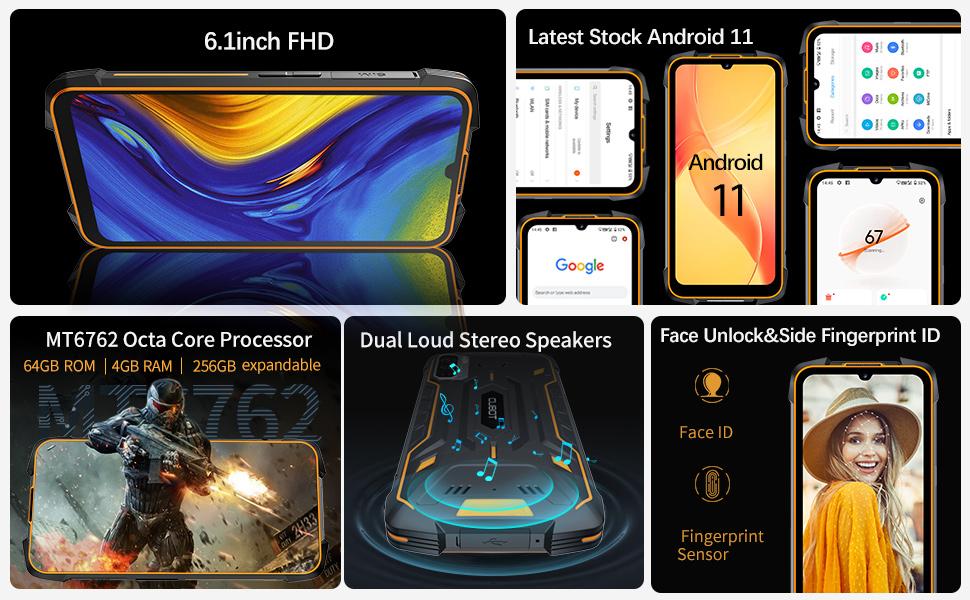
Image: Screenshots of the Android 11 operating system on the CUBOT King Kong 5 Pro.
5.2. Zarządzanie baterią
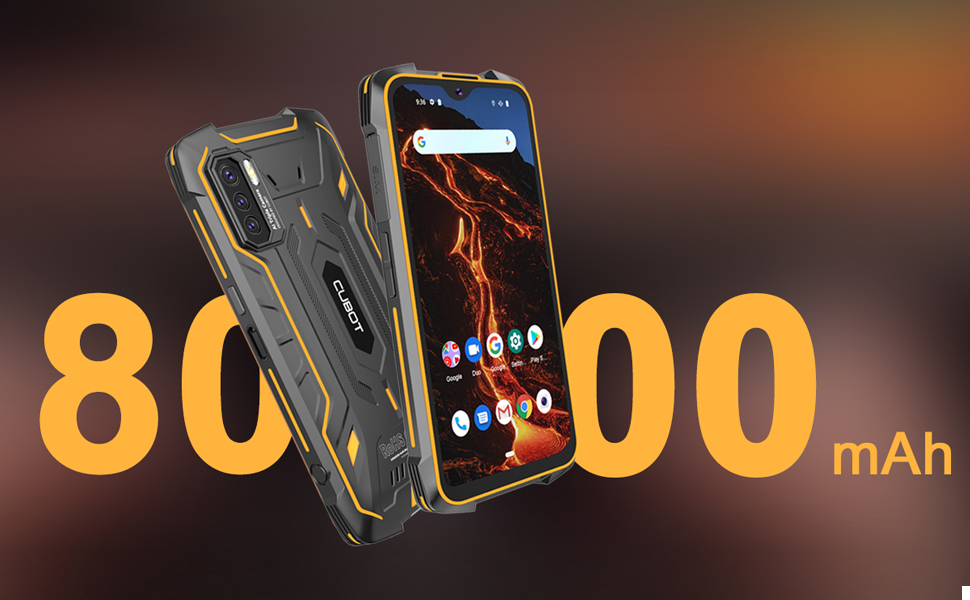
The device is equipped with a large 8000mAh battery, providing extended usage time. It supports 5V/3A fast charging. To optimize battery life, utilize the built-in Battery Saver mode and monitor app usage in the Battery Manager settings.

Image: Visual representation of the 8000mAh super battery capacity.
5.3. Konfigurowalny przycisk
The customizable button on the side of the phone can be configured to launch any application or function. By default, it may be set to open the camera app. To change its function, navigate to Settings > Custom key function and select your desired application for single press, double press, or long press actions.
6. Funkcje aparatu
The CUBOT King Kong 5 Pro features a triple rear camera setup and a high-resolution front camera.
- Kamera tylna: 48MP Sony main lens for clear photos, a 5MP macro lens for close-up shots, and a 0.3MP photosensitive lens.
- Przednia kamera: 25 MP do selfie i połączeń wideo.
- Nagrywanie wideo: Supports 1080p video recording with image stabilization.
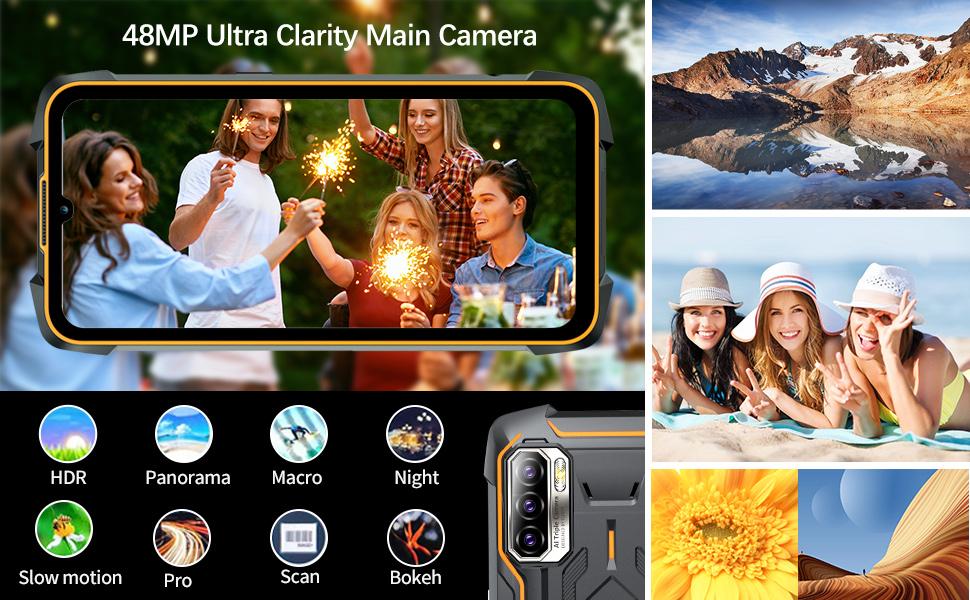
Obraz: Ponadview of the professional outdoor camera set and various camera modes.
7. Wydajność
Powered by an MT6762D Octa-Core processor with 4GB RAM and 64GB ROM (expandable up to 256GB), the King Kong 5 Pro is designed for everyday tasks and light usage. While not intended for heavy gaming or demanding applications, it provides smooth operation for browsing, messaging, and standard apps.
8. Łączność i czujniki
- Sieć: Dual SIM dual 4G standby, supporting a wide range of FDD and TDD bands for global compatibility. Compatible with most GSM networks (AT&T, T-Mobile, Metro PCS, Straight Talk, Ting, H2O Wireless). Not compatible with New AT&T, Cricket, and CDMA networks (Verizon, Sprint, Boost Mobile).
- Nawigacja: Zintegrowane systemy GPS, GLONASS i BEIDOU umożliwiają dokładne pozycjonowanie.
- Bezprzewodowy: Bluetooth 5.0, Wi-Fi, NFC for contactless payments and data exchange.
- Czujniki: Accelerometer, Gyroscope, Magnetic (Compass), Proximity, Light sensor.
9. Cechy trwałości
The CUBOT King Kong 5 Pro is built to withstand harsh conditions, making it ideal for outdoor and demanding environments.
- Wodoodporny: IP68 & IP69K rated, waterproof up to 1.5 meters for 30 minutes.
- Odporność na upadek: Designed to be drop-proof from heights up to 1.5 meters.
- Pyłoszczelny: 99% dustproof, protecting against dust ingress even in dusty environments.
- Budowa: Wrapped in rubber for enhanced durability and shock absorption.
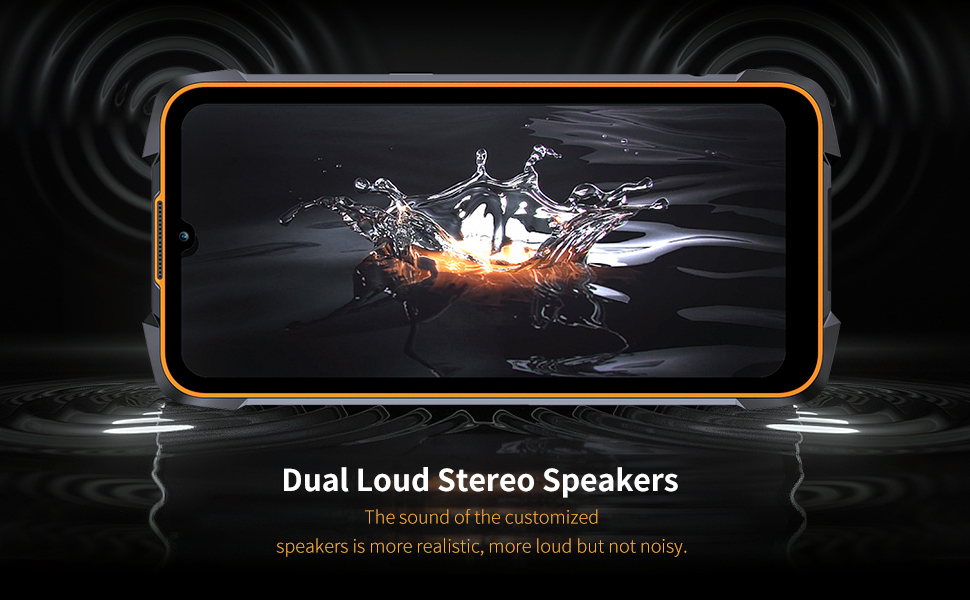
Image: The CUBOT King Kong 5 Pro showcasing its rugged design and resistance to water, dust, and drops.
10. Specyfikacje
| Funkcja | Specyfikacja |
|---|---|
| Nazwa modelu | King Kong 5 Pro |
| System operacyjny | Android 11.0 |
| Model procesora | MT6762D ośmiordzeniowy |
| BARAN | 4 GB |
| Pojemność pamięci masowej | 64 GB (z możliwością rozszerzenia do 256 GB) |
| Rozmiar ekranu | 6.1 cala HD+ |
| Rezolucja | 720x1560 |
| Pojemność baterii | 8000 mlnamp Godziny |
| Czas ładowania | Approx. 4.5 Hours (0-100%) |
| Kamera tylna | 48MP (Main) + 5MP (Macro) + 0.3MP (Photosensitive) |
| Przednia kamera | 25MP |
| Odporność na wodę/kurz | IP68 i IP69K |
| Odporność na upadki | Do 1.5 metrów |
| Łączność | 4G Dual SIM, Bluetooth 5.0, Wi-Fi, NFC |
| Nawigacja | GPS, GLONASS, BEIDOU |
| Wymiary | 6.53 x 3.2 x 0.74 cala |
| Waga przedmiotu | 10.9 uncji |
11. Rozwiązywanie Problemów
- Karta SIM nie została wykryta: If your SIM card is not detected, ensure it is correctly inserted into the tray. Sometimes, wiping the SIM card's contacts with alcohol can resolve issues caused by dust or oxidation.
- Niska wydajność: Close unused applications running in the background. Regularly clear cache and temporary files. If performance issues persist, consider a factory reset (back up your data first).
- Problemy z ekranem: If the touchscreen is unresponsive in certain areas, restart the device. If the issue persists, contact customer support.
- Problemy z ładowaniem: Ensure the USB Type-C cable and charger are securely connected and undamaged. Check that the rubber flap covering the charging port is fully open during charging.
12. Gwarancja i wsparcie
For warranty information and technical support, please refer to the documentation included with your product or visit the official CUBOT webZachowaj dowód zakupu na wypadek roszczeń gwarancyjnych.