
1. Wprowadzenie
The Qilmy 1080P Wireless WiFi Home Security Camera is designed to provide reliable surveillance for your home. This device combines a high-definition camera with motion detection, night vision, and remote viewing capabilities, all integrated into a standard light bulb form factor for easy installation. This manual will guide you through the installation, setup, and operation of your new security camera.
2. Główne cechy
- Rozdzielczość Full HD 1080P: Zapewnia wyraźny i szczegółowy obraz wideotage.
- Wireless WiFi Connectivity: Easy connection to your home network for remote access.
- Motion Detection & Instant Alarm: Automatically detects movement and sends alerts to your connected device.
- Wyraźna wizja nocna: Zapewnia widoczność w warunkach słabego oświetlenia.
- Zdalny Viewing: Monitor your property from anywhere using a smartphone app.
- Integrated Flood Light: Features 3 built-in flood lights that can activate automatically upon motion detection.
- Łatwa instalacja: Screws into a standard E27 light socket.
- Gniazdo kart Micro SD: Do lokalnego przechowywania nagrań.

Obraz: Ponadview of the Qilmy Home Security Camera's key features, including 1080P resolution, video recording, 360 panoramic viewing, Wi-Fi connection, light function, motion detection, remote viewing, and Micro SD card slot.
3. Co znajduje się w pudełku
- Qilmy 1080P Wireless WiFi Home Security Camera (Bulb-shaped)
- E27 Light Socket Adapter (for mounting)
- Śruby montażowe i kotwy ścienne
- Szybki przewodnik

Image: Contents of the Qilmy Home Security Camera package, showing the camera, an E27 socket adapter, mounting hardware, and a quick start guide.
4. Konfiguracja
4.1 Fizyczna instalacja
- Wybierz lokalizację: Select a location with a standard E27 light socket that provides the desired viewpod odpowiednim kątem i znajduje się w zasięgu Twojej sieci Wi-Fi 2.4 GHz.
- Wyłączone: Ensure the power to the light socket is turned off at the circuit breaker before installation.
- Zainstaluj kamerę: Carefully screw the Qilmy security camera into the E27 light socket. If no existing socket is available, use the provided E27 adapter and mounting hardware to install it on a wall or ceiling.
- Włączanie: Restore power to the light socket. The camera will power on and emit a voice prompt indicating it is ready for configuration.

Image: A person's hands installing the Qilmy Home Security Camera into a ceiling light fixture, demonstrating its easy and quick installation process.
4.2 Połączenie Wi-Fi i konfiguracja aplikacji
- Pobierz aplikację: Download the recommended mobile application (e.g., "iCSee" or similar as indicated in the Quick Start Guide) from your smartphone's app store.
- Zarejestruj Konto: Open the app and register a new user account if you don't already have one.
- Dodaj urządzenie: Follow the in-app instructions to add a new device. This typically involves scanning a QR code on the camera or selecting the device type and following prompts.
- Połącz się z Wi-Fi: Connect the camera to your 2.4GHz Wi-Fi network. Ensure your smartphone is also connected to the same 2.4GHz network during the setup process.
- Konfiguracja: The camera will confirm successful connection with a voice prompt. Once connected, you can access live video and adjust settings through the app.

Image: A smartphone displaying the live feed from the Qilmy Home Security Camera, illustrating Wi-Fi connection and remote viewing capabilities from anywhere, anytime.
5. Instrukcja obsługi
5.1 Na żywo Viewi nagrywanie
- Open the mobile app to view transmisja na żywo z Twojej kamery.
- Use the app interface to manually record video or capture screenshots.
- Uzyskaj dostęp do nagranego pliku footage stored on the Micro SD card or cloud storage (if subscribed).
5.2 Detekcja ruchu i alerty
- Włącz wykrywanie ruchu w ustawieniach aplikacji.
- Dostosuj poziomy czułości, aby zminimalizować liczbę fałszywych alarmów.
- Otrzymuj natychmiastowe powiadomienia push na swój smartfon po wykryciu ruchu.
- The camera can automatically activate its floodlights and siren alarm upon detecting motion, deterring intruders.
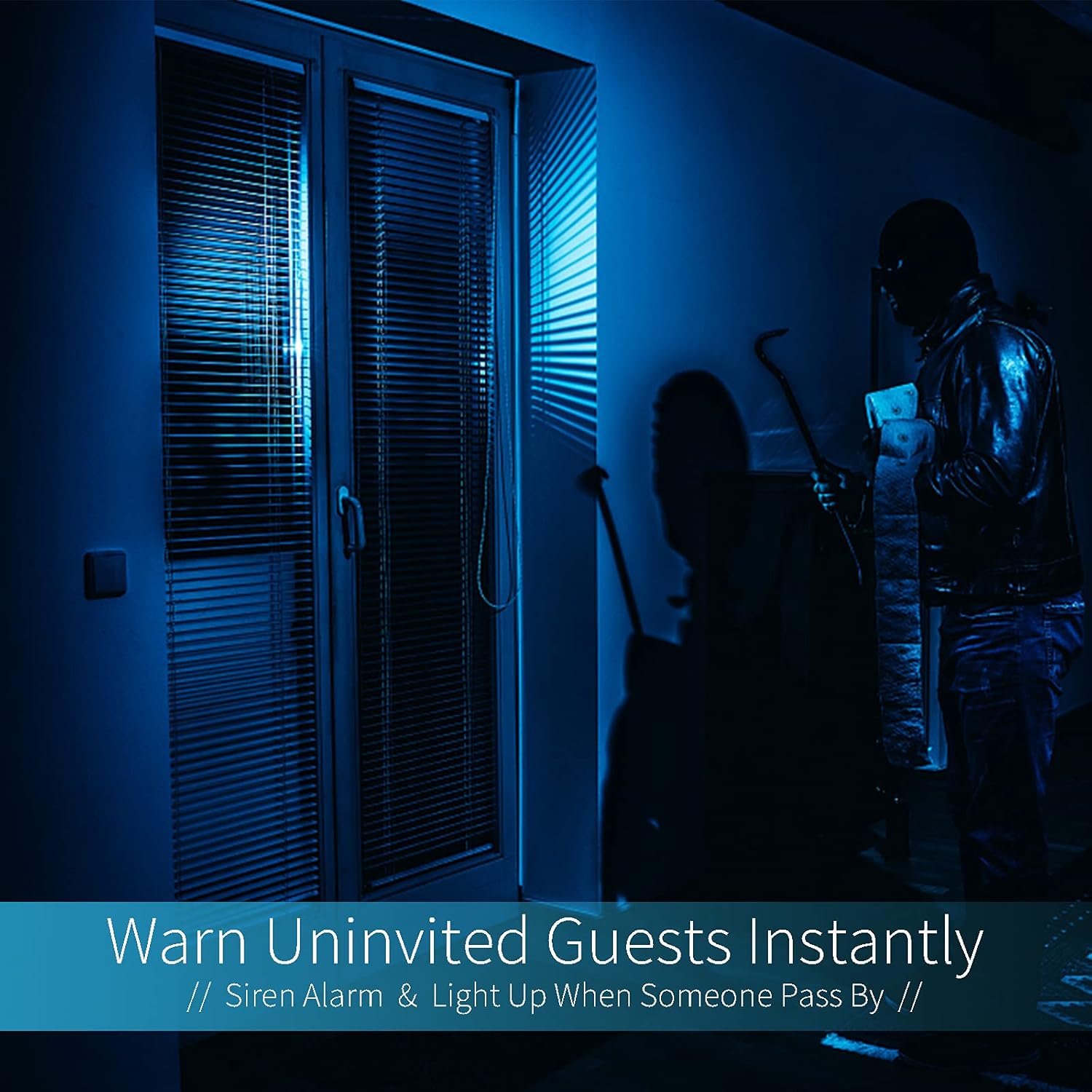
Image: A dark room with a security camera's light illuminating a figure, depicting the camera's ability to warn uninvited guests instantly with a siren alarm and light activation upon motion detection.
5.3 funkcja światła
- The camera features built-in floodlights.
- Control the floodlights manually through the app.
- Configure the floodlights to turn on automatically when motion is detected, especially during nighttime.

Image: A comparison of a standard light bulb and the Qilmy Home Security Camera, highlighting its dual function as both a light bulb and a security camera with 3W consumption.
6. Konserwacja
- Czyszczenie: Delikatnie przetrzyj obiektyw i korpus aparatu miękką, suchą ściereczką. Nie używaj silnych środków chemicznych ani ściernych środków czyszczących.
- Aktualizacje oprogramowania układowego: Regularnie sprawdzaj aplikację mobilną pod kątem dostępnych aktualizacji oprogramowania sprzętowego, aby zapewnić sobie optymalną wydajność i bezpieczeństwo.
- Zarządzanie kartami SD: W przypadku korzystania z karty Micro SD należy okresowo ją aktualizować.view i usuń stare footage, aby zwolnić miejsce lub włącz nagrywanie w pętli, jeśli aplikacja je obsługuje.
- Stabilność sieci: Upewnij się, że Twoja sieć Wi-Fi jest stabilna i silna, aby zapewnić nieprzerwaną pracę kamery.
7. Rozwiązywanie Problemów
| Problem | Możliwa przyczyna | Rozwiązanie |
|---|---|---|
| Kamera się nie włącza. | No power to the light socket; camera not screwed in properly. | Check the circuit breaker. Ensure the camera is securely screwed into the E27 socket. |
| Nie można połączyć się z Wi-Fi. | Incorrect Wi-Fi password; camera too far from router; 5GHz Wi-Fi network used. | Verify Wi-Fi password. Move camera closer to router. Ensure you are connecting to a 2.4GHz Wi-Fi network. |
| Brak alertów o wykryciu ruchu. | Motion detection disabled; sensitivity too low; app notifications blocked. | Enable motion detection in the app. Increase sensitivity. Check app notification settings on your phone. |
| Słaba jakość wideo. | Weak Wi-Fi signal; dirty lens. | Popraw siłę sygnału Wi-Fi. Wyczyść obiektyw aparatu miękką ściereczką. |
| Zdalny viewnie działa. | Internet connection issue on camera or phone; app not updated. | Check internet connectivity for both camera and phone. Update the app to the latest version. |
8. Specyfikacje
- Numer modelu: ZXL2023011
- Rozdzielczość przechwytywania wideo: 1080p Full HD
- Technologia łączności: Bezprzewodowy (Wi-Fi)
- Technologia komunikacji bezprzewodowej: Wi-Fi (tylko 2.4 GHz)
- Źródło zasilania: AC/DC (E27 light socket)
- Cotage: 3 watów
- Cechy szczególne: Motion Sensor, Night Vision, Integrated Flood Light
- Współczynnik kształtu: Dome (Bulb-shaped)
- Typ montażu: Wall Mount (via E27 adapter)
- Wymiary przedmiotu (dł. x szer. x wys.): 6.45 x 4.1 x 3.54 cala
- Waga przedmiotu: 7.8 uncji (222 grama)
- Stopień ochrony międzynarodowej: IP67
- Zgodne urządzenia: Smartfon
- Kod UPC: 605660998393
9. Gwarancja i wsparcie
Specific warranty information and detailed support contact details are typically provided with the product packaging or on the manufacturer's official website. Please refer to the documentation included with your purchase for the most accurate and up-to-date warranty terms and customer support options.