
Wstęp
This manual provides essential information for the safe and efficient use of your Apple 11-inch iPad Pro (2021 Model). It covers setup, operation, maintenance, and troubleshooting to help you maximize your device's capabilities. The iPad Pro features the Apple M1 chip, an 11-inch Liquid Retina display, advanced camera systems, and high-speed Wi-Fi connectivity.
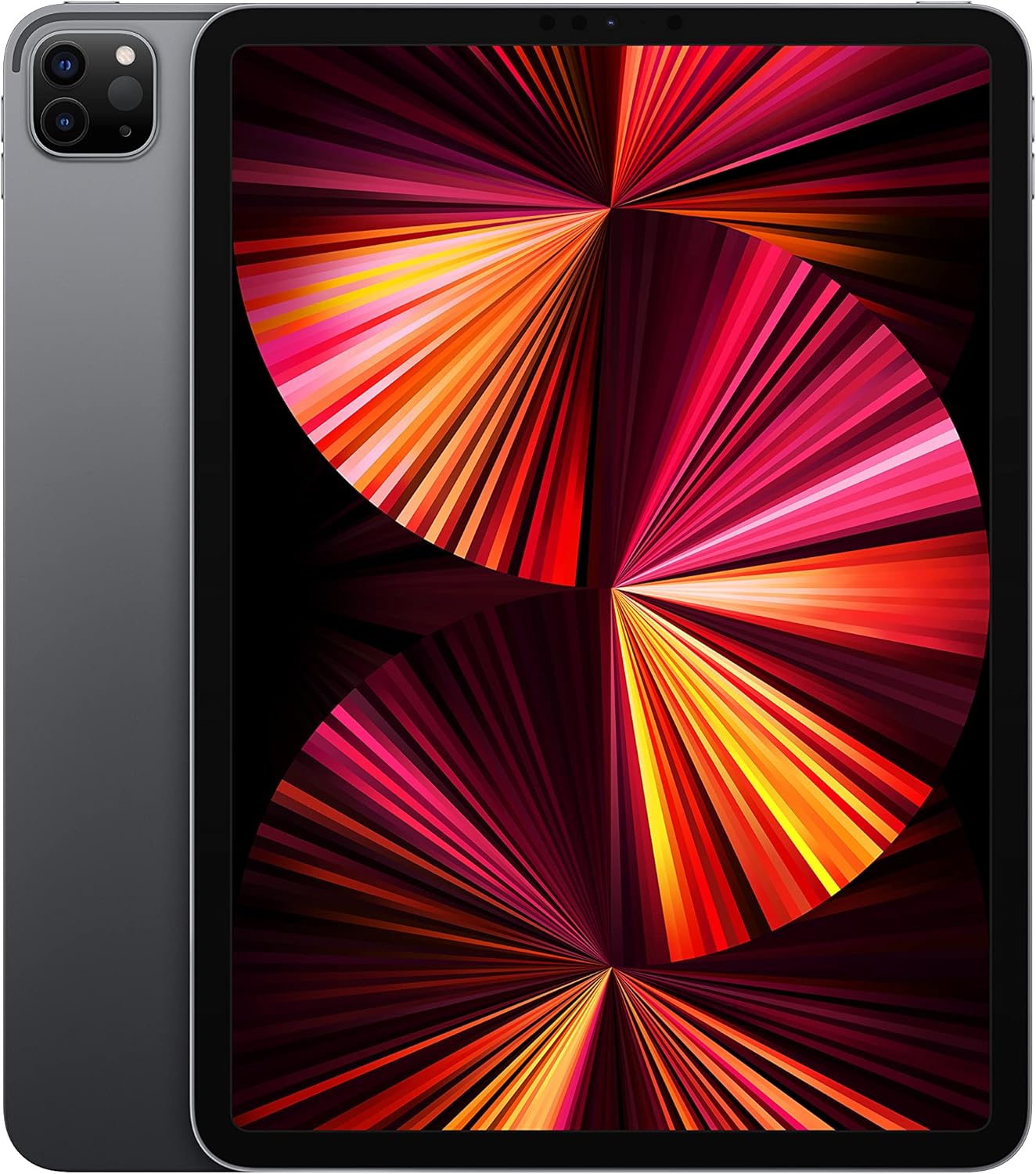
Image: The Apple 11-inch iPad Pro (2021 model) in Space Gray, showcasing its sleek design with the display active and the rear camera module visible.
Organizować coś
1. Rozpakowanie i zawartość
Ostrożnie wyjmij wszystkie elementy z opakowania. Sprawdź, czy w zestawie znajdują się następujące elementy:
- iPad Pro
- USB-C Charge Cable (1 meter)
- Zasilacz 18W USB-C
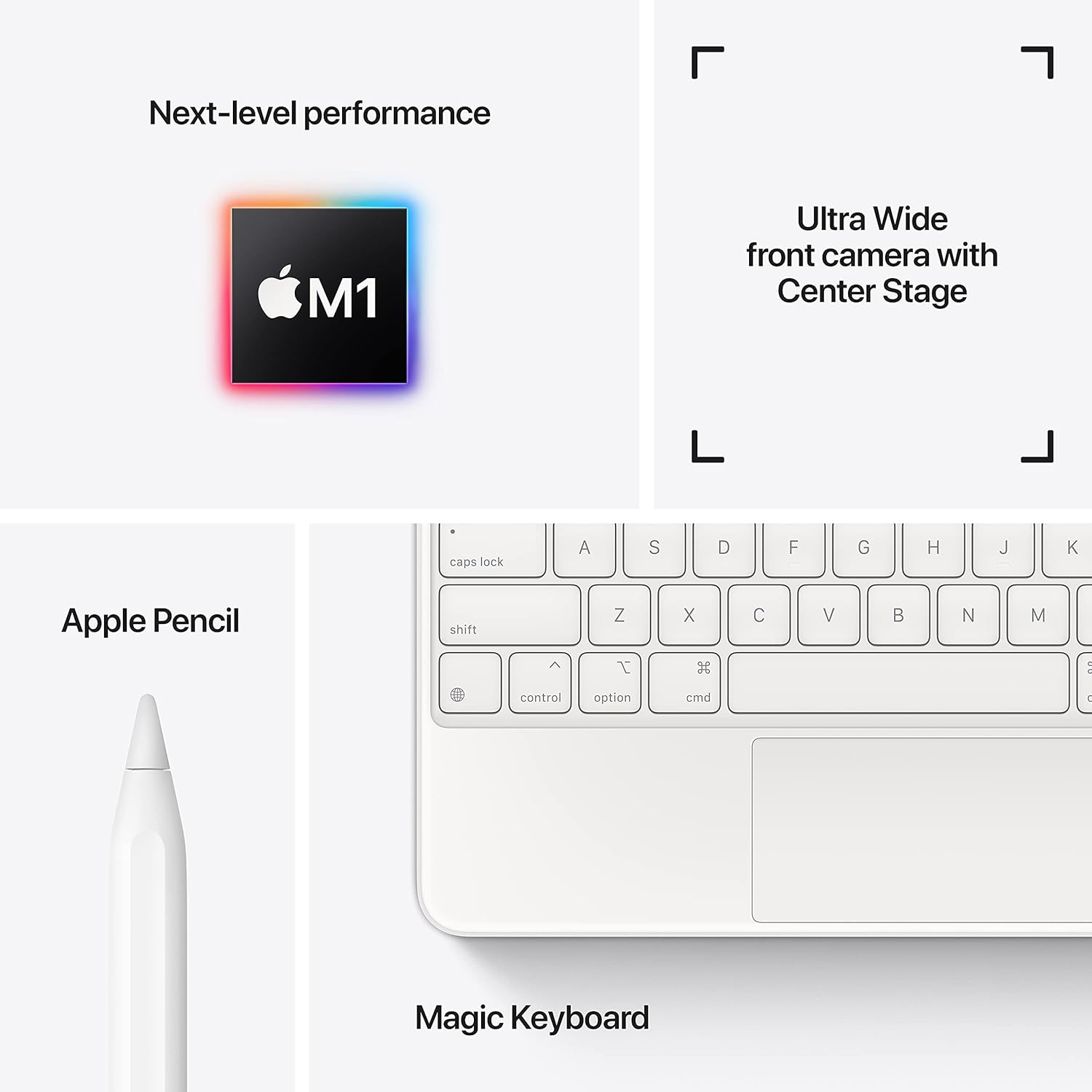
Image: A visual representation of the items included in the iPad Pro packaging: the iPad Pro device, a USB-C charging cable, and a USB-C power adapter.
2. Opłata początkowa
Before first use, connect your iPad Pro to the power adapter using the provided USB-C cable and charge it until the battery indicator shows a full charge. This ensures optimal battery calibration.
3. Włączanie/wyłączanie zasilania
- Włączanie: Naciśnij i przytrzymaj górny przycisk, aż pojawi się logo Apple.
- Aby wyłączyć: Press and hold the top button and either volume button simultaneously until the power off slider appears. Drag the slider to shut down the device.
4. Początkowe kroki konfiguracji
Follow the on-screen instructions to configure your iPad Pro:
- Wybierz swój język i region.
- Połącz się z siecią Wi-Fi.
- Set up Face ID for secure authentication.
- Zaloguj się przy użyciu swojego Apple ID lub utwórz nowe.
- Configure data and privacy settings.
Operacyjny
1. Podstawowa nawigacja
The iPad Pro uses intuitive multi-touch gestures for navigation:
- Ekran główny: Przesuń palcem w górę od dolnej krawędzi ekranu.
- Przełącznik aplikacji: Przesuń palcem w górę od dolnej krawędzi ekranu i zatrzymaj go na środku.
- Centrum sterowania: Przesuń palcem w dół od prawego górnego rogu ekranu.
- Powiadomienia: Przesuń palcem w dół od lewego górnego rogu lub środka ekranu.
2. Identyfikacja twarzy
Face ID allows you to securely unlock your iPad, authorize purchases, and sign in to apps using facial recognition. Ensure your face is clear and visible to the TrueDepth camera.
3. Podłączanie akcesoriów
The iPad Pro supports various accessories to enhance productivity and creativity:
- Apple Pencil (2nd Generation): Attach the Apple Pencil magnetically to the side of your iPad Pro to pair and charge it.
- Magic Keyboard / Smart Keyboard Folio: Attach the keyboard magnetically to the Smart Connector on the back of your iPad Pro. No pairing is required.

Image: A user engaged in creative work on an iPad Pro, utilizing both the Magic Keyboard and Apple Pencil for enhanced interaction.

Image: An infographic illustrating the core features of the iPad Pro, including the M1 chip for performance, the Ultra Wide front camera with Center Stage, and compatibility with Apple Pencil and Magic Keyboard.
4. Korzystanie z kamer
The iPad Pro features a 12MP Wide camera, 10MP Ultra Wide camera, and a LiDAR Scanner on the rear, and a 12MP Ultra Wide TrueDepth front camera with Center Stage. Center Stage automatically keeps you in the frame during video calls.
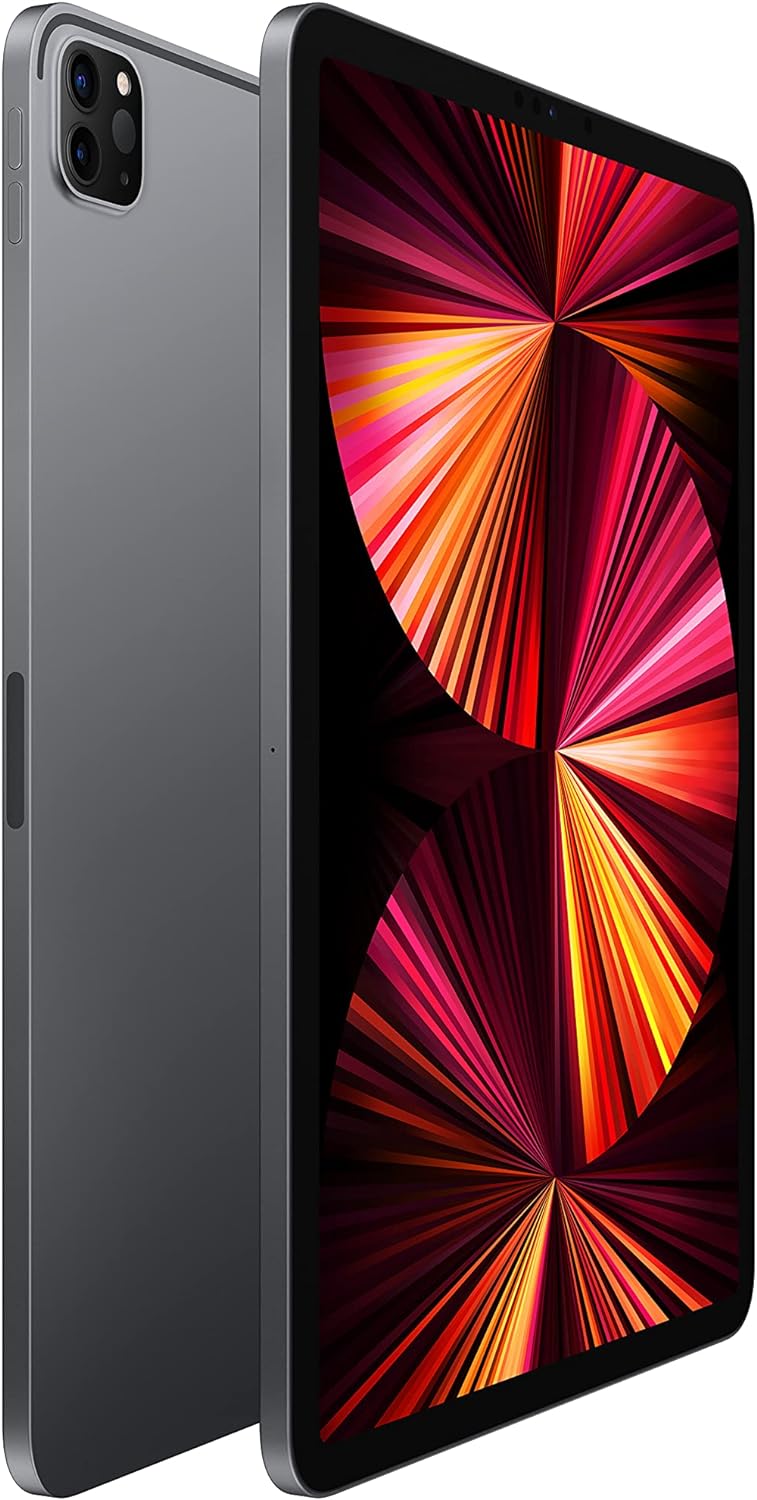
Image: A detailed close-up of the iPad Pro's advanced camera system and its sleek side design, with a glimpse of the Magic Keyboard in the background.
5. Łączność Wi-Fi
Aby połączyć się z siecią Wi-Fi, przejdź do Ustawienia > Wi-Fi, select your desired network, and enter the password if prompted. The iPad Pro supports ultrafast Wi-Fi for reliable internet access.
Konserwacja
1. Czyszczenie wyświetlacza
Use a soft, lint-free cloth to clean the display. For stubborn smudges, slightly dampen the cloth with water. Avoid using abrasive materials or chemical cleaners.
2. Pielęgnacja baterii
Aby przedłużyć żywotność baterii:
- Unikaj ekstremalnych temperatur.
- Keep the software updated.
- Optimize settings such as screen brightness and background app refresh.
The iPad Pro offers up to 10 hours of web surfing on Wi-Fi or video playback.
3. Aktualizacje oprogramowania
Regularly check for and install software updates to ensure your iPad Pro has the latest features, security enhancements, and performance improvements. Go to Ustawienia > Ogólne > Aktualizacja oprogramowania.
Rozwiązywanie problemów
1. Urządzenie nie odpowiada
If your iPad Pro is unresponsive, perform a force restart:
- Press and quickly release the Volume Up button.
- Press and quickly release the Volume Down button.
- Naciśnij i przytrzymaj górny przycisk, aż pojawi się logo Apple.
2. Problemy z łącznością Wi-Fi
- Upewnij się, że Wi-Fi jest włączone w Ustawienia > Wi-Fi.
- Uruchom ponownie router Wi-Fi.
- Forget the network and reconnect: Settings > Wi-Fi > (i) icon > Forget This Network.
3. App Not Working Correctly
- Zamknij i ponownie otwórz aplikację.
- Sprawdź dostępność aktualizacji aplikacji w App Store.
- Delete and reinstall the app.
4. Przywracanie ustawień fabrycznych (ostateczność)
If issues persist, you may need to erase all content and settings. This will delete all data on your iPad. Go to Ustawienia > Ogólne > Przenieś lub zresetuj iPada > Wymaż całą zawartość i ustawienia. Przed kontynuacją wykonaj kopię zapasową danych.
Specyfikacje
| Funkcja | Szczegół |
|---|---|
| Numer modelu | MHQR3LL/A |
| Marka | Jabłko |
| Nazwa modelu | iPad Pro |
| Wymiary produktu | 9.74 x 7.02 x 0.23 cala (247.6 x 178.5 x 5.9 mm) |
| Waga przedmiotu | Model Wi-Fi o wadze 1.03 funta (466 grama). |
| Rozmiar ekranu | 11 cali |
| Wyświetlacz | Liquid Retina display with ProMotion technology and True Tone |
| Maksymalna rozdzielczość wyświetlacza | 2388-by-1668-pixel resolution at 264 pixels per inch (ppi) |
| Żeton | Apple M1 chip (8-core CPU, 8-core GPU, 16-core Neural Engine) |
| Pojemność | 128GB (as per this model variant) |
| Kamera tylna | 12MP Wide and 10MP Ultra Wide cameras with Smart HDR and LiDAR Scanner |
| Nagrywanie wideo | 4K video at 24 fps, 30 fps, or 60 fps |
| Przednia kamera | 12MP Ultra Wide TrueDepth front camera with Portrait mode, Portrait Lighting, and Smart HDR 3 |
| Żywotność baterii | Do 10 godzin web surfing on Wi-Fi, watching video, or listening to music |
| Złącze | USB-C |
| Baterie | 1 bateria litowo-polimerowa (w zestawie) |
| Data pierwszej dostępności | 30 kwietnia 2021 r. |
Gwarancja i wsparcie
Your Apple iPad Pro is covered by Apple's standard limited warranty. For detailed warranty information, please refer to the documentation included with your purchase or visit the official Apple webstrona.
For technical assistance, troubleshooting, and service, please visit the Wsparcie Apple webstrona or contact Apple customer service directly.